
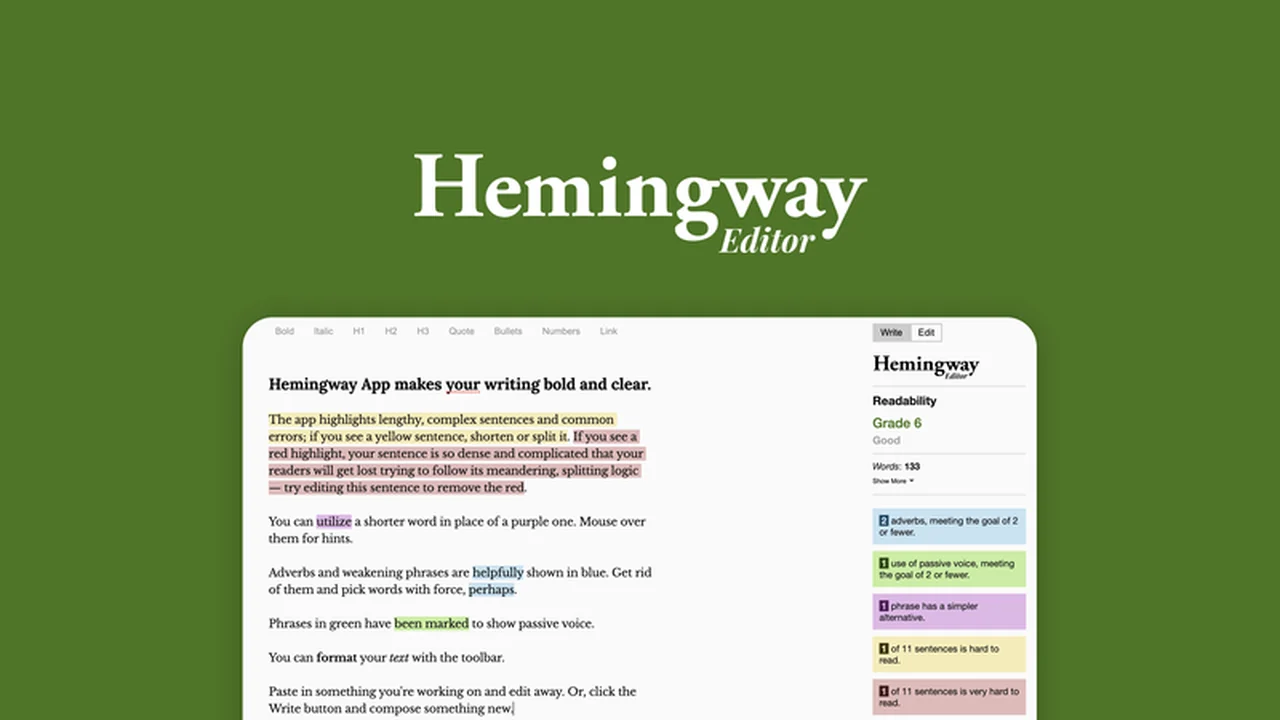
In today’s fast-paced digital world, clear and concise communication is paramount. This review delves into a powerful tool designed to help you achieve just that, transforming your prose into easily digestible content.
We’ll explore how this software identifies common writing pitfalls and offers practical solutions, ultimately enhancing the impact and accessibility of your message for any audience.
What is Hemingway Editor – Make your writing clearer | AppSumo
Hemingway Editor is a sophisticated text editing software engineered to simplify and clarify your writing. By highlighting specific stylistic issues within your sentences, it guides you towards making your content more understandable and engaging for your readers.
Key Features
- Issue Highlighting: Pinpoints areas needing attention, such as passive voice, adverbs, and overly complex sentence structures.
- Readability Score: Provides a grade to assess the overall difficulty of your writing, encouraging conciseness.
- Word Suggestions: Offers alternative words and phrases to replace complex terms, improving flow.
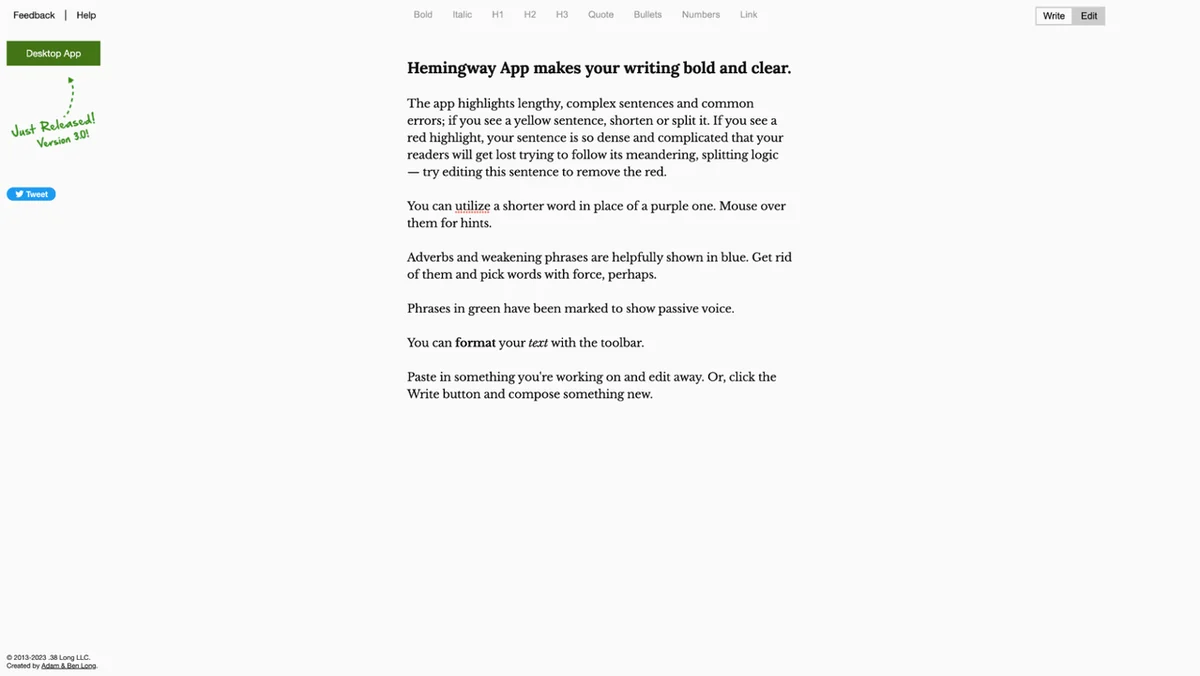
- Formatting Tools: Allows for bolding, italics, headings (H1, H2, H3), bullets, numbered lists, quotes, and links.
- Writing and Editing Modes: Switch between a distraction-free writing environment and an analytical editing mode.
How It Works
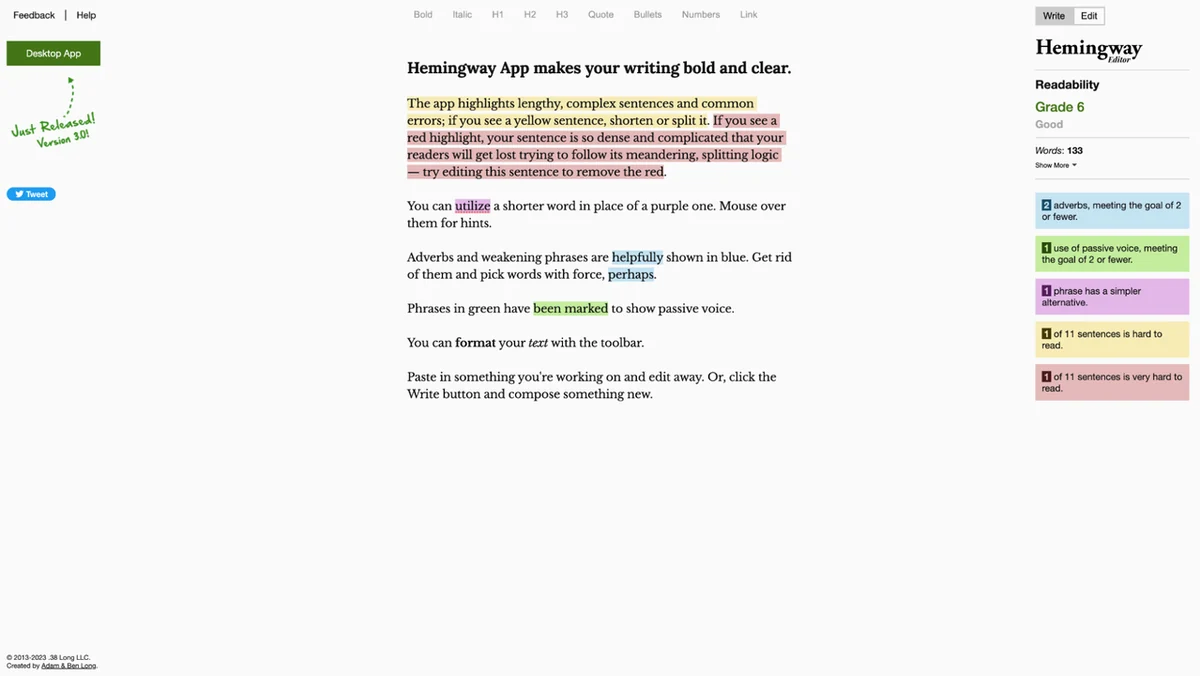
Using Hemingway Editor is straightforward. You paste your text into the editor, and the software immediately begins analyzing it. Different colors indicate various writing issues, from the overuse of adverbs (blue) to sentences that are hard or very hard to read (beige and brown).
Passive Voice Detection: Sentences employing passive voice are highlighted in green, prompting you to consider a more active construction for greater impact.
Complex Phrase Identification: Purple highlights draw your attention to phrases and words that could be simplified or removed for better clarity.
Readability Grade and Stats: Beyond issue detection, you can view your writing’s readability grade, estimated reading time, and detailed statistics on letters, characters, words, sentences, and paragraphs.
Use Cases
- Bloggers and Content Creators: Enhance blog posts, articles, and website copy for maximum reader engagement.
- Students: Improve essays, research papers, and academic assignments by ensuring clarity and conciseness.
- Business Professionals: Craft clearer emails, reports, and presentations that are easy for colleagues and clients to understand.
- Marketers: Develop more effective marketing copy, landing pages, and social media updates that resonate with target audiences.
- Anyone Seeking to Improve Writing: Anyone looking to refine their writing skills and communicate more effectively in any context.
Integrations & Compatibility
- Hemingway Editor offers flexibility in how you use and export your work
- You can use the online version or opt for the downloadable desktop application, available for both Windows and MacOS operating systems
- Direct Publishing: Seamlessly publish your edited text directly to platforms like WordPress and Medium
- Export Options: Export your final work in various formats, including PDF, Word, and HTML, making it adaptable for different publishing needs.
Pricing & Value
The value proposition of Hemingway Editor lies in its ability to offer professional-grade writing feedback at an accessible price point. It empowers individuals to produce polished content without needing constant human editing, saving both time and resources.
Deal Details
The offer provides a digital download of the Hemingway Editor. To secure your license permanently, ensure you download and save it within 60 days of purchase. This limited-time opportunity allows you to acquire a powerful writing enhancement tool indefinitely.
Quick Take
- Ideal for anyone who wants to make their writing significantly clearer and more accessible.
- Perfect for content creators, students, and professionals aiming for impact.
- Provides immediate feedback and actionable suggestions for improvement.
FAQs
Is there a desktop version available?
Yes, desktop applications for Windows and MacOS are provided.
How can I export my edited work?
You can export to PDF, Word, and HTML formats.
What types of issues does Hemingway Editor detect?
It flags passive voice, adverbs, complex phrases, and readability problems.
Can I write directly in Hemingway Editor?
Yes, it offers a dedicated writing mode for freeform creation.
What is the primary function of Hemingway Editor?
It highlights writing issues to make your text clearer and easier to read.
Final Thoughts
Hemingway Editor is an invaluable asset for anyone striving for clarity in their written communication. Its intuitive interface and targeted feedback mechanism demystify the editing process, enabling users to produce writing that is not only grammatically sound but also impactful and easy to understand.
Whether you’re a seasoned writer or just beginning, this tool offers a practical pathway to elevate your prose. Consider it a digital partner in achieving your writing goals.