
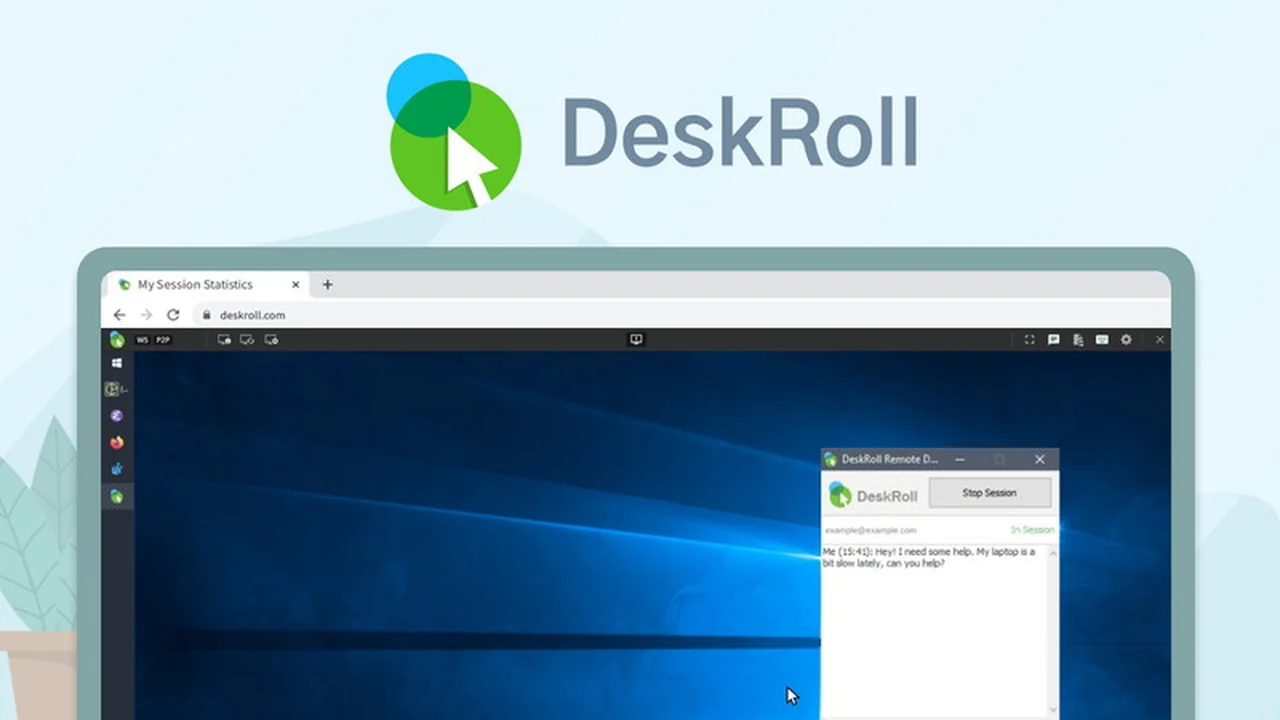
This review dives into DeskRoll Remote Desktop, a solution offering robust remote access capabilities. We’ll explore its features, how it functions, and who can benefit most from this offering.
Discover the value and functionality of DeskRoll Remote Desktop as presented on AppSumo, focusing on its practical applications for seamless remote connectivity.
What is DeskRoll Remote Desktop | AppSumo
DeskRoll Remote Desktop is presented as a comprehensive and secure software designed for establishing reliable remote connections to computers. It aims to provide users with the ability to access their machines from anywhere, ensuring a smooth and uninterrupted workflow.
Key Features
DeskRoll Remote Desktop | AppSumo offers a suite of features to facilitate effective remote management and support.
- Cross-platform Remote Desktop Access: Enables connection to PCs and Windows machines from various operating systems.
- Web-based Access: Operates directly through a web browser, eliminating the need for administrator rights on the remote machine for setup.
- Reliable Connection: Engineered to function effectively even behind firewalls, VPNs, and NAT configurations.
- Enhanced Security: Utilizes AES 256-bit data encryption to protect all transmitted information.
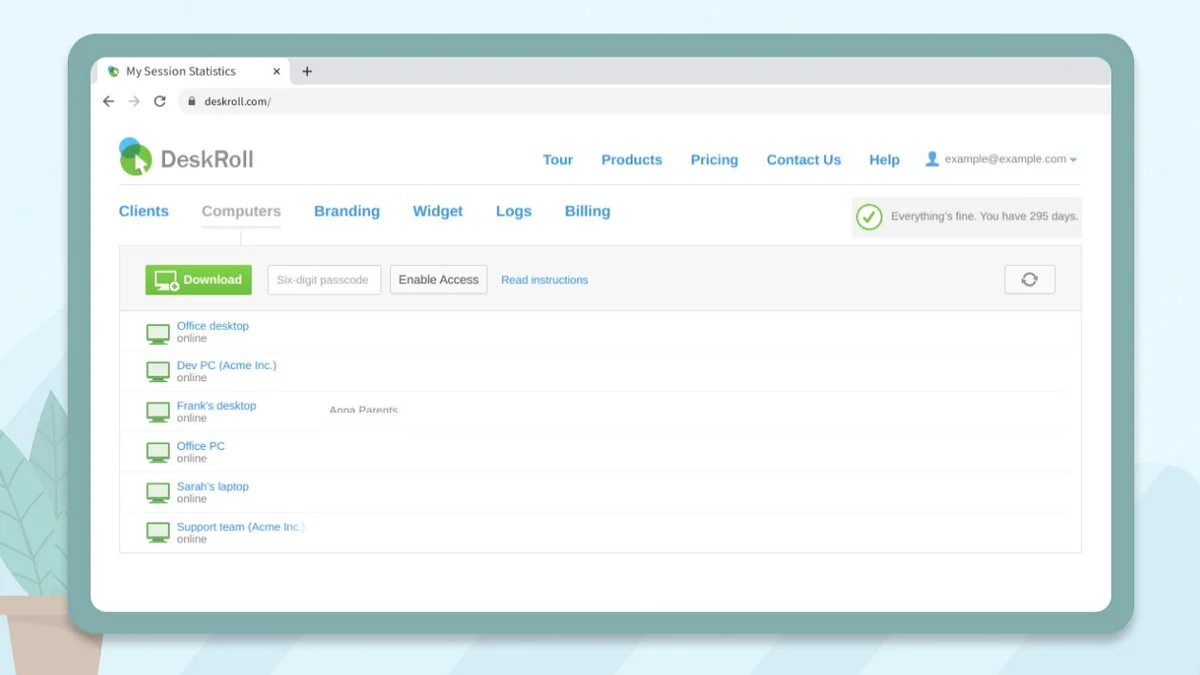
- Mass & Silent Deployment: Allows for widespread installation of the DeskRoll application across multiple computers without user intervention.
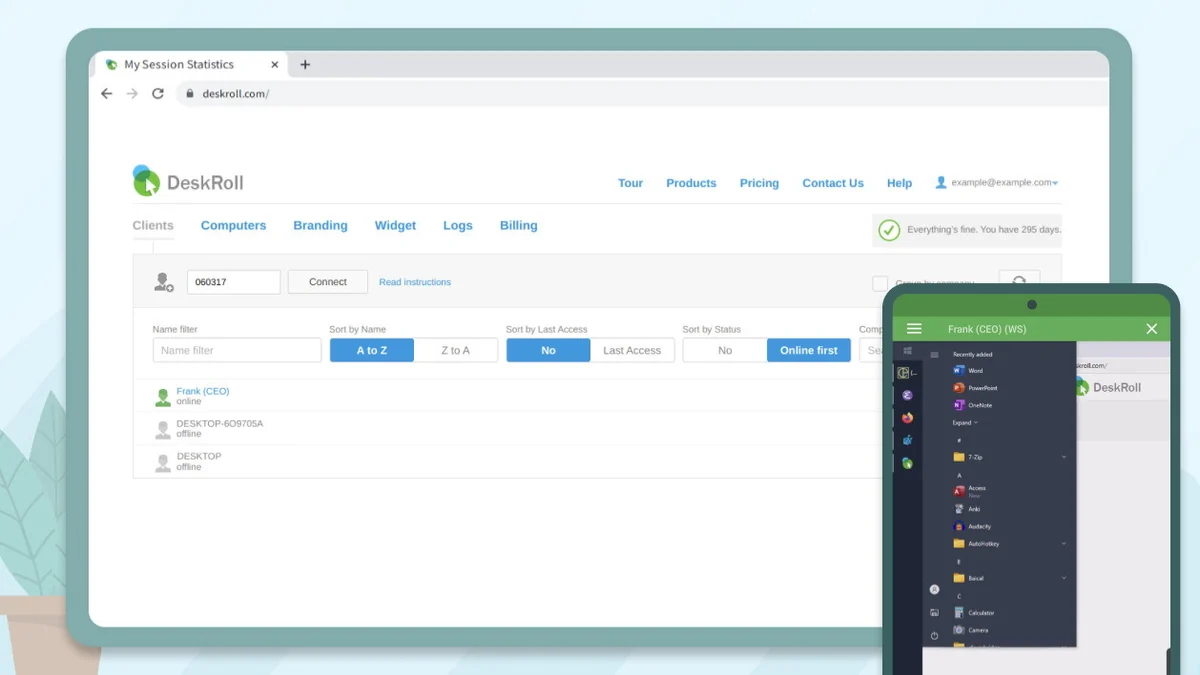
- Unattended Access: Provides continuous, anytime access to your PCs or Windows devices without requiring someone to be present at the remote end.
- On-demand Support: Facilitates immediate assistance for both Mac and Windows users.
- Computer Sharing: Supports sharing computer access across different seats within the same account.
- Unlimited Ad-hoc Support Clients: Offers the ability to assist an unlimited number of on-the-fly support requests.
How It Works
The operation of DeskRoll Remote Desktop is designed for simplicity and efficiency. Users can typically install a lightweight agent on the remote computer or access it directly via a web interface. This allows for initiating and receiving remote sessions with minimal technical expertise required, leveraging its ability to traverse network complexities.
Use Cases
DeskRoll Remote Desktop | AppSumo is versatile and can be applied in several scenarios:
- IT Support: Providing remote assistance to clients or colleagues without the need for physical presence.
- Remote Work: Accessing your work computer from home or while traveling to maintain productivity.
- System Administration: Managing servers and computers in distributed environments.
- Personal Access: Connecting to your home PC to retrieve files or use specific software.
Pricing & Value
The value proposition of DeskRoll Remote Desktop | AppSumo lies in its feature set combined with the accessible pricing often found on deal platforms. This can translate to significant cost savings for individuals and businesses requiring reliable remote access solutions.
Deal Details
The DeskRoll Remote Desktop | AppSumo offering typically provides 1 Year of access to the Pro Plan, including updates. It’s important to note that codes must be redeemed within 60 days of purchase. This particular deal is not stackable, meaning one code provides access for the specified duration.
Quick Take
- Ideal for IT professionals and small businesses needing efficient remote support.
- Offers a secure and reliable connection for remote work and system management.
- A cost-effective solution for accessing and controlling computers from any location.
FAQs
What is the refund policy for this deal?
There is a 60-day money-back guarantee to ensure satisfaction with the product.
Can DeskRoll be used for unattended access?
Yes, it allows for unattended anytime access to PCs and Windows computers.
Is DeskRoll Remote Desktop secure?
Yes, it features enhanced security with AES 256-bit data encryption.
Does DeskRoll require admin rights to set up?
No, its web-based nature means admin rights are not required for setup.
What is the primary function of DeskRoll Remote Desktop?
It provides secure and reliable remote desktop connection software for accessing computers from afar.
Final Thoughts
DeskRoll Remote Desktop | AppSumo presents a compelling option for those seeking a dependable and secure method to manage and access remote computers. Its feature set, particularly the emphasis on security and ease of use, makes it a practical tool for various IT needs, from support to personal access.