
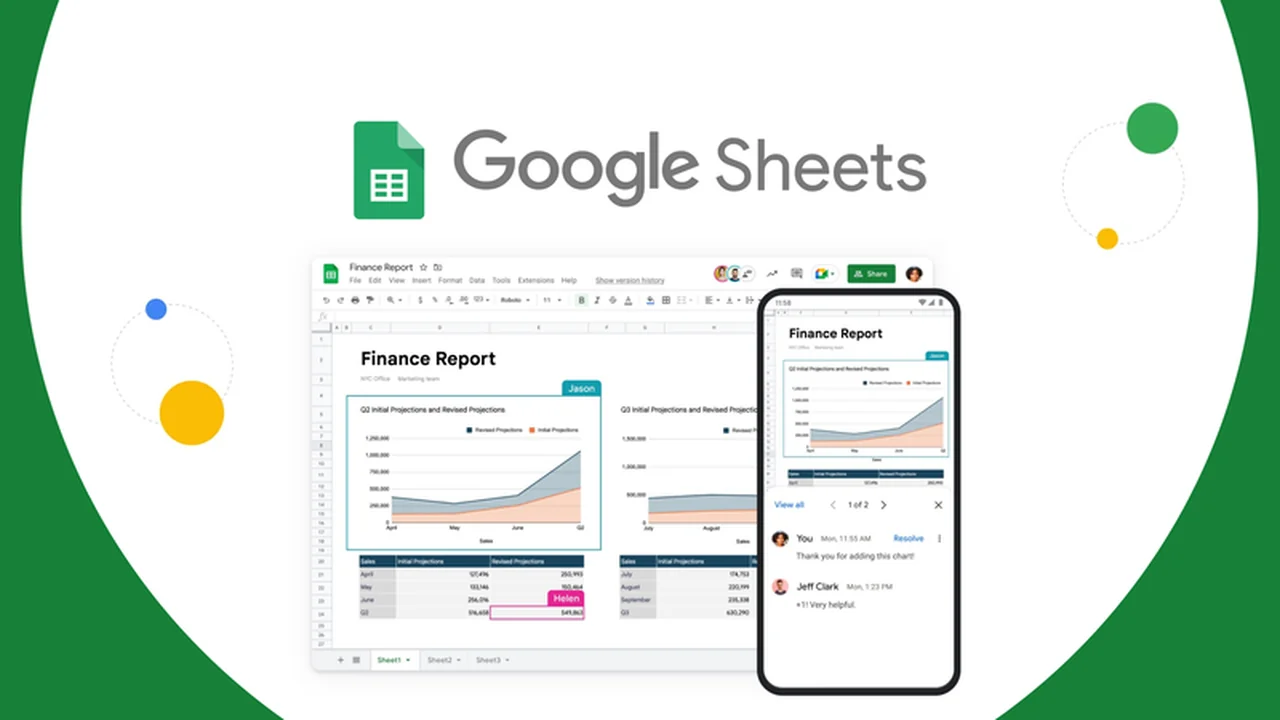
This review explores Google Sheets, a powerful cloud-based spreadsheet program designed for individuals and businesses alike. We’ll cover its core functionalities, how it streamlines data management, and its collaborative capabilities.
Discover how Google Sheets can help you organize, analyze, and share your data efficiently, directly from your web browser. This guide will highlight its key features, practical applications, and the overall value it offers.
What is Google Sheets – Create & edit online spreadsheets | AppSumo
Google Sheets is a dynamic, cloud-based spreadsheet application that allows for the creation and editing of spreadsheets online. It’s integrated into the Google Workspace ecosystem, enabling seamless collaboration and data management without the need for desktop software installation.
Key Features
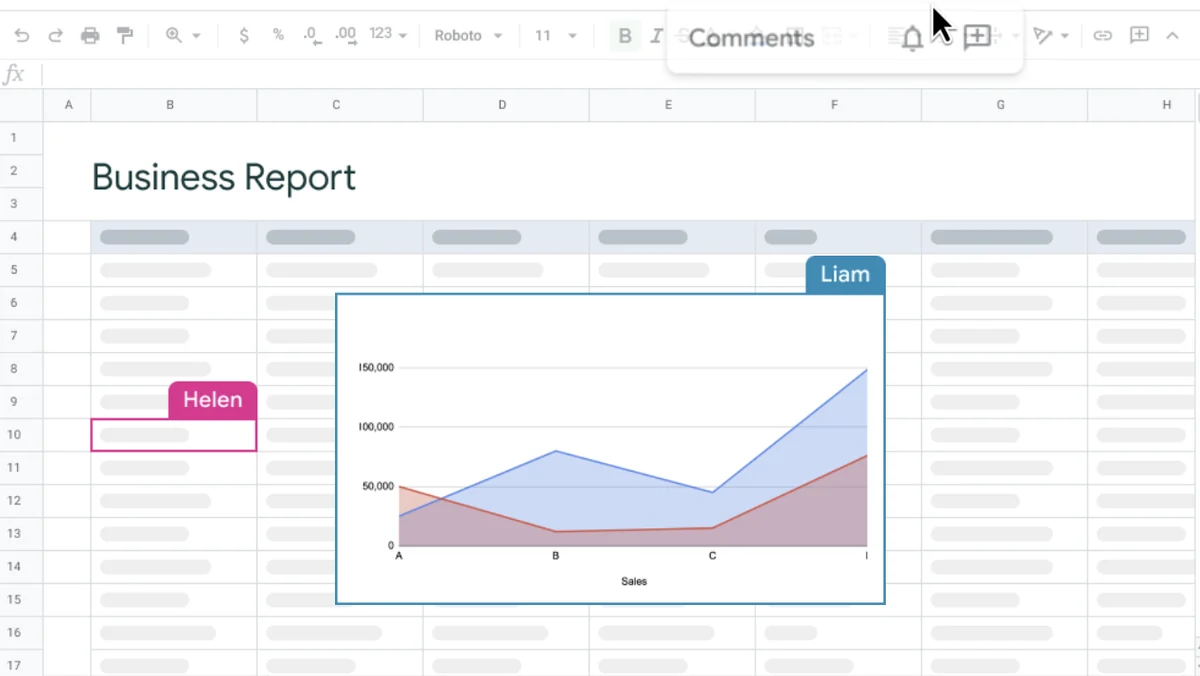
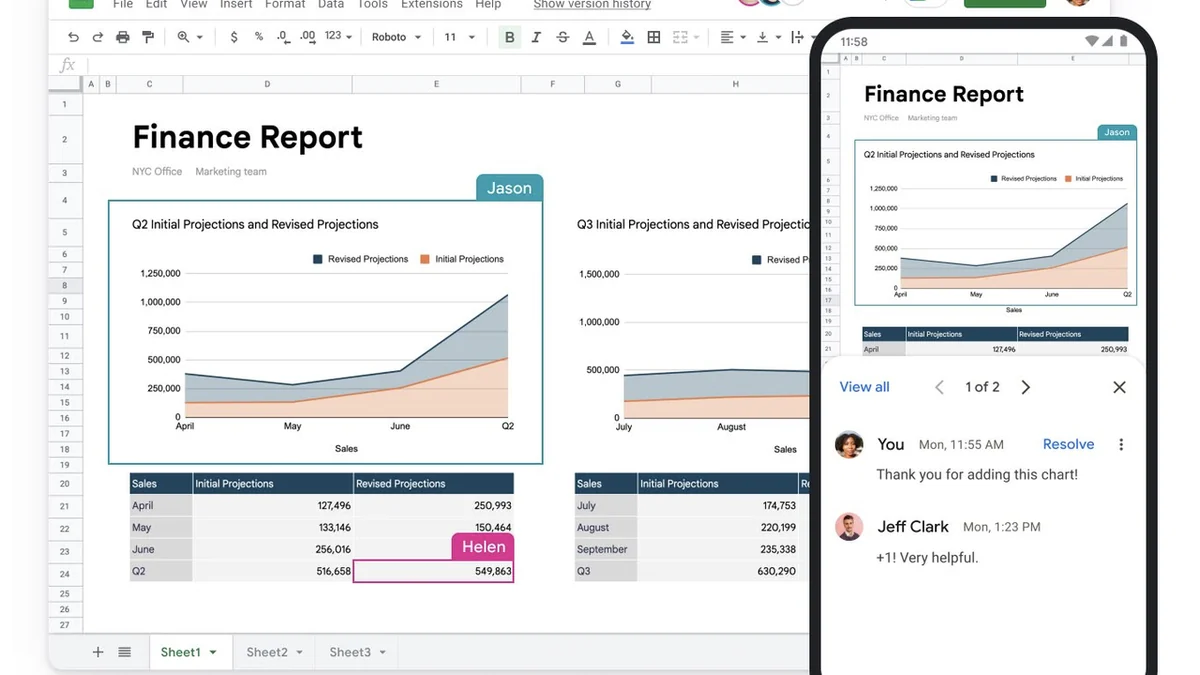
- Real-time Collaboration: Invite others to view, edit, or comment on spreadsheets, with changes visible instantly to all collaborators.
- Comprehensive Formatting: Apply various text and background styles, including bold, italics, and custom colors, to organize and present data effectively.
- Formulas and Functions: Utilize built-in functions like SUM, AVERAGE, and COUNT, along with custom formulas, to perform complex calculations and data analysis.
- Data Analysis Tools: Employ features such as filtering, sorting, pivot tables, charts, and graphs to visualize and understand large datasets.
- AI-Powered Assistance: Leverage tools like Smart Cleanup to automatically identify and suggest improvements for data formatting and organization.
- Scripting and Add-ons: Extend functionality with Google Apps Script for custom automation or explore hundreds of available add-ons for specialized tasks.
- Security Measures: Benefit from industry-standard encryption, 2-Step Verification, controlled access permissions, and a detailed revision history for data protection.
How It Works
Google Sheets operates directly within a web browser, eliminating the need for software downloads. Users can start creating new spreadsheets from scratch or use a variety of pre-designed templates. Data is entered into cells, and formulas can be applied for calculations. Collaboration is facilitated by sharing options that allow multiple users to work on the same document simultaneously. Changes are automatically saved and synced across all connected devices.
Use Cases
- Budget Tracking: Personal or business budgets can be meticulously managed and monitored.
- Project Management: Organize tasks, deadlines, and resources for ongoing projects.
- Data Visualization: Transform raw data into insightful charts and graphs for presentations.
- Team Collaboration: Facilitate group projects and shared data analysis among team members.
- Inventory Management: Keep track of stock levels and product information.
- Event Planning: Coordinate schedules, guest lists, and vendor details for events.
Integrations & Compatibility
- Google Sheets is fully integrated with other Google Workspace applications, including Google Docs, Google Slides, and Google Forms
- This integration allows for smooth data transfer and content embedding across these tools
- Furthermore, its cloud-based nature ensures accessibility from any device with an internet connection
- Numerous add-ons are available to connect with third-party services, expanding its capabilities for specialized workflows.
Pricing & Value
Google Sheets is accessible as part of the Google Workspace suite. The value proposition lies in its robust feature set, real-time collaboration capabilities, and the extensive ecosystem of integrations. For users who require advanced spreadsheet functionality and seamless teamwork, it offers a comprehensive solution.
Deal Details
The offer for Google Sheets on AppSumo is a time-sensitive opportunity to acquire this powerful tool. Specific deal details, including any included features or limitations, are outlined on the AppSumo product page. It’s advised to review the deal terms carefully to understand the full scope of the offer.
Quick Take
- Ideal for teams needing real-time collaboration on spreadsheets.
- Beneficial for individuals and businesses requiring robust data organization and analysis tools.
- Offers significant value through its integration with the Google Workspace ecosystem.
FAQs
What kind of data analysis can I do with Google Sheets?
You can perform calculations, create charts, use pivot tables, and apply filtering and sorting for data analysis.
How do I access my Google Sheets?
You can access your Google Sheets from any device with a web browser and internet connection.
Is Google Sheets free to use?
Google Sheets is free for personal use with a Google account; paid versions are part of Google Workspace.
Can multiple people edit a Google Sheet at once?
Yes, multiple users can edit a Google Sheet simultaneously in real time.
What is Google Sheets?
Google Sheets is a cloud-based spreadsheet program for creating and editing spreadsheets online.
Final Thoughts
Google Sheets stands out as a highly capable and accessible spreadsheet solution. Its intuitive interface, combined with powerful features like real-time collaboration and AI-driven assistance, makes it a compelling choice for managing and analyzing data. Whether for personal projects or complex business operations, Google Sheets provides the tools needed for efficient data handling and teamwork.