
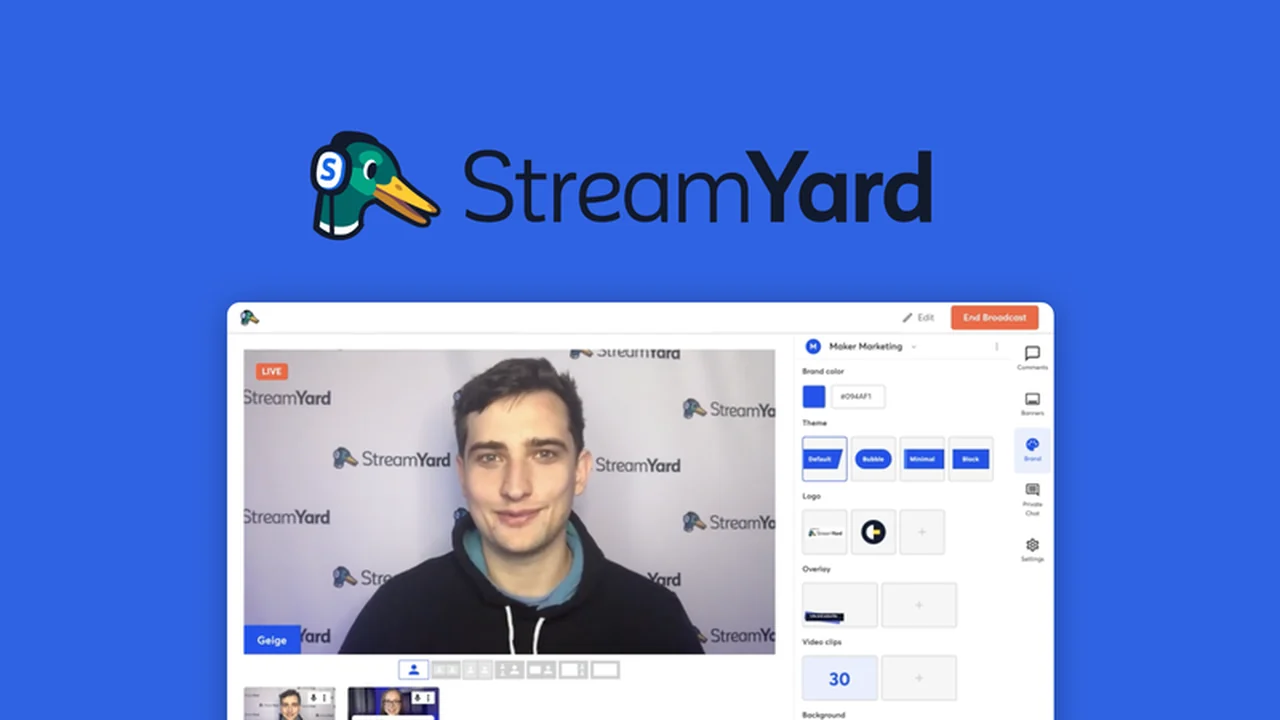
Discover how to elevate your live streaming game without needing complex software or dedicated hardware. This review dives deep into StreamYard, a powerful yet accessible tool designed to bring professional-looking broadcasts directly from your web browser.
We’ll explore its core functionalities, user-friendliness, and how it can significantly enhance your online presence, making it easier to connect with your audience and build your brand.
What is StreamYard – Livestream right from your browser | AppSumo
StreamYard is a browser-based live streaming studio that empowers users to create branded live broadcasts and stream them simultaneously across multiple social platforms. Its primary advantage lies in its simplicity and accessibility, requiring no downloads or complicated setups.
Key Features
- Browser-Based Operation: Conduct entire live streams directly from your web browser, eliminating the need for external software.
- Multi-Platform Streaming: Broadcast in full HD (1080p) to platforms like Facebook, YouTube, LinkedIn, Twitter, Twitch, and custom RTMP outputs concurrently.
- RTMP Support: Stream video to any destination with RTMP support, including embedded players on your website or third-party applications.
- Custom Branding: Personalize your broadcasts with your logo, colors, banners, overlays, and backgrounds for a unique brand identity.
- Professional Themes: Utilize professionally designed themes to add dynamism and polish to your content.
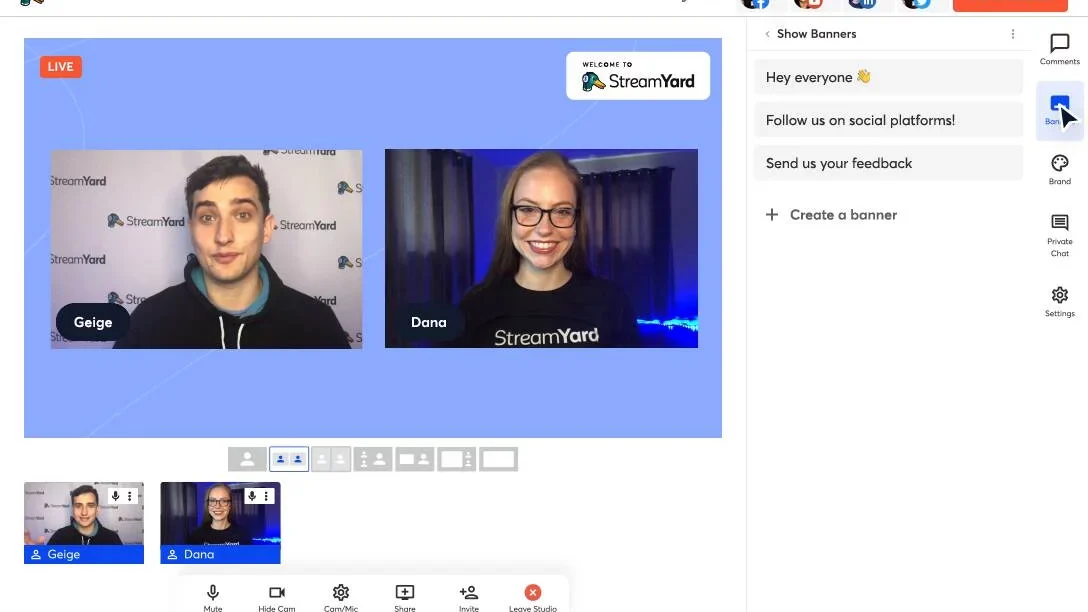
- Guest Invitations: Easily invite up to 10 guests to join your broadcast from any device without requiring downloads or logins.
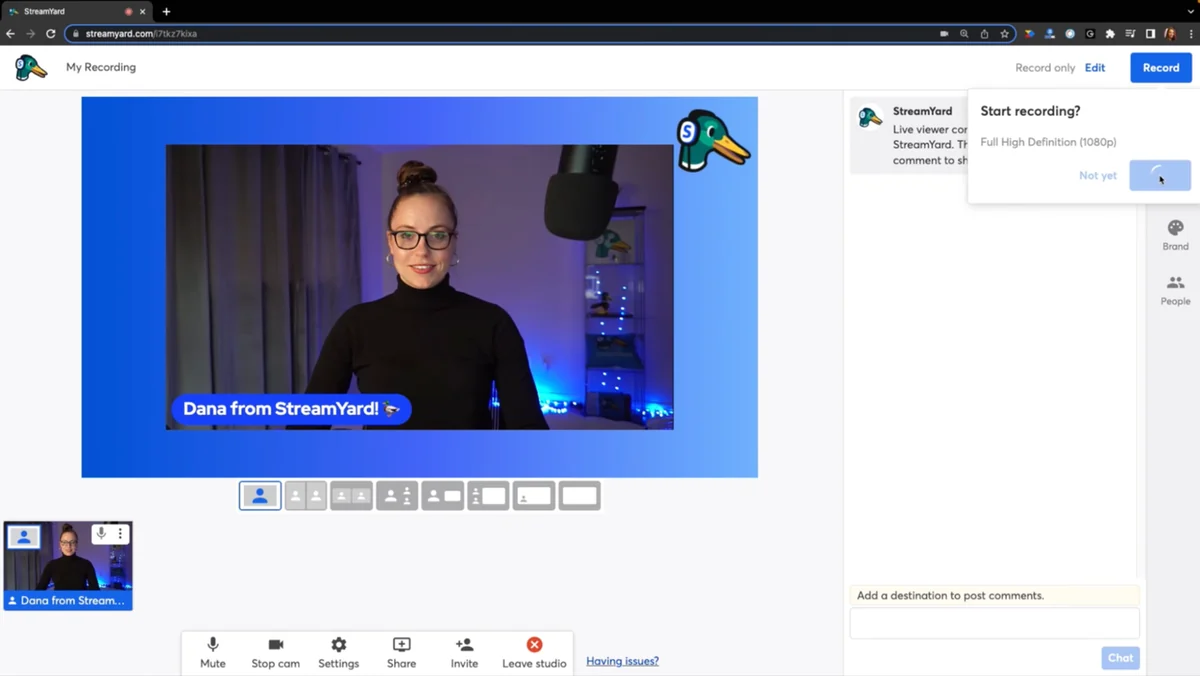
- Recording Capabilities: Create professional audio and video recordings within the StreamYard studio, with automatic livestream recording for later download.
- Pre-recorded Content: Record without going live or stream pre-recorded clips to your channels.
- Separate Audio Tracks: Download audio with individual tracks for each speaker, ideal for podcast recording and repurposing content.
- Audience Engagement Tools: Display live comments from various platforms on screen to foster community interaction.
- Giveaway Tool: Host live giveaways directly within your broadcast by selecting winners from comment participants.
How It Works
Getting started with StreamYard is straightforward. You access the platform through your web browser, connect your desired social media accounts, and begin building your broadcast. The intuitive interface allows you to add branding elements, invite guests with a simple link, and manage your stream’s layout in real-time. You can preview your setup before going live, ensuring everything looks exactly as intended.
Use Cases
- Online Courses & Workshops: Deliver live educational content directly to your students.
- Product Demos & Launches: Showcase new products and engage with potential customers in real-time.
- Interviews & Podcasts: Host remote interviews with guests from anywhere in the world.
- Webinars & Presentations: Conduct professional webinars and share your expertise with a wider audience.
- Community Building: Foster engagement with your audience through interactive Q&A sessions and discussions.
Integrations & Compatibility
- StreamYard seamlessly integrates with major social media platforms including Facebook, YouTube, LinkedIn, Twitter, and Twitch
- Its support for custom RTMP outputs also allows for streaming to any platform or destination that accepts this protocol, such as custom websites or other third-party applications.
Pricing & Value
StreamYard offers various plans to suit different user needs. The value proposition is strong, especially considering the professional features, ease of use, and multi-platform streaming capabilities it provides without requiring expensive hardware or software.
Deal Details
The current deal on AppSumo offers lifetime access to StreamYard’s features. This includes custom branding, banners, and overlays, allowing for a fully personalized broadcasting experience. It’s important to download and save your purchase within 60 days of acquiring the deal to secure your lifetime access.
Quick Take
- Ideal for content creators, educators, and businesses looking to expand their live streaming reach.
- Offers a user-friendly, browser-based solution for professional-quality broadcasts.
- Excellent for engaging audiences and building brand presence across multiple social channels simultaneously.
FAQs
Is custom branding a core feature?
Yes, StreamYard provides extensive options for personalizing your broadcasts with logos, colors, and overlays.
Can I record my streams for later use?
Absolutely, StreamYard automatically records your livestreams, and you can also record sessions without going live.
Do my guests need to install any software?
No, guests can join from any device without needing to download or log in to any application.
Can I stream to more than one platform at once?
Yes, StreamYard allows simultaneous streaming to multiple social channels and custom RTMP destinations.
What is the primary advantage of using StreamYard?
Its browser-based interface offers unparalleled ease of use and accessibility for live streaming.
Final Thoughts
StreamYard provides a robust and intuitive platform for anyone looking to step up their live streaming game. Its browser-based nature removes technical barriers, while its comprehensive feature set ensures professional-quality outputs. For individuals and businesses aiming to connect with their audience more effectively through live video, StreamYard, especially with the AppSumo deal, presents an exceptional opportunity to achieve this efficiently.