
Tired of constantly switching between screens to compare information or reference documents? This review explores Snip & Float, a tool designed to simplify how you work with digital content.
Discover how this application can help you save precious time and reduce desktop clutter. We’ll delve into its features, how it functions, and who can benefit most from its capabilities.
What is Snip & Float | AppSumo
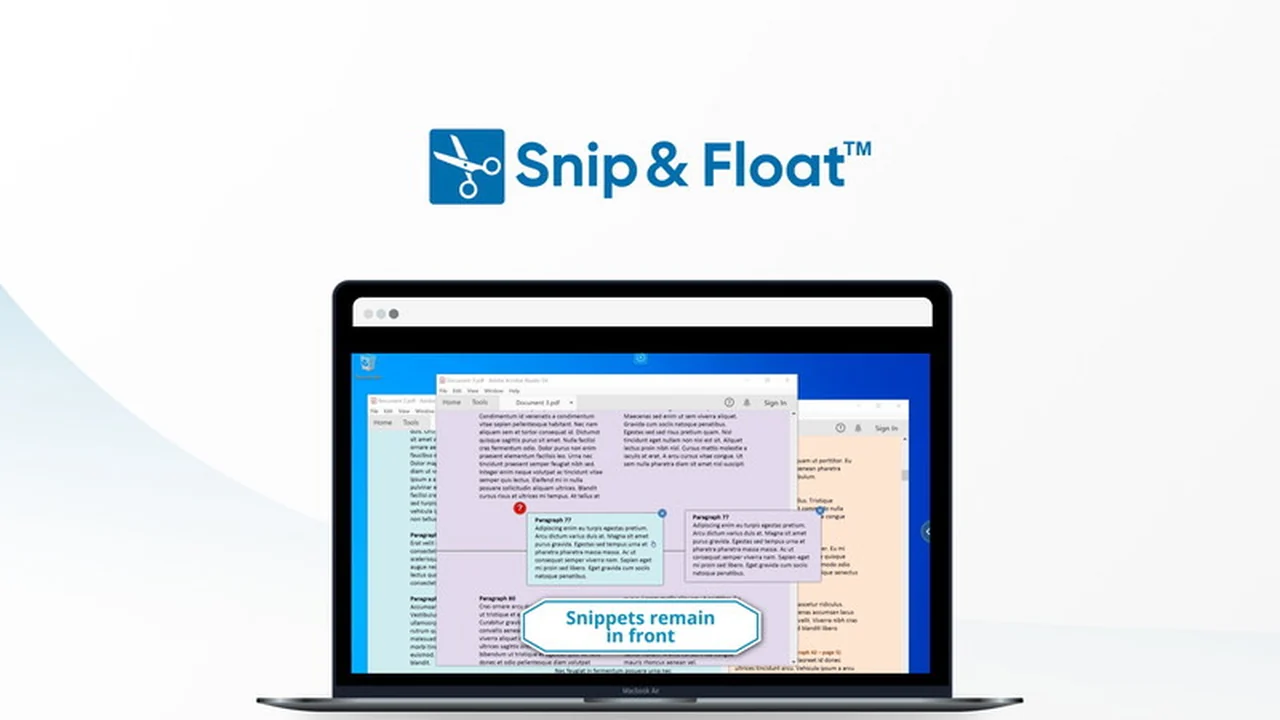
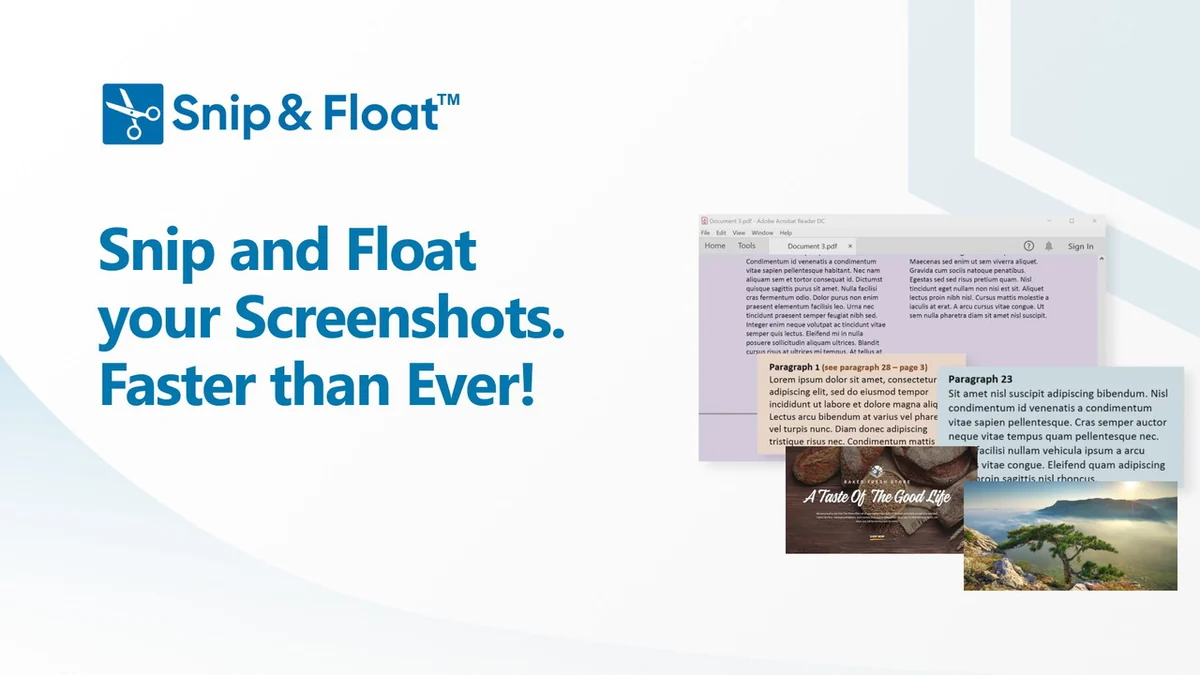
Snip & Float is a desktop application that allows you to capture portions of your screen and have them ‘float’ persistently on top of all other open windows. This eliminates the need to resize windows, toggle between tabs, or use multiple monitors to view and compare information simultaneously.
The core purpose of Snip & Float is to streamline research, document comparison, and general referencing tasks. It aims to cut down on the time spent on manual digital clipping and viewing, allowing users to focus more on their actual work.
Key Features
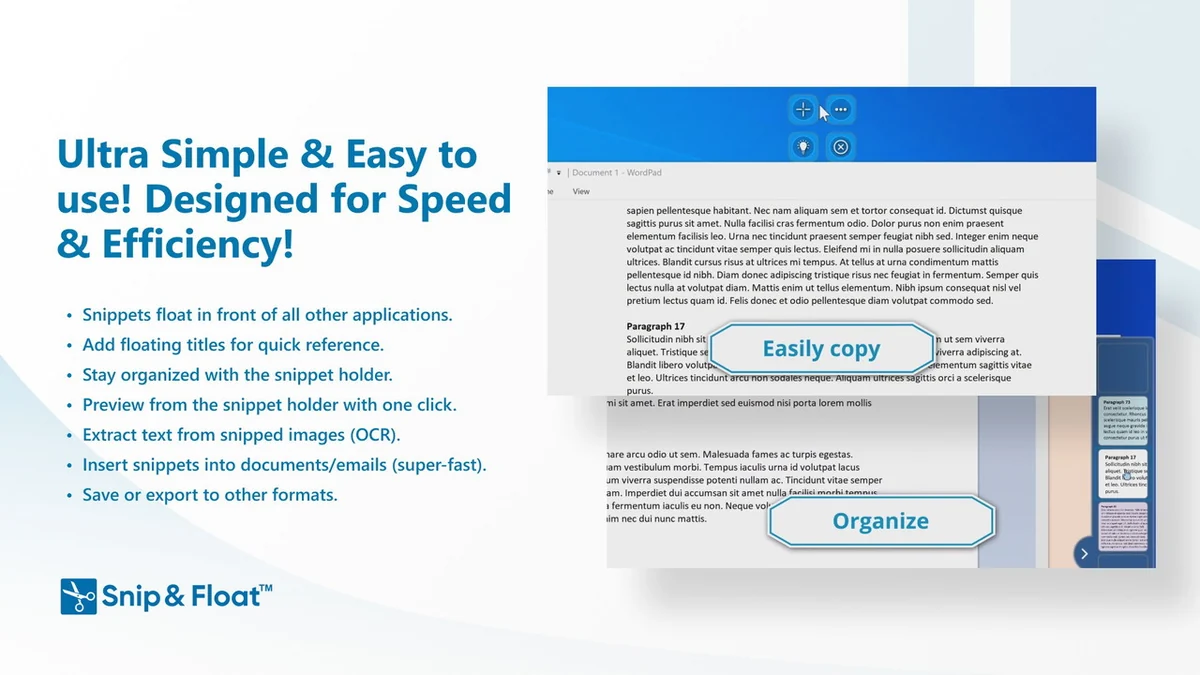
- Floating Snippets: Capture any part of your screen and have it hover above all other applications for easy reference.
- Snippet Holder: A dedicated area to store, organize, and easily access your captured snippets. It can be expanded for viewing or collapsed to save screen space.
- Quick Export/Save: Streamlined process to snip, export, or save captured content in seconds, cutting out unnecessary steps.
- Highlighting Tool: Easily highlight important text or areas within your snips for quick identification and emphasis.
- Titled Snippets: Add custom titles to your snips for better organization and recall, including resource names or URLs.
How It Works
Using Snip & Float is designed to be straightforward. You initiate a snip, select the desired area of your screen, and then choose to have it float. The captured snippet will then remain visible on top of all other windows you are working with.
When you no longer need a snippet temporarily, you can file it away in the Snippet Holder. This holder acts as a digital scratchpad, allowing you to retrieve saved snippets later or organize them for future reference.
Use Cases
- Researching online articles and keeping key quotes visible.
- Comparing different versions of documents side-by-side without tiling.
- Referencing data from spreadsheets or financial reports while working in other applications.
- Keeping important instructions or notes from presentations readily available.
- Analyzing graphs or images from web pages or documents.
Pricing & Value
The value proposition of Snip & Float lies in its ability to reclaim time lost to inefficient screen management. By reducing the friction of accessing and comparing information, it can lead to significant productivity gains.
The lifetime access offered provides a one-time purchase for ongoing use, making it an attractive option for individuals and teams looking to invest in workflow efficiency.
Deal Details
This deal offers lifetime access to the Snip & Float Plan, including all future updates. It requires redemption of the code within 60 days of purchase. Please note that this deal is not stackable.
Quick Take
- Ideal for researchers, students, and professionals who frequently compare multiple digital sources.
- Saves time by eliminating the need for constant window toggling and screen resizing.
- Provides a simple yet effective way to keep essential information persistently visible.
FAQs
What happens if I decide I don’t need it?
A 60-day money-back guarantee is provided to ensure you’re satisfied with your purchase.
What operating systems are supported?
The minimum requirement is PC Windows 7/8/10/11.
Is it possible to highlight text within a snip?
Yes, Snip & Float includes a simple highlighting tool for emphasis.
Can I organize my captured snippets?
Yes, the Snippet Holder lets you store and manage your snips for later access.
What is the primary function of Snip & Float?
It allows you to capture screen portions that float over all other applications.
Final Thoughts
Snip & Float | AppSumo presents a compelling solution for anyone who struggles with managing multiple pieces of information on their computer. Its straightforward approach to screen clipping and persistent viewing can lead to noticeable time savings and a less frustrating workflow.
For those looking to optimize their digital workspace and reduce the inefficiencies of context switching, this tool is definitely worth considering, especially with the lifetime access deal.