
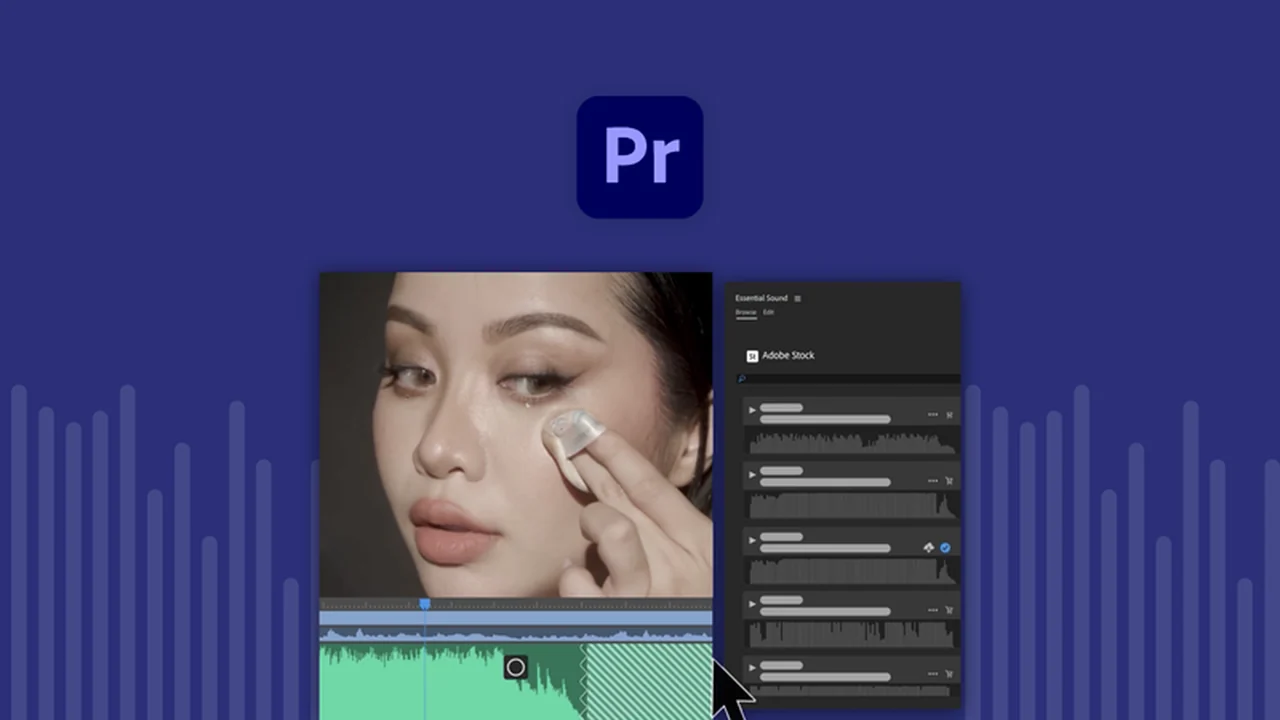
This comprehensive review explores the capabilities of Adobe Premiere, focusing on its intuitive interface and powerful features for video editing. We’ll delve into how this software empowers creators to transform raw footage into polished, professional videos.
Discover the essential tools and functionalities that make Adobe Premiere a standout choice for anyone looking to enhance their video projects, from beginners to seasoned professionals. Learn how to elevate your storytelling and visual content.
What is Adobe Premiere – Edit and enhance video intuitively | AppSumo
Adobe Premiere is a professional-grade video editing software designed to make the process of creating and refining video content intuitive and efficient. It provides a comprehensive suite of tools for editing, color correction, audio mixing, and final export, suitable for a wide range of video projects.
Key Features
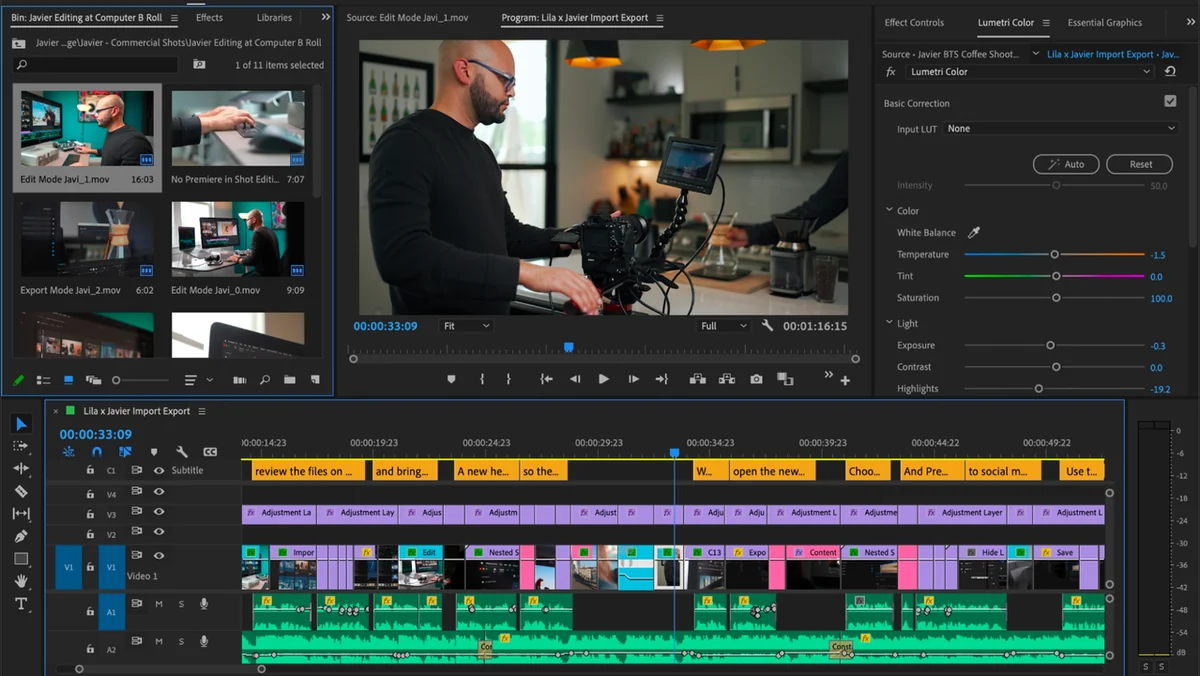
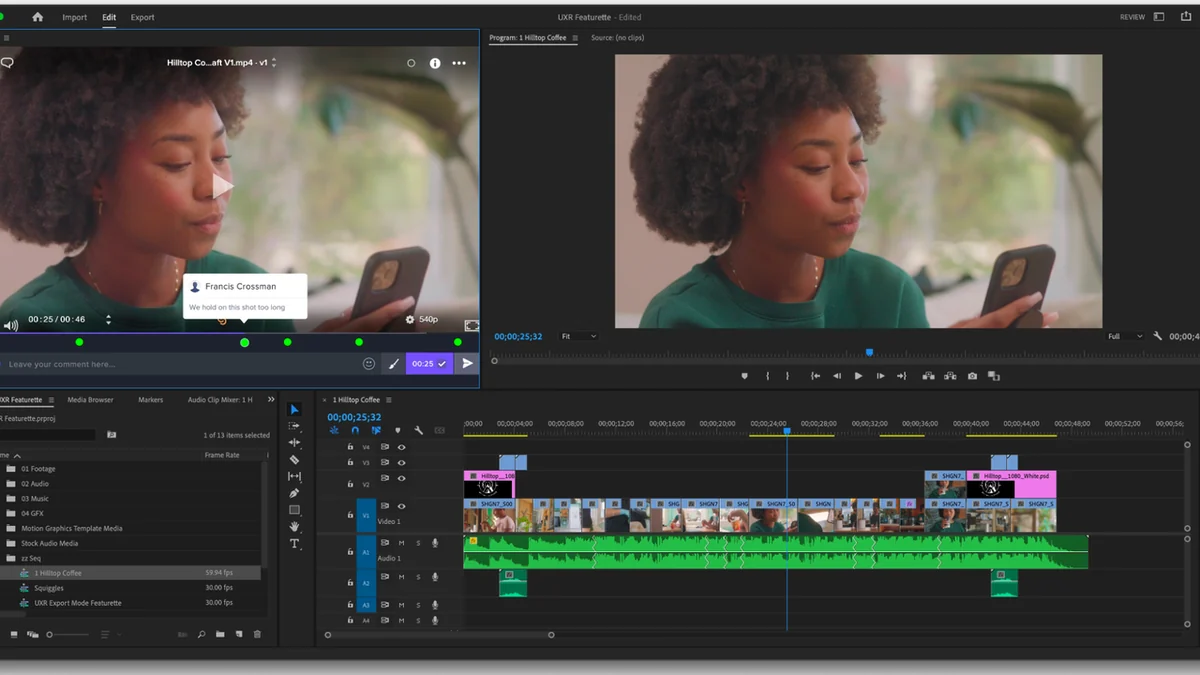
- Intuitive Editing Tools: Features drag-and-drop functionality and a user-friendly timeline panel for easy clip manipulation and sequence refinement.
- Dynamic Linking: Seamlessly import and work with assets from Adobe After Effects, Photoshop, or Illustrator.
- Advanced Text and Titles: Add text, captions, and titles directly onto the video, with options for shadows and the ability to save titles as motion graphics templates.
- Seamless Transitions: Apply and customize a variety of transitions to create smooth movements between clips.
- Color Correction and Grading: Utilize color presets, color wheels, and a compare-and-match feature to achieve consistent and professional color grading across clips.
- Integrated Audio Editing: Mix and edit audio directly within the software, including syncing audio with video and reducing background noise.
- AI-Powered Remix: Automatically re-time music tracks to perfectly fit the duration and pacing of your video.
- Time Remapping: Easily adjust the speed and duration of video clips for creative pacing.
- Speech-to-Text: Generate automatic transcriptions in up to 14 languages.
- Native Format Support: Upload and edit video files directly from your device without the need for initial conversion.
- Multi-Project Workflow: Open and work on multiple projects simultaneously for increased efficiency.
How It Works
Getting started with Adobe Premiere is straightforward. You begin by importing your video footage and other assets into the media browser. Before adding clips to your project, you can preview them and set in and out points. The software’s timeline panel is where the core editing takes place; here, you can arrange, trim, and combine your clips. Adding elements like text, transitions, and color adjustments is done through dedicated panels, allowing for precise control. Audio can be mixed and synced within the same interface, and AI features like Remix can automate complex timing tasks. Finally, you can export your finished video with optimized settings for various online platforms.
Use Cases
- Creating professional marketing videos and commercials.
- Producing engaging social media content and short films.
- Editing vlogs and personal video projects.
- Developing educational and tutorial videos.
- Assembling documentary footage and interviews.
- Crafting dynamic presentations and corporate videos.
Integrations & Compatibility
- Adobe Premiere excels in its ability to integrate with other creative tools, particularly within the Adobe ecosystem
- Its dynamic linking feature allows for seamless collaboration with Adobe After Effects for motion graphics and visual effects, and Adobe Photoshop or Illustrator for graphic assets
- The software supports a wide range of native video formats, reducing the need for pre-conversion and streamlining the import process from various devices.
Pricing & Value
The value proposition of Adobe Premiere often lies in its comprehensive feature set that caters to professional editing needs. While traditionally available through subscription services, opportunities like the one presented on AppSumo offer a chance to acquire this powerful software with a different pricing structure, providing significant long-term value for users looking for a permanent license.
Deal Details
The AppSumo deal for Adobe Premiere provides users with a digital download of the software, offering lifetime access if downloaded and saved within 60 days of purchase. This exclusive offer allows users to own and utilize the full capabilities of Adobe Premiere indefinitely, making it a highly attractive option for individuals and businesses seeking a robust video editing solution.
Quick Take
- Ideal for content creators, marketers, and filmmakers seeking professional video editing tools.
- Offers an intuitive interface with powerful features for both basic and advanced edits.
- Provides excellent value, especially through limited-time offers for lifetime access.
FAQs
What makes the AI-powered Remix feature useful?
The AI-powered Remix feature automatically adjusts music timing to perfectly sync with your video footage.
Is Adobe Premiere suitable for beginners?
Yes, Adobe Premiere offers intuitive editing tools that make it accessible for beginners to learn and use effectively.
Does Adobe Premiere offer tools for audio editing?
Yes, Adobe Premiere includes integrated tools for editing and mixing audio alongside your video.
Can I add text and titles to my videos in Adobe Premiere?
Yes, you can easily add text, captions, and titles with customizable effects and styles.
What is the primary function of Adobe Premiere?
Adobe Premiere’s primary function is to edit and enhance video content for professional and personal projects.
Final Thoughts
Adobe Premiere, especially when available through opportunities like AppSumo, represents a significant investment in your creative workflow. Its robust feature set, from intuitive editing to advanced color correction and AI-driven audio tools, empowers users to produce high-quality video content efficiently. The ability to work across multiple projects and integrate with other Adobe applications further solidifies its position as a top-tier video editing solution.