
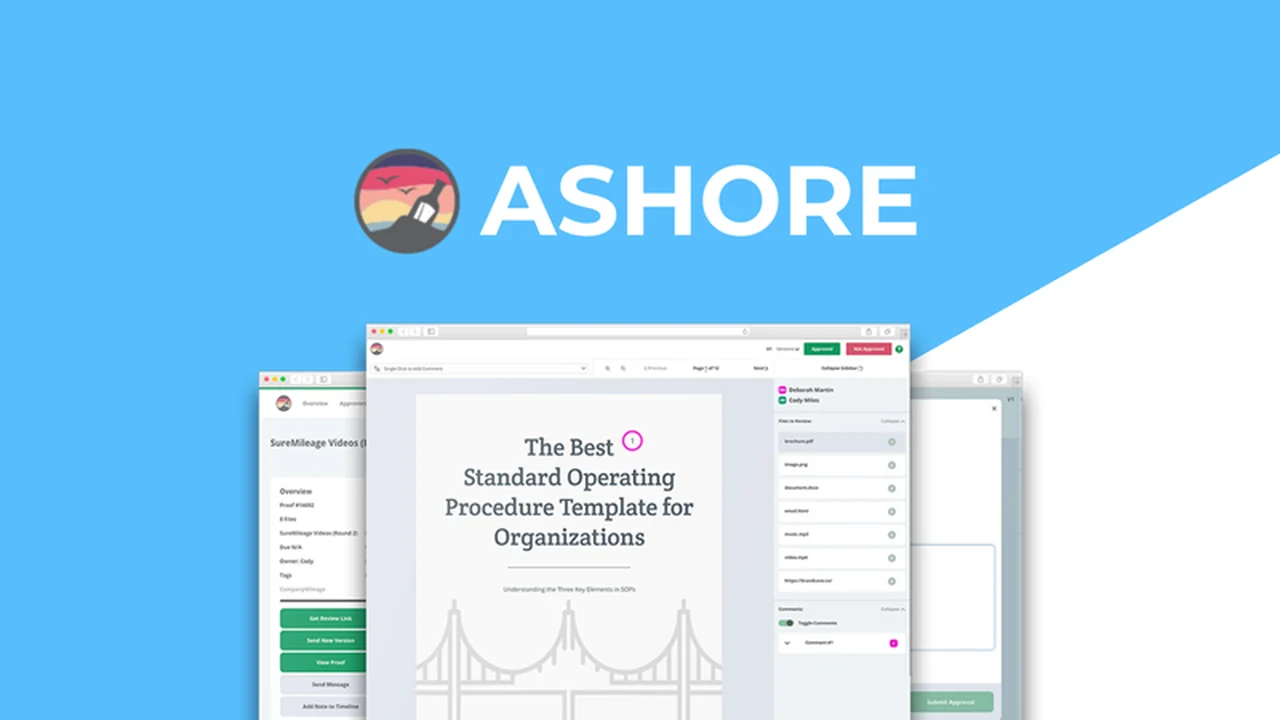
Navigating client feedback and approvals can often feel like a chaotic endeavor, especially when dealing with multiple stakeholders and file versions. This review will explore how Ashore, available on AppSumo, offers a dedicated solution to simplify this process.
We’ll delve into its core functionalities, practical applications, and how it can integrate into your existing workflow, ultimately aiming to enhance your project delivery speed and client satisfaction.
What is Ashore – Automate client and peer feedback | AppSumo
Ashore is a cloud-based platform designed to automate and streamline the client and peer feedback process for creative projects. It aims to eliminate the confusion and delays often associated with gathering approvals, transforming a typically cumbersome task into an efficient workflow.
Key Features
Ashore comes equipped with a robust set of features to manage the approval lifecycle effectively:
- Support for All File Types: Upload and review images, videos, PDFs, audio files, and more.
- Custom Review Links: Generate unique links for each project to share with clients and collaborators.
- Intuitive User Interface: Designed for ease of use, accommodating users with varying technical expertise.
- Automated Approval Notifications: Automatically informs the next approver when it’s their turn, ensuring continuous progress.
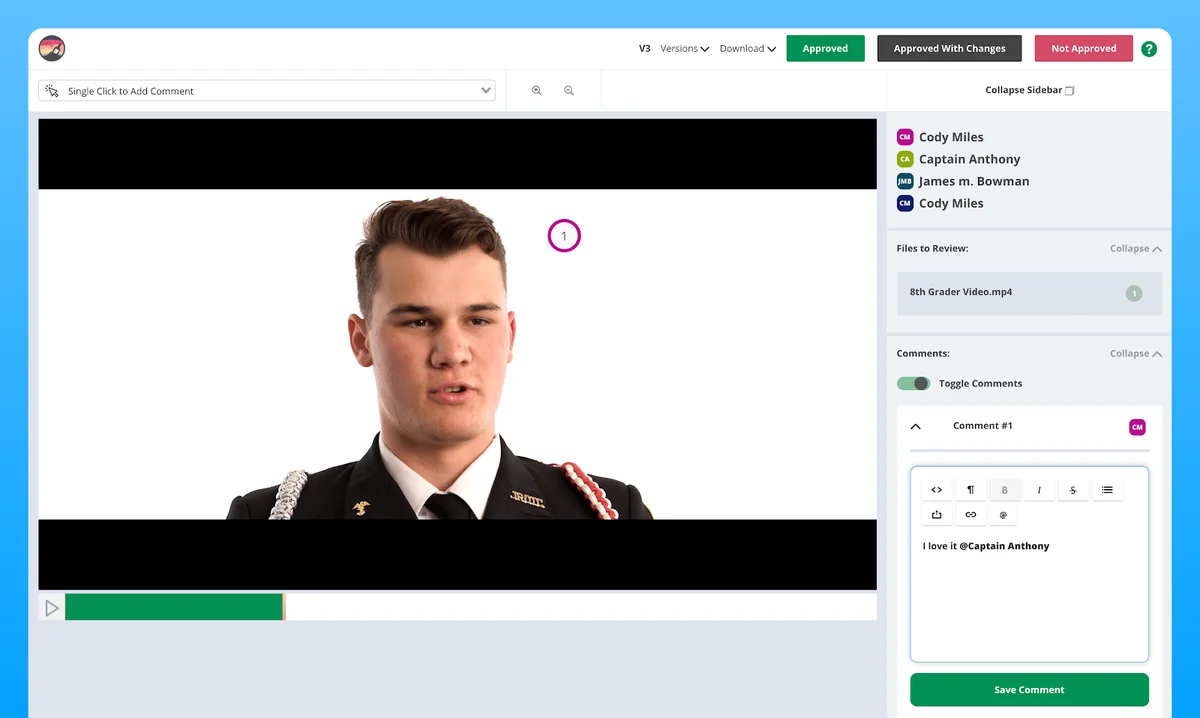
- Clear Feedback Options: Approvers can select ‘Approved,’ ‘Approve With Changes,’ or ‘Not Approved’ for unambiguous communication.
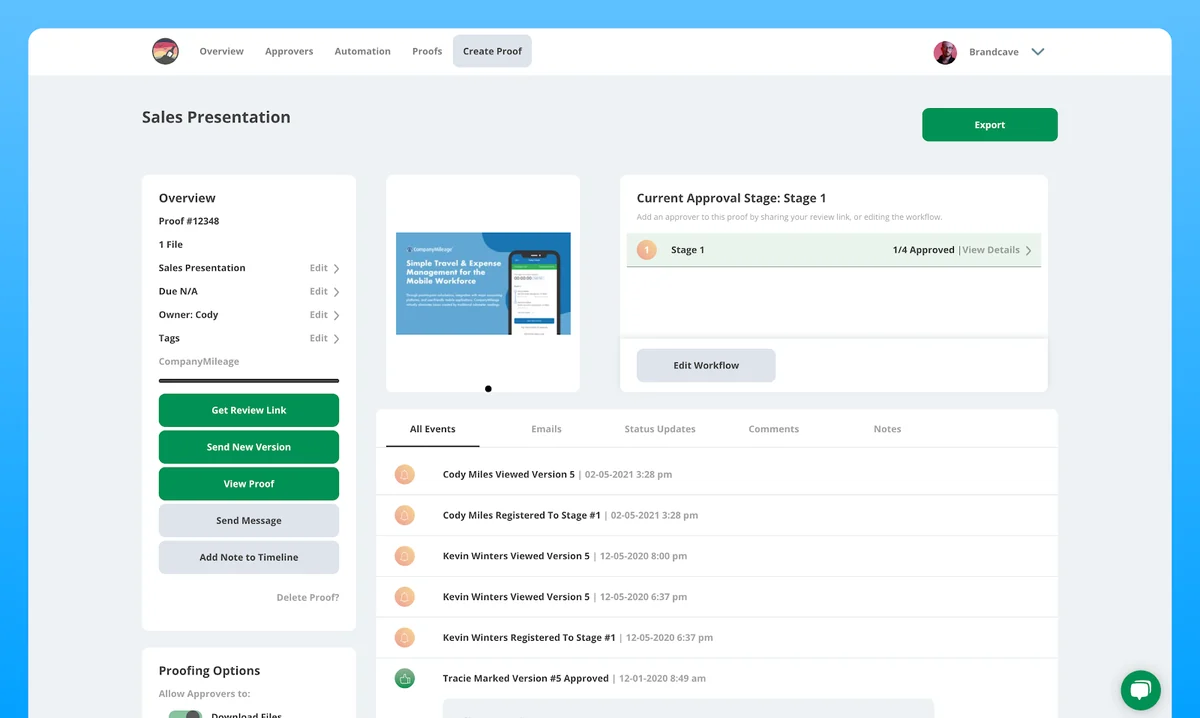
- Audit Timeline: Every action is recorded, providing a detailed history that can be exported.
- Granular Control: Manage settings such as file download permissions, comment visibility, and whether users can approve with modifications.
- Infinite Approvers and Stages: Scale your workflow to accommodate projects of any size and complexity.
- Custom Email Automations: Reduce manual follow-ups by automating email communications.
- Progress Statistics: Monitor project status at a glance to identify bottlenecks.
- Prioritized Non-Approved Files: Focus attention on files that require immediate action.
- White-Labeling: Customize the platform with your company branding, including your domain, for a professional client experience.
- Project Tracking for Non-Approvers: Allow designated users to monitor the approval process without impacting it.
How It Works
The process with Ashore is designed for simplicity and efficiency. You start by uploading your project deliverables, which can be of any file type. Ashore then generates a unique, shareable review link that you can distribute via email, Slack, text, or any other messaging application.
Clients and collaborators receive this link and can access the files directly through their browser without needing to create accounts or log in. They can then provide feedback using the clear ‘Approved,’ ‘Approve With Changes,’ or ‘Not Approved’ options. The system automatically notifies the next person in the approval chain, keeping the project moving forward seamlessly.
Use Cases
Ashore is beneficial for a wide range of professionals and teams:
- Creative agencies managing client deliverables.
- Marketing teams seeking feedback on campaign assets.
- Designers and developers needing sign-offs on their work.
- Printers ensuring final proof approval.
- Freelancers streamlining communication with clients.
- Any professional needing to gather multiple approvals on digital files.
Integrations & Compatibility
- Ashore is built to be accessible and user-friendly, allowing collaborators to review files on any device without requiring them to download specific software or create accounts
- The platform also allows for email integration, enabling automated communication to flow efficiently.
Pricing & Value
Ashore offers a solution that aims to provide significant value by automating a critical and often time-consuming part of the creative process. The focus is on reducing delays, minimizing back-and-forth communication, and ensuring clear approval pathways.
Deal Details
The AppSumo deal for Ashore provides lifetime access to its features, allowing users to send unlimited files to an unlimited number of reviewers. This includes the ability to integrate email, fully white-label the account, and leverage all the functionalities designed to manage creative workflows and client approvals efficiently. A 60-day money-back guarantee is also included, offering a risk-free trial period.
Quick Take
- Ideal for creative professionals and agencies seeking to automate client feedback loops.
- Streamlines the entire approval process from upload to sign-off.
- Offers comprehensive white-labeling for a professional, branded client experience.
FAQs
What happens if a file is not approved?
Non-approved files are clearly flagged on the dashboard, allowing you to focus on necessary revisions.
Is Ashore suitable for large teams with many stakeholders?
Absolutely, Ashore supports infinite approvers and workflow stages to scale with your needs.
Can I control who sees comments from other approvers?
Yes, Ashore allows you to control comment visibility settings for collaborators.
Do my clients need to create an account to review files?
No, clients can review files directly via a shareable link without creating an account.
Can I upload multiple file types to Ashore?
Yes, Ashore supports a wide range of file types including images, videos, PDFs, and audio files.
Final Thoughts
Ashore presents a compelling solution for anyone struggling with the complexities of client and peer feedback. Its emphasis on automation, user-friendliness, and comprehensive control over the approval process can significantly reduce project timelines and improve collaboration. The ability to white-label the platform further enhances its appeal for businesses looking to maintain a polished brand image throughout their client interactions.