
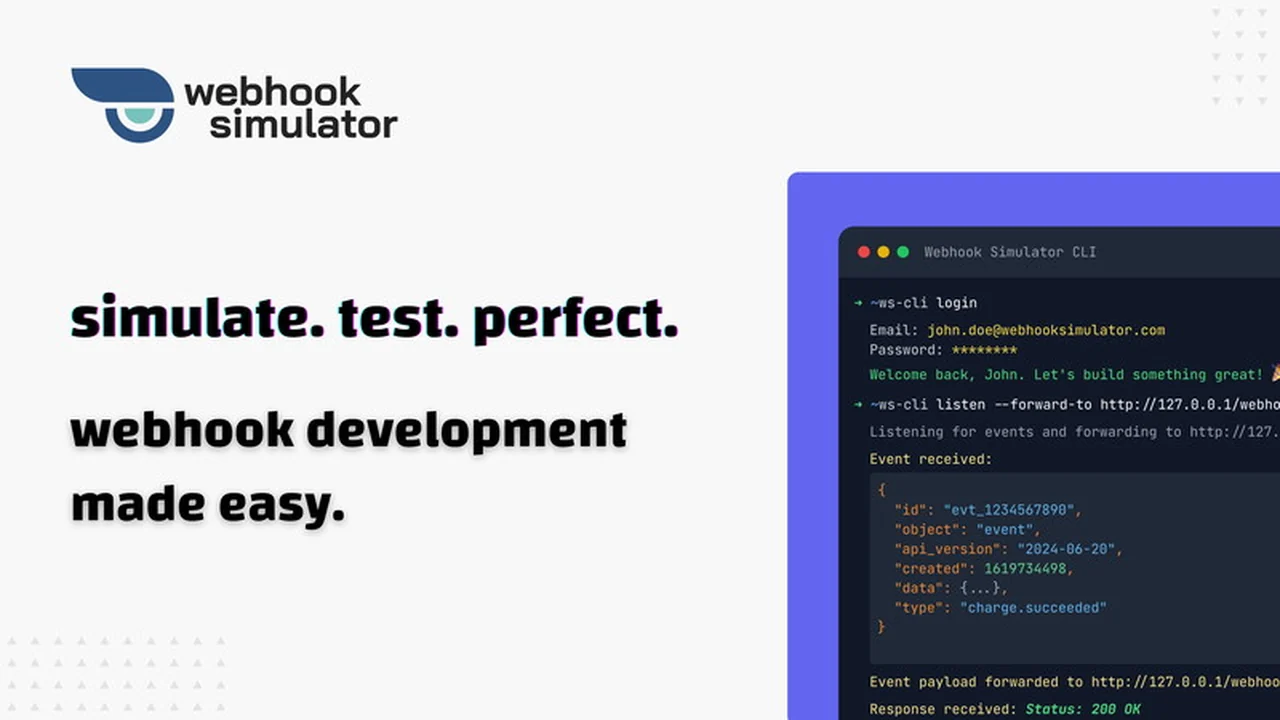
This comprehensive guide dives into the features and benefits of the Webhook Simulator, a powerful tool for developers. We will explore how it simplifies the complex process of testing and debugging webhook integrations.
Whether you’re a seasoned developer or just starting out, understanding how to effectively manage webhooks is crucial. This review will equip you with the knowledge to leverage Webhook Simulator for a more efficient workflow.
What is Webhook Simulator | AppSumo
Webhook Simulator is a developer-focused platform designed to streamline the creation, testing, and debugging of webhook endpoints. It allows users to simulate, forward, and inspect webhooks with real-time payloads. This tool is built to make webhook integrations more robust and less prone to errors.
The platform offers a user-friendly interface and a command-line interface (CLI) to cater to different developer preferences. It aims to reduce development time and catch integration issues early, ensuring smooth interactions between different applications and services.
Key Features
Webhook Simulator boasts a range of features that enhance the webhook development process:
- Flexible Forwarding: Users can easily forward incoming webhooks to their local development environment or any specified URL, supporting testing across various development stages.
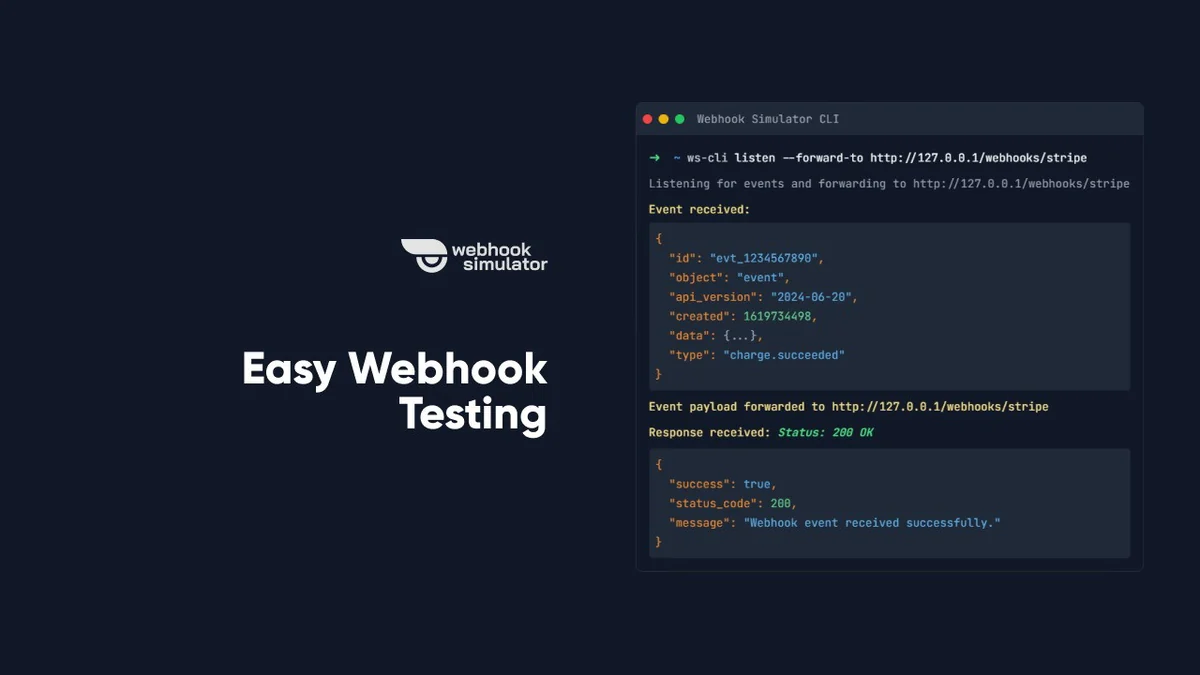
- Web App & CLI Access: All functionalities are accessible through an intuitive web interface or a powerful CLI tool, providing flexibility based on workflow preferences.
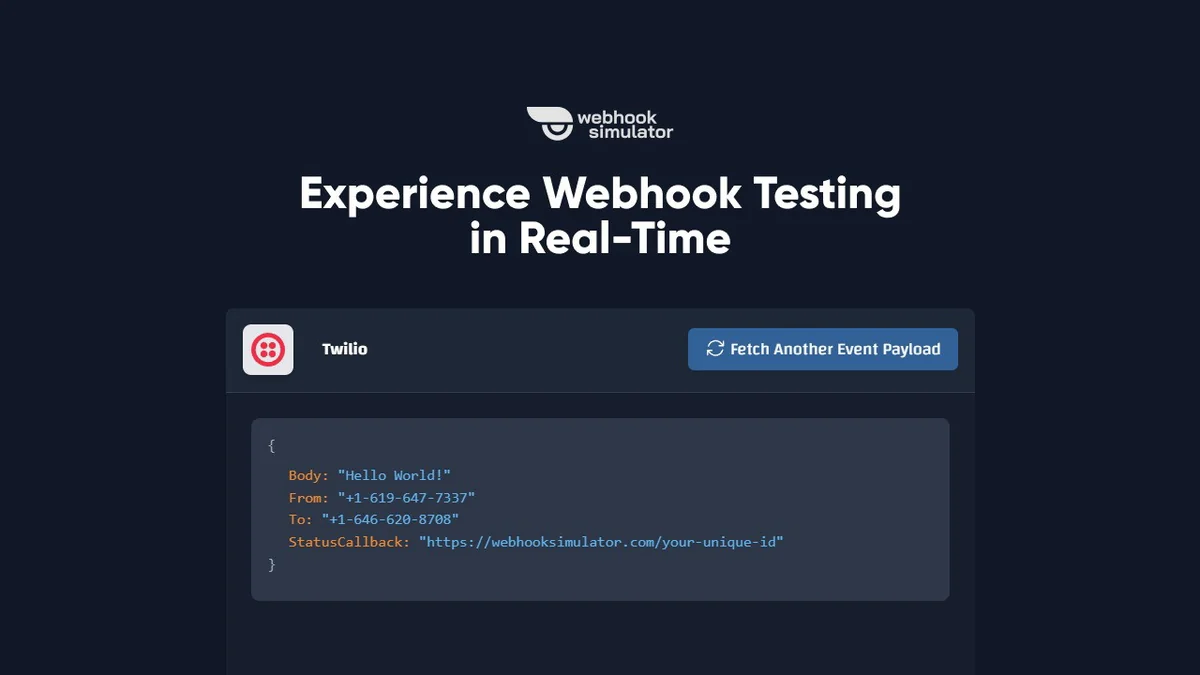
- Data Simulation: The ability to generate realistic webhook payloads without triggering actual events allows for thorough testing of edge cases and error scenarios.
- Advanced JSON Viewer: An integrated viewer in the web interface allows for easy visualization and analysis of event payloads and responses.
- Multi-Environment Support: While excelling in local development, the tool is versatile enough to support testing in various environments throughout the development lifecycle.
How It Works
Using Webhook Simulator is straightforward. You can obtain a unique webhook URL from the platform, which you then configure in your external services to send event notifications. When an event occurs, the service sends a payload to this URL.
Webhook Simulator captures this payload and makes it visible through its interface or CLI. You can then inspect the data, forward it to your local server for processing, and debug any discrepancies or errors in your endpoint’s response. The CLI offers direct control for automated testing scenarios.
Use Cases
The Webhook Simulator proves invaluable in several development scenarios:
- API Integration Testing: Perfect for ensuring that your application correctly receives and processes data from third-party APIs via webhooks.
- Debugging Endpoint Issues: Quickly identify why webhooks might be failing or not being processed as expected by inspecting payloads and forwarding requests.
- Testing Error Handling: Simulate various payload formats and unexpected data to ensure your application’s error handling mechanisms are robust.
- Developing New Webhook Handlers: Build and test new webhook processing logic in a controlled environment before deploying to production.
Integrations & Compatibility
- Webhook Simulator is designed to work with virtually any service that supports sending webhooks
- Its primary function is to provide a stable endpoint for receiving these payloads
- While it does not directly integrate with specific services in terms of pre-built connectors, it is compatible with any application that can send HTTP POST requests to a URL
- For local development, the CLI tool is particularly useful
- While native support for Windows package managers is not currently available, a manual installation method via an .exe file is provided for Windows users
- The CLI is available for macOS, and plans for a desktop application are underway.
Pricing & Value
The Webhook Simulator offers a free plan with limited daily requests, allowing users to test its basic functionality. For more extensive use, the platform provides access to its full suite of features through a lifetime deal, which significantly reduces the long-term cost compared to subscription-based services.
This lifetime access model presents substantial value, especially for developers and teams who regularly work with webhooks and require a reliable, always-on testing solution. The ability to simulate, forward, and debug without ongoing fees makes it a cost-effective choice.
Deal Details
The AppSumo deal for Webhook Simulator typically offers lifetime access to the platform’s premium features. This includes unlimited webhook simulations, forwarding capabilities, and access to all current and future updates to the tool. The deal often comes with a 60-day money-back guarantee, allowing ample time to evaluate its utility.
By securing this deal, users gain unrestricted access to a powerful webhook testing utility, eliminating the need for recurring subscription costs. This makes it a highly attractive option for individuals and businesses looking to optimize their webhook development workflow.
Quick Take
- Ideal for developers needing to test and debug webhook integrations efficiently.
- Provides a flexible environment for simulating real-world webhook payloads.
- Offers a cost-effective lifetime solution for continuous webhook management.
FAQs
Will a Windows version of the CLI be released soon?
While native support for Windows package managers is not planned, an .exe file for manual installation is available.
Does the webhook URL generated by this platform have an expiration date?
No, the webhook URLs generated by Webhook Simulator do not have an expiration date or time limit.
How often do you add new webhook providers to the platform?
The library of providers is constantly being expanded, and user suggestions are welcomed.
Is there a limit to the number of webhooks I can simulate or forward?
With the AppSumo deal, you receive unlimited access to all features, including webhook simulation and forwarding.
Can I customize the simulated event payloads?
Yes, you can use pre-defined templates or create custom payloads for your specific testing needs.
Final Thoughts
Webhook Simulator | AppSumo presents a compelling solution for anyone involved in webhook development and integration. Its robust features, combined with the value offered by the AppSumo lifetime deal, make it an indispensable tool.
The ability to simulate, forward, and debug webhooks with real payloads simplifies complex workflows. This leads to faster development cycles, fewer bugs, and more reliable API interactions, making it a worthwhile investment for developers and teams.