
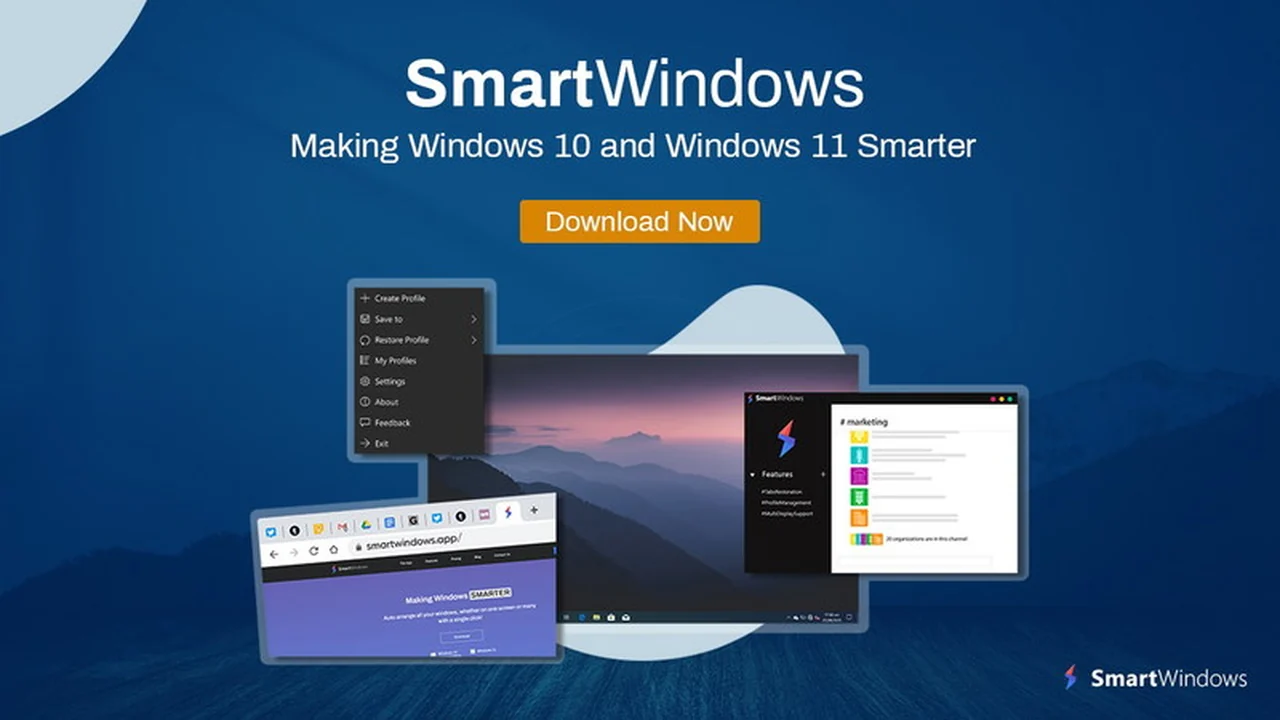
Are you tired of manually rearranging your windows and reopening tabs every time you switch tasks or restart your computer? SmartWindows.app aims to simplify this common frustration for professionals and multi-taskers.
This review explores how SmartWindows.app can help you create custom work environments and regain valuable time, making your daily computer usage more efficient.
What is SmartWindows.app | AppSumo
SmartWindows.app is a desktop application designed to enhance productivity by automating the arrangement and restoration of application windows and browser tabs on Windows 10 and Windows 11. It allows users to save and recall specific screen configurations, effectively creating personalized work zones that can be accessed with a single click.
Key Features
- Auto-Restoration and Auto-Arrangement: Remembers the precise position and size of each application window, automatically restoring them to their last configuration. This feature helps maintain your established workspace without manual intervention, significantly boosting efficiency.
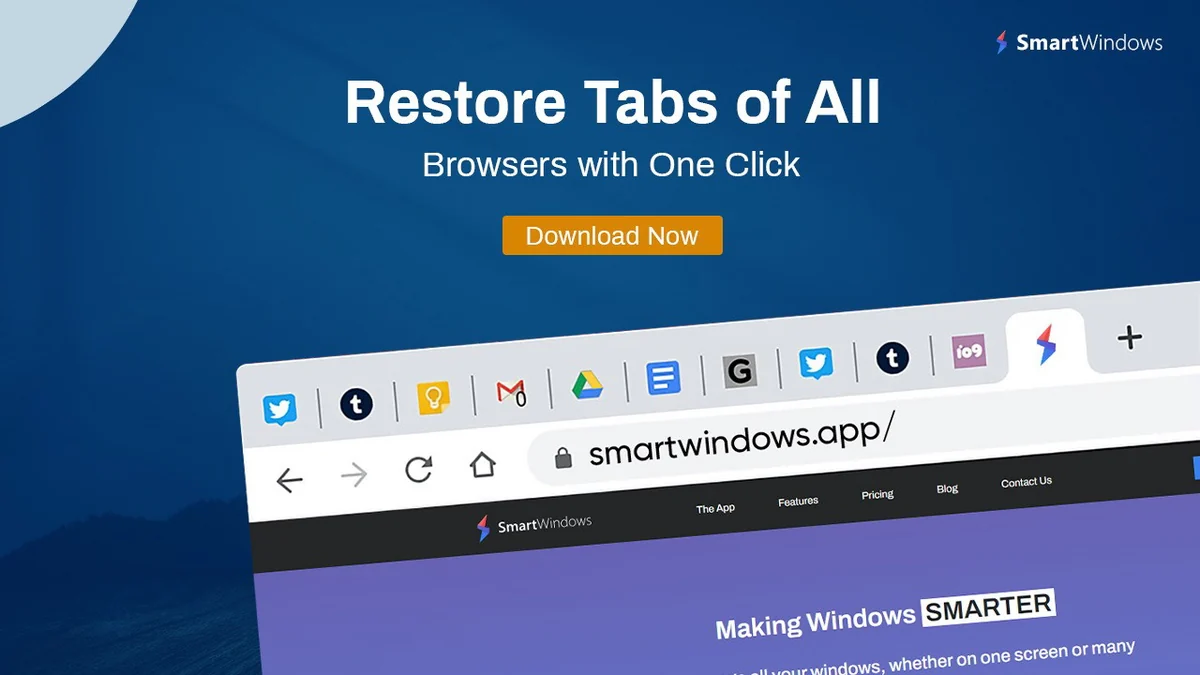
- Multi-Browser & Multi-Tab Support: Seamlessly restores all open tabs across Google Chrome, Firefox, and Microsoft Edge. Even after unexpected shutdowns or restarts, SmartWindows can recall and reopen your browser sessions exactly as they were, saving considerable time and preventing data loss.
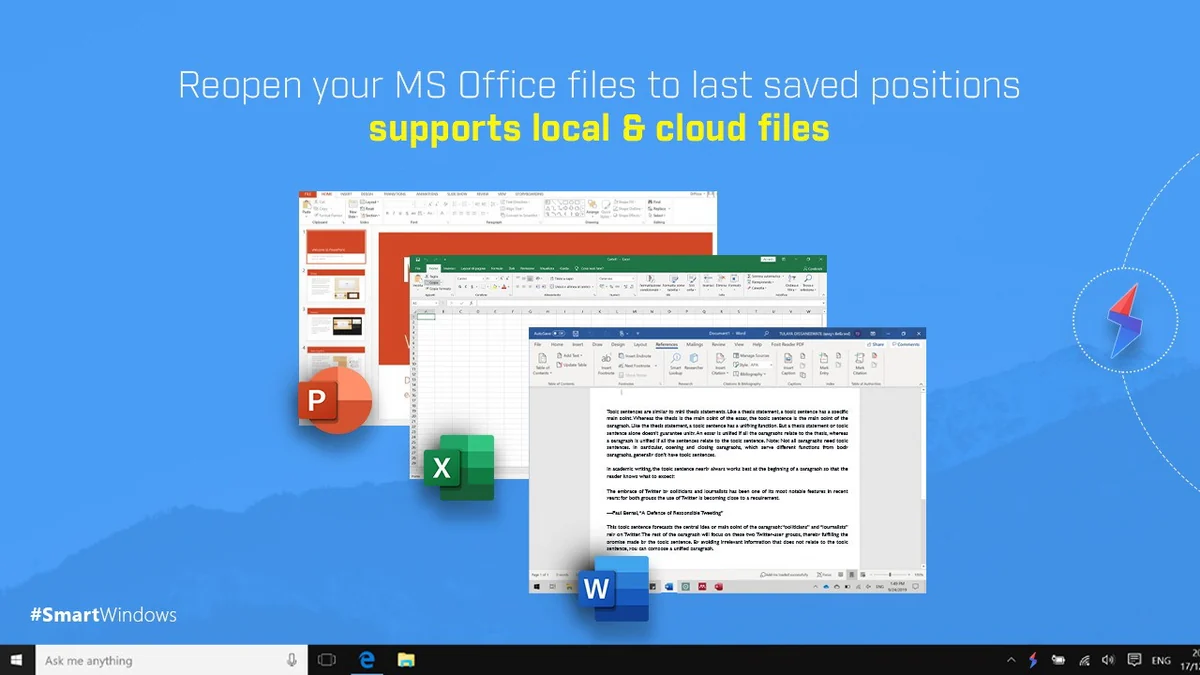
- Microsoft Office File Support: Integrates with essential Microsoft Office applications including Word, PowerPoint, Project, Excel, Notepad, and Wordpad. It meticulously remembers and restores these files to their exact previous positions on your screen.
- Multi-Display Capability: Extends its functionality across multiple monitors, supporting up to 6 displays. Each screen’s application layout and window size are remembered and can be restored, providing a cohesive and organized multi-monitor experience.
- Unlimited Profiles: Enables the creation of an unlimited number of custom profiles. Each profile can store unique arrangements of applications, browser tabs, and file locations, allowing for complete separation of work, personal projects, or entertainment environments.
- Customizable Work Zones: Empowers users to design and save their ideal screen layouts for specific tasks. Whether for coding, research, writing, or gaming, these personalized zones can be quickly recalled, adapting your desktop to your current needs.
How It Works
Getting started with SmartWindows.app is straightforward:
- Download and install SmartWindows on your Windows 10 or Windows 11 operating system.
- Arrange your open applications on your desktop screen as desired.
- Save this specific screen configuration as a SmartWindows profile.
- When needed, simply restore the saved profile.
- The application will automatically restore and arrange all your browsers and apps to their saved positions with a single click.
Use Cases
- Professionals: Optimize your daily workflow by quickly switching between project-specific layouts, reducing time spent on manual arrangement.
- Students: Manage different study materials, research tabs, and writing applications efficiently, creating dedicated profiles for essays or assignments.
- Software Engineers: Keep coding environments, documentation, and testing tools organized and instantly accessible across multiple displays.
- Project Managers: Maintain separate views for different projects, ensuring all relevant documents, communication tools, and task managers are readily available.
- Content Creators: Switch between design software, editing tools, and social media management apps with ease.
- Gamers: Set up dedicated gaming profiles that include game launchers, communication apps, and streaming software arranged perfectly.
Pricing & Value
SmartWindows.app, particularly through its AppSumo offering, presents a compelling value proposition for users seeking to regain control over their digital workspace. The ability to automate repetitive window management tasks translates directly into saved time and reduced mental overhead, which can be crucial for maintaining focus and productivity throughout the day.
Deal Details
This deal provides lifetime access to the SmartWindows Plan. It includes all future updates to the software. It is important to redeem your code(s) within 60 days of purchase. Please note that this particular deal is not stackable.
Quick Take
- Ideal for individuals who frequently switch between multiple projects or applications.
- A valuable tool for anyone looking to reduce time spent on manual window and tab organization.
- Offers a practical solution for maintaining distinct work and personal digital environments.
FAQs
What is the benefit of unlimited profiles?
Unlimited profiles increase productivity by allowing you to create dedicated environments for different uses.
Does it support Microsoft Office files?
Yes, it reopens MS Office files like Word, PowerPoint, and Excel in their last positions.
How does SmartWindows.app help with organization?
It allows you to create custom work zones for tasks and projects for efficient organization.
Can SmartWindows.app remember custom app window sizes?
Yes, it remembers and restores the adjusted window sizes of your applications.
Does SmartWindows.app restore browser tabs automatically?
Yes, it restores browser tabs for Chrome, Firefox, and Microsoft Edge with one click.
Final Thoughts
SmartWindows.app | AppSumo offers a practical and effective solution for anyone overwhelmed by managing multiple applications and browser tabs. Its core strength lies in its ability to automate tedious window arrangements, saving users significant time and effort. The flexibility of unlimited profiles and multi-display support makes it a robust tool for diverse user needs, from students to seasoned professionals. By streamlining your digital workspace, SmartWindows.app empowers you to focus more on your tasks and less on managing your environment.