
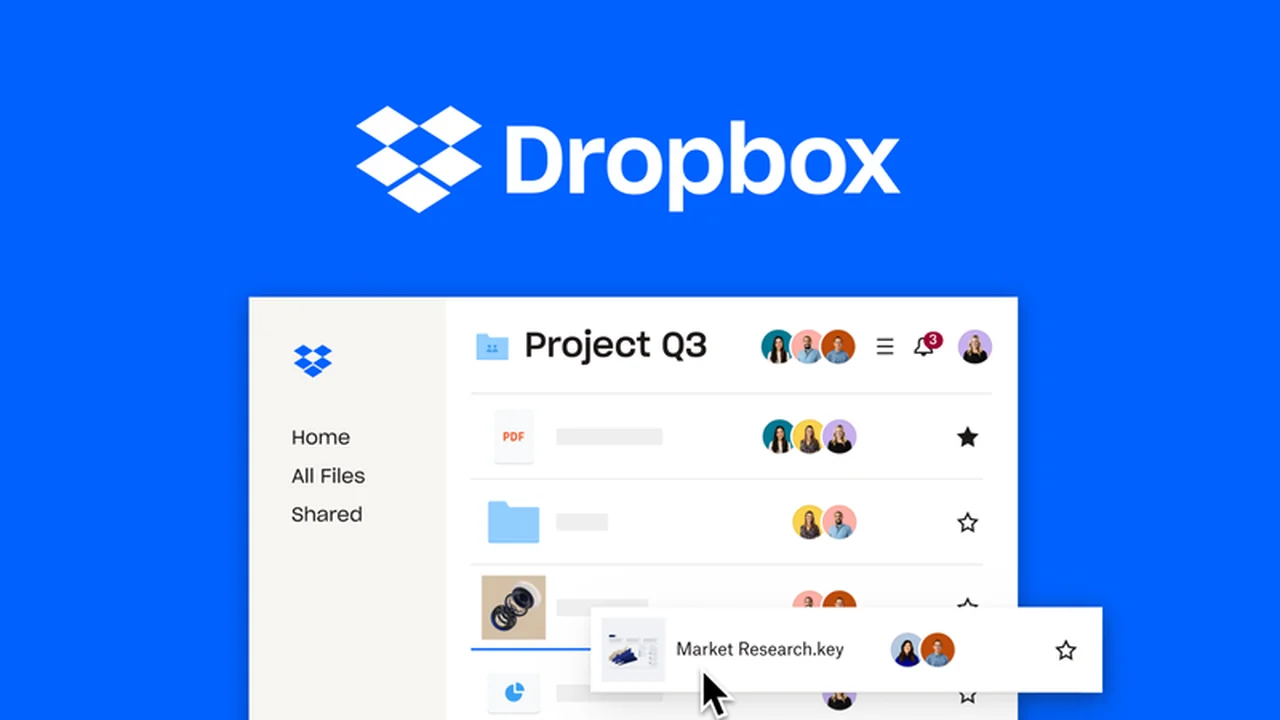
This review delves into Dropbox, a robust cloud storage solution available through AppSumo. We’ll explore its capabilities for organizing, sharing, and collaborating on files, making it a valuable asset for individuals and teams alike.
Discover how Dropbox can streamline your workflow, enhance security, and integrate with your existing tools, all while examining the unique value proposition offered by the AppSumo deal.
What is Dropbox – Organize, share, and collab on files | AppSumo
Dropbox is a comprehensive cloud storage service designed to facilitate the secure storage, seamless syncing, efficient sharing, and real-time collaboration on digital files. It provides a centralized hub for all your documents, ensuring accessibility and ease of management across various platforms.
Key Features
- Cloud Storage: Securely store a wide array of file types, from simple documents and images to large videos and complex CAD files, all organized in one accessible location.
- Real-Time Sharing: Share documents with team members or clients securely via a simple link, enabling instant access and collaboration.
- Cross-Device Syncing: Automatically save and sync new or updated files across all your devices, including Windows, Mac, iPhone, iPad, and Android.
- E-Signature Functionality: Integrate with e-signature tools to securely request and manage signatures directly from your Dropbox account, with updates automatically saved.
- Streamlined Workflows: Facilitate seamless collaboration for remote, hybrid, or in-person teams, allowing for real-time document co-editing, comments, and annotations.
- Robust Security: Ensure data security and compliance with corporate standards like HIPAA, SOC 1, 2, and 3, and ISO certifications.
- Granular Control: Enhance security by assigning sharing roles, restricting downloads, password-protecting files, and setting expiration dates for shared links.
How It Works
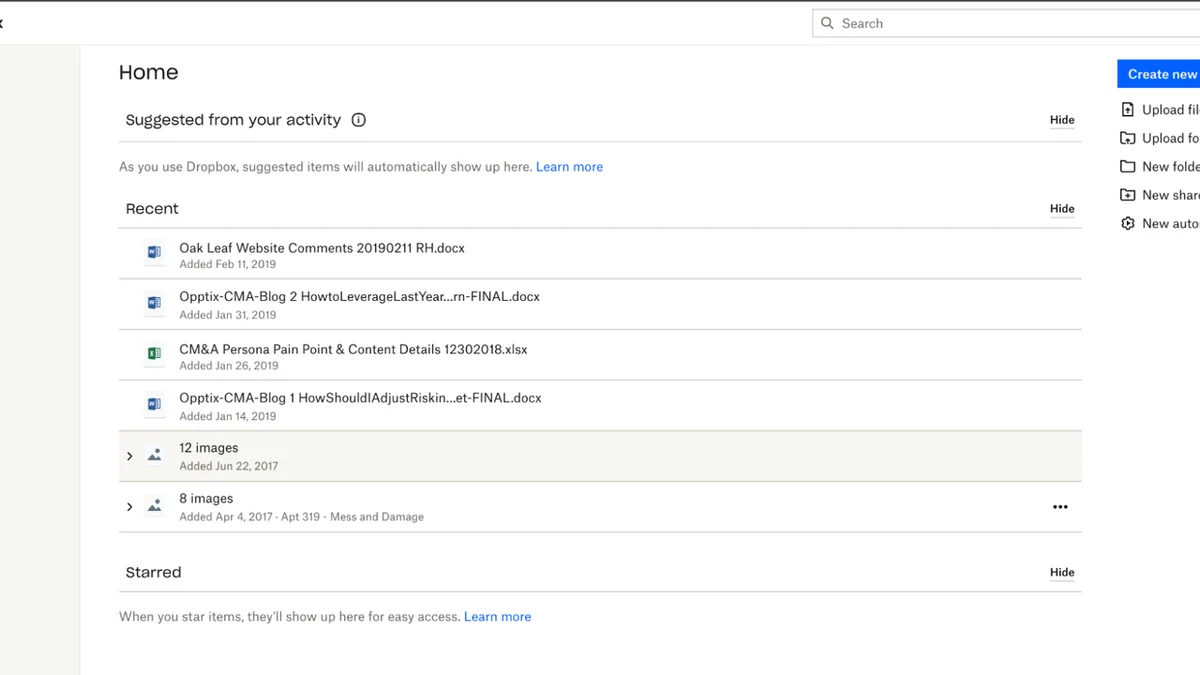
Dropbox operates by creating a designated folder on your computer that syncs with the cloud. Any file added to this folder is automatically uploaded to Dropbox and then synchronized across all other devices linked to your account. Sharing is as simple as generating a link to a file or folder, which can then be sent to collaborators. For teamwork, features like shared folders and comment sections allow multiple users to work on documents simultaneously, with all changes reflected instantly.
Use Cases
- Team Collaboration: Perfect for project teams needing to share and co-edit documents, presentations, and design files.
- Client File Management: Securely deliver and receive project deliverables or gather feedback from clients.
- Remote Work: Essential for maintaining access to critical files and facilitating collaboration regardless of location.
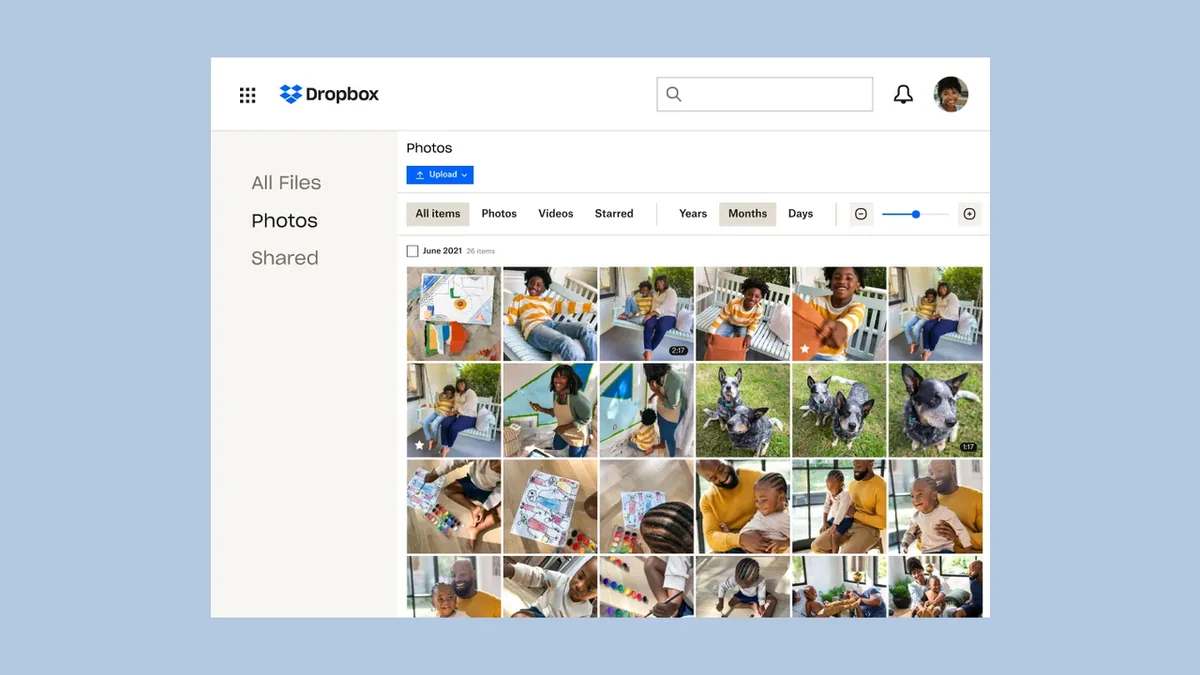
- Personal File Backup: Keep important personal documents, photos, and videos safe and accessible.
- Digital Asset Management: Organize and store a vast library of digital assets like images, videos, and creative projects.
Integrations & Compatibility
- Dropbox boasts compatibility with over 300,000 third-party applications
- This extensive integration ecosystem allows it to seamlessly connect with popular productivity tools like Google Workspace, Microsoft Office, Slack, Zoom, and creative platforms such as Adobe and Canva, enhancing its utility within diverse professional workflows.
Pricing & Value
The AppSumo deal for Dropbox presents an exceptional opportunity to acquire robust cloud storage and collaboration features at a significantly reduced price. This offers substantial long-term value for individuals and businesses looking to enhance their file management and teamwork capabilities without ongoing subscription costs for the core offering.
Deal Details
This AppSumo deal provides a lifetime access to Dropbox’s core functionalities. It ensures that once purchased, users retain access to the service, with the important caveat to download and save within 60 days of purchase to secure your license.
Quick Take
- Ideal for individuals and teams seeking a reliable cloud storage and collaboration platform.
- Offers significant long-term value through a lifetime deal.
- Enhances productivity with seamless file syncing and sharing.
FAQs
Can multiple people edit a document simultaneously?
Yes, Dropbox facilitates real-time collaboration with simultaneous document editing.
Does Dropbox support large file transfers?
Yes, Dropbox is capable of handling the storage and transfer of large files.
How secure is Dropbox?
Dropbox employs robust security measures and compliance certifications to protect your data.
Can I access my Dropbox files offline?
Yes, you can set files and folders to be available offline on your devices.
What is Dropbox primarily used for?
Dropbox is used for storing, syncing, sharing, and collaborating on files across devices.
Final Thoughts
The AppSumo deal for Dropbox offers a compelling solution for anyone needing a reliable, secure, and feature-rich platform for file organization, sharing, and collaboration. Its widespread adoption, intuitive interface, and extensive integration capabilities make it a sound investment for streamlining digital workflows and ensuring your important files are always accessible and manageable.