
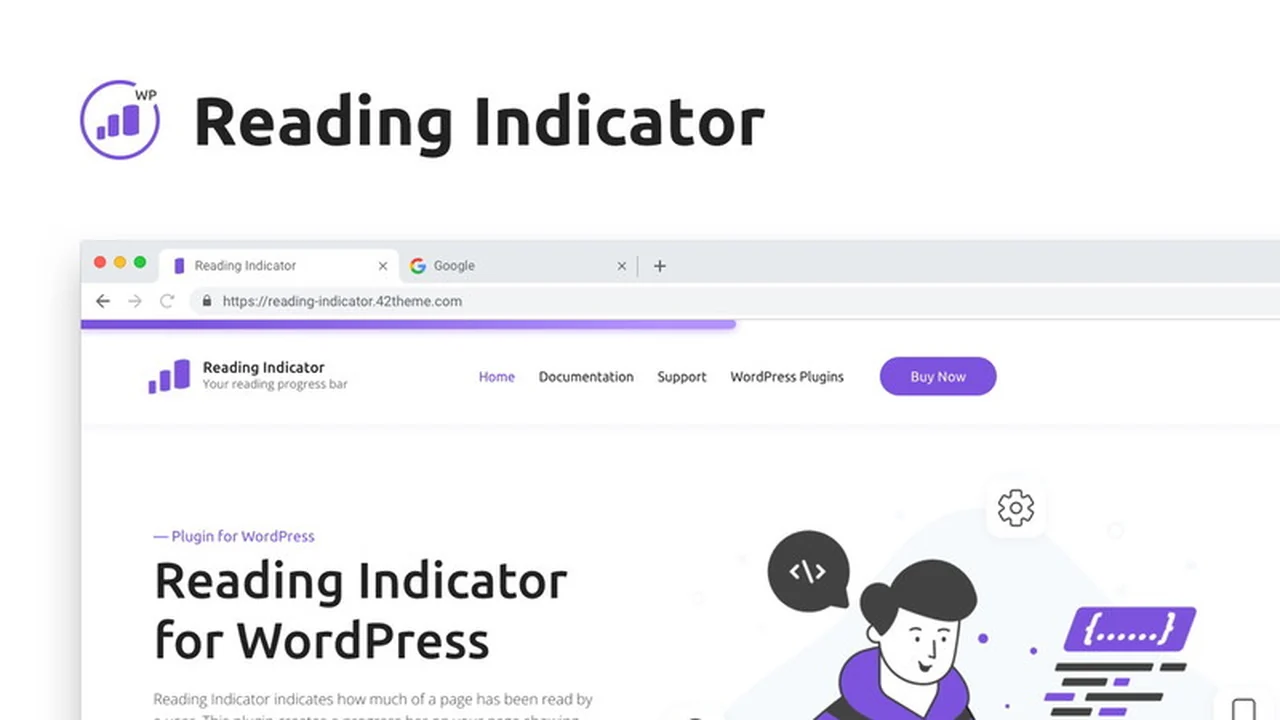
This comprehensive review dives into the Reading Indicator WordPress plugin, a tool designed to visually guide your readers through your content. Discover how this simple yet effective plugin can elevate your site’s engagement metrics.
We’ll explore its core functionalities, ease of use, and how it can benefit various types of WordPress websites, ultimately helping you decide if it’s the right addition to your site.
What is Reading Indicator — Reading Progress Bar for WordPress | AppSumo
The Reading Indicator is a WordPress plugin that adds a sleek, customizable progress bar to your articles. It visually shows visitors how far they have scrolled down a page, providing a clear indication of their reading progress. This subtle addition can significantly improve user engagement and navigation.
Key Features
This plugin offers a range of features designed for both aesthetics and functionality:
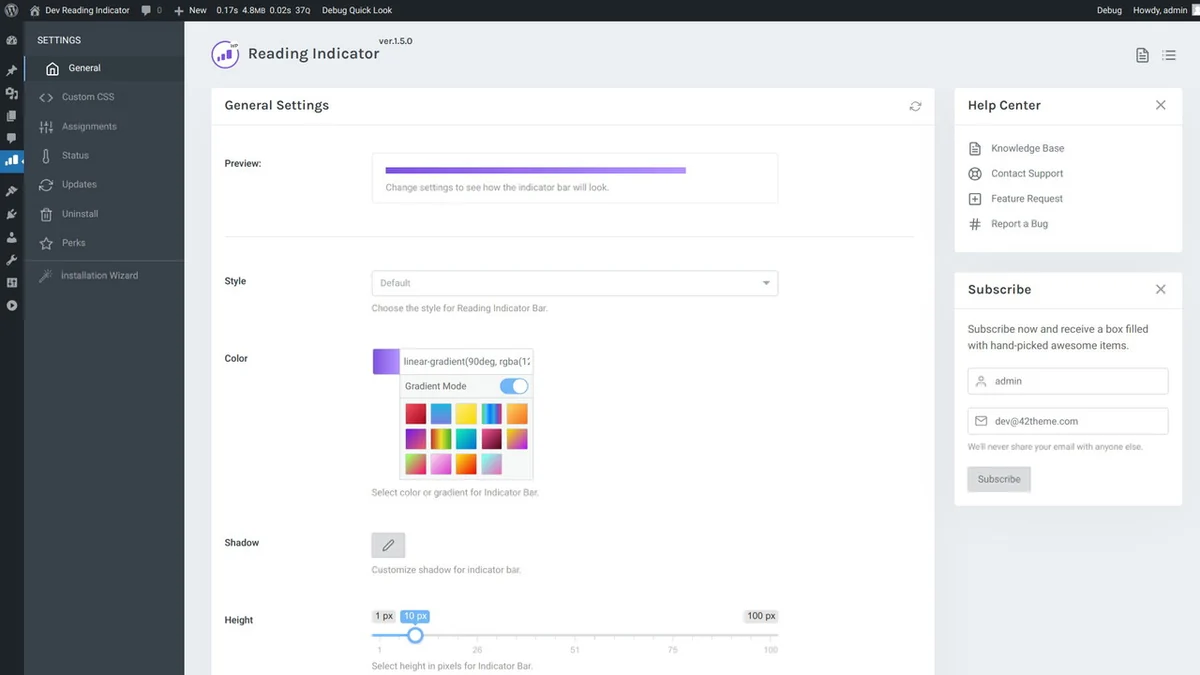
- Customizable Style: Adjust the progress bar’s position (top or bottom), height, and color to perfectly match your website’s design. Multiple style options like Default, Rounded, Plastic, Animated, Shine, and Glow are available.
- Color & Gradient Options: Choose a solid color or a gradient for your progress bar, and customize shadow effects.
- Offset Adjustment: Fine-tune the progress bar’s position with an offset value.
- Custom Selector: Apply the progress bar to specific sections of a page rather than the entire height by using CSS selectors.
- Auto-Detection for Mobile: The plugin automatically optimizes the experience for mobile devices.
- Easy Setup: Install and activate without needing jQuery, ensuring a lightweight performance.
- Well Documented: Comprehensive documentation is provided for straightforward usage and customization.
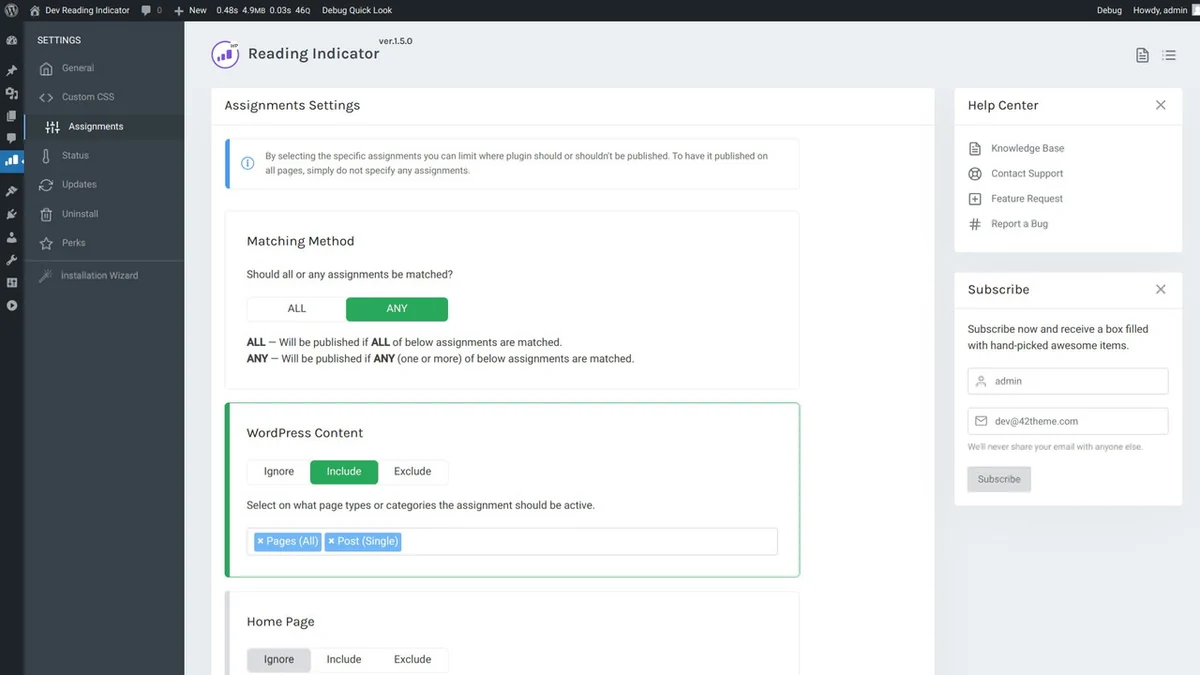
- Conditional Display: Enable or disable the indicator on specific pages or based on various assignment rules like content types, menu items, user roles, and URLs.
How It Works
Implementing the Reading Indicator is designed to be straightforward. Once installed and activated, the plugin automatically adds a reading progress bar to your posts and pages. You can then access its settings through your WordPress dashboard to customize its appearance, position, and behavior. The plugin efficiently tracks user scroll depth, dynamically updating the progress bar as the reader moves down the page.
Use Cases
The Reading Indicator can benefit a wide array of WordPress websites:
- Blogs: Help readers navigate through long-form articles and blog posts, encouraging them to finish reading.
- News Websites: Provide a visual cue for users reading lengthy news reports or analyses.
- Tutorial & Guide Sites: Guide users through step-by-step instructions or comprehensive guides.
- E-commerce Product Pages (with long descriptions): Enhance the experience for users reading detailed product descriptions.
- Any Content-Heavy Site: Improve user retention and site stickiness by making content consumption more engaging.
Integrations & Compatibility
- The Reading Indicator has been tested for compatibility with popular WordPress plugins
- This includes well-known tools such as Yoast SEO and Contact Form 7, as well as major page builders
- Its lightweight nature and lack of jQuery dependency contribute to its broad compatibility across different WordPress themes and setups.
Pricing & Value
The Reading Indicator is available through AppSumo, offering lifetime access. Typically, such plugins are offered with different tiers of features or usage limits, but AppSumo deals often provide a comprehensive package for a one-time payment. The current deal prices start around $12, with potential options for more extensive usage or features at higher tiers like $22.
Deal Details
This is a digital download product. To secure your license, you need to download and save the product within 60 days of your purchase. This ensures you have perpetual access to the plugin.
Quick Take
- Ideal for bloggers and content creators looking to improve reader engagement.
- Offers extensive customization without requiring coding knowledge.
- A lightweight and compatible solution for most WordPress sites.
FAQs
Does the plugin require coding to set up?
No, the plugin is designed for easy setup and customization without coding.
Can I disable the progress bar on specific pages?
Yes, you can enable or disable it on specific pages using the plugin’s assignment settings.
How do I install the Reading Indicator plugin?
Install and activate it like any other WordPress plugin via the dashboard.
Is the plugin compatible with all WordPress themes?
It is generally compatible due to its lightweight design and lack of jQuery dependencies.
Can I customize the color of the reading progress bar?
Yes, you can select a solid color or a gradient for the progress bar.
Final Thoughts
The Reading Indicator — Reading Progress Bar for WordPress plugin offers a practical and visually appealing way to enhance user experience on your website. Its extensive customization options, ease of use, and broad compatibility make it a valuable addition for content-focused WordPress sites. The AppSumo deal provides an excellent opportunity to acquire this tool for a lifetime at an attractive price point.