
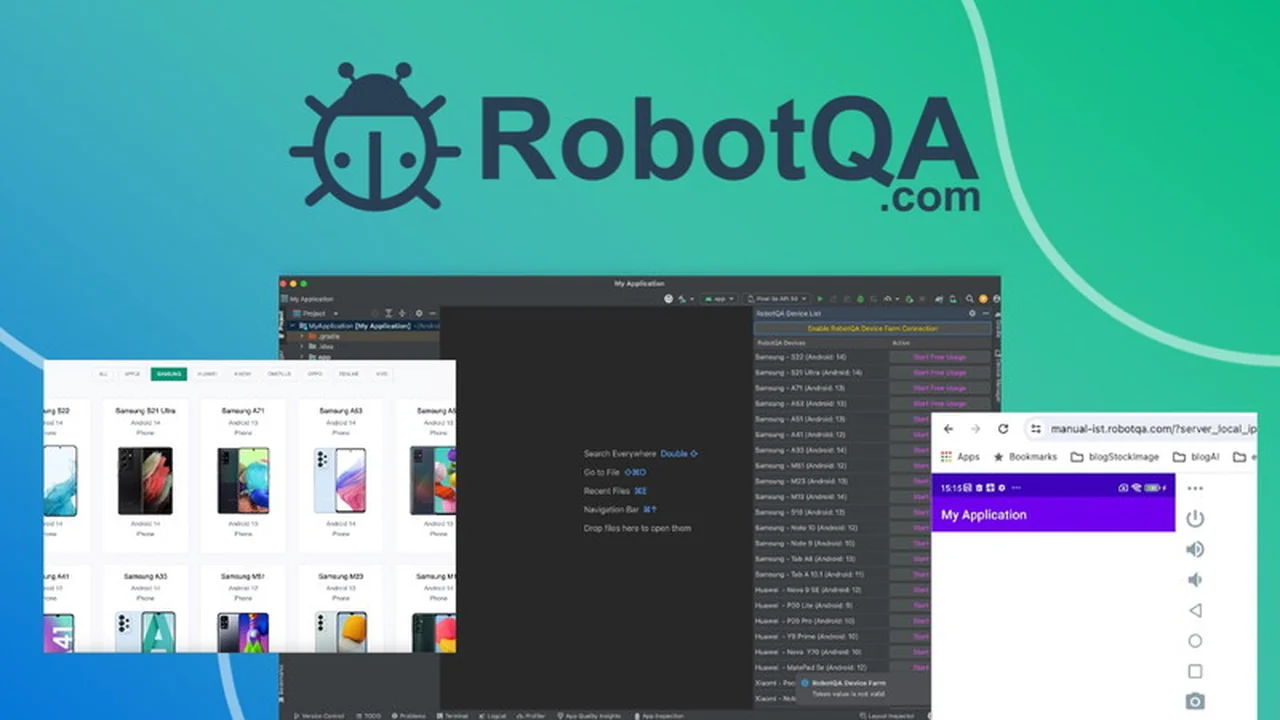
Developing and testing mobile applications on a variety of Android devices can be a significant challenge. The need for specific devices to pinpoint and resolve bugs is constant, and maintaining a physical collection of these devices is often impractical and costly.
This review explores RobotQA, a cloud-based solution designed to provide developers with instant access to a wide range of real Android devices for debugging and testing, aiming to simplify your development workflow.
What is RobotQA | AppSumo
RobotQA is a cloud platform that offers access to a diverse fleet of real Android devices. It aims to eliminate the need for developers to purchase and manage numerous physical devices for testing and debugging purposes. By providing remote access to these devices, developers can efficiently troubleshoot issues and ensure application stability across various hardware configurations.
Key Features
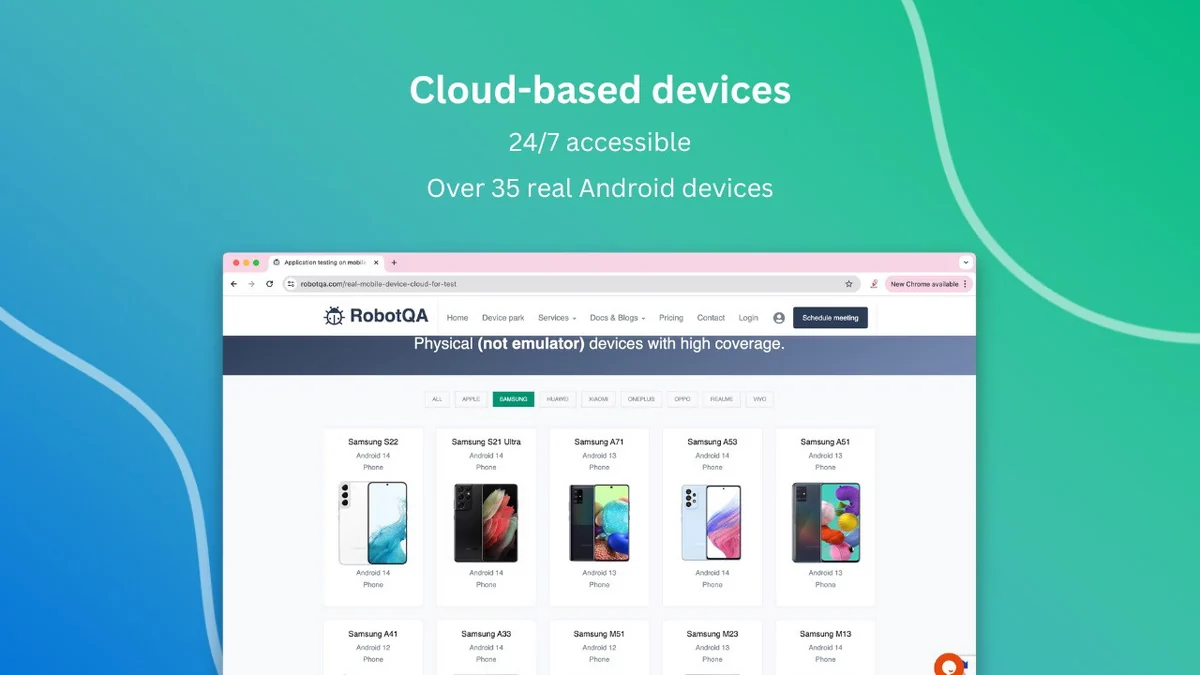
- Cloud-Based Real Devices: Access over 35 different real Android devices hosted in the cloud.
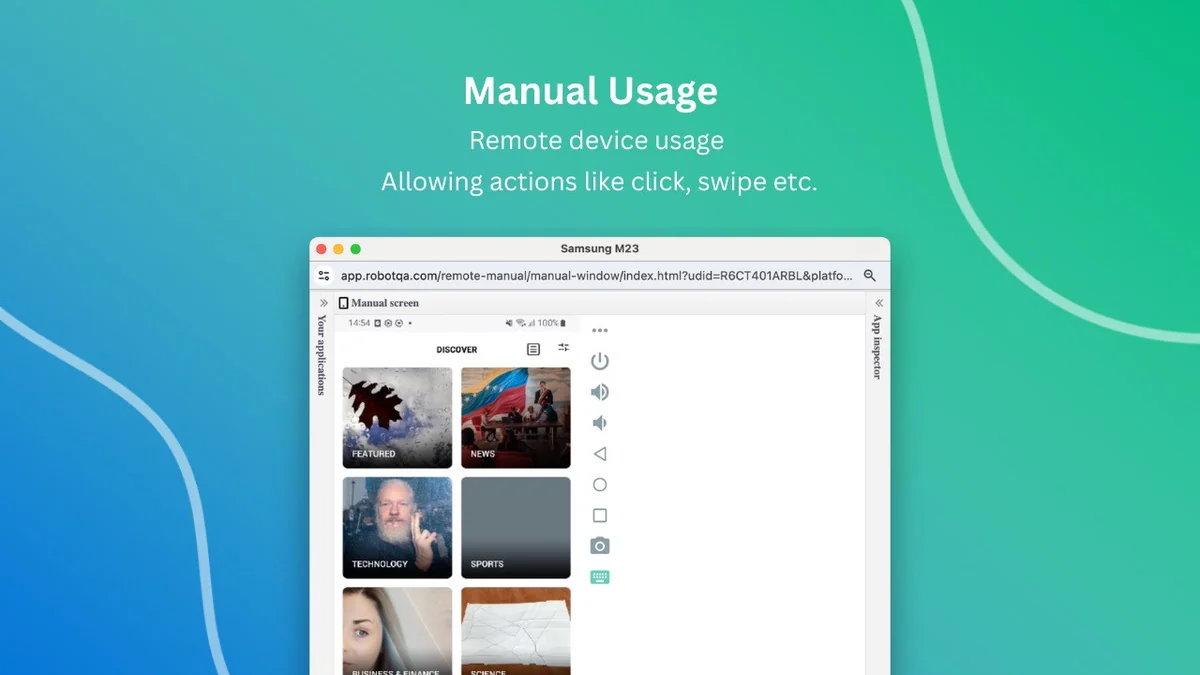
- Manual Interaction: Directly interact with connected devices through a manual usage screen, allowing for actions like swiping and clicking.
- Session Recording: Automatically records videos and phone logs during debugging sessions, creating comprehensive reports.
- Android Studio Plugin: Seamlessly integrate RobotQA into your development environment with a dedicated Android Studio plugin for easy access.
- Bug Tracking Integrations: Connect with platforms like GitHub, GitLab, and Jira for streamlined bug tracking and reporting.
How It Works
Getting started with RobotQA is straightforward. Developers can integrate the platform via a dedicated Android Studio plugin, allowing them to select and connect to a desired real Android device from the cloud. Once connected, you can interact with the device manually to debug your application. RobotQA captures all debugging activities, including screen recordings and device logs, which are invaluable for detailed analysis and team collaboration.
Use Cases
- Bug Squashing: Instantly access specific devices needed to reproduce and fix bugs.
- Cross-Device Testing: Verify application performance and appearance on a wide range of Android models and OS versions.
- Performance Analysis: Monitor application behavior and resource usage on real hardware.
- Development Workflow Enhancement: Streamline the debugging process by eliminating the need for physical device management.
Integrations & Compatibility
- RobotQA integrates directly with your development workflow
- The primary integration highlighted is the Android Studio plugin, which simplifies device selection and connection
- Additionally, RobotQA supports integrations with popular bug tracking systems such as GitHub, GitLab, and Jira, enabling a more cohesive development and bug resolution process.
Pricing & Value
RobotQA on AppSumo offers a compelling value proposition for developers. The ability to access a vast array of real devices without the prohibitive cost of purchasing and maintaining them provides significant cost savings. The platform’s features, including session recording and direct device interaction, enhance the efficiency and effectiveness of the debugging process, ultimately contributing to higher quality applications.
Deal Details
The RobotQA deal on AppSumo provides access to cloud-based real Android devices. This offer typically includes a set number of debugging sessions and minutes, allowing developers to test and debug their applications thoroughly. The deal is backed by a 60-day money-back guarantee, offering ample time to evaluate the service’s suitability for your needs.
Quick Take
- Ideal for Android developers needing to test on diverse real devices.
- Simplifies debugging by providing remote access to a cloud device lab.
- Reduces costs associated with managing a physical device inventory.
FAQs
How does RobotQA handle session limits for different plans?
Session limits are balanced with usage minutes per session for each package.
Can I test Progressive Web Apps (PWAs) that look like native apps?
Yes, you can test web-based applications that function as PWAs on the devices.
What happens if I encounter an error when connecting to a device?
You can get support via chat on the RobotQA website for any connection issues.
Are the devices shared, and will I have to wait to connect?
Devices are shared, but a variety ensures another device is usually available.
Can I use RobotQA for iOS devices?
Yes, both manual and automation testing are available for iOS devices in addition to Android.
Final Thoughts
RobotQA presents a robust solution for developers facing the complexities of Android app debugging and testing. The platform’s extensive library of real cloud-based devices, coupled with its intuitive interface and valuable reporting features, makes it a powerful tool for enhancing development efficiency. For any development team looking to streamline their testing process and improve application quality across the Android ecosystem, RobotQA is a highly recommended consideration.