
Discover RecordJoy, the user-friendly screen recording tool designed to streamline your communication and content creation. This review explores its powerful features and how it can benefit your workflow.
We’ll delve into what makes RecordJoy stand out, its practical applications, and the incredible value offered through the AppSumo deal.
What is RecordJoy | AppSumo
RecordJoy is an intuitive and powerful screen recording application that removes the complexity often associated with such tools. It allows users to easily capture their screen, add voiceovers, and include webcam footage, all without a steep learning curve.
This tool is built for speed and simplicity, enabling you to create and share videos faster than composing a simple email, making it an ideal solution for quick communication and detailed explanations.
Key Features
RecordJoy comes packed with features designed to enhance your screen recording experience:
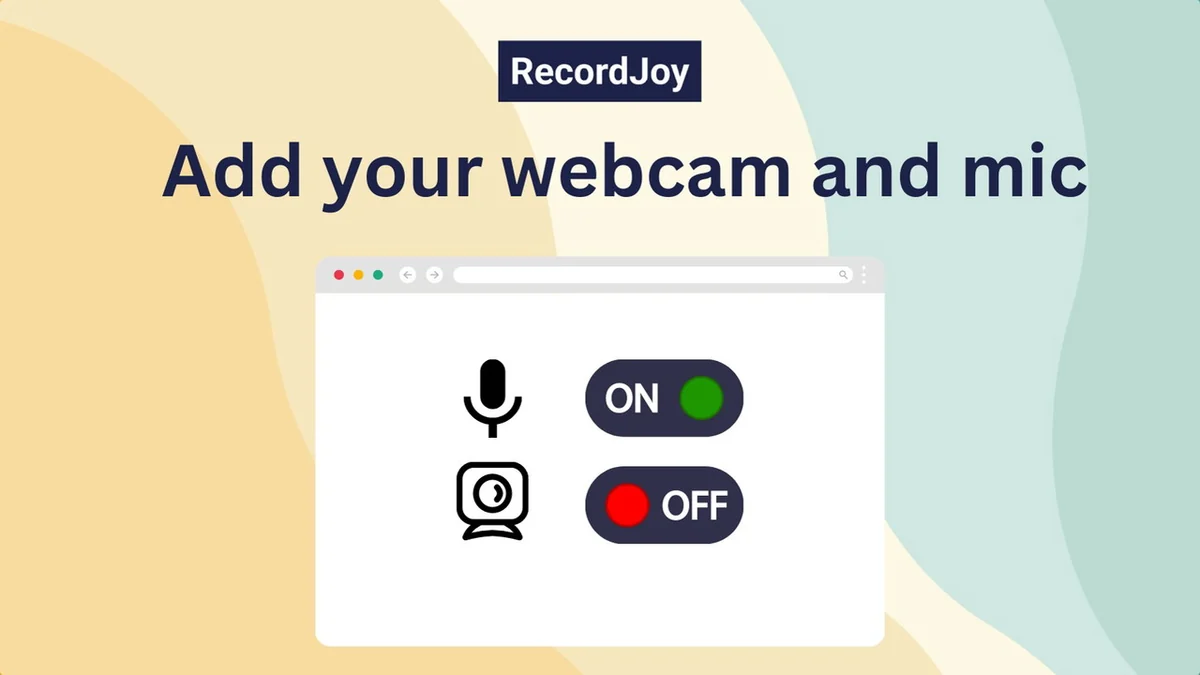
- Webcam and Microphone Integration: Effortlessly record your screen with your voice and face visible, perfect for personalizing your messages.
- Unlimited Recordings and Downloads: Capture as many videos as you need without any restrictions on the number of recordings or downloads.
- Record Up to 30 Minutes: Each recording session can last up to 30 minutes, providing ample time for comprehensive demonstrations or tutorials.
- Shareable Links: Generate quick and easy links to share your recordings with anyone, anywhere.
- Password Protection: Secure your sensitive videos with password protection, ensuring only authorized viewers can access them.
- Video Download: Download your recorded videos in various formats for offline access or further editing.
- Recording Management: Easily manage all your past recordings in one central location.
- CNAME Support: Customize your sharing links with your own domain for a more professional presentation.
How It Works
Getting started with RecordJoy is remarkably straightforward. There’s no installation required; the application operates directly within your web browser. This means you can begin recording your screen, adding audio commentary, and even incorporating your webcam feed within moments of accessing the platform.
The user interface is designed for clarity and ease of use, ensuring that even those new to screen recording can produce high-quality videos quickly. Shareable links are generated automatically, simplifying the process of distributing your content to your intended audience.
Use Cases
RecordJoy is a versatile tool suitable for a wide range of professional and personal needs:
- Customer Support: Quickly demonstrate solutions to customer issues or explain complex troubleshooting steps.
- Team Onboarding: Create guided tutorials for new hires to help them understand processes and company culture.
- Sales & Marketing: Develop product demos, feature explanations, and compelling presentation content.
- Education: Teachers can record lessons, explain assignments, or provide feedback to students.
- Bug Reporting: Employees can easily record and share steps that reproduce bugs for developers to fix.
- Content Creation: Build engaging how-to guides and tutorials for online audiences.
Integrations & Compatibility
- RecordJoy is designed for accessibility and works seamlessly across various platforms
- Its browser-based nature means it’s compatible with most modern web browsers without the need for downloads or extensions
- While specific third-party integrations are not detailed, the focus on shareable links and easy downloads allows for integration into existing workflows.
Pricing & Value
The value proposition of RecordJoy, particularly through the AppSumo deal, is significant. It offers lifetime access to premium features, removing the recurring costs associated with subscription-based screen recording software. This makes it a cost-effective solution for individuals and teams looking for a powerful yet affordable screen recording tool.
Deal Details
The current AppSumo deal provides lifetime access to RecordJoy Premium. Key aspects of the deal include:
- Lifetime access to RecordJoy Premium.
- All future RecordJoy Premium updates.
- Unlimited recordings and downloads.
- Webcam and microphone integration.
- Record up to 30 minutes of footage per recording.
- Stacking 2 codes unlocks additional features.
It’s important to redeem your code within 60 days of purchase. For further details or to inquire about specific stacked features, direct communication with RecordJoy via email is recommended.
Quick Take
- Ideal for individuals and teams needing a simple, no-install screen recorder.
- Excellent for quick demos, tutorials, and bug reporting.
- Offers great long-term value with lifetime access.
FAQs
Is there a money-back guarantee?
Yes, there is a 60-day money-back guarantee on all purchases.
What is the maximum recording length?
Each recording session can be up to 30 minutes long.
Can I protect my recordings with a password?
Yes, RecordJoy offers password protection for your video content.
Do I need to install anything to use RecordJoy?
No, RecordJoy is a browser-based tool with no installation required.
Is RecordJoy easy to use?
Yes, RecordJoy is designed to be extremely intuitive and user-friendly.
Final Thoughts
RecordJoy | AppSumo presents a compelling solution for anyone seeking an accessible, efficient, and feature-rich screen recording tool. Its browser-based operation, combined with essential features like webcam integration, password protection, and unlimited recordings, makes it highly practical for various use cases. The lifetime deal offered through AppSumo provides exceptional value, positioning RecordJoy as a wise investment for streamlining communication and content creation without ongoing subscription fees.