
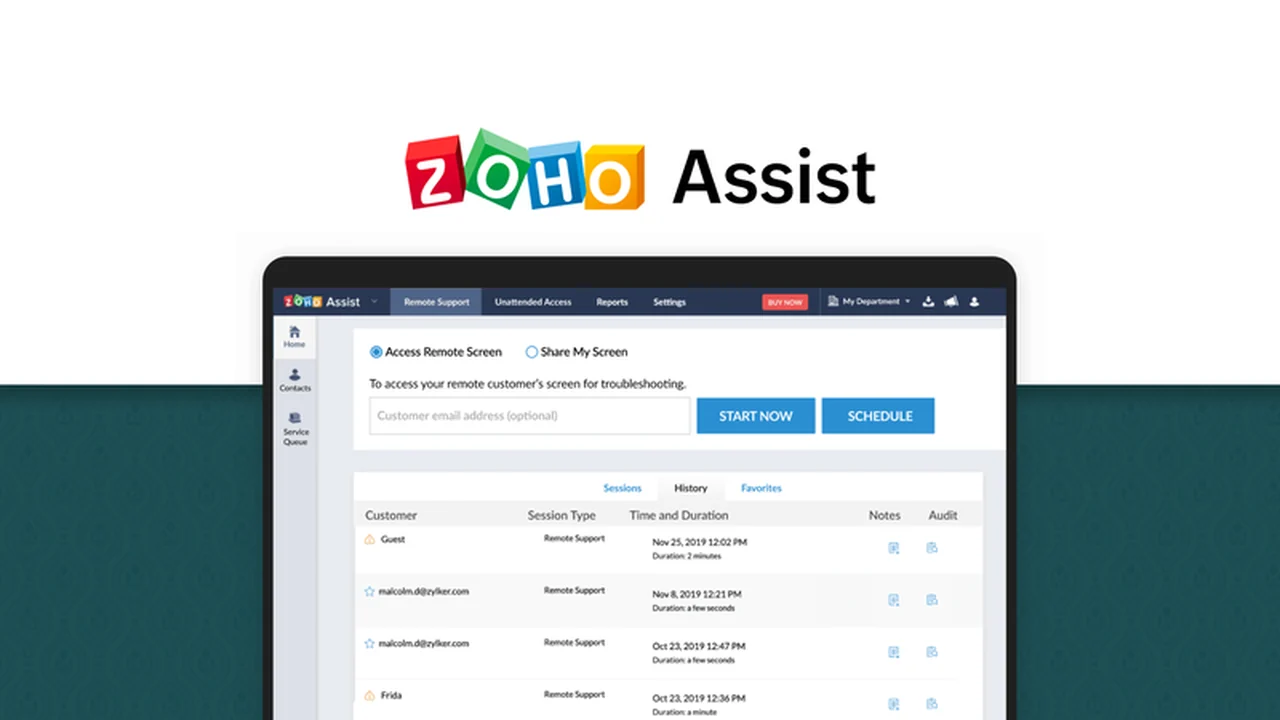
In the realm of IT support, efficiency and security are paramount. Zoho Assist offers a robust solution designed to streamline remote assistance, enabling swift problem resolution for clients and internal teams alike.
This review delves into the capabilities of Zoho Assist, highlighting its core features, operational workflow, and suitability for various technical support scenarios. Discover how it can help you deliver a top-notch support experience.
What is Zoho Assist – Deliver top-notch support experience | AppSumo
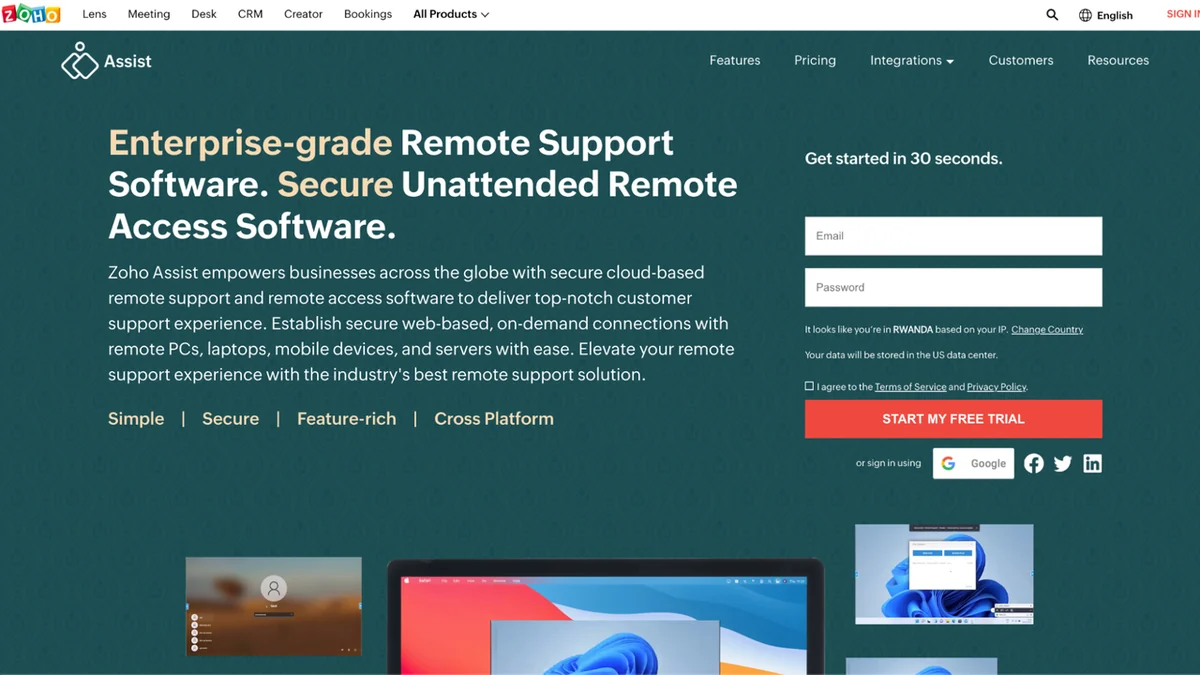
Zoho Assist is a cloud-based remote support platform engineered to facilitate seamless connections with customer or employee devices for technical assistance. It supports a wide array of operating systems and mobile platforms, including Windows, Linux, macOS, iPad, iPhone, and Android.
The core strength of Zoho Assist lies in its ability to provide remote support without requiring any software installation on the customer’s end. It establishes an encrypted, end-to-end connection, ensuring the security and privacy of the support session against unauthorized access.
Key Features
- Remote Support: Connect instantly to a customer’s computer or mobile device for real-time troubleshooting.
- Unattended Remote Access: Service servers, workstations, and portable devices remotely, even when the user is not present, with prior consent.
- Live Camera Support: Utilize a mobile device’s camera to see the customer’s issue firsthand.
- Screen Sharing: Share your screen with high quality and performance, including annotation tools for a virtual whiteboard experience.
- File Transfer: Securely exchange files between your system and the remote device without relying on email or FTP.
- Instant Messaging: Admins can communicate with remote users via text-based chat for quick queries.
- Out-of-Band Support: Troubleshoot and access computers that are not within the network firewall.
- Mobile Remote Control: Use iOS or Android devices to control computers remotely.
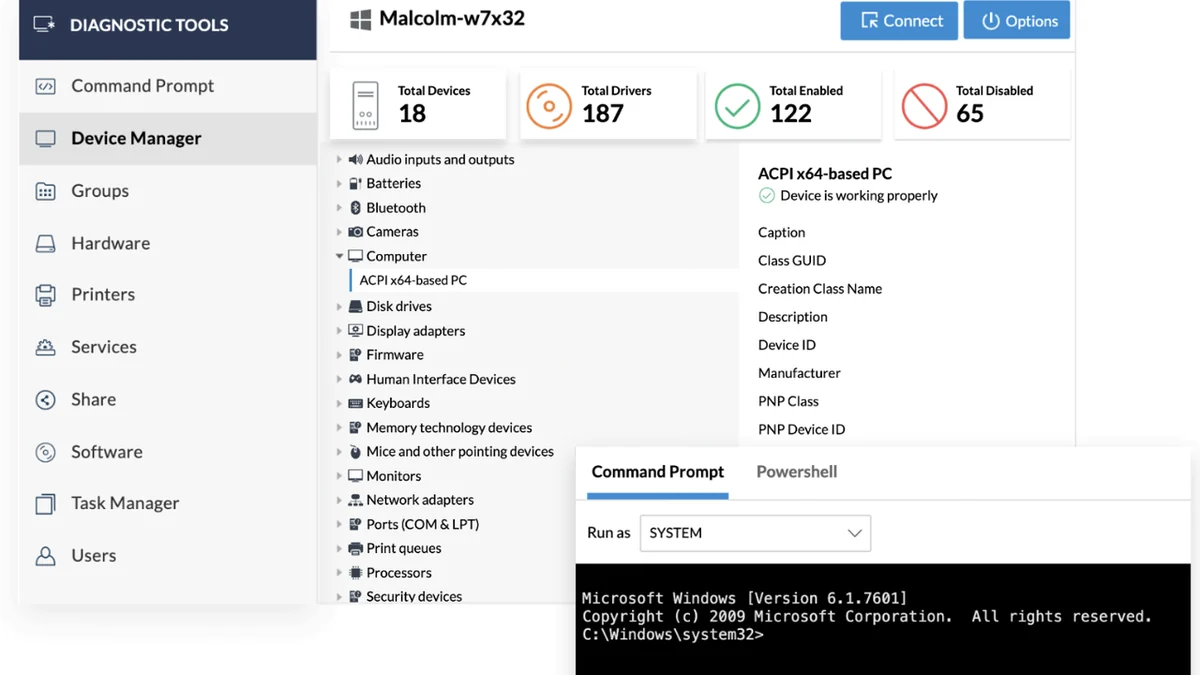
- Device Management: Remotely reboot, manage services and processes, clear logs, and handle disks and shares.
- Security: Features 256-bit AES encryption and SSL for data traffic, plus two-factor authentication.
- Audit Trails: The Action Log Viewer allows for auditing business devices.
How It Works
Initiating a support session is straightforward. Typically, a support agent shares a session code or a link with the end-user. The user then accesses this link or enters the code, which prompts the download of a lightweight agent or establishes a direct connection.
Once connected, the agent gains access to the remote device, enabling them to view the screen, take control, transfer files, and perform various diagnostic and resolution tasks. The entire process is designed to be user-friendly for both the support provider and the recipient.
Use Cases
- Managed Service Providers (MSPs): Efficiently manage and support multiple client systems remotely.
- Enterprise IT Departments: Resolve internal IT issues for employees across different locations, enhancing productivity.
- IT Technical Support Agencies: Provide reliable and secure remote assistance to a diverse customer base.
- System Administrators: Maintain servers and workstations, deploy updates, and perform maintenance tasks without physical presence.
- Field Technicians: Offer remote support to devices that cannot be physically accessed immediately.
Integrations & Compatibility
- Zoho Assist is designed to work across major operating systems, ensuring broad compatibility with Windows, macOS, and Linux desktops, as well as iOS and Android mobile devices.
Pricing & Value
Zoho Assist operates on a subscription model, offering different tiers to cater to varying business needs and team sizes. The value proposition centers on its comprehensive feature set for remote support and its focus on security and ease of use.
Deal Details
Deals on Zoho Assist are often time-sensitive and available through platforms like AppSumo. These limited-time offers can provide significant savings, allowing users to access premium features at a reduced cost.
Quick Take
- Ideal for IT professionals and support teams needing reliable remote access.
- Offers robust security features to protect sensitive data during sessions.
- Simplifies troubleshooting and device management for enhanced efficiency.
FAQs
Is unattended access secure with Zoho Assist?
Unattended access is secured with consent-based confirmations and strong encryption protocols.
Does the customer need to install software for remote support?
No, the customer typically does not need to install any software for basic remote support sessions.
Can I use Zoho Assist on mobile devices?
Yes, Zoho Assist allows remote support control from both iOS and Android devices.
What security measures does Zoho Assist employ?
It uses 256-bit AES encryption, SSL, and two-factor authentication for secure connections.
Is Zoho Assist suitable for small businesses?
Yes, Zoho Assist offers scalable plans that cater to businesses of all sizes, including small operations.
Final Thoughts
Zoho Assist stands out as a powerful and secure remote support solution. Its comprehensive feature set, combined with a user-friendly interface and strong encryption, makes it a valuable tool for any organization looking to enhance its IT support capabilities.
From quick troubleshooting to in-depth device management, Zoho Assist provides the necessary tools to deliver a seamless and efficient support experience, making it a worthy consideration for your technical support needs.