
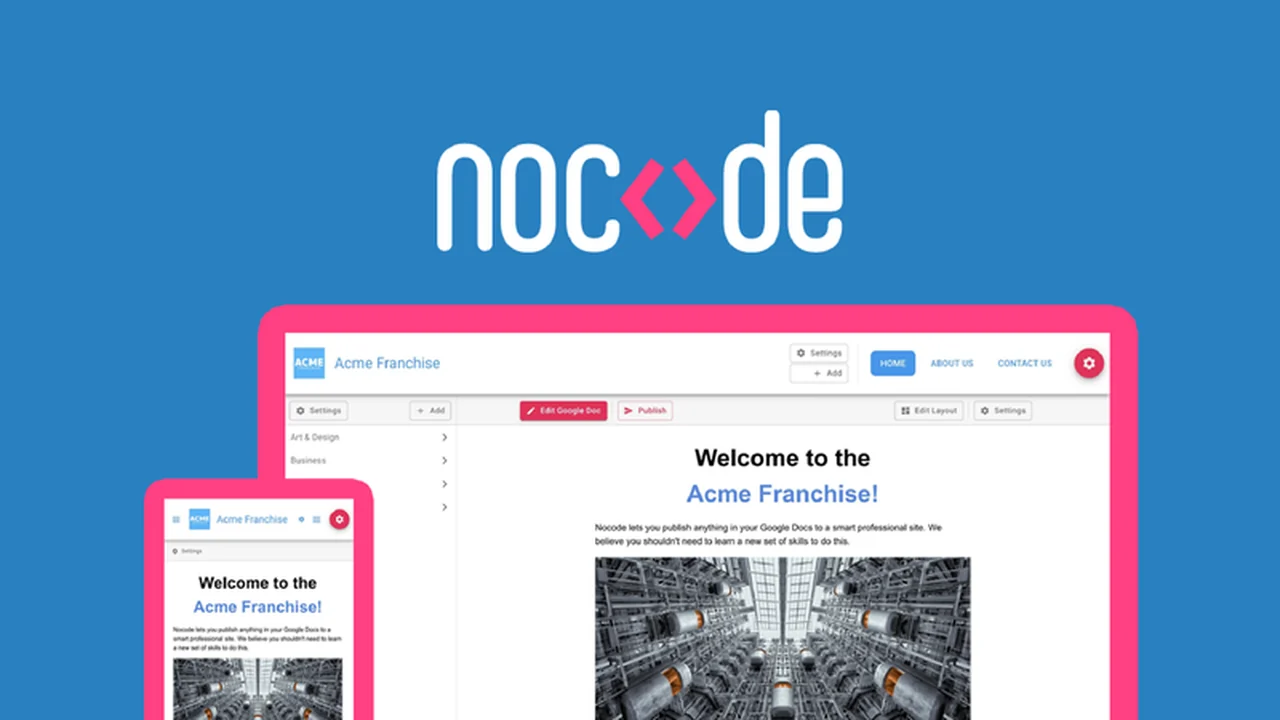
If you’re considering Nocode, this review breaks down what it does, how it works, and who it’s best for.
You’ll also get a clear feature rundown, practical use-cases, and a quick decision guide before you commit.
What is Nocode – Turn your Google Docs into a website | AppSumo
Nocode is a unique platform designed to convert your existing Google Docs content into a live, functioning website without requiring any coding knowledge. It bridges the gap between content creation in a familiar environment and web publishing, making website building accessible to a wider audience.
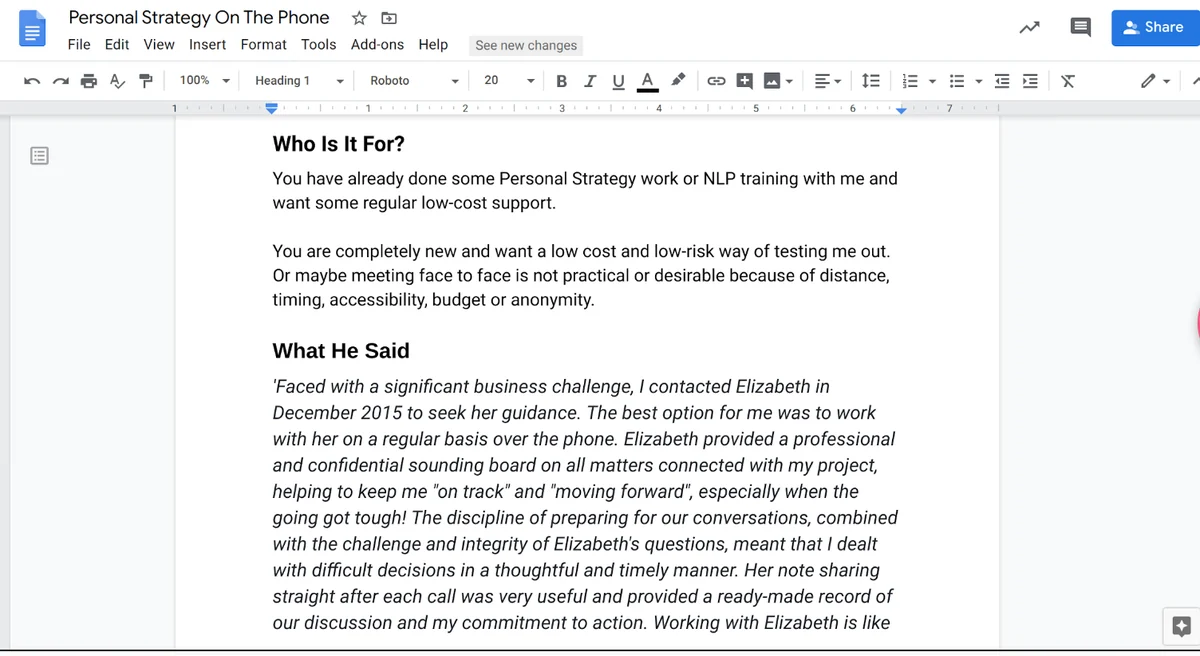
The core concept revolves around using Google Docs as your content management system (CMS). You can write, edit, and organize your content in Docs, and Nocode handles the technical aspects of turning that into a presentable, secure, and responsive website. This approach significantly streamlines the process, especially for those who are not developers.
Key Features
Nocode offers a robust set of features that simplify and enhance website creation:
- Google Docs Integration: Seamlessly convert individual Google Docs into separate website pages.
- No-Code Publishing: Publish website updates directly from your Google Docs with just a few clicks.
- Responsive Design: Ensures your website looks great and functions well on all devices, from desktops to smartphones.
- Website Search: Visitors can use a site-wide search function to easily find information within your website.
- Content Security: Nocode prioritizes security, separating user experience from content management to create an unhackable site.
- Automatic SSL Certificates: Automatically acquire and renew SSL certificates, ensuring visitor security and preventing browser warnings.
- Media & Text Widgets: Enhance your content with embeddable GIFs, YouTube videos, and other HTML snippets.
- Custom Domains: Use your own site domain name for a professional online identity.
- Brand Customization: Personalize your website with your logo, brand colors, and icons.
- Password Protection: Secure your site with password protection for controlled access.
- Collaboration Tools: Leverage Google Docs’ collaboration features for team editing and sharing.
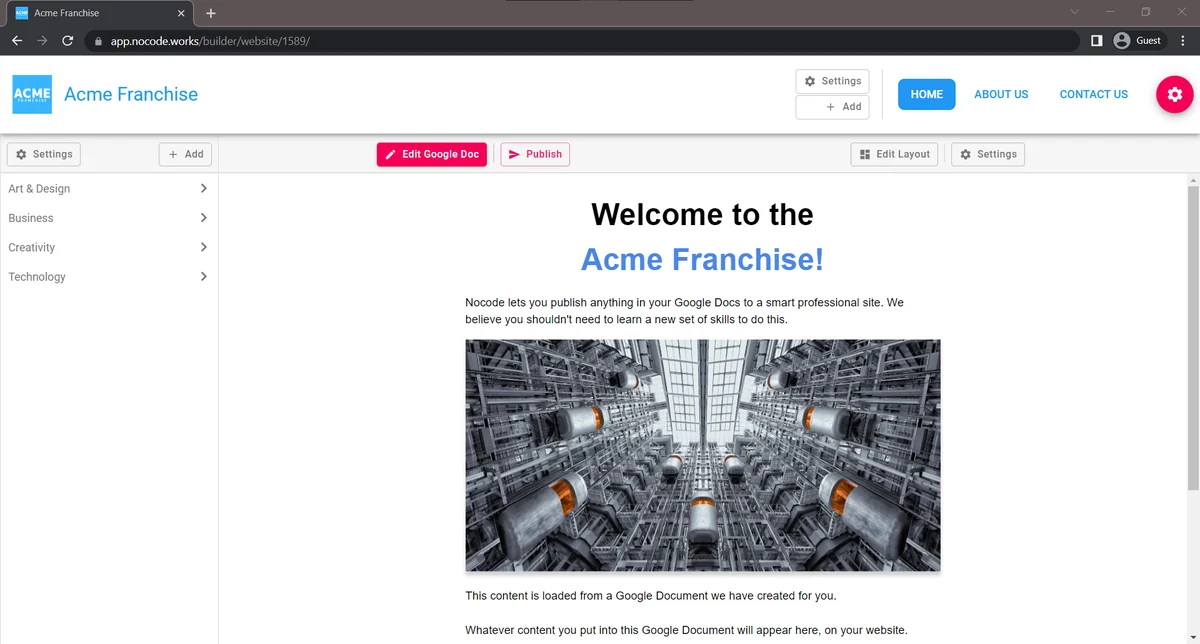
- Layout Editor: Preview and make modifications to your site’s layout before publishing.
How It Works
The process of creating a website with Nocode is designed to be straightforward and intuitive. It begins with your content residing in Google Docs. Each Google Doc you designate can become a distinct page on your website. Nocode then accesses these documents, transforms the content, and builds your site structure.
Once your content is organized in Google Docs, you can utilize Nocode’s layout editor to refine the appearance and structure of your pages. Publishing new content or updates is as simple as editing the relevant Google Doc and clicking a publish button within the Nocode platform. The system handles the rest, ensuring your changes are reflected live on your website quickly.
Use Cases
Nocode is versatile and can be a valuable tool for a variety of users and projects:
- Small Businesses: Quickly create a professional online presence for product information, services, or company details.
- Freelancers & Consultants: Develop personal portfolio sites or service pages to showcase expertise.
- Non-Profits & Associations: Easily share information, updates, and event details with members and the public.
- Students & Academics: Build project pages, research portfolios, or online CVs.
- Marketers: Design landing pages for campaigns or simple promotional websites.
- Content Creators: Publish articles, blog posts, or creative writing projects in an accessible format.
Integrations & Compatibility
- Nocode focuses on seamless integration with Google Workspace
- It connects to your Google account to access your documents, with granular control over permissions, ensuring your data’s safety
- For form submissions, Nocode allows integration with services like Zapier and Make via webhooks, enabling you to connect your forms to a wide array of other applications for automated workflows
- The platform is built to be compatible across various browsers, ensuring a consistent user experience
- Furthermore, Nocode leverages a Global CDN and SpreadSheet caching for enhanced website speed and performance
- You can also embed content from thousands of different services directly into your page layouts, adding dynamic elements to your site.
Pricing & Value
Nocode offers a pricing structure that aims to provide significant value, especially when considering the ease of use and the elimination of traditional web development costs. By utilizing a familiar tool like Google Docs as the content source, users bypass the need for expensive CMS software or dedicated web design services.
The value proposition is particularly strong for individuals or small teams who need to get a website up and running quickly without technical expertise. The ability to manage content and publish updates efficiently contributes to ongoing cost savings and time efficiency.
Deal Details
The Nocode platform is often available through special deals, such as lifetime access on platforms like AppSumo. These deals typically include access to all current and future updates, along with ongoing support. The package often encompasses features like new templates, the ability to hook up forms to Zapier/Make, global CDN and spreadsheet caching for faster sites, a dashboard for managing multiple sites, and the capability to embed various content types. A 60-day money-back guarantee usually accompanies these offers, allowing users to test the service risk-free.
Quick Take
- Ideal for non-technical users who are already comfortable with Google Docs.
- Offers a rapid and cost-effective way to launch a functional website.
- A smart solution for simple websites, portfolios, landing pages, or informational sites.
FAQs
What happens if I need help with Nocode?
Nocode provides a helpdesk with how-to guides and detailed instructions for assistance.
How do I add multimedia like videos to my Nocode website?
You can enhance your site with media and text widgets like embeddable YouTube videos.
Is Nocode secure for my website content?
Nocode offers unhackable sites by separating user experience from content management.
Can I use my own domain name with Nocode?
Yes, you can use your own site domain name with Nocode.
What is the primary function of Nocode?
Nocode turns your Google Docs into a functioning website without any coding.
Final Thoughts
Nocode presents an innovative and accessible approach to website creation. By harnessing the ubiquity and user-friendliness of Google Docs, it democratizes web publishing for individuals and small organizations who may not have the technical skills or budget for traditional website development. The platform’s emphasis on simplicity, speed, and security makes it a compelling option for a wide range of users.
If you’re looking for a straightforward way to get your content online, share information, or establish a basic web presence, Nocode is certainly worth exploring. Its unique integration with Google Docs removes significant barriers, allowing you to focus on what matters most: your content.