
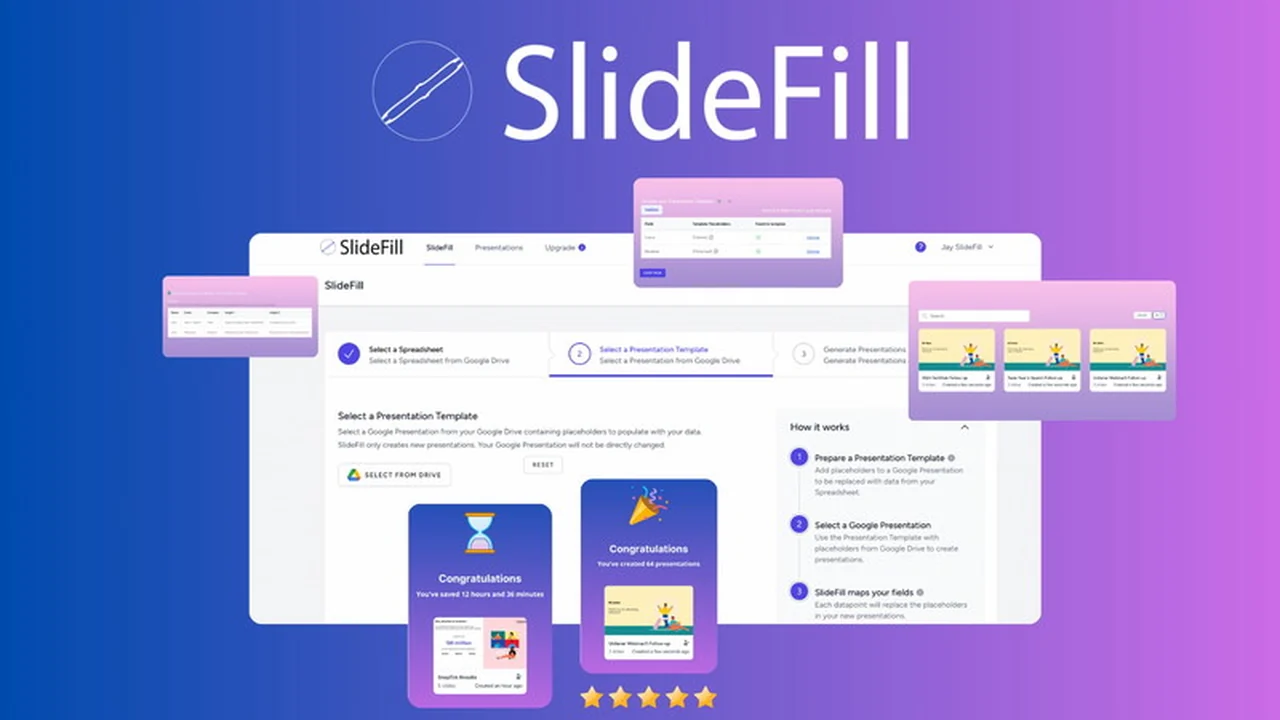
Tired of the repetitive task of manually populating presentations with data? This review explores how SlideFill offers a streamlined solution for creating personalized, data-driven content, saving valuable time for sales, marketing, and success teams.
Discover how SlideFill leverages your existing data sources to generate impactful presentations, allowing you to focus on strategy and client engagement rather than data entry. We’ll cover its core functionalities, practical applications, and overall value proposition.
What is SlideFill | AppSumo
SlideFill is a tool designed to automate the creation of personalized, data-driven presentations. It connects to your data sources, such as Google Sheets or CRMs, and uses this information to populate pre-designed presentation templates. The goal is to significantly reduce the time spent on manual data entry and content customization, enabling teams to produce more relevant and impactful materials faster.
Key Features
- Automated Data Population: Seamlessly inserts your data into presentations.
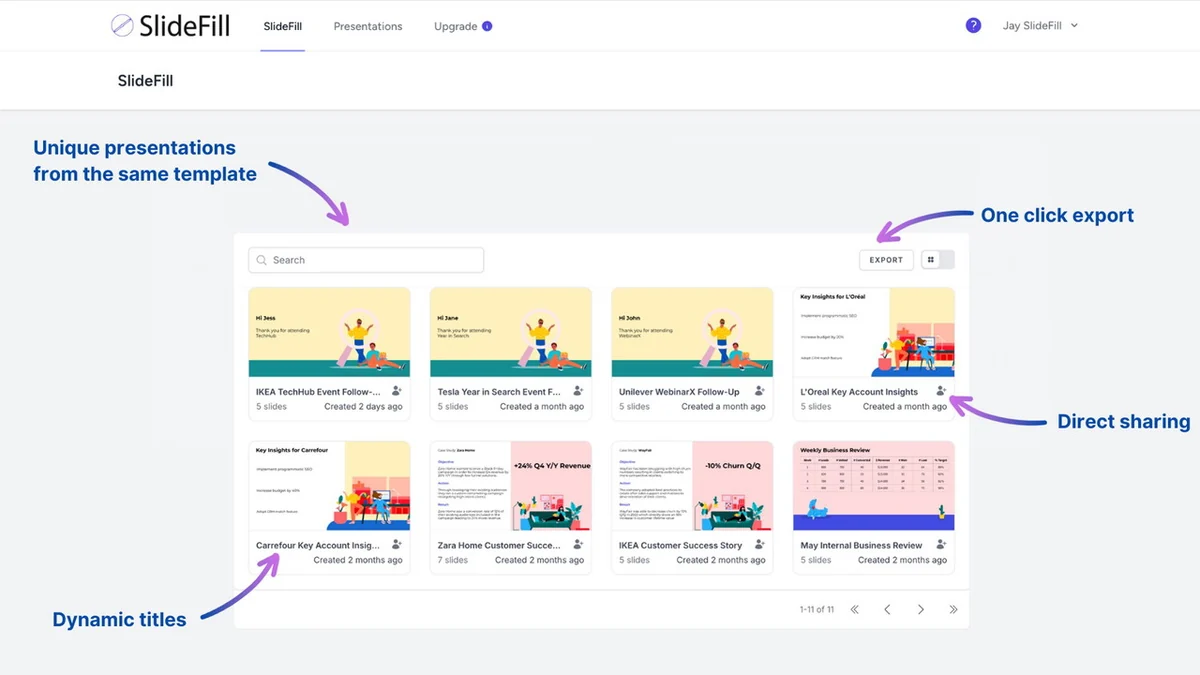
- Personalization at Scale: Creates unique presentations tailored to specific data rows.
- No-Code Required: User-friendly interface requires no technical expertise.
- Google Drive Integration: Works directly with Google Sheets and Google Slides.
- On-Brand Templates: Supports custom templates with unlimited placeholders.
- Direct Sharing & Download: Easily share or download created content.
- Data Privacy: Keeps your data securely within your Google Drive.
How It Works
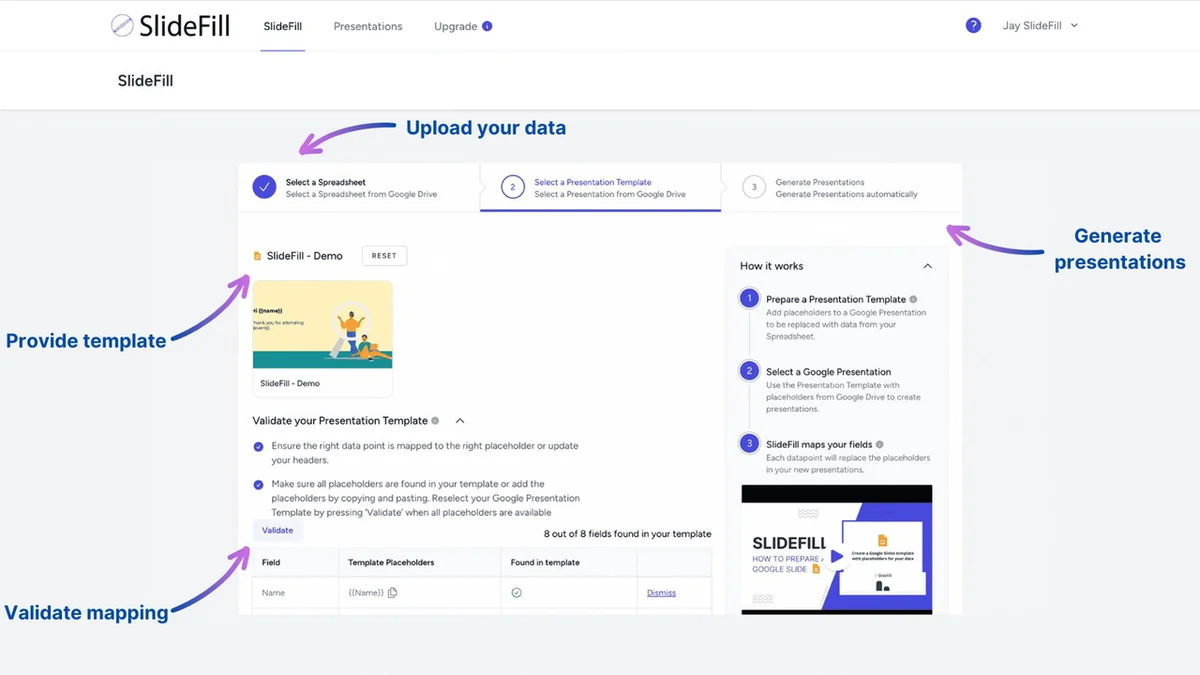
SlideFill operates on a simple, three-step process. First, you prepare your data in a Google Sheet, using column headers that will serve as placeholders. Next, you create a presentation template in Google Slides, inserting placeholders that correspond to your Google Sheet headers. Finally, you connect SlideFill to your Google Sheet and template, and the software automatically generates a unique presentation for each row of data.
Use Cases
- Sales Pitches: Quickly generate customized sales proposals with client-specific data.
- Marketing Materials: Create personalized reports and case studies that resonate with individual audiences.
- Business Reviews: Automate the creation of performance reports and client updates.
- Success Stories: Easily build client success stories using their own data.
- Onboarding Documents: Streamline the creation of personalized materials for new clients or employees.
Integrations & Compatibility
- SlideFill primarily integrates with Google Drive, allowing it to work seamlessly with Google Sheets for data input and Google Slides for template creation
- All your data and presentations remain within your Google Drive environment, benefiting from Google’s security measures.
Pricing & Value
The value proposition of SlideFill lies in its ability to significantly increase productivity and revenue. By saving hours on manual presentation creation, teams can focus on revenue-generating activities. The tool is designed to pay for itself after creating just a few presentations, with studies indicating that personalized content can drive substantially more revenue.
Deal Details
This offering typically provides lifetime access to SlideFill. The deal often includes a generous money-back guarantee, allowing ample time to evaluate its effectiveness for your specific needs. It’s important to note that SlideFill has been rebranded to AutoScaled, and existing and new customers should follow specific redemption and login instructions for the new platform.
Quick Take
- Ideal for sales, marketing, and reporting teams looking to save time.
- Best for users who frequently create data-driven presentations.
- Offers a practical way to enhance personalization and boost revenue.
FAQs
Can I use my own presentation templates?
Yes, SlideFill allows you to use your own on-brand templates with unlimited placeholders.
Where is my data stored?
All your customer data and presentations are stored securely within your Google Drive.
How do I get started with SlideFill?
You connect a Google Sheet with data to a Google Slides template via the SlideFill platform.
Does SlideFill require coding?
No, SlideFill is a no-code tool that requires no programming knowledge to use.
What is SlideFill now called?
SlideFill has been rebranded and is now known as AutoScaled.
Final Thoughts
SlideFill, now AutoScaled, presents a compelling solution for anyone struggling with the time and effort involved in creating personalized, data-rich presentations. Its intuitive integration with Google Workspace, coupled with its no-code approach, makes it accessible and highly efficient. For businesses aiming to boost productivity and enhance customer engagement through tailored content, this tool offers significant value and a clear return on investment.