
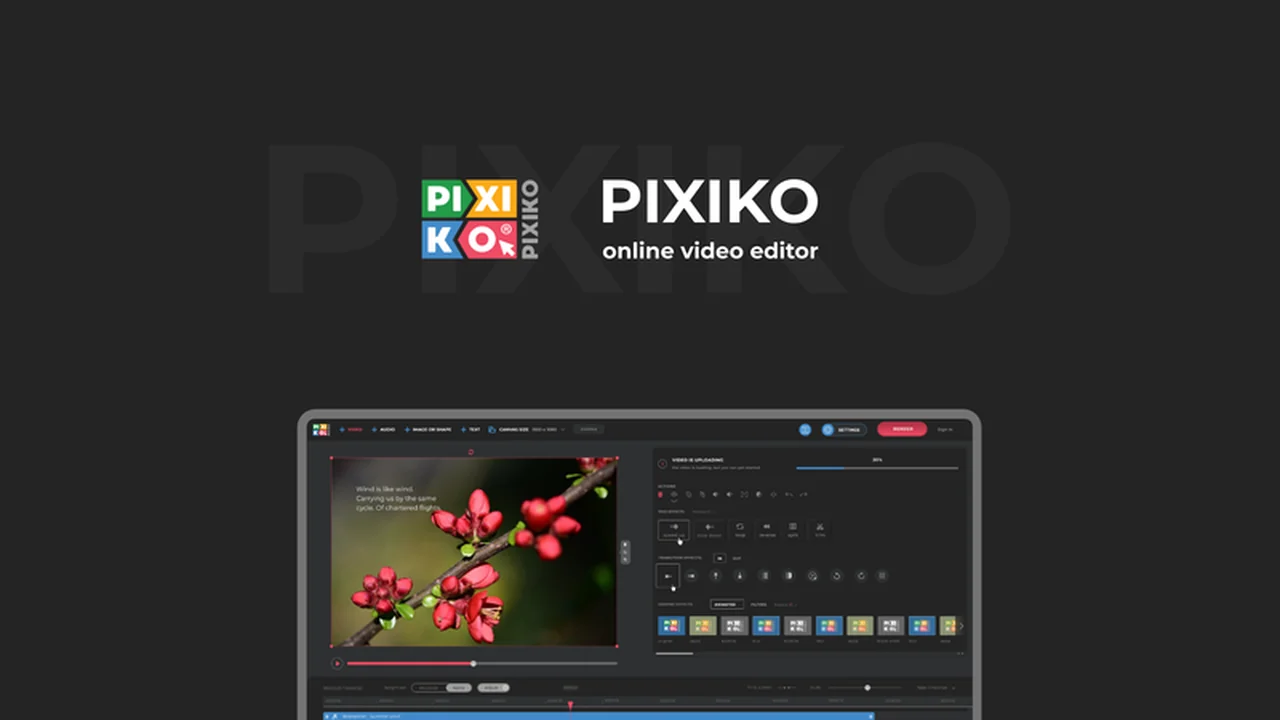
Creating professional-looking videos can often feel like a daunting task, requiring specialized software and extensive training. However, the demand for engaging video content across social media, marketing, and presentations continues to rise.
This review explores Pixiko, a web-based video editor designed to simplify the process, allowing users to craft compelling videos directly within their browser. We’ll delve into its features, usability, and overall value.
What is Pixiko – Create engaging videos in your browser | AppSumo
Pixiko is an intuitive, browser-based video editing platform that aims to democratize video creation. It removes the need for complex software downloads and steep learning curves, enabling users to produce high-quality video content with ease and speed.
Key Features
Pixiko offers a comprehensive suite of tools to enhance your video projects:
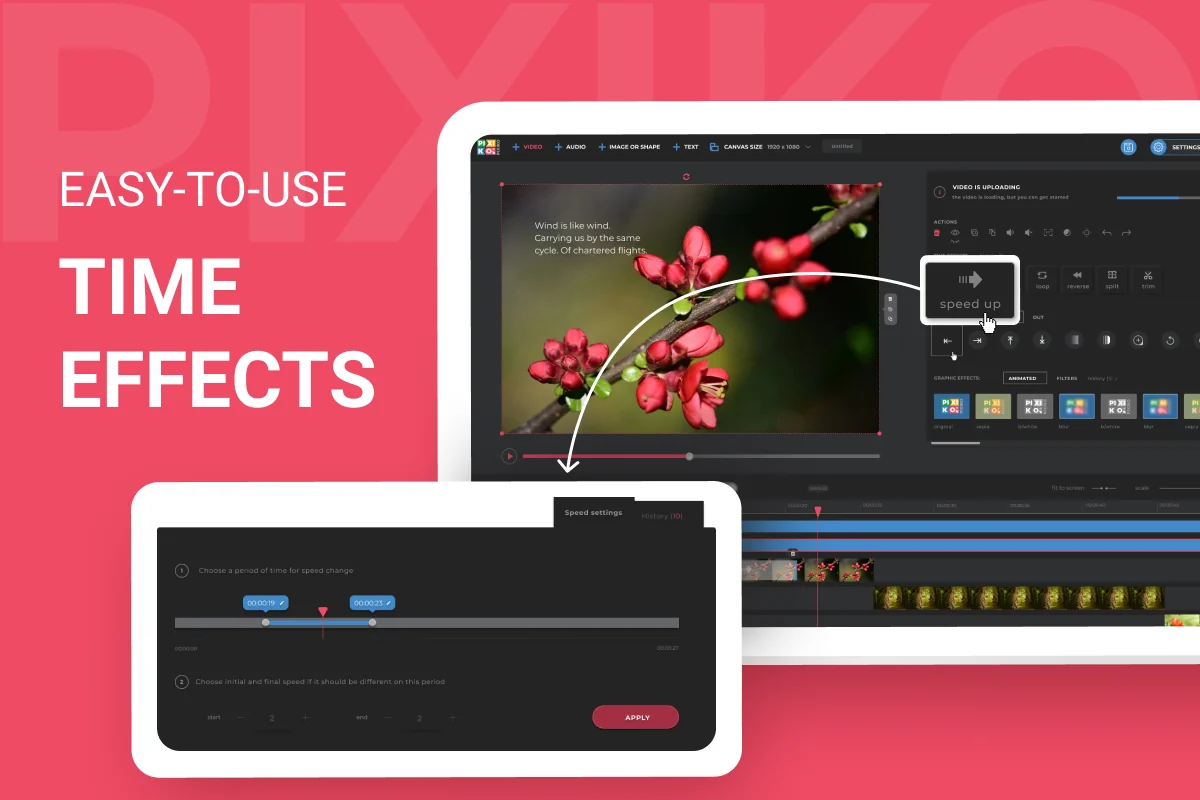
- Time Effects: Easily apply effects like speed up, slow down, loop, trim, and reverse to entire videos or specific sections.
- Object Timeline Management: Reorder video, audio, image, and text elements seamlessly on timelines.
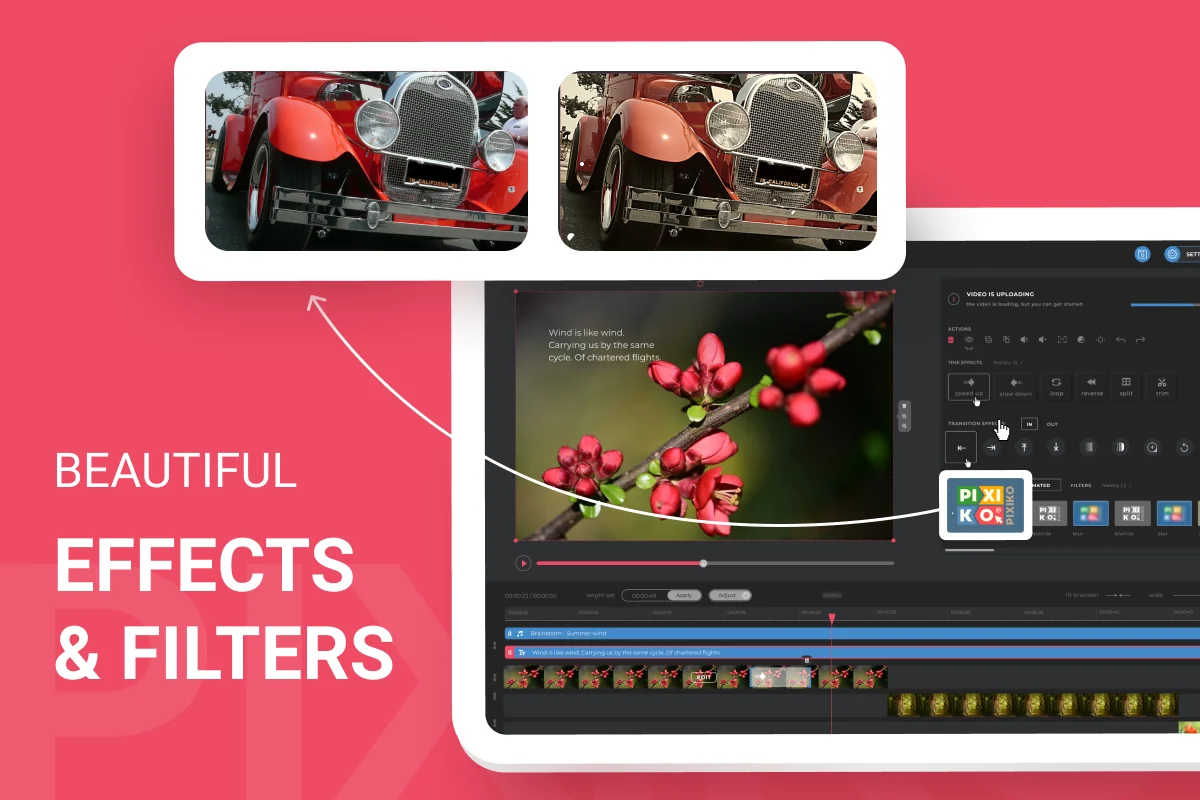
- Motion and Graphic Effects: Utilize a range of motion effects, graphic effects, and filters to add flair to your content.
- Layered Effects: Combine multiple effects on a single element for unique and complex visual outcomes.
- Video Templates: Access over 100 professionally designed templates that can be customized with your own footage, images, and text.
- Built-in Media Library: Upload and manage your own media assets within the platform.
- Pixabay Integration: Access a vast library of over 800,000 free stock images, videos, and audio files directly through Pixiko.
How It Works
The workflow in Pixiko is designed for simplicity. Users begin by uploading their media or selecting from available templates. The intuitive interface allows for drag-and-drop functionality, making it easy to arrange elements on the timeline. Effects and filters can be applied with just a few clicks, and their duration or application area can be precisely controlled.
Use Cases
Pixiko is ideal for a variety of users and scenarios:
- Social Media Content Creators: Quickly produce eye-catching videos for platforms like Instagram, TikTok, and Facebook.
- Small Business Owners: Create promotional videos, product demonstrations, and marketing materials without needing a dedicated design team.
- Content Marketers: Develop engaging video ads and explainer videos efficiently.
- Educators: Enhance lessons with animated visuals and explainer clips.
- Anyone needing quick video edits: For personal projects or simple announcements, Pixiko offers a fast and effective solution.
Integrations & Compatibility
- Pixiko seamlessly integrates with the Pixabay platform, providing access to a massive library of stock media
- Its browser-based nature ensures compatibility across various operating systems and devices, as long as a stable internet connection is available.
Pricing & Value
Pixiko provides significant value by offering a lifetime access option, eliminating recurring subscription costs. This makes it a particularly attractive option for individuals and businesses looking for a cost-effective, long-term video creation solution.
Deal Details
The current deal typically offers lifetime access to Pixiko, including all future updates and features. A 60-day money-back guarantee is usually included, allowing ample time to test the platform thoroughly.
Quick Take
- Ideal for content creators and businesses seeking an accessible video editing tool.
- Offers a straightforward interface for quick video production and editing.
- Provides a cost-effective lifetime access option for long-term use.
FAQs
Is this software suitable for beginners?
Yes, Pixiko is designed to be user-friendly for those with no prior video editing experience.
Are there any templates available to get started?
Pixiko offers over 100 professionally designed video templates to inspire your projects.
How easy is it to add text to my videos?
Adding text with motion and animated letter effects is straightforward within the Pixiko editor.
Can I use my own media files in Pixiko?
Yes, Pixiko allows you to easily upload and use your own videos, images, and audio files.
What makes Pixiko different from other video editors?
Pixiko is entirely browser-based, making it accessible without downloads and offering a simpler user experience.
Final Thoughts
Pixiko presents a compelling solution for anyone looking to create engaging videos without the complexities of traditional editing software. Its browser-based approach, combined with a robust feature set and the convenience of stock media integration, makes it a highly accessible and valuable tool. The lifetime access deal further enhances its appeal, offering a cost-effective way to produce professional-quality video content consistently.