
Managing client projects efficiently can be a significant challenge, often requiring multiple tools that fragment your workflow.
Discover the core capabilities and practical applications of Project.co, and understand how its features can directly benefit your client management and payment processes, ultimately saving you time and reducing complexity.
What is Project.co – Manage client work and get paid | AppSumo
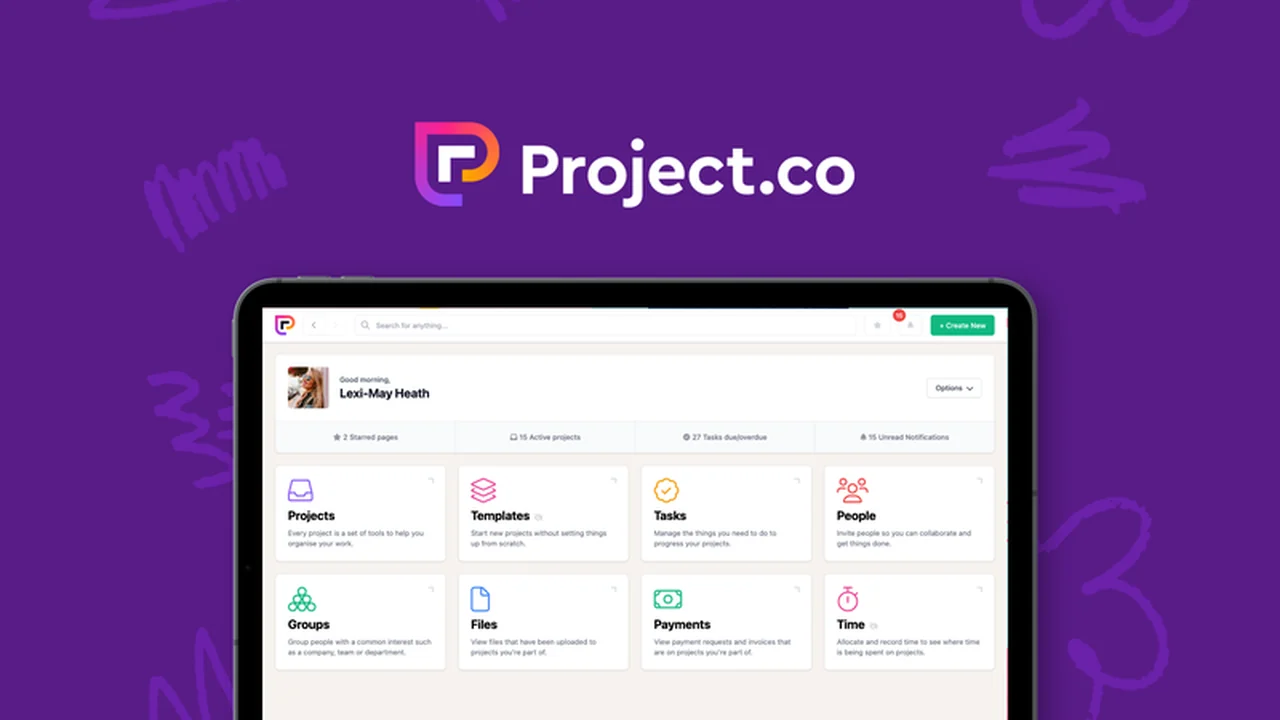
Project.co is a comprehensive platform designed to centralize client work management, from task assignment and communication to progress tracking and payment requests. It provides a unified dashboard where teams and clients can collaborate effectively, ensuring all project-related information remains accessible and organized.
Key Features
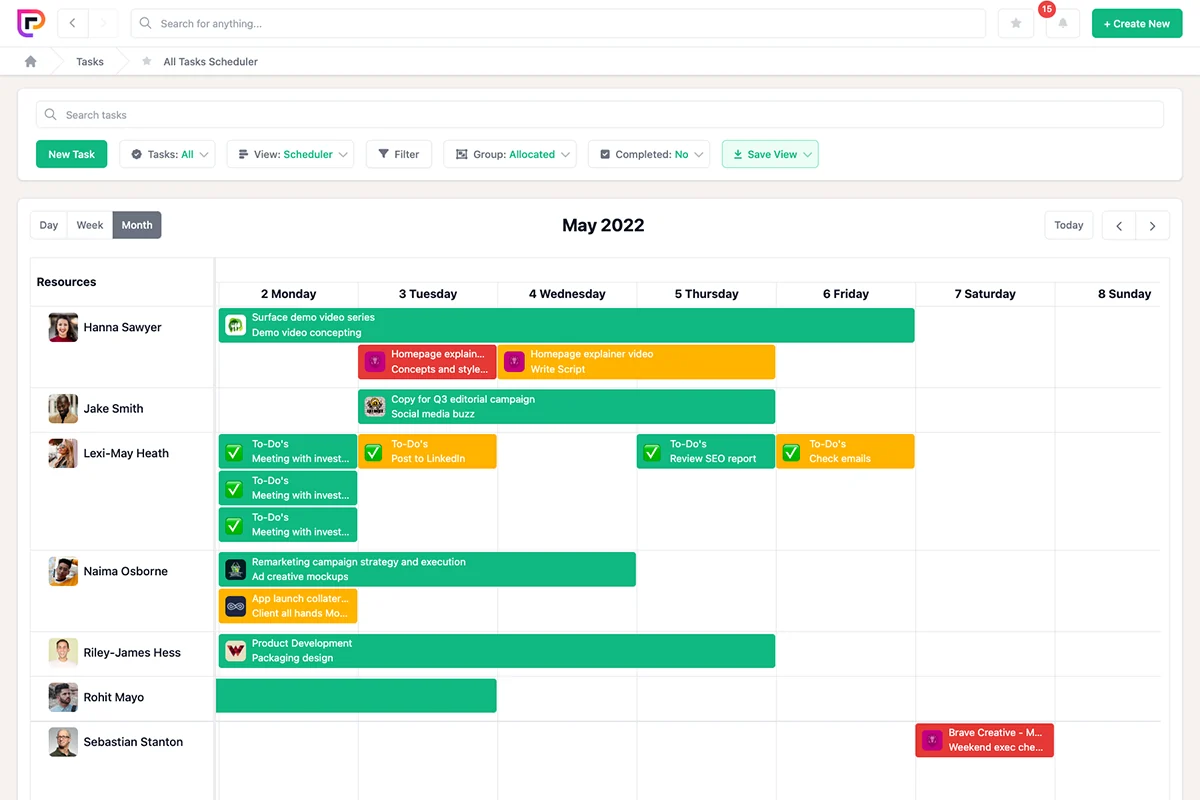
- Task Management: Create, assign, and manage tasks with specified date ranges or recurring options. Upload files, add comments, and track individual task progress.
- Client Collaboration: Invite team members and clients to a shared dashboard for seamless interaction and project oversight.
- Discussion Tools: Utilize a built-in communication feature for real-time team collaboration, including file uploads, emoji reactions, and tagged replies.
- Time Tracking: Monitor hours spent on each project to accurately bill clients and understand resource allocation.
- Payment Requests: Easily generate and send payment requests to clients directly through the platform, streamlining the invoicing process.
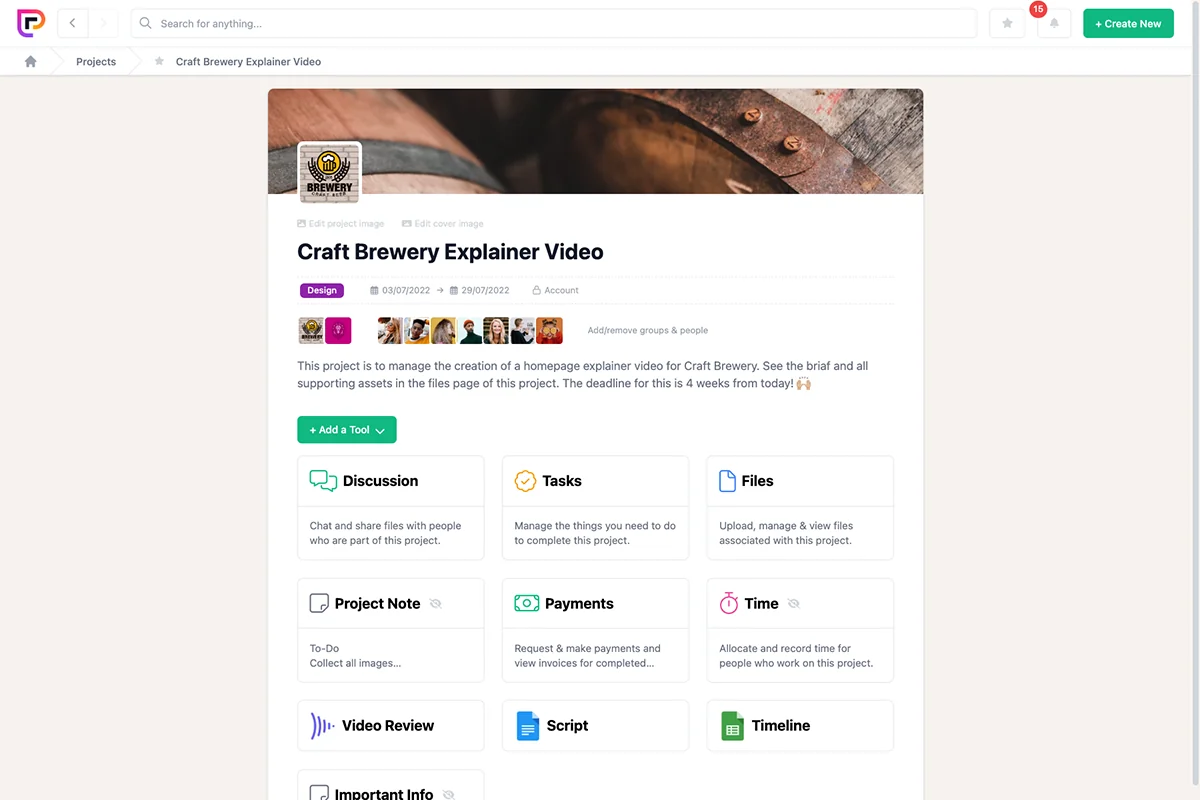
- Modular Design: Build custom project spaces with a flexible layout that adapts to your specific workflow needs.
How It Works
Getting started with Project.co involves setting up your projects and inviting your team and clients. You can then create tasks, assign them to team members, and provide all necessary details, files, and comments. The platform offers various views like calendars, timelines, and Kanban boards to visualize progress. Team discussions happen within the project space, keeping conversations contextual. Time tracking is integrated, and payment requests can be initiated with ease.
Use Cases
- Agencies managing multiple client projects simultaneously.
- Freelancers seeking a streamlined way to handle client communication and invoicing.
- Small businesses looking to organize their internal projects and client deliverables.
- Teams requiring a centralized hub for project-related discussions, files, and tasks.
Integrations & Compatibility
- Project.co allows for embedding of external tools such as Google Docs, InVision boards, and Figma files directly within project spaces, enhancing workflow efficiency and providing a single point of access for all project assets
- This modular approach ensures compatibility with your existing digital toolkit.
Pricing & Value
The value proposition of Project.co lies in its all-in-one solution, reducing the need for multiple subscriptions and the complexities associated with managing them. By consolidating essential project management and client interaction features, it offers a cost-effective and time-saving alternative.
Deal Details
This offer provides lifetime access to Project.co, including all current and future features. It comes with a 60-day money-back guarantee, allowing ample time to evaluate its suitability for your business needs.
Quick Take
- Ideal for businesses and freelancers who want to simplify client project management.
- Perfect for teams that need a unified platform for tasks, communication, and payments.
- Offers a user-friendly experience with a low learning curve for collaborators.
FAQs
Is time tracking available within Project.co?
Yes, you can track hours spent on each project directly within the platform.
How does Project.co handle team communication?
It features built-in discussion tools for real-time team collaboration within project spaces.
Does Project.co offer task management features?
Yes, it allows for task creation, assignment, and progress tracking with multiple view options.
Can clients easily use Project.co?
Yes, Project.co is designed with a zero learning curve for collaborators and clients.
What is the primary benefit of using Project.co?
Project.co centralizes client work, payments, and communication into one user-friendly tool.
Final Thoughts
Project.co presents a compelling solution for businesses aiming to streamline client work and payment processes. Its integrated approach to task management, communication, and financial tracking simplifies operations and enhances collaboration. The emphasis on user-friendliness, particularly for clients, addresses a common pain point in project management software, making it a valuable addition to any professional’s toolkit.