
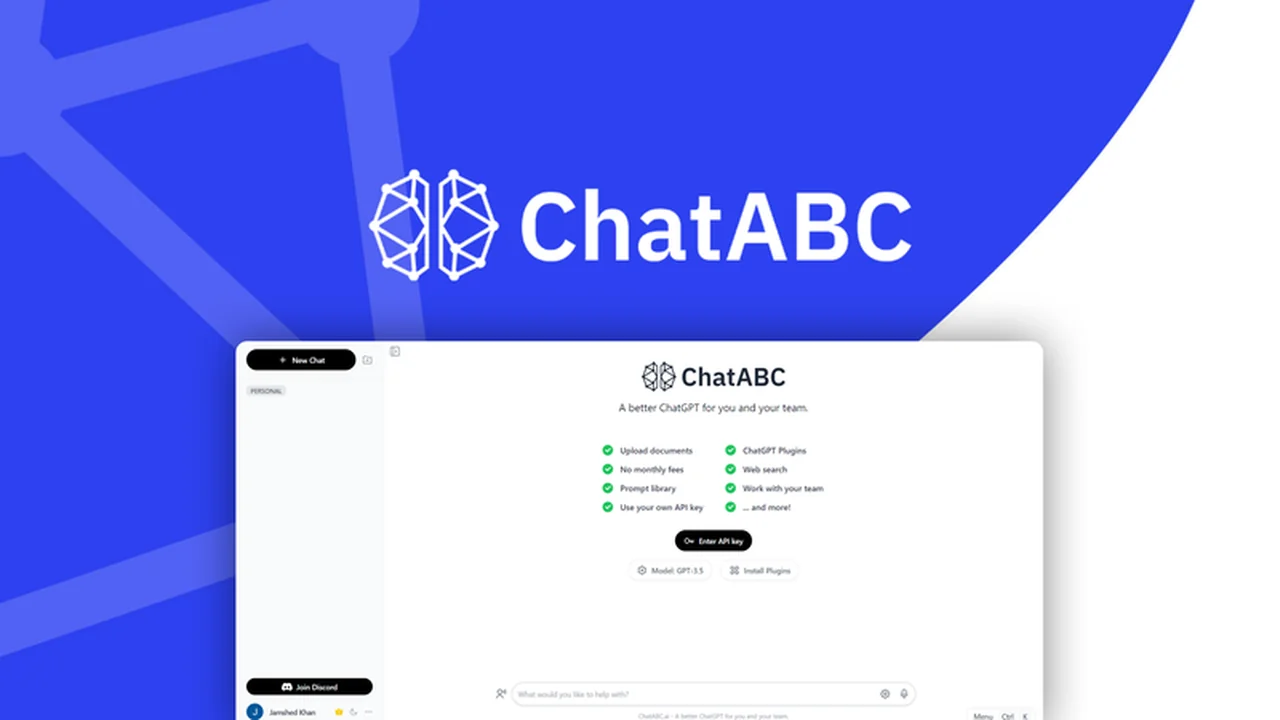
Many teams find ChatGPT to be a powerful AI assistant for individual tasks. However, sharing prompts, documents, and conversations effectively within a team from a single account can present challenges.
This review explores ChatABC, a solution designed to bridge that gap, allowing multiple users to collaborate seamlessly using a shared ChatGPT experience.
What is ChatABC – Collaborate with your team using ChatGPT | AppSumo
ChatABC is a platform built to enhance team collaboration by centralizing access to ChatGPT. It addresses the inherent limitations of using ChatGPT for group projects by offering features that enable shared prompt usage, document analysis, and conversation history management from a single account.
Key Features
- Single Account Access: Allows multiple team members to use one ChatGPT account, reducing the need for individual subscriptions.
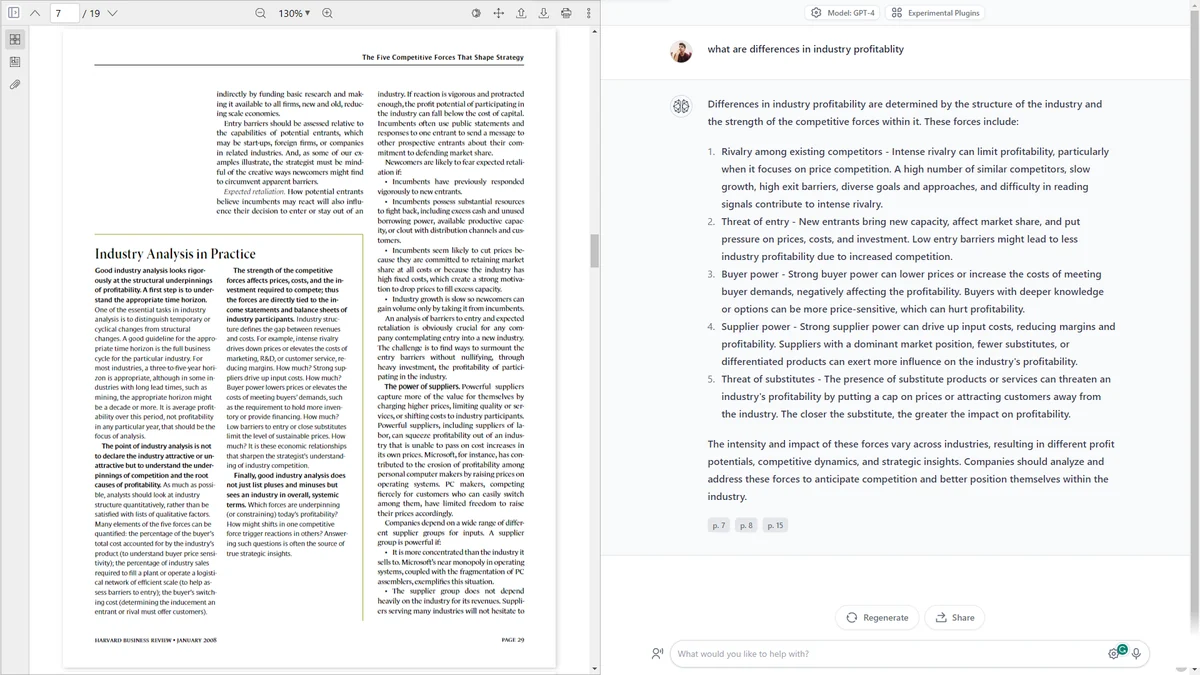
- Document Chatting: Supports uploading and querying private, offline, or downloadable text documents, including PDFs, with real-time responses and source location references.
- Customizable Prompts: Enables the creation of custom AI “characters” by tailoring prompts for specific needs, such as a marketing consultant.
- Premade Prompt Library: Offers a collection of ready-to-use AI prompts for common tasks like writing social media ads, blog posts, and marketing emails.
- Prompt Saving & Organization: Users can save their favorite prompts to a personal library and organize conversations into folders for easy retrieval.
- Team Workspaces: Prompts are stored in shared workspaces accessible to the entire team, simplifying prompt sharing and consistency.
- Output Sharing: Generated ChatGPT outputs can be shared with the team via a public URL, allowing for collaborative review and input.
- Model Flexibility: Supports both GPT-3.5 and GPT-4, allowing users to leverage their existing free or premium OpenAI accounts.
- Output Customization: Provides options to select output language, tone, writing style, and formats without requiring complex prompt engineering.
- White-labeling: Option to white-label the platform and use a custom domain, beneficial for service providers.
How It Works
ChatABC integrates with your existing ChatGPT account. You can upload documents, copy-paste text, or select from premade prompts. The platform then allows your team to interact with ChatGPT based on this context. Split-screen functionality enables users to ask questions directly about uploaded content, with responses including precise page numbers and locations.
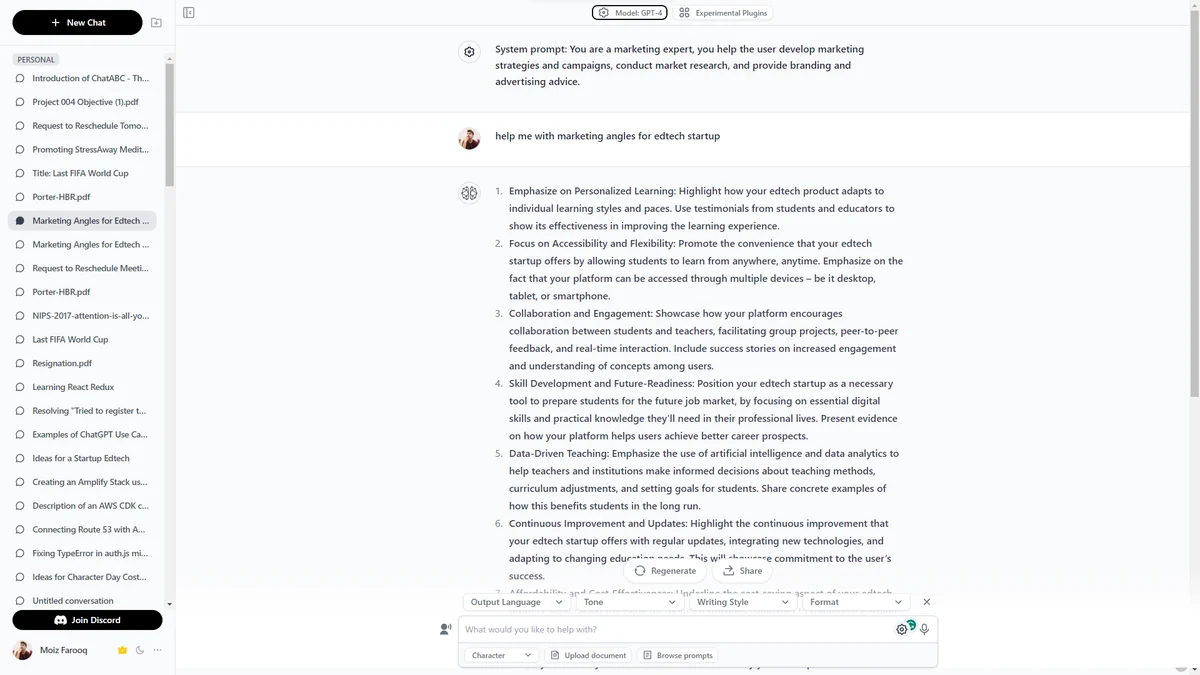
Use Cases
- Content creation for marketing teams (blog posts, social media, emails).
- Research and analysis of documents by teams.
- Developing consistent AI-generated content across an organization.
- Onboarding new team members to AI-assisted workflows.
- Providing AI-driven services to clients with custom branding.
Integrations & Compatibility
- ChatABC is designed to work with your existing ChatGPT account, allowing you to choose between GPT-3.5 or GPT-4
- The platform supports various document formats for uploading, including PDFs.
Pricing & Value
ChatABC offers lifetime access, providing a cost-effective solution for teams looking to maximize their ChatGPT usage without incurring recurring subscription fees for each user. The ability to share one account’s benefits among a team significantly increases its value proposition.
Deal Details
This offering provides lifetime access to ChatABC with a 60-day money-back guarantee, allowing users ample time to evaluate its functionality and integration into their team’s workflow.
Quick Take
- Ideal for teams needing shared access to ChatGPT capabilities.
- Streamlines collaboration on AI-generated content and document analysis.
- A cost-effective alternative to individual ChatGPT subscriptions for multiple users.
FAQs
What types of documents can I upload to ChatABC?
You can upload various text documents, including PDFs, for conversational analysis.
Does ChatABC support team collaboration features?
Yes, it enables shared prompts, document analysis, and conversation access for teams.
Can I use my own ChatGPT account with ChatABC?
Yes, ChatABC allows you to connect and use your existing GPT-3.5 or GPT-4 account.
Is this still a valid offering?
Yes, this lifetime deal for ChatABC is currently available.
Are you real or copying the script of HEYGPT?
ChatABC is a distinct platform developed by its own team with unique features.
Final Thoughts
ChatABC presents a compelling solution for teams seeking to overcome the collaborative hurdles of using ChatGPT. By centralizing access, enabling document interaction, and providing organizational tools, it empowers teams to work more efficiently with AI. The lifetime deal adds significant value for those looking for a long-term, cost-effective strategy for team-based AI utilization.