
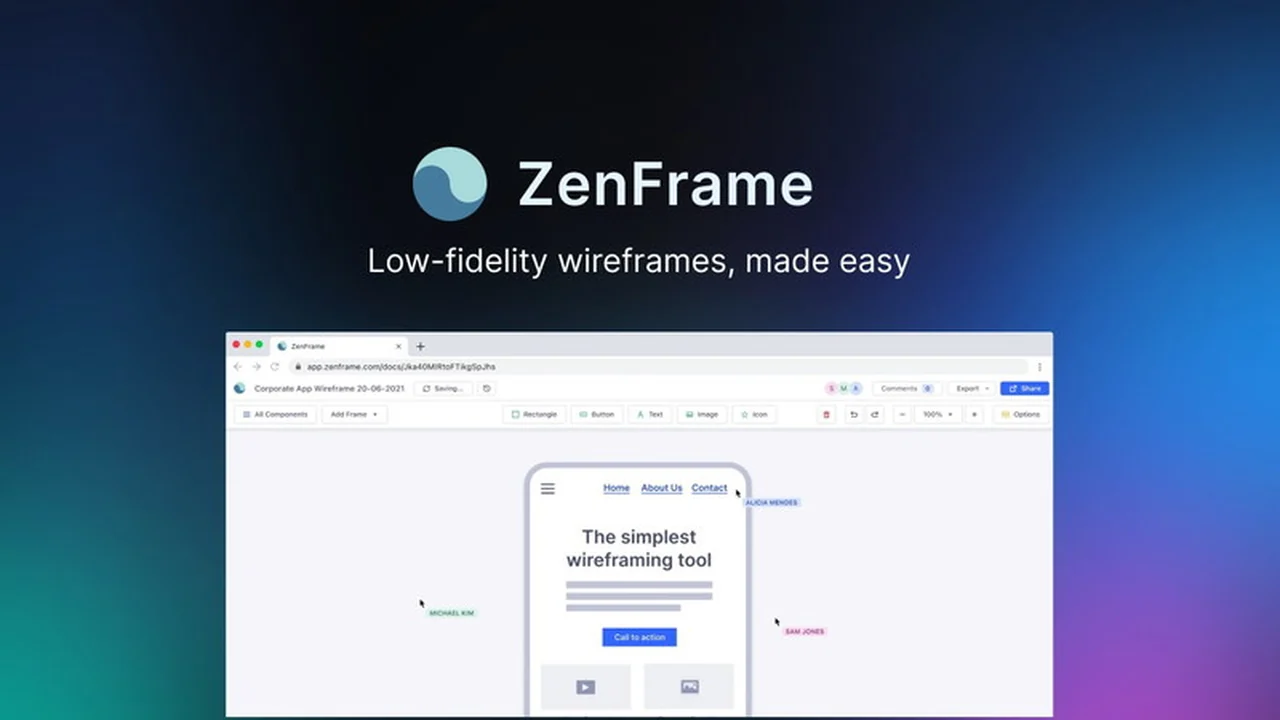
Creating effective wireframes doesn’t need to be a time-consuming or complex process. This review explores ZenFrame, a tool designed to significantly speed up the initial stages of website and app design.
We’ll delve into its core functionalities, how it simplifies wireframing for various users, and what makes it a notable option, especially for those seeking efficiency in their design workflow.
What is ZenFrame | AppSumo
ZenFrame is a digital tool focused on the rapid creation of low-fidelity wireframes for websites and applications. It aims to make the process of visualizing early-stage designs accessible to a wider audience, including those without extensive design backgrounds. The platform prioritizes speed and simplicity, allowing users to generate visual blueprints quickly.
Key Features
ZenFrame offers several features designed to enhance the wireframing experience:
- Intuitive Drag-and-Drop Interface: Enables easy placement and arrangement of design elements.
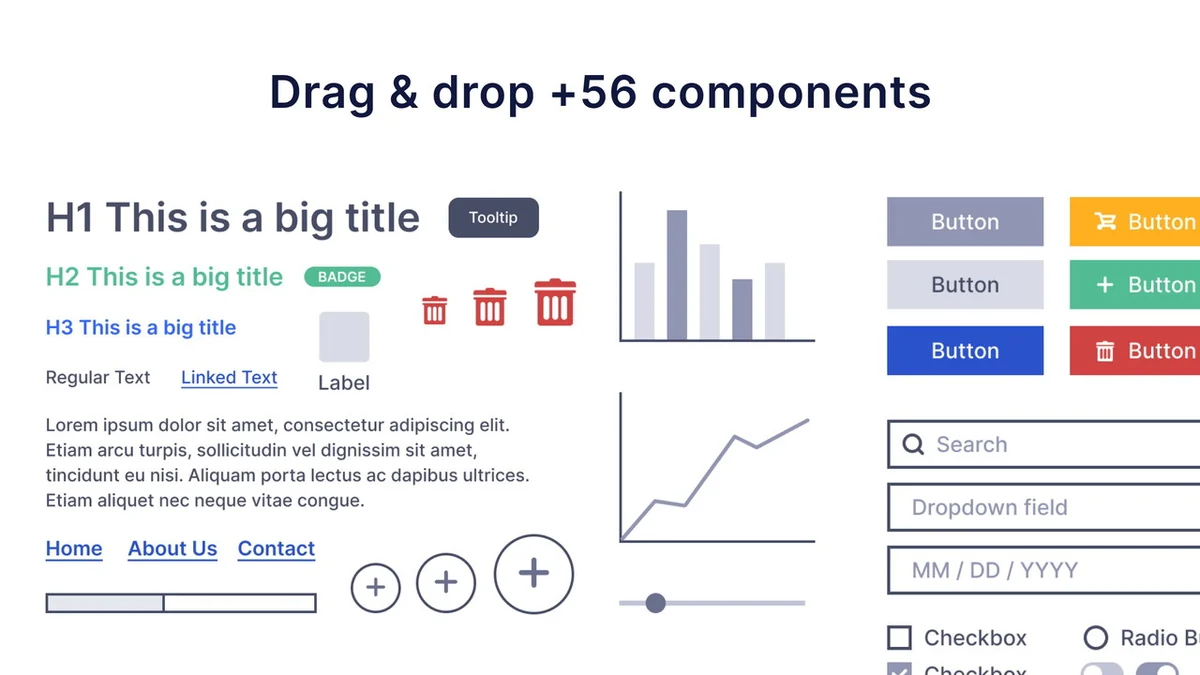
- Extensive Component Library: Includes over 58 pre-built components to accelerate design assembly.
- High Customizability: Low-fidelity components are designed for flexibility, facilitating clear communication of early design concepts.
- Real-time Collaboration: Allows multiple users to view, comment on, or edit wireframes simultaneously, streamlining team and client feedback loops.
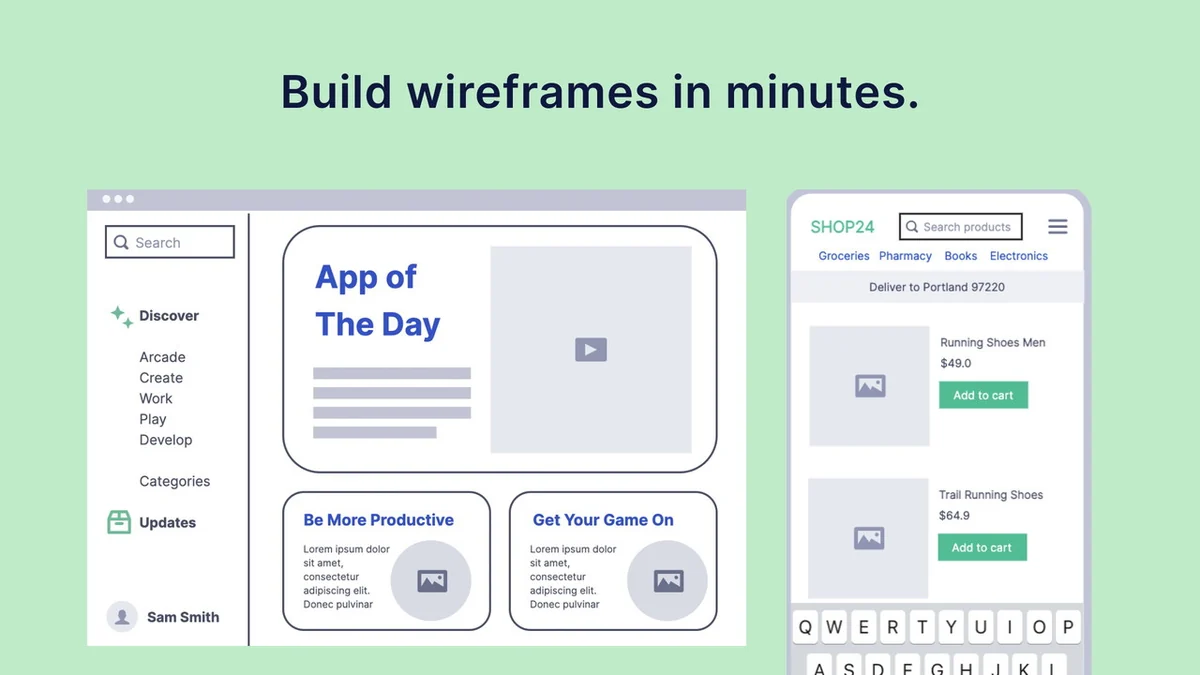
- Optimized Speed: Built to deliver wireframes in minutes rather than hours, significantly reducing project timelines.
How It Works
The core of ZenFrame’s functionality lies in its user-friendly approach. Users start by selecting a canvas for their website or app. They can then drag and drop components from a pre-defined library onto the canvas. These components represent common UI elements such as buttons, forms, navigation bars, and content blocks. The low-fidelity nature of these elements focuses attention on structure and layout rather than visual styling. Live collaboration features allow for shared access, where team members or clients can provide immediate input directly on the wireframe, fostering a more dynamic design discussion.
Use Cases
ZenFrame is well-suited for a variety of scenarios:
- Project Kickoffs: Quickly outline initial concepts and gather early stakeholder feedback.
- Agile Development: Rapidly create wireframes for sprints and iterate based on team discussions.
- Client Presentations: Present clear, structural ideas to clients for approval before moving to detailed design.
- UX/UI Prototyping: Establish the foundational structure of user interfaces efficiently.
- Educational Purposes: Teach design principles and workflow to beginners due to its simplicity.
Pricing & Value
The value proposition of ZenFrame centers on its ability to save considerable time in the early design phase. By reducing the hours spent on creating basic layouts, it allows designers and teams to focus more on concept development and iteration. The platform’s accessibility also democratizes wireframing, making it a practical tool for individuals and businesses looking to streamline their design process without a steep learning curve.
Deal Details
The ZenFrame | AppSumo deal offers a lifetime membership to the platform. This typically includes access to all current and future features developed for the tool, providing ongoing value. It’s important to note that codes must be redeemed within a specified period after purchase, and this particular deal is not stackable with other offers.
Quick Take
- Ideal for individuals and teams prioritizing speed in the wireframing process.
- A practical solution for non-designers needing to visualize app and website structures.
- Facilitates efficient collaboration and feedback on early design concepts.
FAQs
What is the expected timeframe for creating a wireframe with ZenFrame?
The tool is optimized for speed, allowing wireframes to be created in minutes rather than hours.
What kind of components does ZenFrame provide?
It offers over 58 pre-built, low-fidelity components for quick assembly.
How does ZenFrame handle team collaboration?
It offers real-time collaboration features for viewing, commenting, and editing wireframes simultaneously.
Can non-designers use ZenFrame effectively?
Yes, its simple interface makes it accessible for users without prior design experience.
What is the primary purpose of ZenFrame?
ZenFrame’s main goal is to rapidly create low-fidelity wireframes for websites and applications.
Final Thoughts
ZenFrame | AppSumo presents a compelling option for anyone looking to expedite their wireframing workflow. Its focus on speed, ease of use, and collaborative features makes it a valuable asset for individuals and teams aiming to bring their design ideas to life more efficiently. The platform’s ability to simplify the initial stages of design ensures that users can move forward with their projects with clarity and speed.