
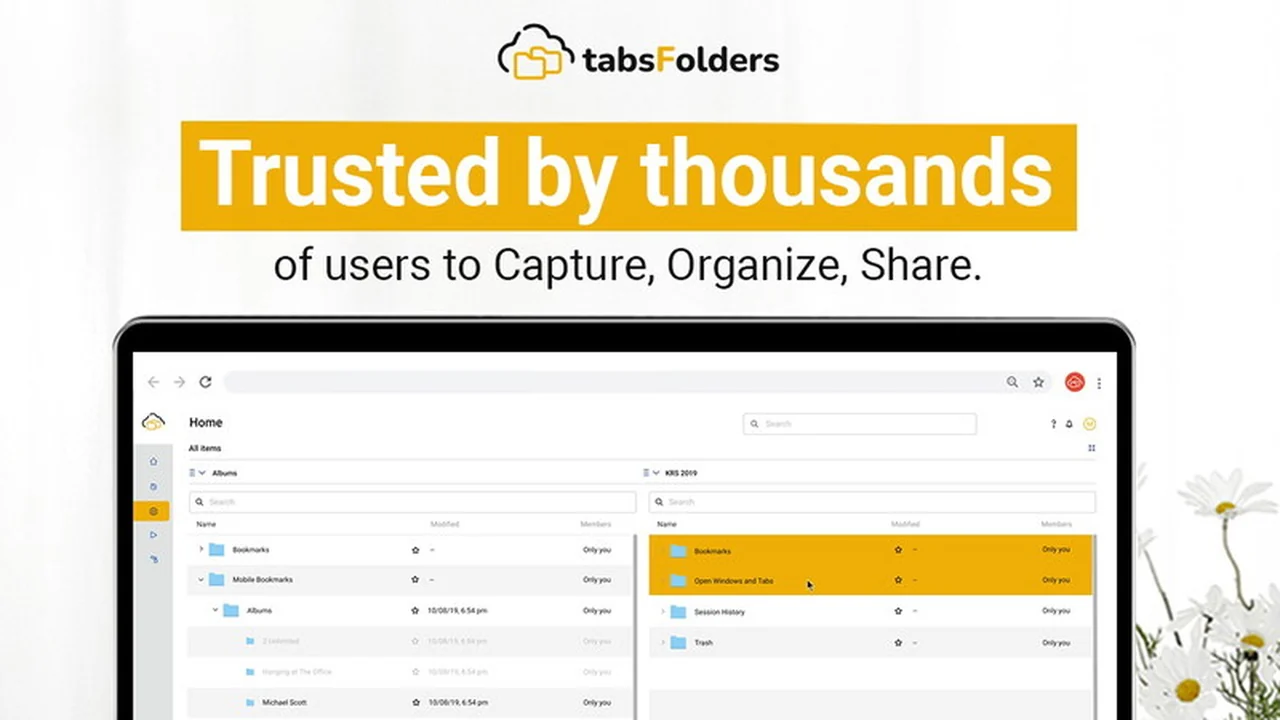
Navigating the vastness of the internet often leads to a clutter of tabs and bookmarks, hindering productivity. This review delves into tabsFolders Tab & Bookmark Manager, a tool designed to bring order to your online research and sharing habits.
We will explore its core functionalities, how it can be practically applied to various scenarios, and what makes it a compelling option for individuals and teams seeking better organization and revenue-generating possibilities.
What is tabsFolders Tab & Bookmark Manager | AppSumo
tabsFolders Tab & Bookmark Manager is a comprehensive solution for organizing, managing, and sharing browser tabs and bookmarks. It aims to declutter your digital workspace, allowing for quicker access to essential information and facilitating seamless collaboration.
Key Features
- Monetize with Affiliate Link Sharing: Generate revenue by sharing affiliate links directly from your domain.
- Instant Research Sharing: Quickly share research findings with your team to enhance productivity and potentially boost revenues.
- Mobile Bookmarklet: Add links to your collections on the go, ensuring no valuable resource is lost.
- Tab Snoozing: Improve computer speed and memory usage by snoozing inactive tabs.
- Session Auto-save and History: Automatically save your entire browsing session and maintain backup history for each device.
- CNAME Sharing: Share your bookmarks either on TabsFolders.com or your own custom domain.
- SMTP Setup: Send sharing emails directly from your own email address for a branded experience.
How It Works
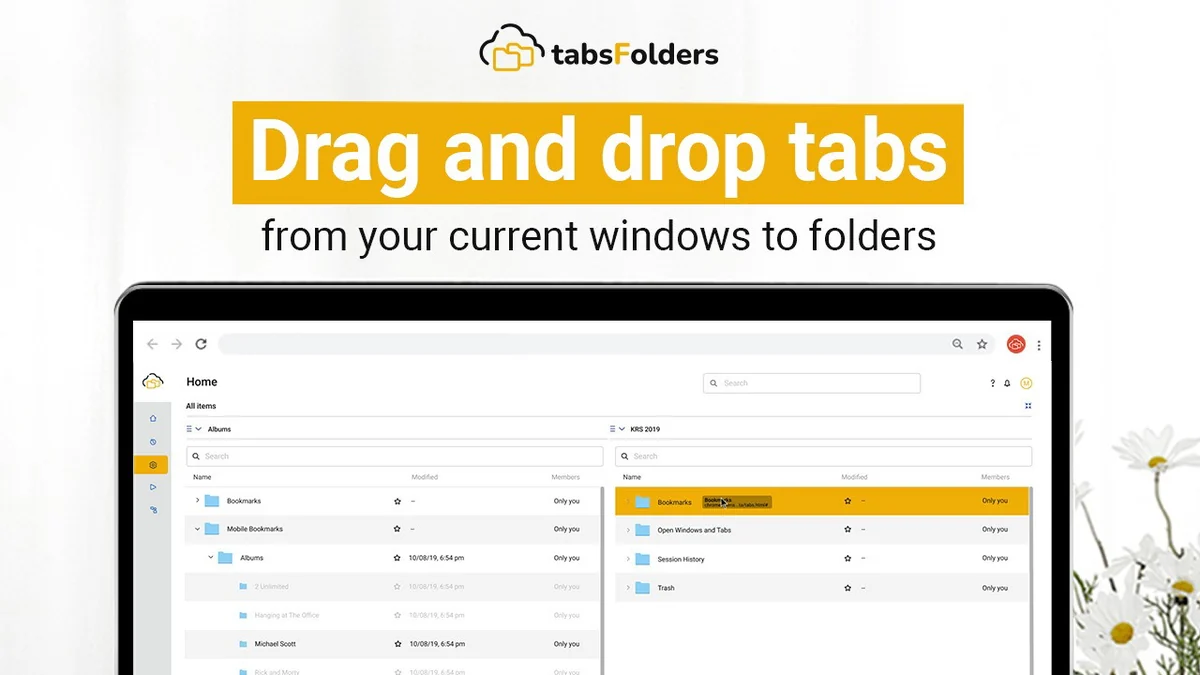
The core functionality of tabsFolders lies in its intuitive interface for saving and categorizing your browsing sessions and individual bookmarks. You can create distinct folders for different projects, research topics, or any thematic grouping.
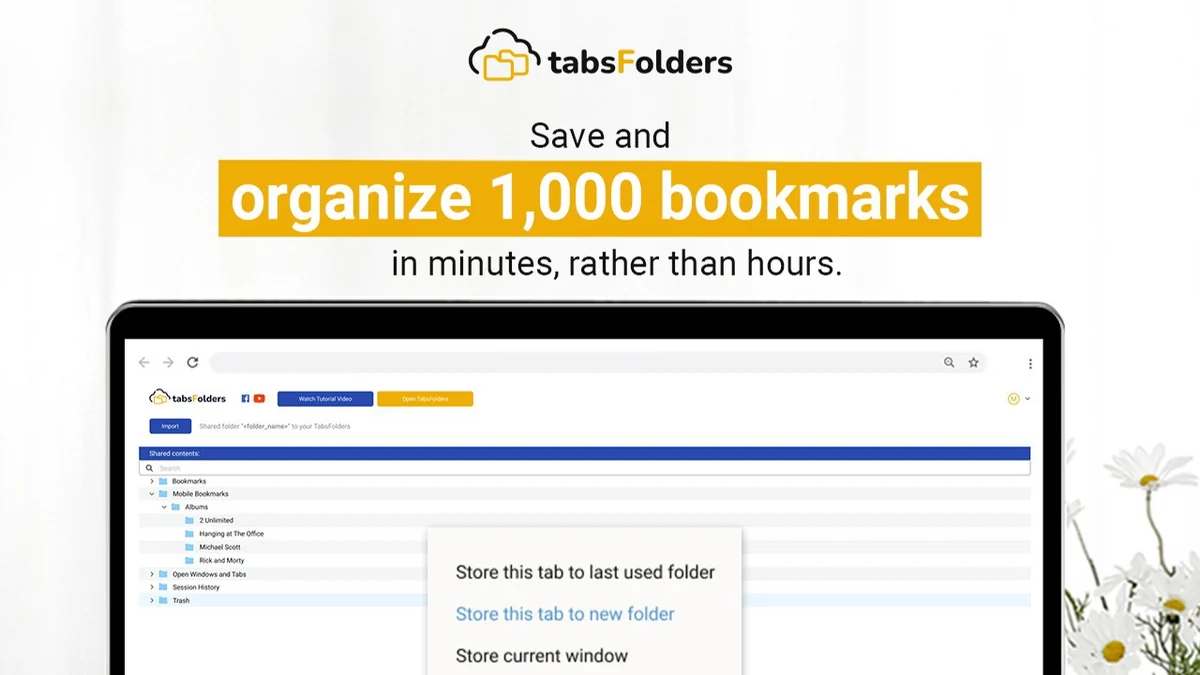
Tab Organization: Easily save your current open tabs into named folders for later retrieval. This prevents losing track of research or ongoing tasks.
Bookmark Management: Beyond just tabs, you can also save and organize individual web links as bookmarks within these same structured folders.
Session Saving: The tool automatically backs up your browsing sessions, providing a history that can be revisited and restored, preventing data loss.
Sharing Capabilities: Whether it’s a single link or an entire collection of tabs, tabsFolders allows for easy sharing with others, either through a dedicated link or by integrating with your own domain.
Use Cases
- Content Creators and Researchers: Organize research materials for articles, videos, or podcasts, and easily share curated lists with collaborators.
- Sales and Marketing Teams: Share product information, competitor analysis, or campaign resources with team members to ensure everyone is aligned.
- Students and Educators: Create organized study guides, collect resources for assignments, and share them with classmates or students.
- Anyone Overwhelmed by Tabs: For individuals who frequently find themselves with dozens of open tabs, tabsFolders offers a practical way to manage and declutter their browser.
Integrations & Compatibility
- tabsFolders Tab & Bookmark Manager is designed to work seamlessly across multiple browsers and devices
- It offers a mobile bookmarklet for on-the-go saving, ensuring your workflow isn’t interrupted when you’re away from your desktop.
Pricing & Value
The value proposition of tabsFolders is significantly enhanced through its availability on platforms like AppSumo. This often provides lifetime access to features that would typically be offered on a recurring subscription basis.
Lifetime Access: Gain permanent access to the TabsFolders Plan, including all future updates, which offers substantial long-term savings.
Unlimited Resources: Enjoy unlimited bookmarks and installs across browsers and mobile devices, allowing for comprehensive usage without restrictions.
Deal Details
The AppSumo deal for tabsFolders Tab & Bookmark Manager typically includes lifetime access to the TabsFolders Plan. Key aspects of the deal often entail:
- Code Redemption: Codes must be redeemed within 60 days of purchase.
- Unlimited Bookmarks & Installs: Manage an unlimited number of bookmarks and install the tool on up to 10 devices per user.
- Stacked Deals: Stacking multiple codes unlocks advanced features such as Team Folder Sharing, CNAME sharing, enhanced backup options, and increased teammate limits.
- Money-Back Guarantee: A 60-day money-back guarantee allows ample time to test the product and ensure it meets your needs.
Quick Take
- Ideal for professionals and teams needing to organize and share extensive web research.
- Offers unique monetization features through affiliate link sharing from your own domain.
- Provides a robust solution for tab management, session backups, and collaborative bookmarking.
FAQs
What is the refund policy?
There is a 60-day money-back guarantee to ensure customer satisfaction.
Is there a way to recover lost browsing sessions?
tabsFolders automatically saves session history for backup and recovery.
How does the CNAME sharing feature work?
It allows you to share your bookmarks using your own custom domain name.
Can I use tabsFolders on multiple devices?
Yes, the deal includes installs for multiple browsers and mobile devices.
What is the primary purpose of tabsFolders Tab & Bookmark Manager?
It helps organize, manage, and share browser tabs and bookmarks efficiently.
Final Thoughts
tabsFolders Tab & Bookmark Manager presents a compelling solution for anyone struggling with digital disorganization. Its blend of robust tab and bookmark management, coupled with unique sharing and potential monetization features, makes it a versatile tool.
The lifetime access model, particularly through deals like those on AppSumo, offers significant value, allowing users to benefit from its continuous development and feature expansions without recurring costs. For individuals and teams looking to enhance productivity and streamline their online workflows, tabsFolders is certainly worth considering.