
In today’s visually driven online world, compelling video content is no longer a luxury but a necessity. Creating polished, engaging screen recordings for tutorials, demos, or promotional material can often feel like a daunting task, requiring complex software and extensive editi…
This review dives into Screen Story, a solution designed to streamline the process of transforming raw screen recordings into aesthetic, attention-grabbing videos with remarkable speed.
What is Screen Story | AppSumo
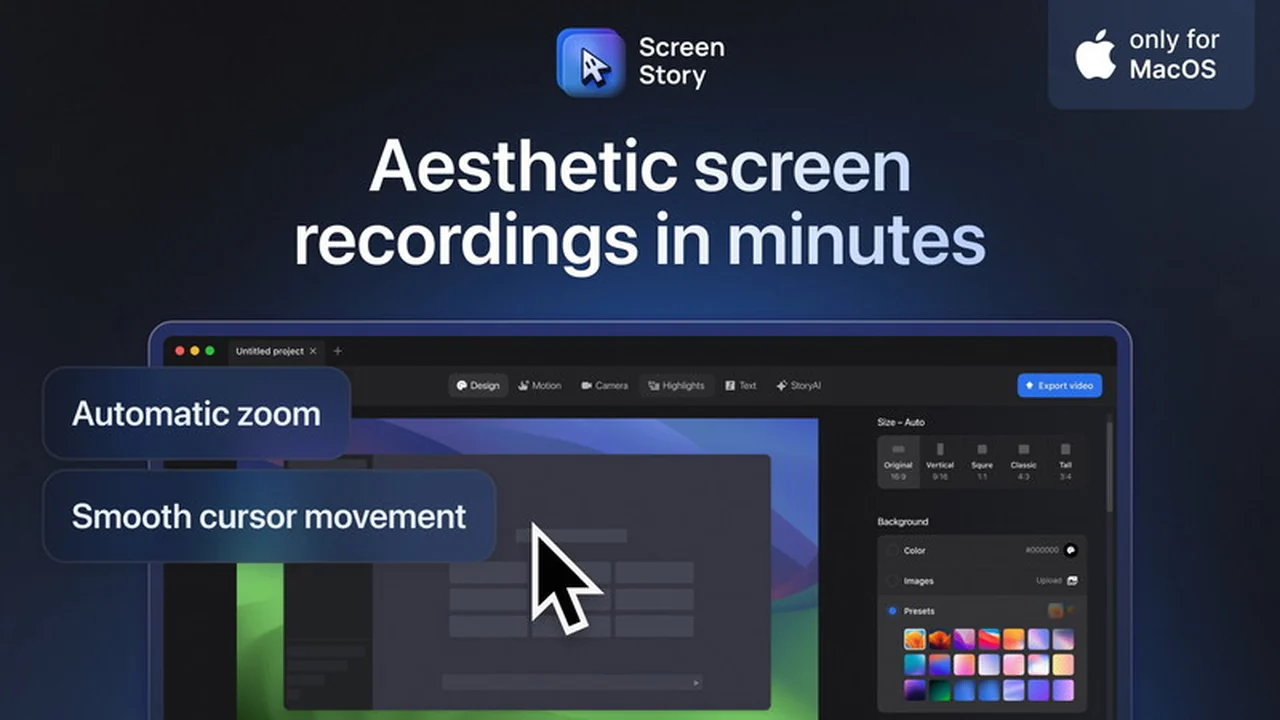
Screen Story is a desktop application that specializes in automatically enhancing screen recordings to make them more visually appealing and easier to follow. It aims to eliminate the need for time-consuming manual editing in programs like After Effects by applying design patterns and dynamic effects directly to your recordings.
Key Features
Screen Story offers a suite of features designed to simplify and elevate the quality of your screen recordings:
- Aesthetic Recording Enhancement: Transforms standard screen recordings into polished videos suitable for promotional content, tutorials, and product updates.
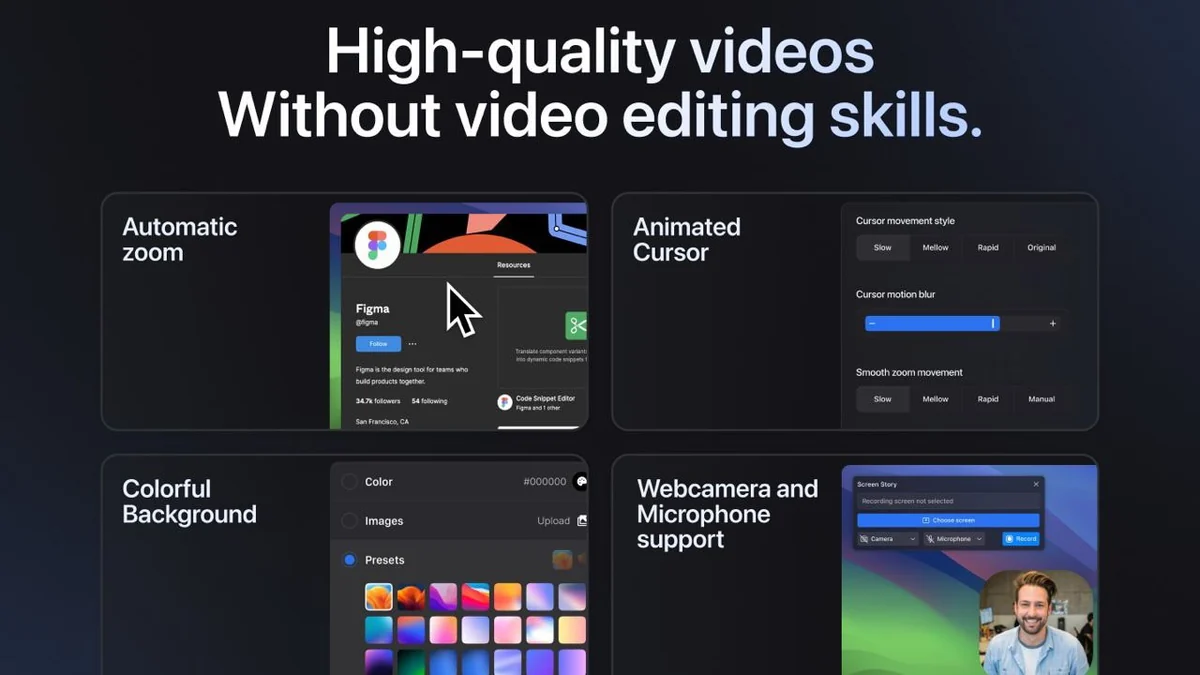
- Automatic Zoom: Intelligently zooms in on user actions performed on the screen, guiding the viewer’s attention to the main focal point.
- Smooth Cursor Movement: Converts rapid cursor movements into a more fluid and visually pleasing glide, improving readability.
- Colorful Backgrounds: Allows for easy customization of the background color and spacing around the video content, adding a professional touch.
- Webcam and Microphone Support: Integrates your webcam feed and voice-over, making tutorials, presentations, and tip videos more personal and informative.
- Selfie Adjustment: Enables you to add and adjust your webcam overlay, with a slight zoom-out to ensure it doesn’t obscure important on-screen actions like the cursor.
- Multiple Camera Views (Upcoming): Provides planned functionality to switch and control different camera perspectives for added video dynamism.
How It Works
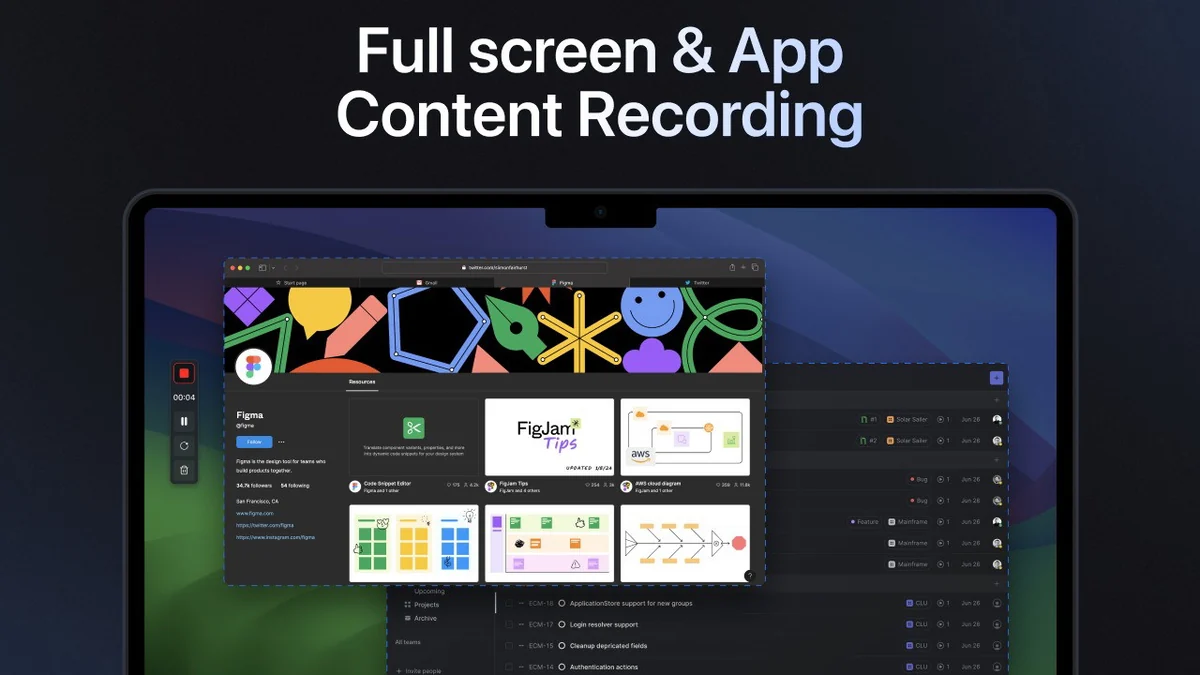
The process with Screen Story is designed to be straightforward. Users begin by recording their screen as they normally would. Once the recording is complete, Screen Story automatically applies its built-in design patterns and visual enhancements. This includes features like automatic zooming on actions, smoothing cursor movements, and offering customizable backgrounds, all aimed at producing a professional-looking video with minimal effort.
Use Cases
Screen Story is particularly beneficial for a variety of professionals and content creators:
- Indie Builders: Showcase project progress and attract potential users through engaging social media content.
- SaaS Marketers: Announce new features and keep audiences engaged with visually appealing product updates.
- Designers: Present design work and record prototypes from tools like Figma for client presentations.
- Educators and Content Makers: Create more dynamic and professional-looking educational materials and tutorials.
- Developers: Share development progress and insights on social platforms.
Pricing & Value
Screen Story is presented as a lifetime deal through AppSumo, offering significant value for those who regularly create screen recordings. This approach bypasses recurring subscription fees, providing permanent access to the on-device application and its future updates.
Deal Details
The AppSumo deal for Screen Story typically includes lifetime access to the application. Users are advised to redeem their codes within 60 days of purchase. The deal often allows for stacking codes to unlock additional devices, increasing the utility for users with multiple computers or teams.
Quick Take
- Ideal for users who need to create professional-looking screen recordings quickly.
- Beneficial for SaaS companies, indie developers, and educators looking to enhance their video content.
- Offers a straightforward workflow, reducing the learning curve associated with complex video editing software.
FAQs
What happens if I encounter a technical issue?
For technical support or license resets, you can typically reach out to their customer support.
Is the software difficult to learn?
The application is designed for ease of use, streamlining video creation with automatic enhancements.
Can I add my webcam to the recording?
Yes, Screen Story supports adding and adjusting your webcam feed to overlay the video.
Does Screen Story work on Windows?
Screen Story currently supports MacOS Monterey and higher versions.
What is the primary purpose of Screen Story?
Screen Story enhances raw screen recordings into aesthetic, engaging videos automatically.
Final Thoughts
Screen Story presents a compelling proposition for anyone seeking to produce high-quality screen recordings without the steep learning curve or time investment typically associated with professional video editing. Its automated enhancements, from intelligent zooming to smooth cursor movements and customizable backgrounds, effectively level up standard recordings into content that is both informative and visually appealing. The lifetime access model through AppSumo further enhances its value, making it a practical and cost-effective solution for a wide range of users looking to improve their video output efficiently.