
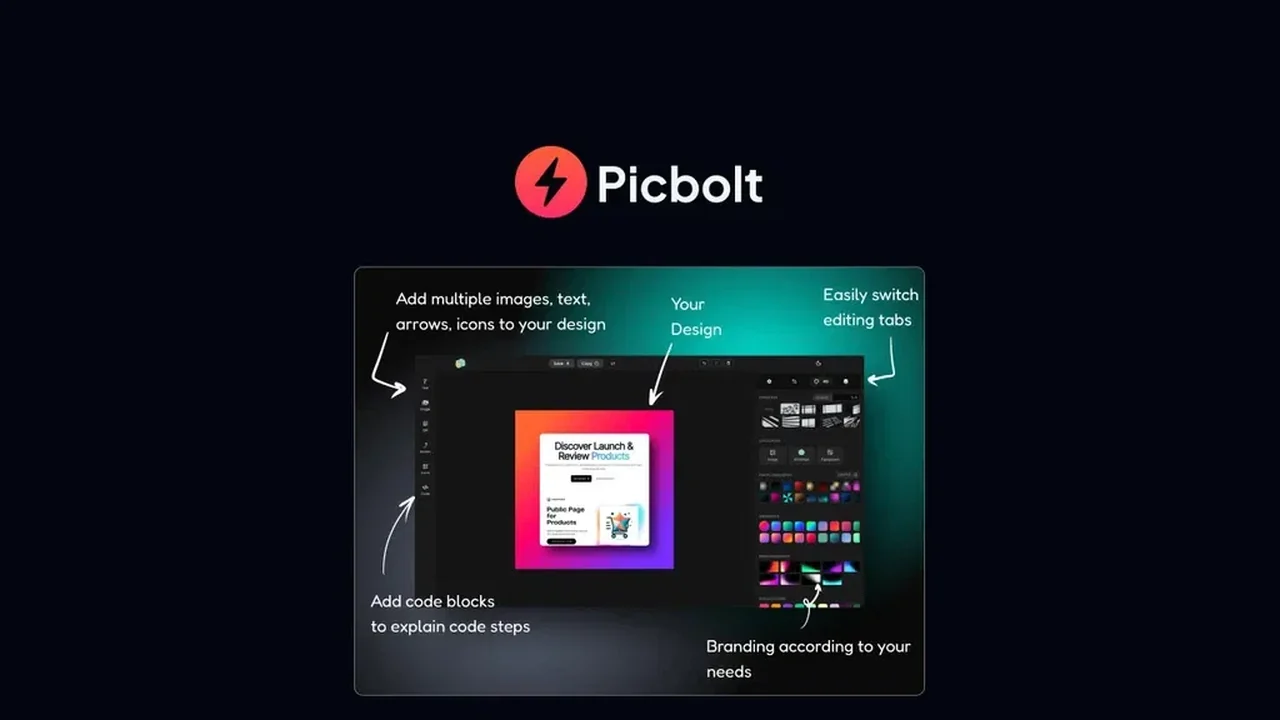
Are you tired of wrestling with complex design software just to make your screenshots look presentable? This review dives deep into Picbolt, a powerful tool designed to simplify the creation of stunning, branded visuals from your captured images.
We’ll explore its core functionalities, how it streamlines your workflow, and who can benefit most from its innovative approach, especially when available through AppSumo.
What is Picbolt | AppSumo
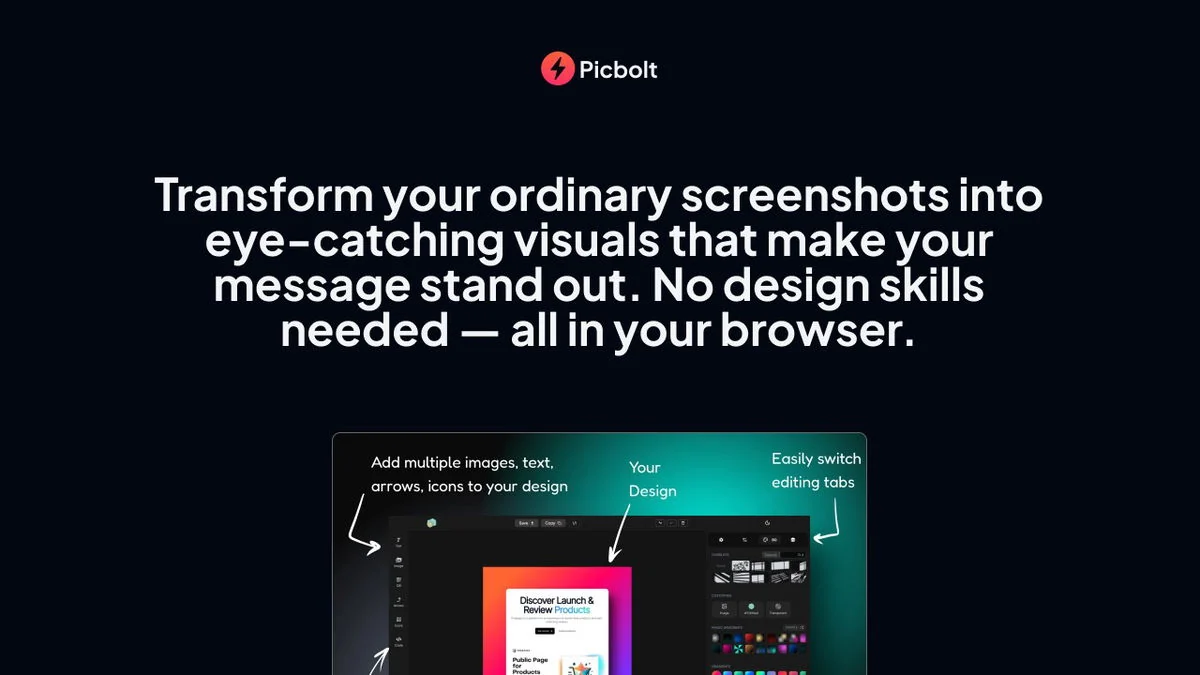
Picbolt is a versatile visual creation tool that specializes in transforming ordinary screenshots into eye-catching, branded graphics in mere seconds. It aims to eliminate the need for advanced design skills or cumbersome software, making professional-looking visuals accessible to everyone. The AppSumo deal provides an exceptional opportunity to acquire this powerful solution.
Key Features
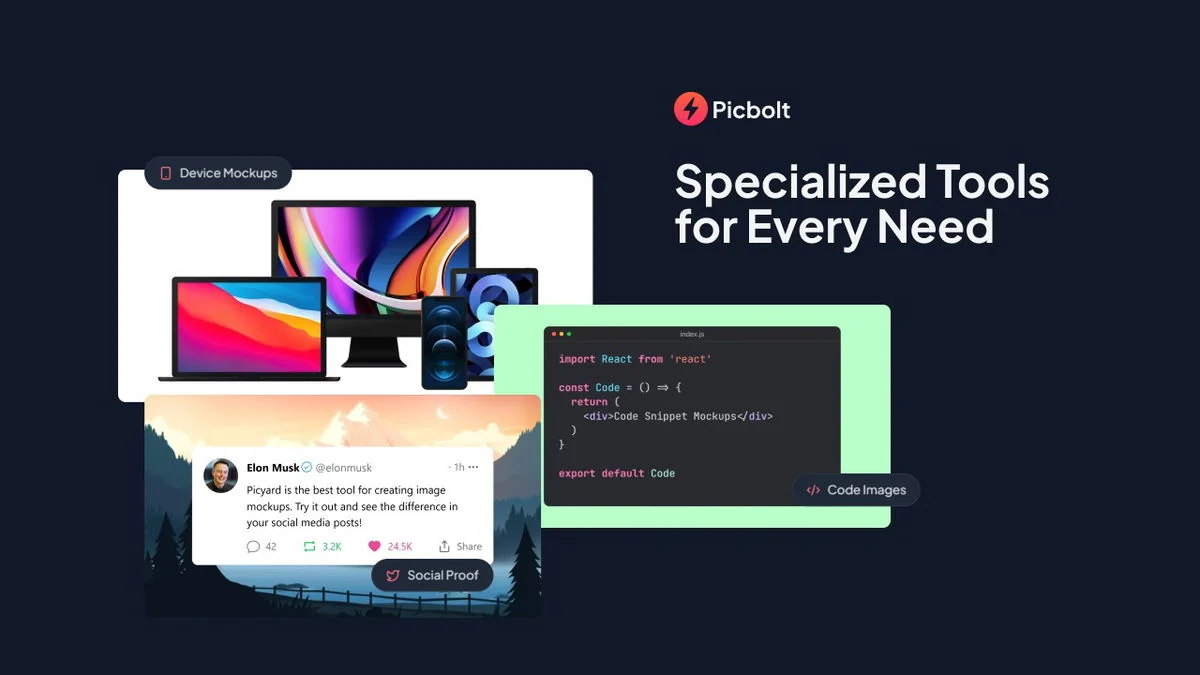
Picbolt boasts a suite of features designed to make screenshot visualization both simple and effective:
- Screenshot Transformation: Convert your captured images into polished visuals instantly.
- Text Behind Image Tool: A highly requested feature allowing you to place text elegantly behind your images without needing complex editing.
- Merge Images Tool: Combine multiple images horizontally, vertically, or in custom grids, ideal for comparisons or tutorial series.
- AI Infographics Creator 2.0: Revamped with landscape mode and improved text handling to create informative infographics from your data.
- Straico AI Integration: Leverage advanced AI models like DALL-E 3, Ideogram V2, and Ideogram V2A Turbo within Picbolt for enhanced creative output.
- Multiple AI Models: Access to powerful AI models for diverse creative needs, offering flexibility in image generation and editing.
- One-Click Transformations: Streamline your workflow with features that require minimal user input to achieve significant results.
How It Works
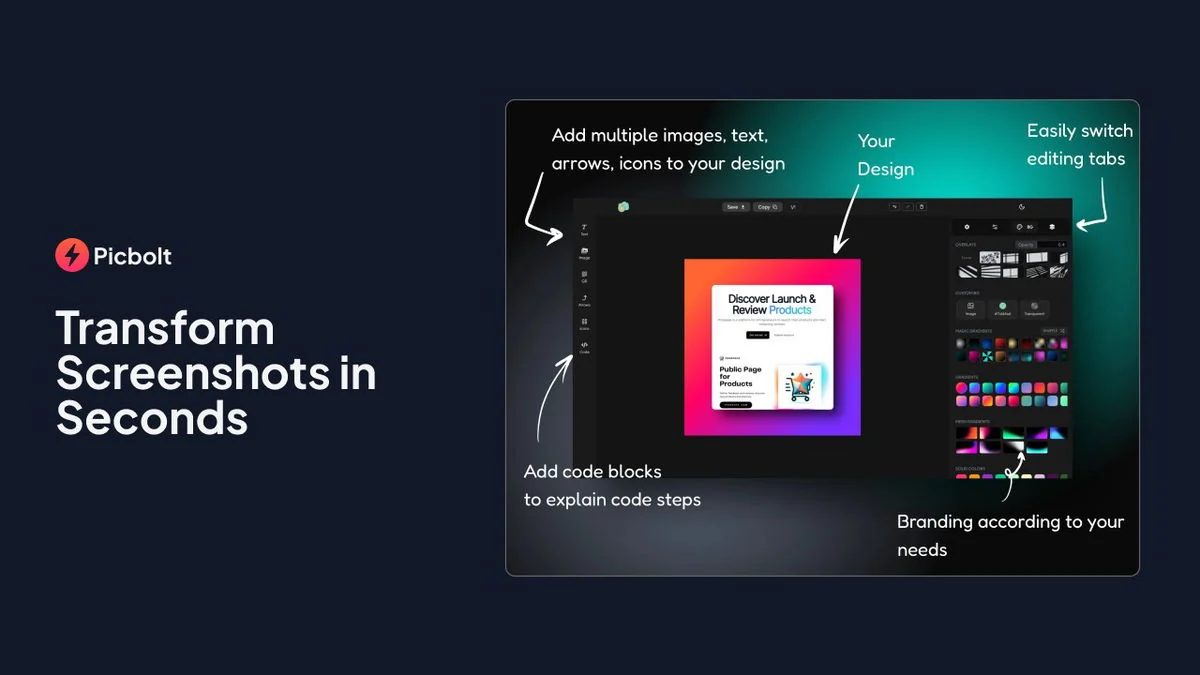
The process with Picbolt is designed for simplicity. Users typically upload or select a screenshot, and then utilize the various tools to add branding elements, text, combine images, or leverage AI capabilities. The interface is intuitive, guiding users through the creation of professional graphics quickly and efficiently, even for those with no prior design experience.
Use Cases
Picbolt is an invaluable asset for a variety of users and scenarios:
- Content Creators: Enhance blog posts, social media updates, and presentations with unique visuals derived from screenshots.
- Bloggers: Quickly create featured images or illustrative graphics that complement written content.
- Small Businesses: Develop marketing materials, product demos, or internal documentation visuals without hiring a designer.
- Tutorial Creation: Easily combine multiple screenshots into a cohesive guide or before/after comparison.
- Social Media Managers: Generate eye-catching graphics for various platforms, ensuring brand consistency.
Integrations & Compatibility
- Picbolt’s recent updates include integration with Straico, allowing users to access powerful AI models like DALL-E 3 and Ideogram V2 directly within the platform
- This means you can utilize your Straico credits for enhanced image generation and editing directly within your Picbolt workflow
- Compatibility generally extends to standard web browsers and operating systems.
Pricing & Value
While Picbolt has various pricing tiers, the AppSumo deal offers significant value, often presenting a lifetime access option at a single purchase price. This provides substantial savings compared to recurring subscription models that can run into hundreds or even thousands of dollars annually for comparable features.
Deal Details
The AppSumo deal for Picbolt is a limited-time offer, providing lifetime access to the software. Key aspects of the deal include: no stacking required, with direct plan selection. Licenses must be activated within 60 days of purchase. This deal does not allow for upgrades or downgrades between license tiers after selection. All future lifetime plan updates are included, and if the plan name changes, the deal will be mapped to the new plan with its accompanying updates.
Quick Take
- Ideal for content creators, bloggers, and small businesses needing quick, branded visuals.
- Simplifies complex visual creation from screenshots without design expertise.
- Offers powerful AI integration for enhanced graphic design capabilities.
FAQs
What is the refund policy for the AppSumo deal?
AppSumo offers a 60-day money-back guarantee on all purchases.
Is Picbolt suitable for users without design experience?
Absolutely, it’s designed for ease of use, eliminating the need for complex design skills.
Does Picbolt offer AI image generation capabilities?
Yes, it integrates with AI models like DALL-E 3 and Ideogram V2 through Straico.
Can I merge multiple screenshots together with Picbolt?
Yes, the Merge Images Tool allows combining multiple images horizontally, vertically, or in grids.
What is the primary function of Picbolt?
Picbolt transforms ordinary screenshots into stunning, branded visuals instantly.
Final Thoughts
Picbolt, especially through its AppSumo offering, represents a compelling solution for anyone looking to elevate their visual content without a steep learning curve or ongoing expense. Its focus on transforming screenshots into professional, branded assets, combined with powerful AI features and user-centric updates, makes it a standout tool. The ability to create impactful visuals quickly and efficiently addresses a common pain point for many digital professionals.