
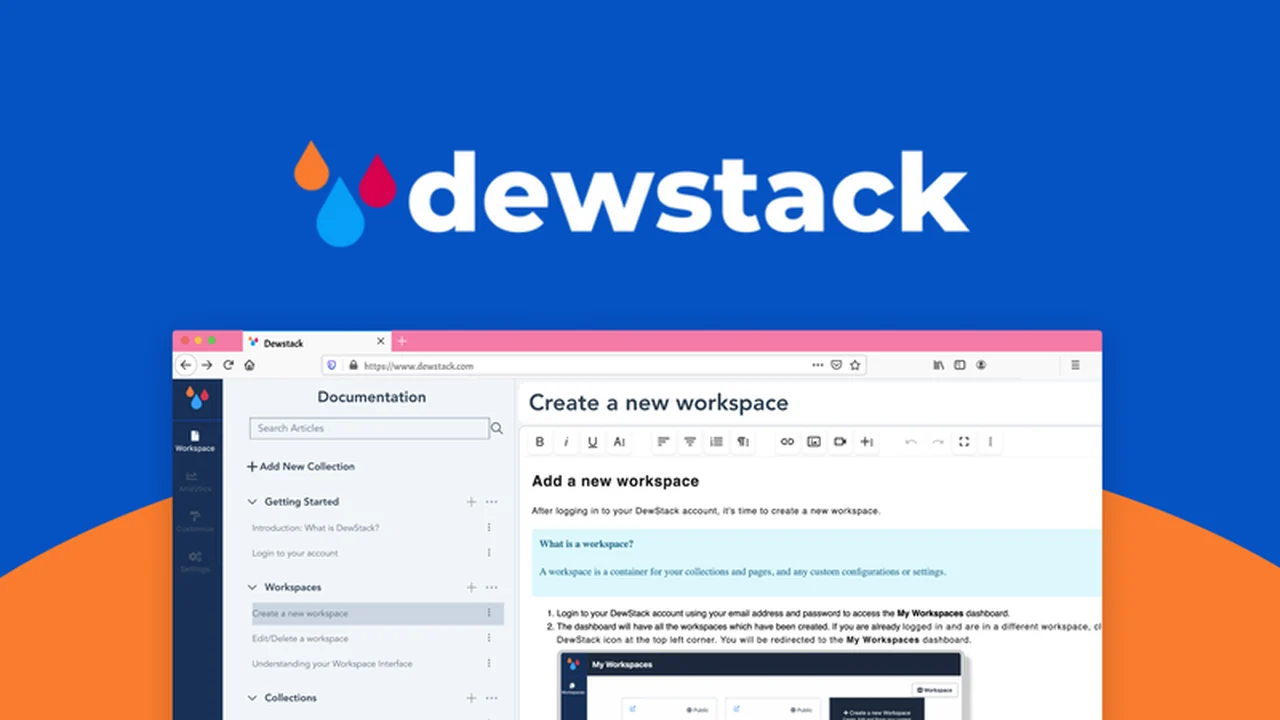
Tired of your support team drowning in repetitive inquiries? Building comprehensive user documentation often feels like a hurdle, requiring technical expertise that can slow down progress. This review explores a solution designed to streamline that process.
Discover how Dewstack empowers you to create professional, branded documentation without writing a single line of code. We’ll cover its features, how it works, and who can benefit most from this platform.
What is Dewstack – Build no-code documentation for users | AppSumo
Dewstack is a no-code platform designed to help businesses build and host user-friendly documentation. It aims to reduce the burden on support teams by providing customers with accessible self-serve resources like FAQs, knowledge bases, and manuals.
Key Features
- No-Code Editor: Create and customize documentation with an intuitive, code-free interface.
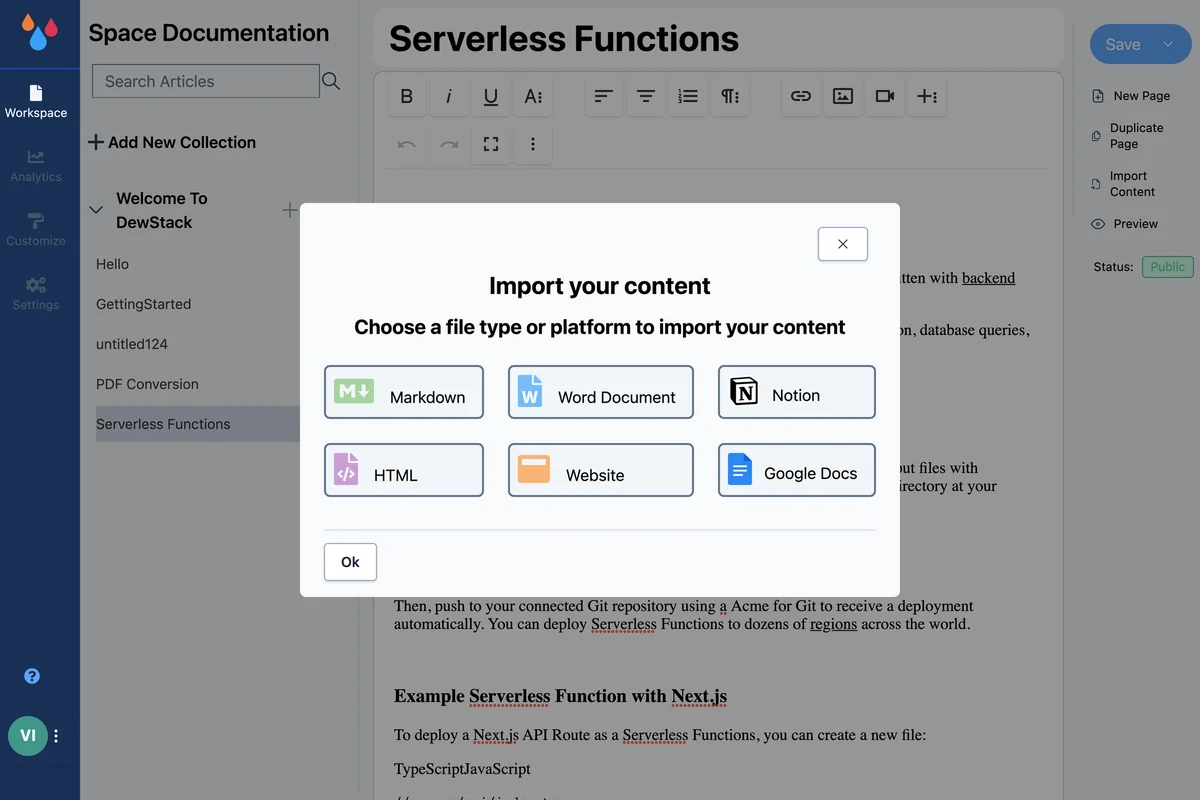
- Content Import: Easily bring in existing content from various sources including Markdown, Google Docs, Notion, Word, HTML, and websites.
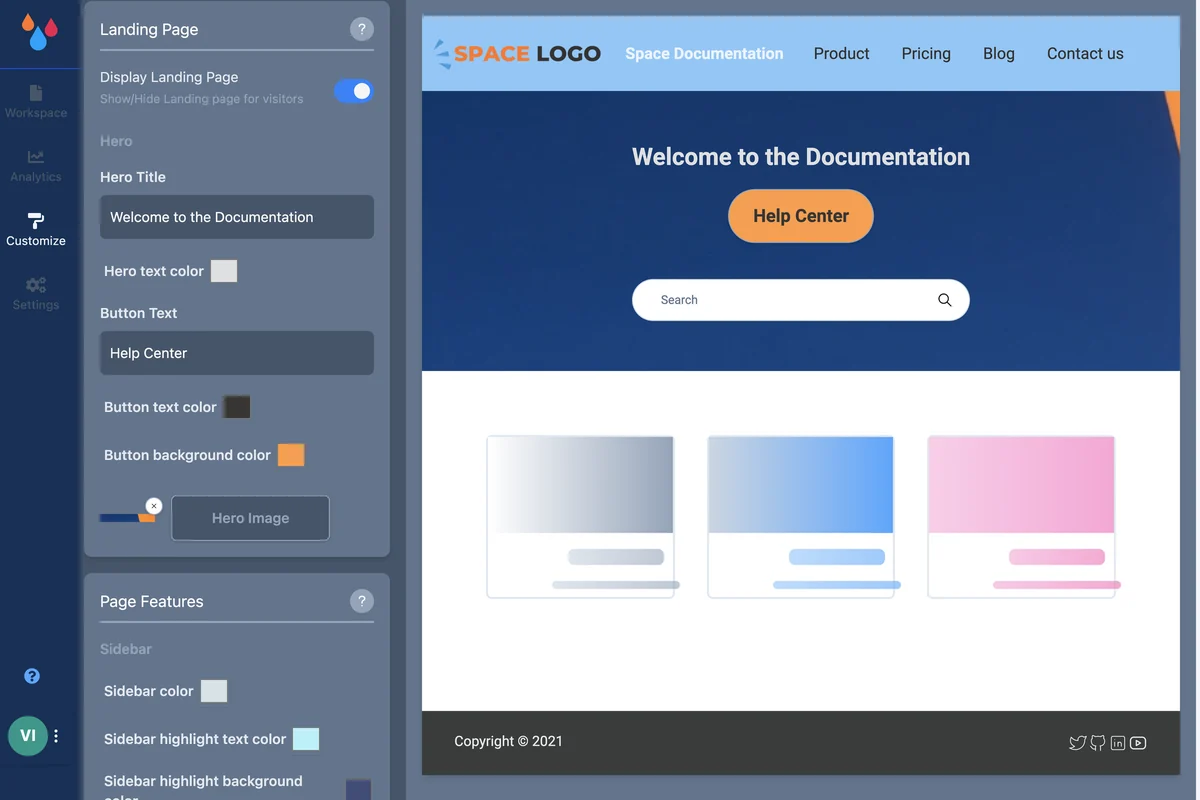
- Branding & Customization: Match your brand’s fonts and colors, embed rich media, and add header links and call-to-action buttons.
- Advanced Search: Enable users to quickly find the information they need, reducing support ticket volume.
- Domain Hosting: Host your documentation on a free subdomain or your own custom domain with a free SSL certificate.
- SEO Optimization: Set up meta tags and meta descriptions to improve search engine visibility.
- Team Support: Collaborate with your team on documentations with role-based access (Admin, Creator).
- Analytics: Review page visits and user sentiment to understand documentation performance.
How It Works
Dewstack simplifies documentation creation through a straightforward workflow. You can begin by importing existing content or starting fresh with the editor. The platform offers drag-and-drop functionality and nested page support for easy organization. You can then customize the look and feel to match your brand identity, add interactive elements, and optimize for search engines. Once ready, you can publish your documentation on your own domain or a Dewstack subdomain.
Use Cases
- Knowledge Bases: Create comprehensive hubs for user information and troubleshooting guides.
- FAQs: Quickly deploy answers to common customer questions.
- Product Manuals: Develop detailed guides for your products or services.
- Changelogs: Keep users informed about updates and new features.
- Onboarding Guides: Assist new users in getting started with your product.
Pricing & Value
Dewstack offers various license tiers, each providing access to all core features. The value lies in its no-code approach, allowing businesses to create professional documentation quickly without needing developer resources. The ability to import from multiple sources and host on a custom domain further enhances its utility.
Deal Details
This offer provides lifetime access to Dewstack, ensuring you have continuous access to its features. It also comes with a 60-day money-back guarantee, allowing ample time to evaluate its suitability for your needs.
Quick Take
- Ideal for businesses seeking to reduce support load with self-serve options.
- Perfect for non-technical teams that need to create professional documentation quickly.
- Offers a cost-effective, no-code solution for building and hosting user guides.
FAQs
Is there a trial period for Dewstack?
Yes, Dewstack comes with a 60-day money-back guarantee for evaluation.
How does Dewstack help with SEO?
Dewstack allows you to set up meta tags and meta descriptions to boost SEO.
Does Dewstack support team collaboration?
Yes, Dewstack offers team support with role-based access for collaboration.
Can I host documentation on my own domain?
Yes, you can host your documentation on your own domain with a free SSL certificate.
What kind of content can I import into Dewstack?
You can import content from Markdown, Google Docs, Notion, Word, HTML, or any website.
Final Thoughts
Dewstack presents a compelling solution for any business looking to enhance its customer support through effective, no-code documentation. Its ease of use, comprehensive features, and flexible hosting options make it a valuable tool for improving user experience and reducing support overhead.