
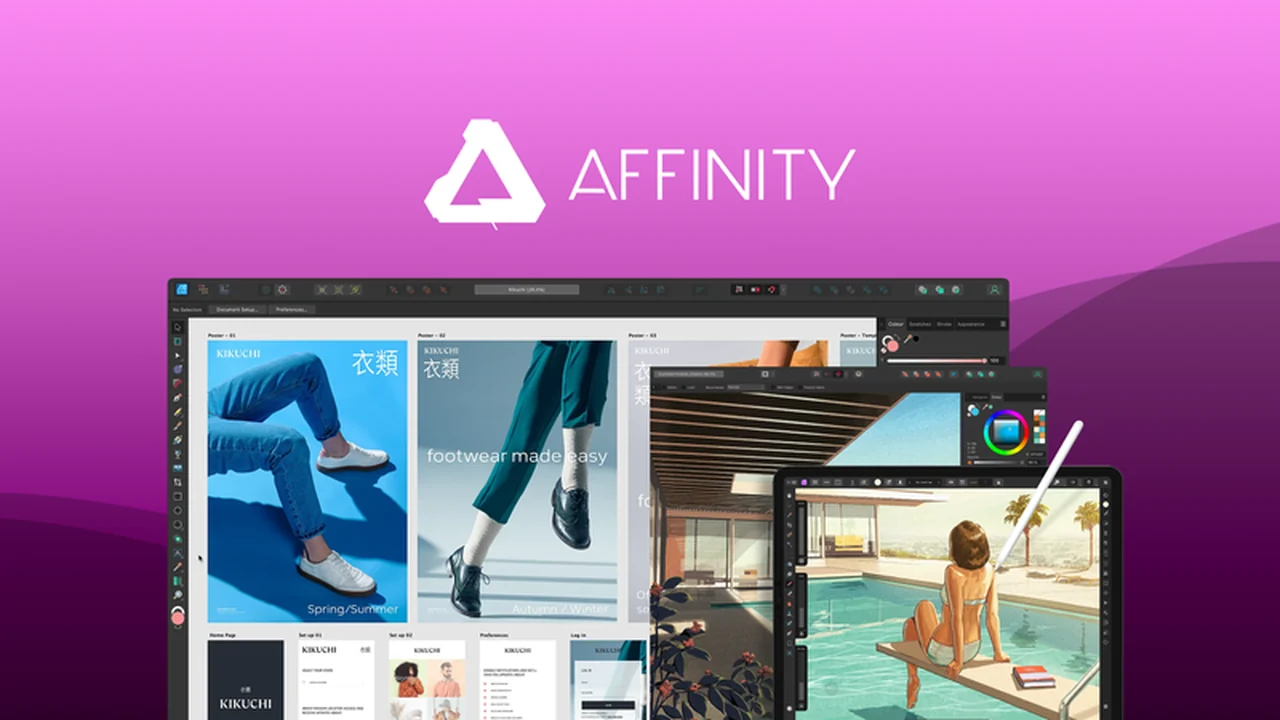
Discover how Affinity Photo can revolutionize your photo editing workflow. This comprehensive review explores its powerful features and user-friendly interface, designed to help creatives save valuable time.
We’ll delve into what makes this software stand out, its practical applications, and why it’s a compelling option for professionals and enthusiasts alike. Get ready to enhance your image manipulation capabilities.
What is Affinity Photo – Save time editing photos with ease | AppSumo
Affinity Photo is a professional-grade photo editing software built for creative individuals. It provides a complete suite of tools for image editing, retouching, and crafting intricate multi-layered compositions. This platform aims to streamline the editing process, allowing users to achieve high-quality results efficiently.
Key Features
Affinity Photo offers a robust set of features to cater to diverse editing needs:
- Non-Destructive Editing: Make changes without permanently altering your original image data, allowing for flexibility and revisions.
- RAW Processing: Directly work with RAW files for maximum control over image quality and fine-tuning.
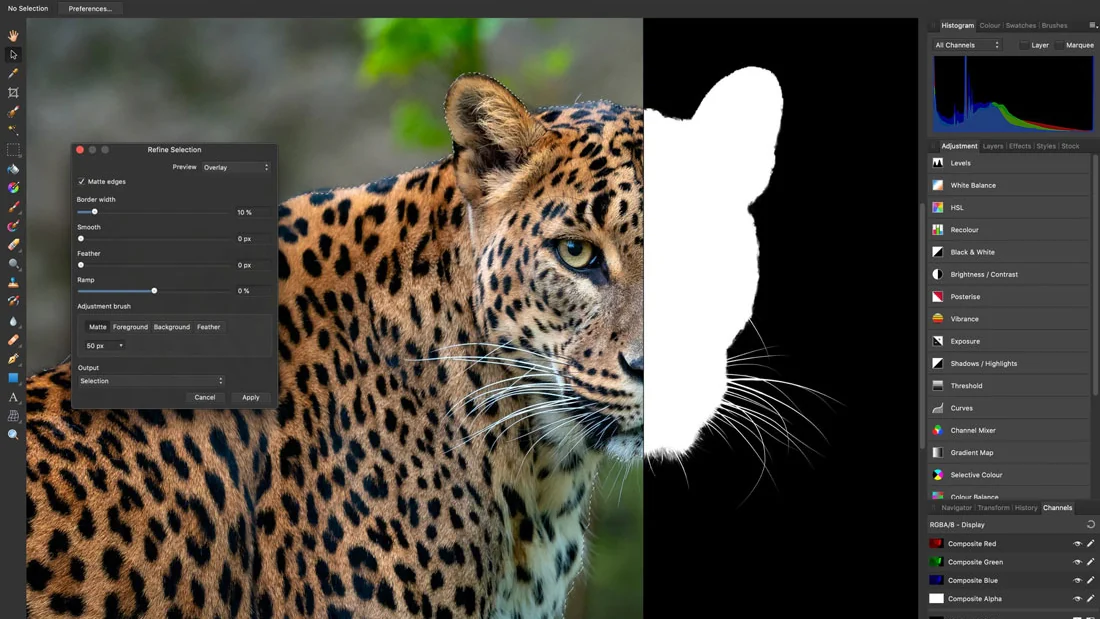
- Advanced Selection Tools: Precision selection algorithms and tools like the Selection Brush, Magic Wand, and Pen Tool enable intricate edits down to the finest details.
- Inpainting Brush: Effortlessly remove unwanted objects from your photos by intelligently filling in the background.
- Vast Brush Library: Explore a wide array of brushes that simulate natural media, with the ability to create and import custom brushes for unique artistic expression.
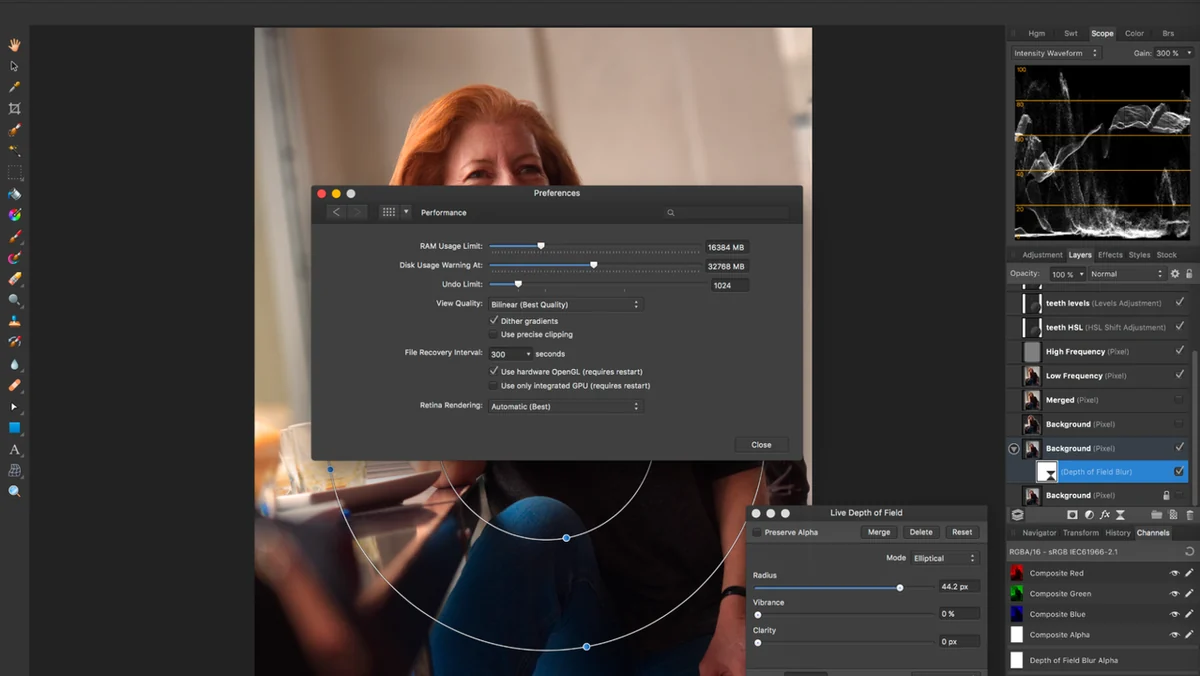
- Unlimited Layers and Effects: Build complex compositions with an infinite number of layers, adjustments, effects, and live filters that can be combined and blended.
- Batch Editing: Streamline repetitive tasks by applying edits to multiple images simultaneously.
- Assistant Button: Save time by creating and applying presets for specific tools, adapting to different editing scenarios quickly.
- Lens Distortion Correction: Automatically correct common lens imperfections to improve the optical quality of your images.
How It Works
Affinity Photo simplifies complex editing tasks through an intuitive interface and powerful underlying technology. You can import your images, including RAW files, and immediately start making adjustments.
The software’s non-destructive workflow means you can experiment with different tools and effects without concern for permanent changes. Its layer-based system allows for the modular construction of complex images, where each element can be independently modified. The dedicated retouching tools and advanced selection capabilities ensure that detailed work can be performed with accuracy and speed.
Use Cases
This versatile software is ideal for a variety of creative professionals and hobbyists:
- Photographers: Enhance RAW images, perform detailed retouching, and create composite shots.
- Graphic Designers: Craft intricate designs, manipulate images for marketing materials, and develop visual assets.
- Digital Artists: Explore natural media painting, create custom brushes, and develop unique digital artwork.
- Web Designers: Optimize images for web use, create graphical elements, and prepare assets for online platforms.
- Content Creators: Quickly edit and enhance images for social media, blogs, and other digital content.
Integrations & Compatibility
- Affinity Photo boasts excellent file format compatibility, supporting common types like RAW, JPG, TIFF, PNG, PSD, and PDF
- This ensures seamless integration with existing workflows and the ability to open and edit files from various sources
- The software is fully featured across Windows, Mac, and iPad, offering 100% file format capability
- This means you can start a project on one device and continue it on another, such as transitioning from your iPad to your PC, without compromising your work.
Pricing & Value
Affinity Photo offers exceptional value, providing professional-level features at an accessible price point. Unlike subscription models, it typically involves a one-time purchase, making it a cost-effective solution for long-term use.
The software delivers a comprehensive toolset that rivals more expensive alternatives, making it a smart investment for anyone serious about photo editing and image manipulation.
Deal Details
The AppSumo deal for Affinity Photo offers a fantastic opportunity to acquire this powerful software. These deals are time-sensitive, so it’s crucial to act quickly to take advantage of the limited-time offer.
Typically, these offers include a digital download of the software, which is yours to keep forever if you download and save it within a specified period, often 60 days of purchase.
Quick Take
- Ideal for photographers and designers seeking professional editing tools without recurring subscriptions.
- Perfect for users who value efficiency and require advanced features like non-destructive editing and precise selection tools.
- A cost-effective, one-time purchase option for a complete photo editing solution across multiple devices.
FAQs
Is there a free trial available for Affinity Photo?
Affinity Photo often provides a trial period, allowing you to test its features before purchasing.
What kind of support is available for Affinity Photo?
The software typically comes with access to tutorials and a user community for assistance.
Does Affinity Photo support Photoshop files?
Affinity Photo is designed to handle PSD files, offering compatibility with Photoshop documents.
Can I use Affinity Photo on multiple computers?
Yes, the software provides cross-platform functionality, allowing use on various devices with a single license.
Is Affinity Photo suitable for beginners?
While powerful, Affinity Photo offers resources that can support users transitioning from simpler editing software.
Final Thoughts
Affinity Photo presents a compelling proposition for anyone looking to elevate their photo editing capabilities while saving time and money. Its extensive feature set, combined with a user-friendly interface and cross-platform availability, makes it a standout choice in the competitive landscape of image editing software.
Whether you’re a professional retouching client images or a hobbyist looking to enhance your personal photos, Affinity Photo provides the tools and flexibility to achieve outstanding results efficiently. The AppSumo deal further enhances its value, making it an accessible powerhouse for creatives of all levels.