
Are you a creator looking for an efficient way to showcase your work process? This review dives into a powerful tool designed to simplify screen recording and transform it into engaging time-lapses.
We’ll explore its core functionalities, how it streamlines workflows, and who can benefit most from its unique approach. Get ready to discover a new method for creating visual content without the usual editing hurdles.
What is Lapse | AppSumo
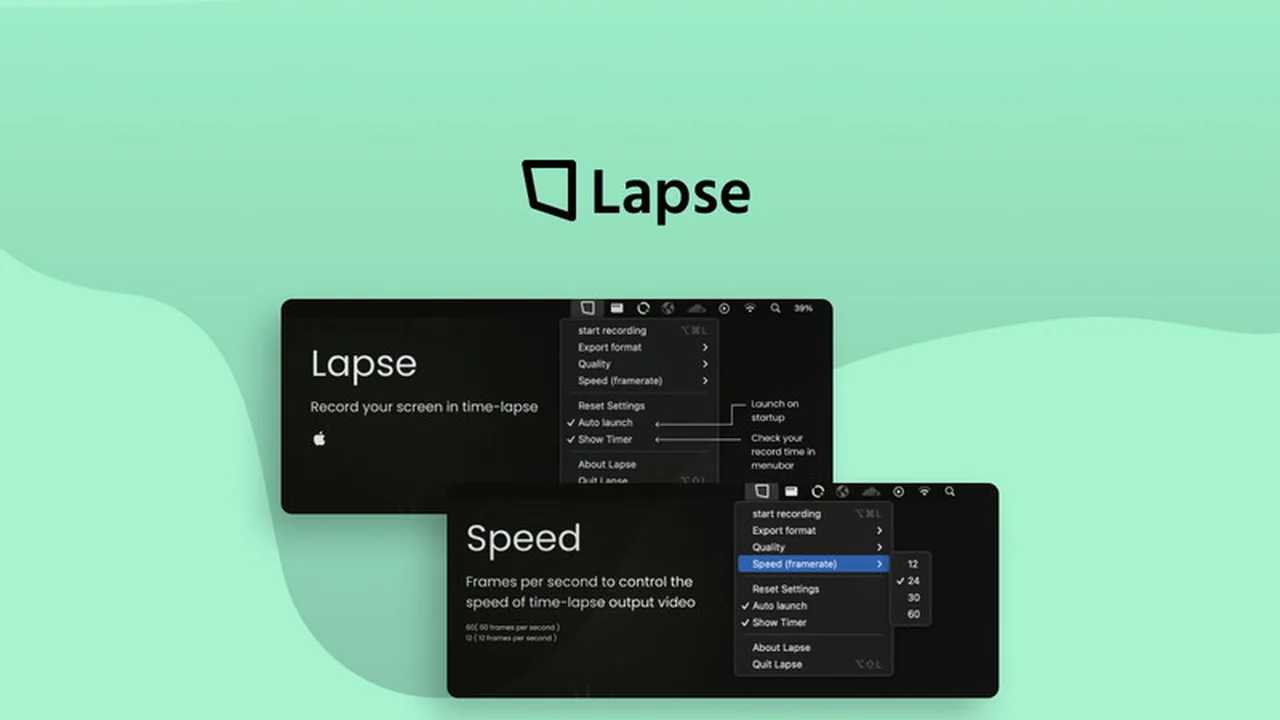
Lapse is a dedicated screen recording application built to directly produce time-lapse videos. It aims to eliminate the need for extensive post-recording editing, making it a more efficient solution for creators.
This tool focuses on generating time-lapse footage from screen activity, offering a streamlined approach to documenting processes and creating engaging visual narratives.
Key Features
- Direct Time-Lapse Recording: Records your screen activity and outputs it directly as a time-lapse video, bypassing traditional editing steps.
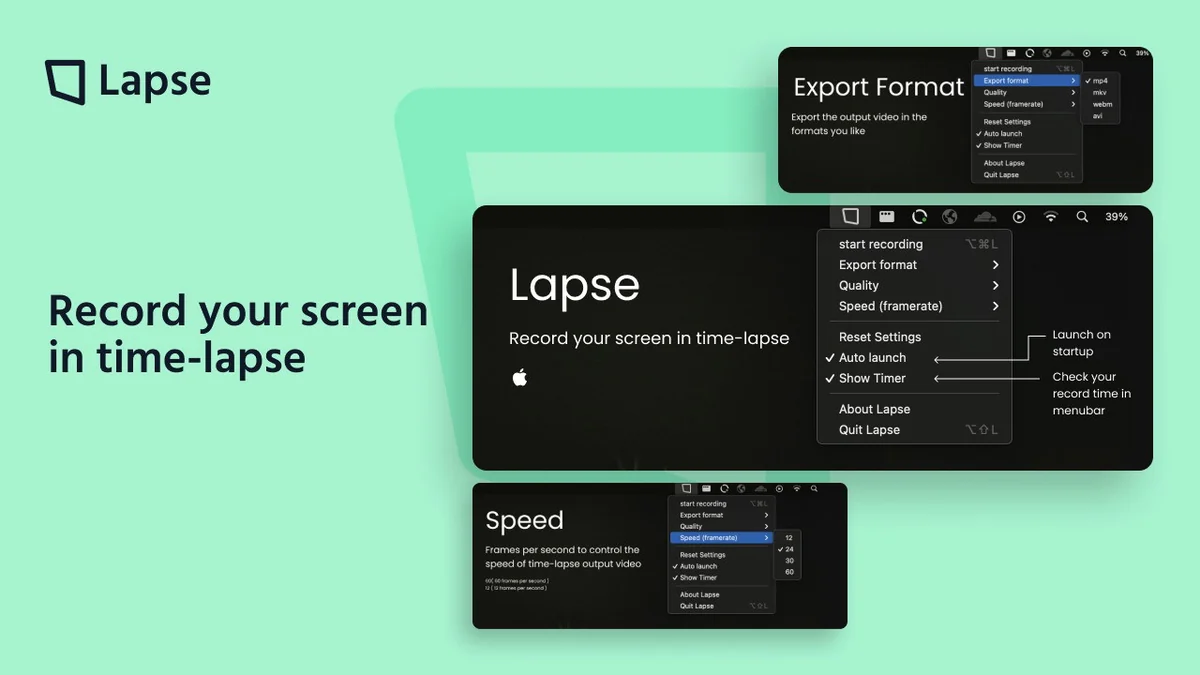
- Adjustable Settings: Offers various options to customize the final video, including quality, frame-rate, and export format.
- Intuitive Interface: Designed with ease of use in mind, making it accessible even for those new to screen recording software.
- Processor-Friendly: Built to be less demanding on your system resources compared to conventional recording and rendering methods.
- Unlimited Recording Time: Allows for extended screen recording sessions without arbitrary limits.
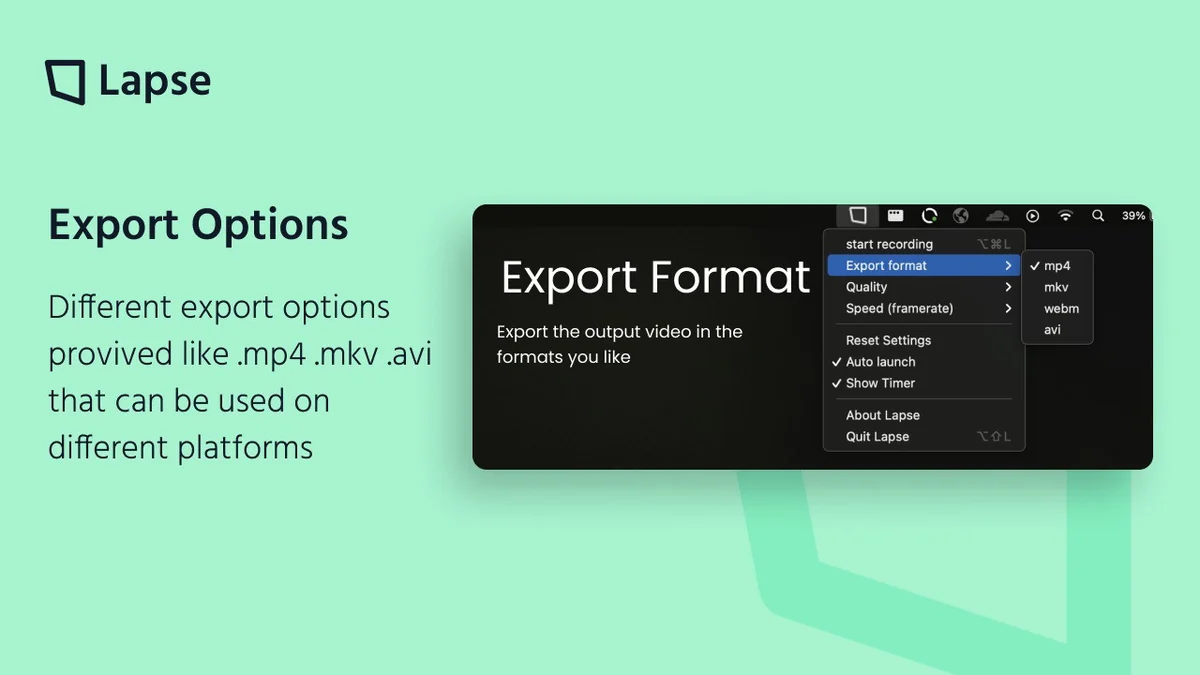
- Multiple Export Formats: Supports saving videos in MP4, MKV, and WebM formats for immediate use and uploading.
- Quality Control: Enables users to select recording quality from 144p up to 8K.
- Speed Control: Frame-rate adjustments allow for precise control over the speed of the time-lapse effect.
How It Works
Using Lapse involves launching the application, which typically resides in your menu bar on Windows or macOS. You then initiate a screen recording session. Unlike standard recorders, Lapse processes the captured footage in real-time to create a time-lapse effect.
Before or during recording, you can configure settings such as the desired output quality, frame rate to control the time-lapse speed, and the preferred export format. Once your recording is complete, the time-lapse video is ready for export without requiring further rendering or editing.
Use Cases
- Software Demonstrations: Quickly create time-lapses of coding sessions, design workflows, or software tutorials.
- Art & Design Process: Showcase the evolution of digital art, graphic design projects, or architectural models.
- Tutorials & Guides: Condense lengthy processes into short, digestible time-lapse videos for educational content.
- Project Documentation: Archive and present the progress of long-term projects visually.
- Time-Tracking Visuals: Offer a dynamic visual representation of time spent on tasks.
Integrations & Compatibility
- Lapse is available as a menu bar application for both Windows and macOS operating systems
- This provides a convenient and accessible way to use the tool directly from your desktop environment.
Pricing & Value
The value proposition of Lapse lies in its specialized function to bypass traditional video editing for time-lapse creation. By directly outputting time-lapse footage, it saves significant processing power and user time.
This approach makes it particularly valuable for creators who frequently need to produce time-lapse content and wish to streamline their workflow without compromising on output quality.
Deal Details
The AppSumo deal for Lapse offers lifetime access to the product. This includes unlimited screen recording time and access to all current and future updates of the software.
Redemption of purchased codes is required within 60 days. It’s important to note that this specific deal is not stackable, meaning one code provides lifetime access to the product.
Quick Take
- Ideal for creators needing fast, direct time-lapse screen recordings.
- Streamlines the process of showcasing work without complex editing.
- Offers flexibility with adjustable quality, frame rate, and export formats.
FAQs
Is Lapse compatible with different operating systems?
Yes, Lapse is available for both Windows and macOS.
What is the maximum recording quality available?
You can set the recording quality up to 8K resolution.
What video file formats can Lapse export to?
Lapse supports exporting videos in MP4, MKV, and WebM formats.
Can I choose the speed of my time-lapse recording?
Yes, you can control the speed by adjusting the frame-rate setting.
What is the primary benefit of using Lapse?
Lapse directly creates time-lapse videos, saving you editing time and processor load.
Final Thoughts
Lapse | AppSumo presents a focused solution for individuals who need to generate time-lapse screen recordings efficiently. Its ability to bypass the conventional editing pipeline and deliver ready-to-use time-lapses directly addresses a common pain point for creators.
With adjustable settings and compatibility across major operating systems, Lapse offers a practical tool for documenting processes and enhancing visual content creation workflows. The lifetime access deal further enhances its appeal for long-term users.