
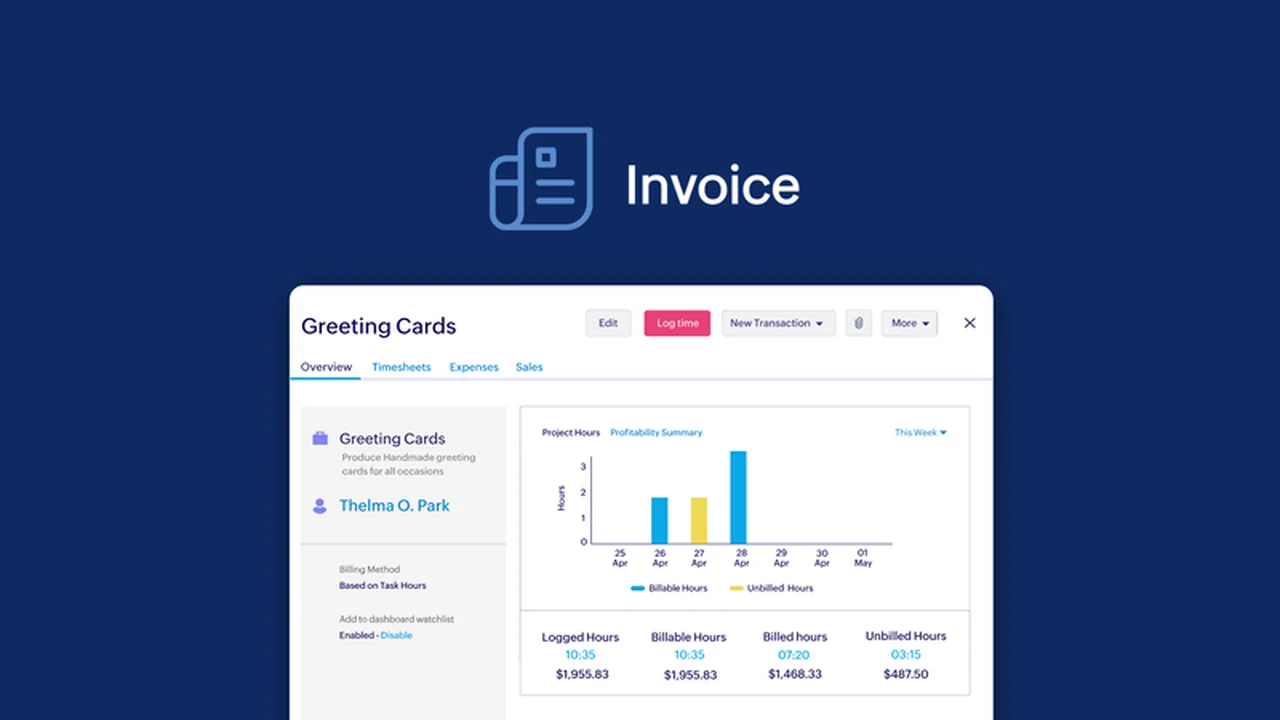
In the world of business, efficient invoicing is paramount for smooth operations and timely payments. This review delves into Zoho Invoice, a comprehensive platform designed to streamline your invoicing process.
We’ll explore its robust features, how it simplifies sending professional invoices, and the significant value it offers to businesses of all sizes.
What is Zoho Invoice – Send professional invoices | AppSumo
Zoho Invoice is a cloud-based invoicing software that empowers businesses to create, send, and manage professional invoices and estimates. It goes beyond basic invoicing by offering features that facilitate payment collection, project time tracking, and insightful business reporting, all within a user-friendly interface.
Key Features
Zoho Invoice is packed with functionalities to enhance your invoicing workflow:
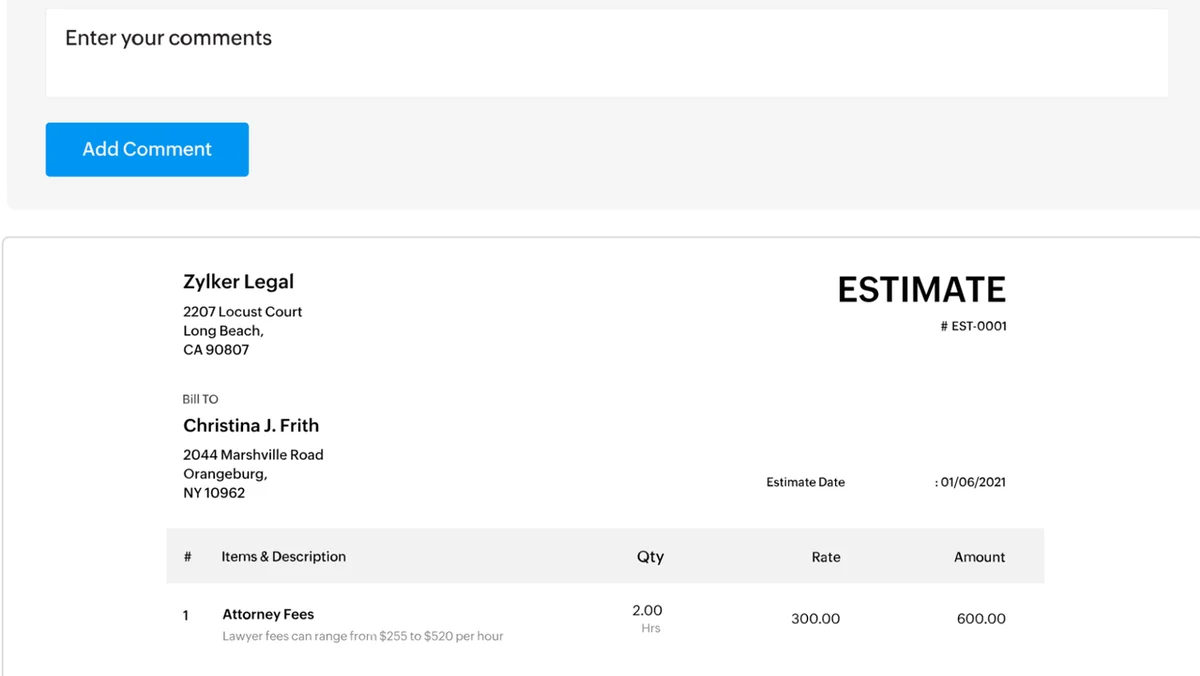
- Estimate Creation: Develop detailed estimates that clearly outline project scope, pricing, and payment terms.
- Professional Invoice Builder: Utilize a library of customizable templates to design invoices that reflect your brand identity.
- Multi-Channel Delivery: Send invoices and estimates via email, SMS, or by sharing a direct link.
- Client Portal: Offer clients a dedicated portal to view invoices, estimates, and payment history.
- Payment Gateway Integrations: Seamlessly accept online payments through various popular gateways like Stripe, PayPal, and more.
- Automated Reminders: Set up automatic follow-ups to ensure timely payments from clients.
- Recurring Invoices: Automate the billing process for ongoing services with recurring invoice setup.
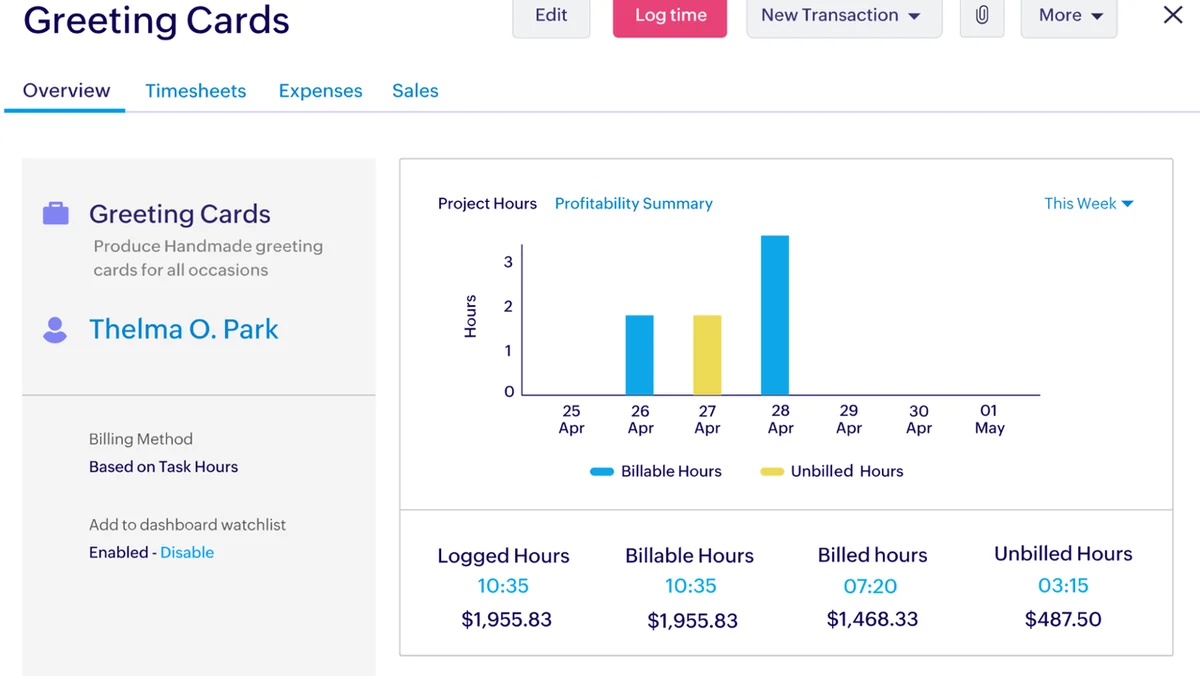
- Time Tracking: Monitor project hours directly within the platform to accurately bill clients for time spent.
- Multi-Language and Multi-Currency Support: Create invoices in up to 17 languages and in various currencies to cater to a global clientele.
- Sales Tax Calculation: Automatically calculate applicable sales taxes to save time and ensure accuracy.
- Reporting: Generate insightful reports on sales, expenses, and taxes to track business performance and growth.
How It Works
Getting started with Zoho Invoice is straightforward. You can begin by creating an estimate for a project, detailing all the relevant information. Once an estimate is approved, it can be converted into an invoice with just a few clicks, or you can start fresh with a new invoice. The platform’s intuitive invoice builder allows for easy customization of templates to match your brand. After creation, invoices can be sent instantly or scheduled for future delivery. Clients can then make payments through integrated gateways, and Zoho Invoice will handle reminders for outstanding payments.
Use Cases
Zoho Invoice is beneficial for a wide range of business scenarios:
- Freelancers needing to send professional invoices for services rendered.
- Small businesses managing multiple clients and projects requiring clear billing.
- Service-based companies that need to track billable hours and incorporate them into invoices.
- Businesses operating internationally, requiring multi-language and multi-currency support.
- Consultants who need to send detailed estimates before commencing work.
- Any business looking to automate payment reminders and reduce overdue invoices.
Integrations & Compatibility
- Zoho Invoice integrates with numerous popular payment gateways, including Stripe, Braintree, 2CheckOut, and PayPal, simplifying the process of accepting online payments
- It also supports bank transfers and checks
- Additionally, its compatibility with Zoho Sign allows for digital signing of documents.
Pricing & Value
Zoho Invoice offers a free plan for businesses with a revenue under $50,000 annually, which is quite generous. Paid plans unlock more advanced features and higher transaction limits, providing scalable solutions as your business grows.
Deal Details
The AppSumo deal for Zoho Invoice provides exceptional value, offering lifetime access to its premium features. This means you can send professional invoices, manage clients, and track payments without recurring monthly fees. It’s a significant opportunity for businesses to acquire a robust invoicing solution at a one-time cost.
Quick Take
- Ideal for freelancers, small businesses, and service providers seeking efficient invoicing.
- Offers a comprehensive set of tools for creating, sending, and managing invoices and payments.
- The AppSumo deal presents an excellent opportunity for long-term cost savings.
FAQs
Can I use Zoho Invoice on mobile devices?
Yes, Zoho Invoice offers mobile applications for convenient access on the go.
How does Zoho Invoice help with overdue payments?
The platform automates payment reminders to clients for outstanding invoices.
Is Zoho Invoice suitable for international clients?
Absolutely, it supports multiple languages and currencies for global invoicing needs.
Can I track my business expenses with Zoho Invoice?
Yes, Zoho Invoice allows you to create reports and track business expenses alongside sales and taxes.
What payment methods can I accept with Zoho Invoice?
You can accept payments via credit cards, bank transfers, and checks through various integrated gateways.
Final Thoughts
Zoho Invoice stands out as a powerful and user-friendly invoicing solution. Its extensive feature set, from estimate creation to automated reminders and payment gateway integrations, makes it an invaluable tool for any business aiming to professionalize its financial operations and improve cash flow. The AppSumo deal further enhances its appeal, offering incredible long-term value.