
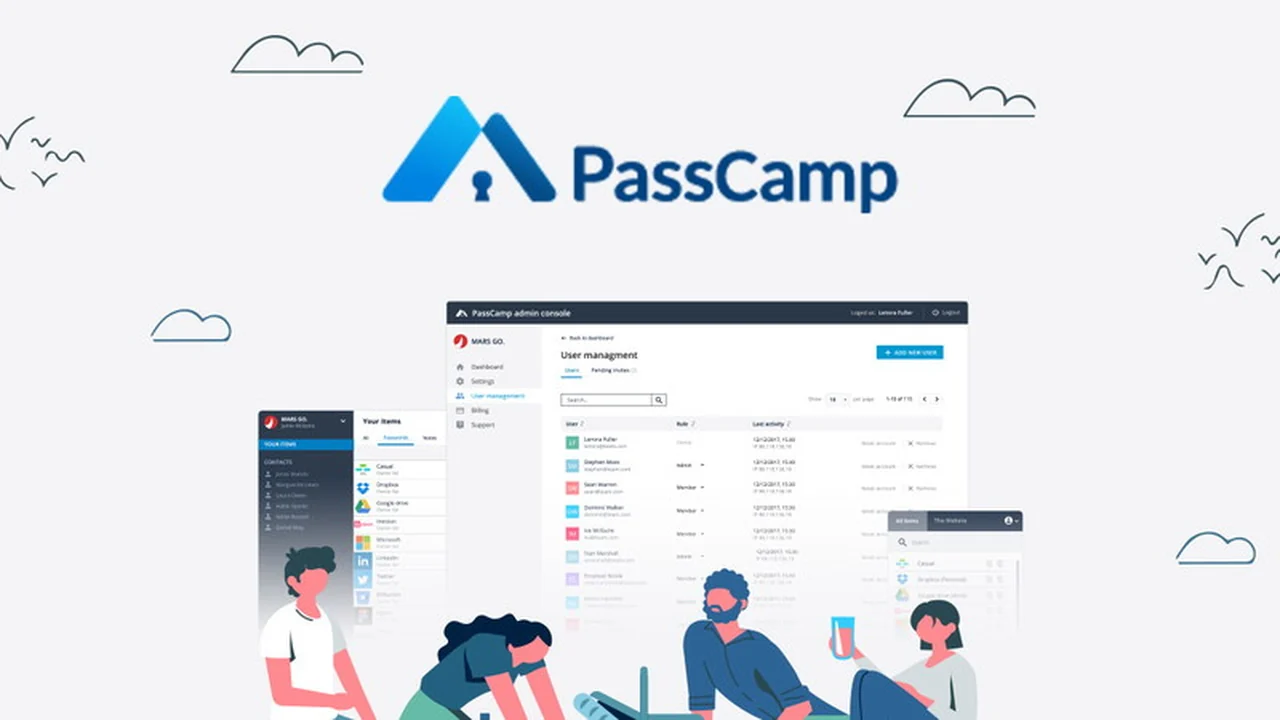
Password management can be a significant challenge, especially for teams with diverse access needs. This review dives into PassCamp, a solution designed to simplify and secure how you handle credentials for both individual and group use.
We will explore its core functionalities, how it operates, and its suitability for various scenarios, helping you understand if it fits your password security strategy. The focus is on practical application and the benefits it offers.
What is PassCamp – Manage passwords for you & your teams | AppSumo
PassCamp is a comprehensive password management tool built with teams in mind. It aims to eliminate the complexity and risk associated with manual password handling, providing a secure and centralized platform for generating, storing, and sharing credentials.
The platform is engineered to address the common pain points of password management, from employee onboarding to client collaboration, ensuring that access is granted and revoked efficiently and securely.
Key Features
- Secure Password Generation: Create strong, complex passwords with customizable requirements in a single click.
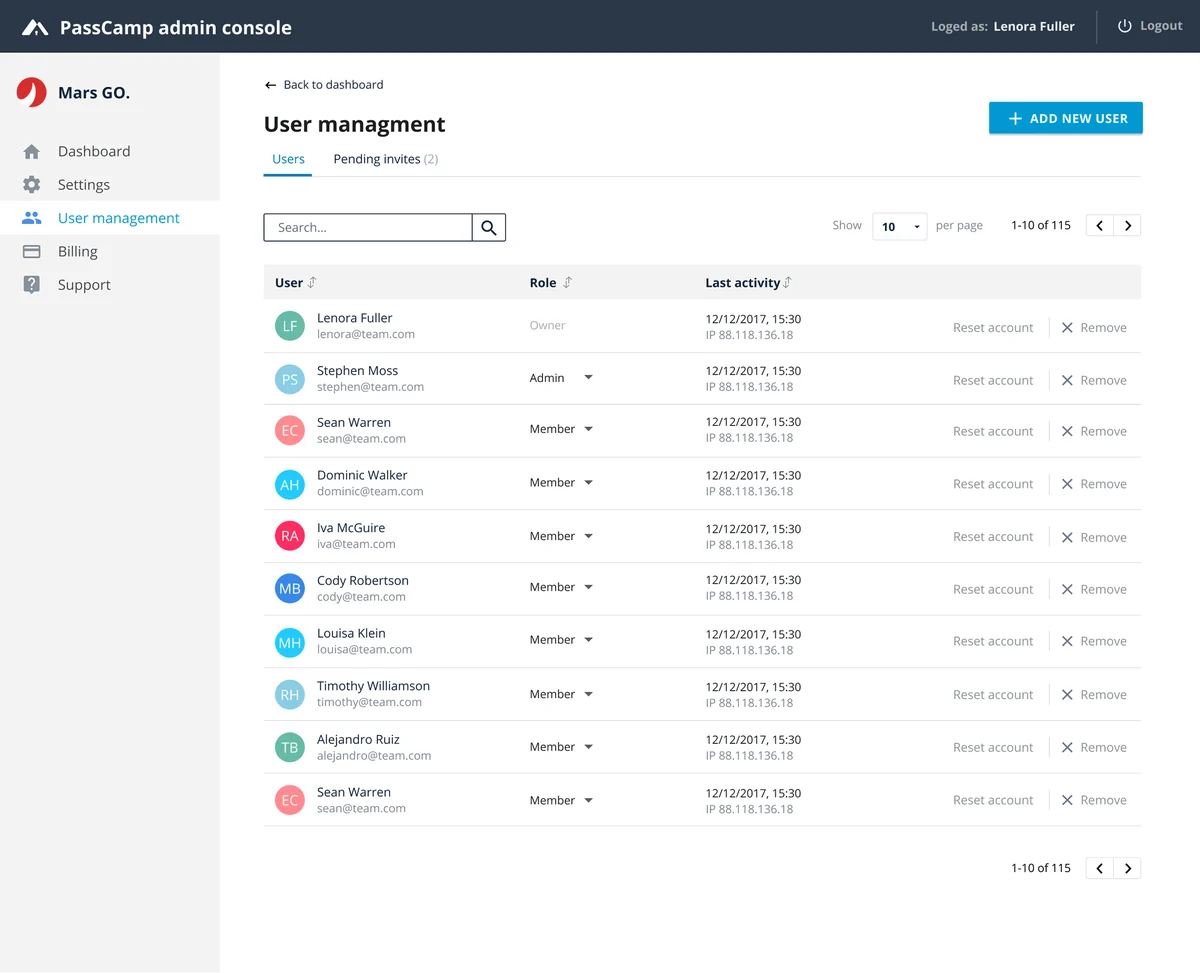
- Team Member Management: Easily add new employees, manage their access levels, and share passwords seamlessly.
- Real-time Synchronization: All shared passwords are automatically updated and synchronized across all users.
- Custom Permissions: Control who can share passwords with specific access levels for enhanced security.
- Guest Feature: Share passwords with an unlimited number of external users, such as clients, without requiring them to join your primary team.
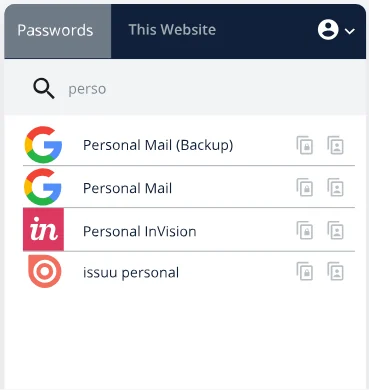
- Browser Extension: Access, copy, and autofill your secure passwords and notes directly from popular web browsers.
- Advanced Search & Filtering: Quickly find passwords based on who shared them, title, or date added.
- Robust Security: Utilizes AES256 and RSA cryptography with zero-knowledge proof for maximum data protection.
- Notifications: Receive alerts for password updates, contact invites, and shared/unshared items.
- Blockchain-Powered History Log: Access a centralized log of all changes made to passwords by users and contacts.
How It Works
PassCamp simplifies password management by providing a centralized vault accessible to authorized users. For individuals, it serves as a secure place to store and generate strong, unique passwords for all their online accounts.
For teams, the process involves setting up a shared vault where administrators can invite team members and assign specific access permissions to different password groups. The browser extension facilitates quick logins and autofills, while real-time updates ensure everyone is working with the latest credentials.
Use Cases
- Onboarding New Employees: Grant instant access to necessary applications and tools for new team members.
- Managing Client Access: Securely share project-specific credentials with clients or external partners through the guest feature.
- Secure Collaboration: Facilitate team collaboration on projects requiring shared logins without compromising security.
- Personal Security: For individuals seeking a more robust way to manage their extensive personal password library.
- IT and Security Departments: Implement a standardized and secure password management protocol across an organization.
Integrations & Compatibility
- PassCamp offers a convenient browser extension that is compatible with major web browsers, enabling seamless access and autofill functionality across various platforms
- While specific third-party software integrations are not detailed here, the platform is designed to work within standard web browsing environments.
Pricing & Value
PassCamp, when available through special offers like those on AppSumo, provides lifetime access for a single payment. This model offers significant value by eliminating recurring subscription fees, making it a cost-effective solution for long-term password management needs.
The opportunity to secure lifetime access for a nominal one-time fee presents a compelling proposition for individuals and businesses looking to invest in ongoing security without perpetual costs.
Deal Details
The AppSumo deal for PassCamp typically offers lifetime access to the platform for a one-time purchase, often around $39. This includes access to core features designed for individual and team use, along with the browser extension and robust security protocols.
The offer frequently allows for the purchase of multiple codes to accommodate larger teams, with each code typically granting access for a set number of users.
Quick Take
- Ideal for small to medium-sized teams needing streamlined password sharing.
- Provides strong security with an easy-to-use interface and browser extension.
- A cost-effective lifetime deal for ongoing password management.
FAQs
What happens if I forget a password within PassCamp?
You can reset or generate new strong passwords directly through the platform.
Is PassCamp easy to set up for new users?
Yes, adding new team members and managing access is designed to be very straightforward.
Can I share passwords with people outside my organization?
Yes, PassCamp features a guest mode for unlimited sharing with external contacts.
How does PassCamp ensure password security?
It employs AES256 and RSA cryptography with zero-knowledge proof for maximum data protection.
What is the primary benefit of PassCamp for teams?
It simplifies secure password sharing and management for seamless team collaboration.
Final Thoughts
PassCamp presents a robust and user-friendly solution for managing passwords, particularly for teams. Its focus on security, coupled with features like real-time synchronization and guest access, addresses common organizational challenges.
The lifetime access model, especially when available at a value price point, makes it an attractive option for those seeking a long-term, cost-effective password management strategy without the burden of recurring fees.