
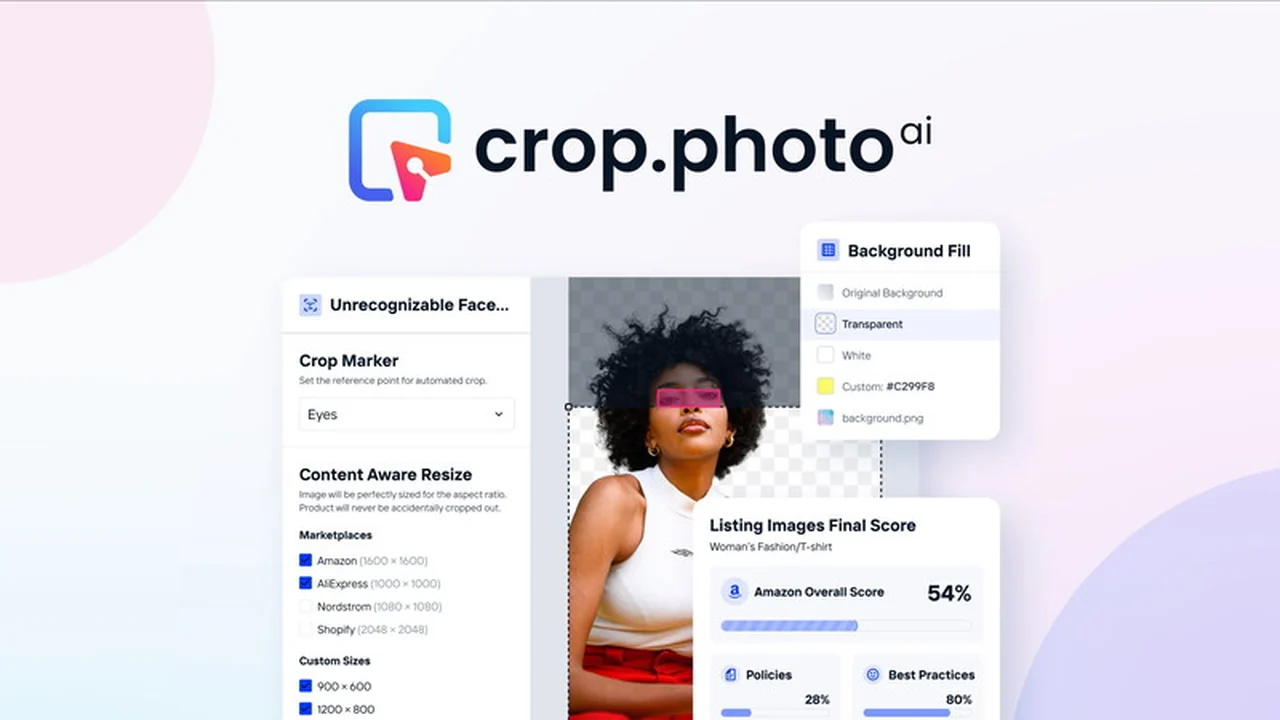
Navigating the world of eCommerce often means dealing with a high volume of product images that need to be perfectly presented. Ensuring consistency and professional quality across your catalog can be a significant time investment.
This review dives deep into Crop.photo, an AI-powered solution available through AppSumo, designed to streamline bulk photo retouching for businesses. Discover how its features can save you time and enhance your product visuals.
What is Crop.photo | AppSumo
Crop.photo is a cloud-based platform that leverages artificial intelligence to automate various aspects of image retouching, specifically for eCommerce needs. It aims to reduce the manual effort required for common tasks like cropping, resizing, and background removal, allowing users to focus on more complex editing or other business priorities.
Key Features
Crop.photo offers a suite of AI-driven tools designed to accelerate the image preparation process:
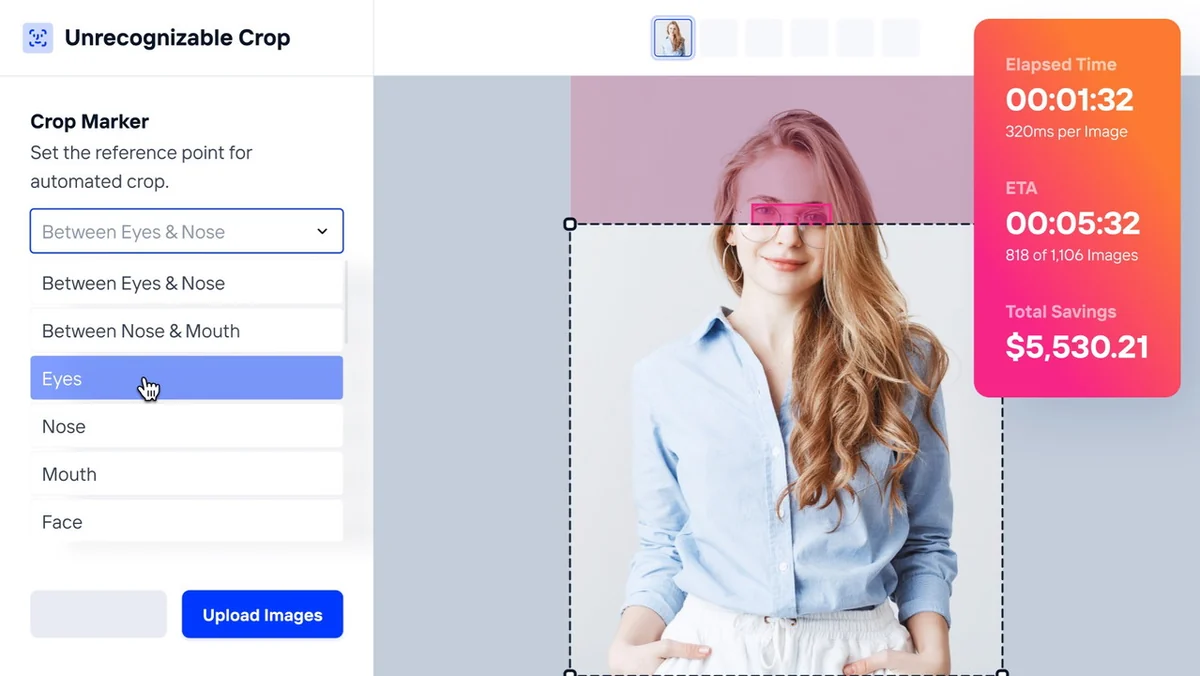
- Automatic on-model crops using face markers: This feature utilizes AI face recognition to automatically identify and crop specific faces or body parts on model images, eliminating the need for manual selection in image editing software.
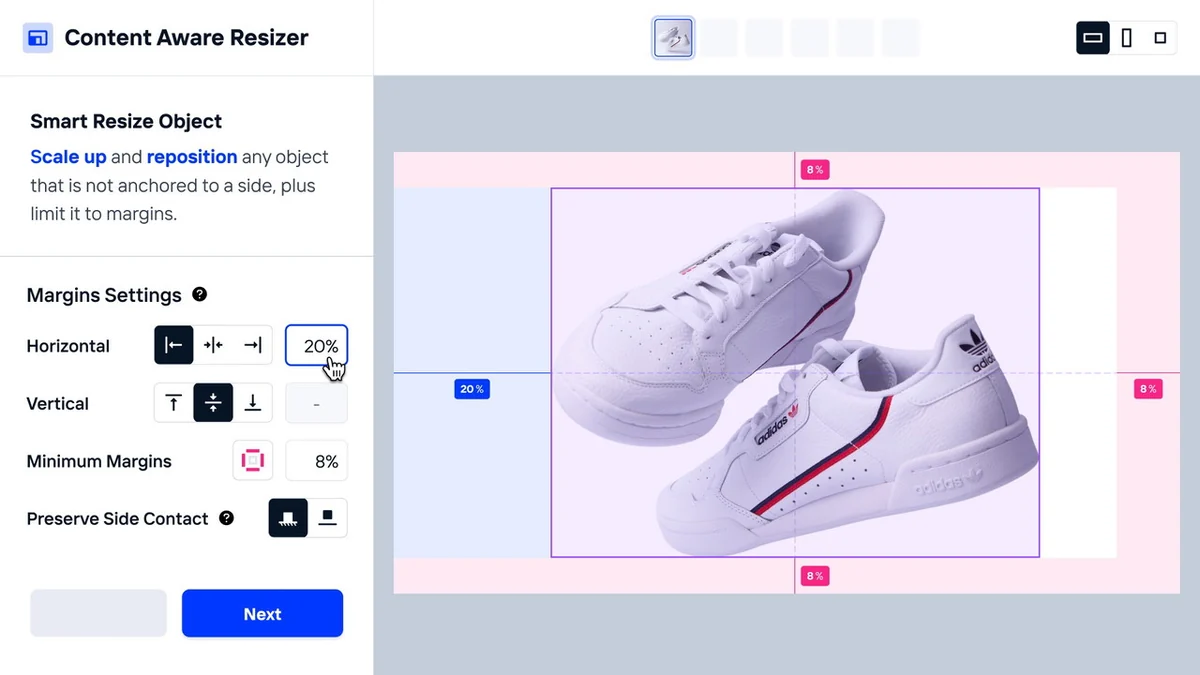
- Content-Aware scaling & resizing: The AI-powered resizer intelligently adjusts image dimensions and aspect ratios to meet the requirements of different eCommerce marketplaces, ensuring products are perfectly framed without unintended cropping.
- Background removal: Quickly and efficiently remove or replace backgrounds from various image types, facilitating seamless integration with other automated editing processes like cropping and resizing.
- Creative control with Background Clean Up Tool: For instances where AI might need a touch of human refinement, this tool allows for quick fixes of errant pixels, ensuring a polished final look.
How It Works
The platform is designed for straightforward operation, even for bulk processing. Users typically upload their batch of images, select the desired automated actions, and let the AI engine handle the rest.
Automatic Cropping: For on-model photos, simply designate the area of interest (like a face) and the AI will process the entire batch, creating marketplace-ready crops without manual intervention.
Smart Resizing: The content-aware resizer analyzes the image content to maintain product integrity while adapting it to various aspect ratios required by platforms like Amazon or Etsy.
Backgrounds: With a few clicks, backgrounds can be removed or replaced. This can be combined with other automations for a multi-step editing process completed in one go.
Clean Up: After automated processes, the Background Clean Up Tool provides an intuitive interface to make minor adjustments to pixels, ensuring a flawless finish.
Use Cases
Crop.photo is particularly beneficial for several scenarios:
- eCommerce businesses needing to prepare product listings quickly.
- Wholesalers and retailers preparing catalog images.
- Photographers offering services to businesses with large image volumes.
- Anyone looking to save significant time on repetitive photo editing tasks.
Pricing & Value
Crop.photo is offered through AppSumo, presenting a lifetime deal that provides access to its features and functionalities. The value proposition lies in the substantial time savings and potential reduction in outsourcing costs for image editing.
The typical workflow of spending 5-10 minutes per image on manual retouching can be drastically reduced. When applied to hundreds or thousands of images, these savings accumulate into significant operational efficiencies.
Deal Details
The AppSumo deal for Crop.photo offers enhanced limits on plan features, providing more capacity for bulk processing on an annual basis. This approach is geared towards users who handle a large volume of images regularly.
The offer includes a 60-day money-back guarantee, allowing users to test the platform thoroughly to ensure it meets their specific needs.
Quick Take
- Ideal for eCommerce sellers and content creators needing to process many images efficiently.
- Leverages AI to automate time-consuming tasks like cropping and background removal.
- Offers significant potential for cost and time savings compared to manual editing.
FAQs
How much time can I realistically save?
Retouchers can save approximately 5-10 minutes per image through automation.
What kind of computer do I need to use Crop.photo?
As a cloud-based service, it requires only an internet connection and a web browser.
Can I use my own background images?
Yes, the platform supports replacing backgrounds with your custom images.
How accurate is the AI background removal?
The platform aims for high accuracy and offers a clean-up tool for fine-tuning results.
Is Crop.photo suitable for non-eCommerce images?
While optimized for eCommerce, its AI tools can be beneficial for various batch image editing needs.
Final Thoughts
Crop.photo presents a compelling solution for anyone burdened by the repetitive nature of bulk image retouching. Its AI-driven features, particularly the automated cropping and content-aware resizing, offer a tangible way to reclaim valuable time and resources.
For businesses in the eCommerce space, where visual presentation is paramount, this tool can be a game-changer in efficiency and output quality. The AppSumo deal provides an accessible entry point to explore these powerful capabilities.