
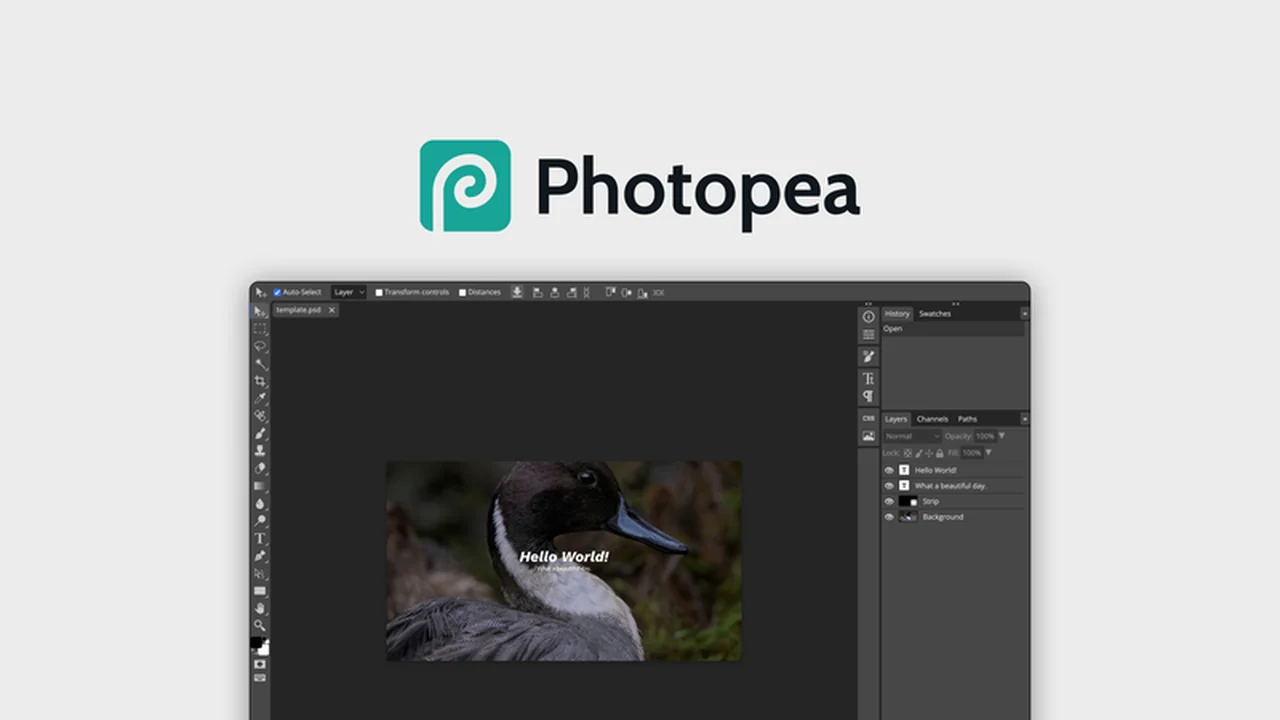
Discover Photopea, a powerful and accessible photo editing solution that breaks down the barriers of traditional software. This review explores its capabilities, making it easier than ever to enhance your images.
You’ll learn about Photopea’s robust feature set, understand how to get started, and see why it’s a compelling option for various editing needs, especially with its free access.
What is Photopea – Edit photos for free | AppSumo
Photopea is a free online photo editor designed to empower users with advanced editing tools without the need for costly software or downloads. It supports a wide range of file formats, making it incredibly versatile for different projects.
Key Features
Photopea offers a comprehensive suite of tools for both beginners and advanced users:
- Layers: Supports layers, including masks and smart objects, for non-destructive editing.
- Layer Editing: Allows for detailed manipulation of layers, including moving and bending.
- Selections: Features advanced selection tools, such as refining edges, for precise image isolation.
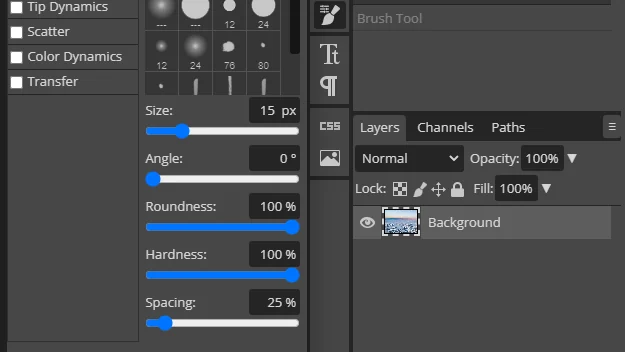
- Brush Tools: Provides comprehensive brush options with extensive customization, like color dynamics and scatter settings.
- Type Layers: Enables the creation and editing of text, including point text and text on a curve.
- Automation: Offers automation capabilities, such as defining variables to modify different versions of an image.
- Content-Aware Fill: Efficiently fills empty areas after cropping with contextually relevant content.
- Drop Shadow Tool: Adds depth and dimension to images by creating realistic shadows.
- Background Removal: Includes a one-click tool for quickly removing image backgrounds.
How It Works
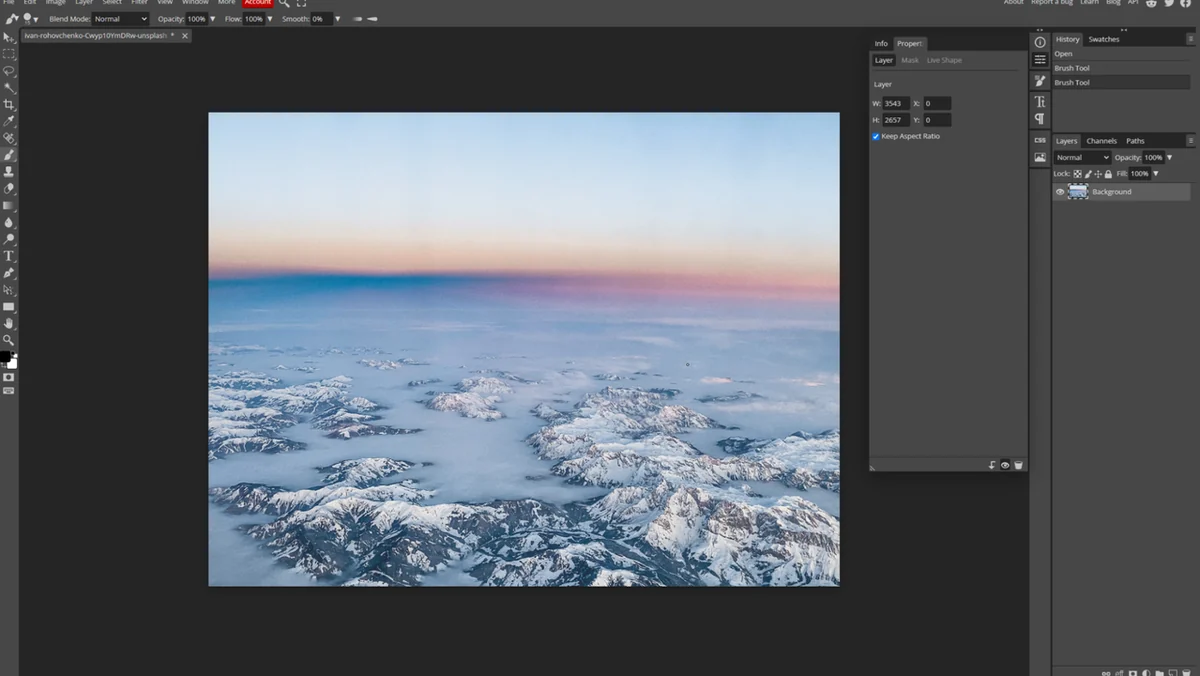
Getting started with Photopea is straightforward. You can upload your photos directly to the platform and begin editing immediately. There’s no requirement to create an account or download any software, streamlining the workflow for quick access.
Use Cases
- Enhancing digital photographs for personal or professional use.
- Creating graphics and designs for social media and web content.
- Editing images in PSD, AI, and Sketch file formats.
- Retouching portraits and product photography.
- Quickly removing backgrounds from images.
Integrations & Compatibility
- While not possessing an extensive plugin library, Photopea connects with several popular cloud storage services, including Dropbox, OneDrive, and Google Drive, facilitating easy file access
- It also integrates with Figma, allowing for direct text editing and applying effects within the design platform.
Pricing & Value
Photopea is available as a free web-based editor. For users seeking an enhanced experience, a premium plan is offered, which includes benefits like quick email support, increased history steps, more storage for Peadrive, and an ad-free interface. This premium option starts at an affordable monthly price.
Deal Details
AppSumo often features limited-time deals on software solutions. When available, these deals provide exceptional value for acquiring software licenses or premium access. Purchasing during a deal ensures you get the software at its most cost-effective price.
Quick Take
- Ideal for users seeking a free, powerful photo editor.
- A great alternative for those familiar with advanced editing software.
- Excellent for quick edits and graphic design tasks without downloads.
FAQs
How does Photopea compare to Photoshop?
Photopea offers a similar interface and many functionalities to Photoshop, serving as a strong free alternative.
Can I use Photopea on mobile devices?
Photopea can be accessed and used on mobile browsers due to its web-based nature.
What file formats does Photopea support?
It supports numerous formats including PNG, PSD, AI, XD, Sketch, and XCF.
Does Photopea require software download?
No, Photopea is a web-based application and does not need any software downloads.
Is Photopea truly free to use?
Yes, Photopea offers a fully functional free version for all users without requiring registration.
Final Thoughts
Photopea stands out as a remarkably capable and accessible free online photo editor. Its extensive features, support for various file formats, and user-friendly interface make it a valuable tool for a wide audience, from hobbyists to design professionals. The option to upgrade for enhanced features at a low cost further solidifies its position as an outstanding value.