
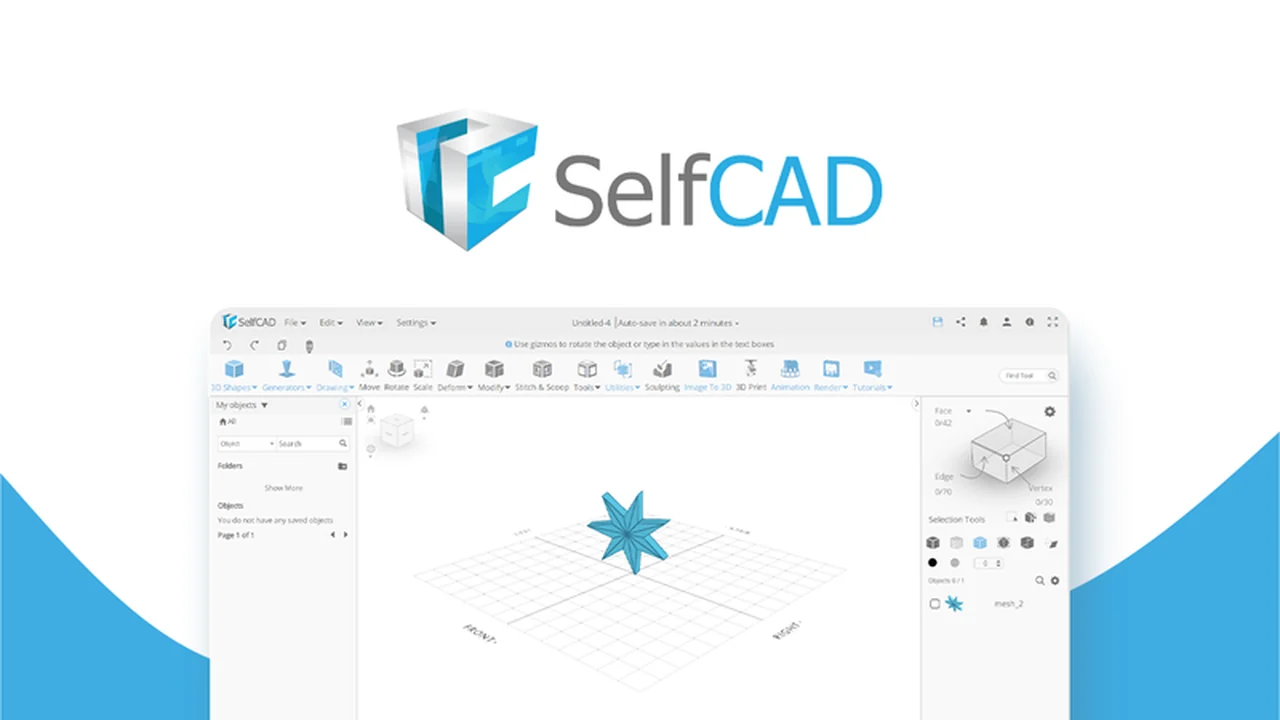
Discover how to bring your 3D design visions to life with a single, intuitive platform. This review explores the comprehensive capabilities of SelfCAD, designed to streamline the entire 3D creation process.
We will delve into its core features, practical applications, and the overall value it offers, particularly for those seeking an accessible yet powerful 3D modeling experience.
What is SelfCAD – Make 3D designs from start to finish | AppSumo
SelfCAD is an all-in-one 3D modeling application built to simplify the entire design process, from initial concept to final output. It aims to make 3D design accessible to everyone, regardless of their prior experience. The platform combines technical and artistic design tools, offering features typically found in multiple separate software packages.
Key Features
- Intuitive Interface: Designed to follow the natural flow of design, making tools easy to locate and use.
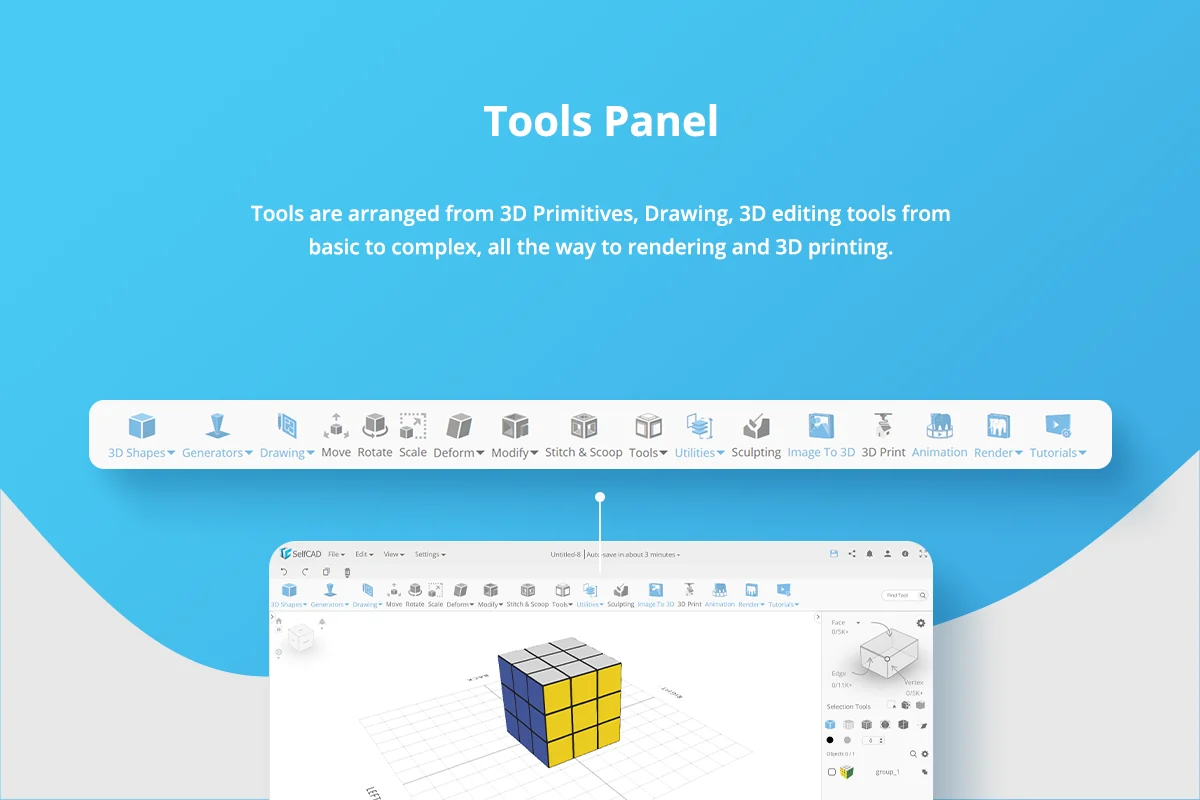
- Comprehensive Toolset: Includes modeling, sculpting, rendering, animation, and slicing tools for 3D printing.
- Sketch-to-3D Conversion: Automatically transforms sketches and primitives into 3D objects with a few clicks.
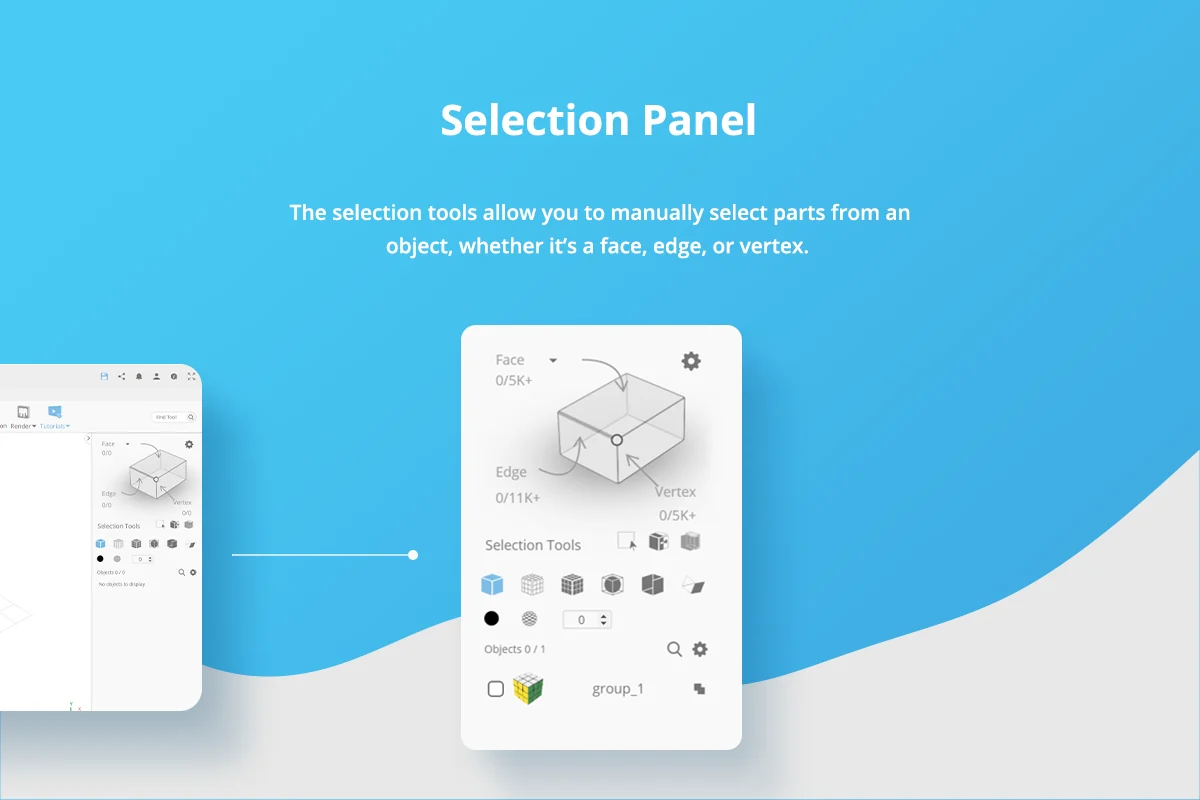
- Advanced Transformations: Offers precise control over object modifications, including face, edge, and vertex manipulation.
- Built-in Rendering Engine: Facilitates the creation of picture-perfect renderings with various material and lighting options.
- Interactive Tutorials: Step-by-step guides and ready-made projects help users learn and build their skills.
- 3D Printing Compatibility: Supports all major 3D printers, allowing direct preparation of models for manufacturing.
- Flexible Storage: Work seamlessly from your browser, local device, or a combination of both.
How It Works
SelfCAD’s workflow is structured to guide users through the design journey effortlessly. You can start by importing existing 2D images or SVG files, or by directly sketching your ideas within the application. The software then allows you to convert these into 3D objects, which can be further refined using a suite of modeling and sculpting tools. For those new to 3D design, interactive tutorials provide clear, step-by-step instructions, highlighting exactly what needs to be clicked or edited. The application also features utility tools for advanced transformations and precise object assemblies. Finally, once your design is complete, you can utilize the integrated rendering engine to produce high-quality visuals or prepare the model for 3D printing.
Use Cases
- Hobbyists and 3D printing enthusiasts looking for an accessible entry into 3D modeling.
- Students and educators seeking a comprehensive tool for learning and teaching 3D design principles.
- Small business owners who need to create product prototypes or custom designs without extensive software investment.
- Beginner to intermediate designers who want to avoid the complexity of juggling multiple specialized software programs.
- Anyone wanting to turn a simple sketch into a fully realized 3D model and prepare it for printing or visualization.
Integrations & Compatibility
- SelfCAD supports all industry-standard 3D formats, allowing you to import files like SVG and other common object types
- Its output is compatible with all major 3D printers, meaning you can directly prepare your designs for manufacturing without needing additional software
- The platform is accessible via a web browser, offering flexibility for users who prefer cloud-based workflows, while also supporting local device integration.
Pricing & Value
The value proposition of SelfCAD lies in its all-in-one nature, bundling extensive functionality into a single, user-friendly package. This eliminates the need for multiple software subscriptions, offering significant cost savings and a simplified workflow. The platform’s focus on reducing the learning curve further enhances its value, enabling users to become productive more quickly.
Deal Details
The current AppSumo deal provides lifetime access to SelfCAD, granting you access to all features included in all plans. This includes the comprehensive set of design, sculpting, rendering, and slicing tools. The offer comes with a 60-day money-back guarantee, allowing ample time to evaluate the software’s suitability for your needs.
Quick Take
- Ideal for beginners and intermediate users seeking a unified 3D design experience.
- Streamlines the entire 3D creation process from concept to print-ready model.
- Offers significant value by consolidating features typically found across multiple expensive software packages.
FAQs
What is the primary benefit of the AppSumo deal?
The deal offers lifetime access to all SelfCAD features, simplifying 3D design long-term.
Is the software limited to Windows or macOS?
SelfCAD can be accessed and used directly through a web browser.
Does SelfCAD include tools for rendering?
Yes, a built-in rendering engine is available for creating professional-looking visualizations.
Can I import existing 3D models into SelfCAD?
Yes, SelfCAD supports importing industry-standard 3D file formats.
Is SelfCAD suitable for complete beginners?
Yes, SelfCAD is designed with an intuitive interface and interactive tutorials for beginners.
Final Thoughts
SelfCAD presents a compelling solution for anyone looking to engage with 3D design without the steep learning curve or fragmented software landscape. Its comprehensive feature set, combined with an accessible interface and robust learning resources, makes it a powerful tool for both aspiring and developing 3D artists. The all-in-one approach, particularly when accessed through the AppSumo deal, offers considerable value and efficiency for bringing creative ideas into the third dimension.