
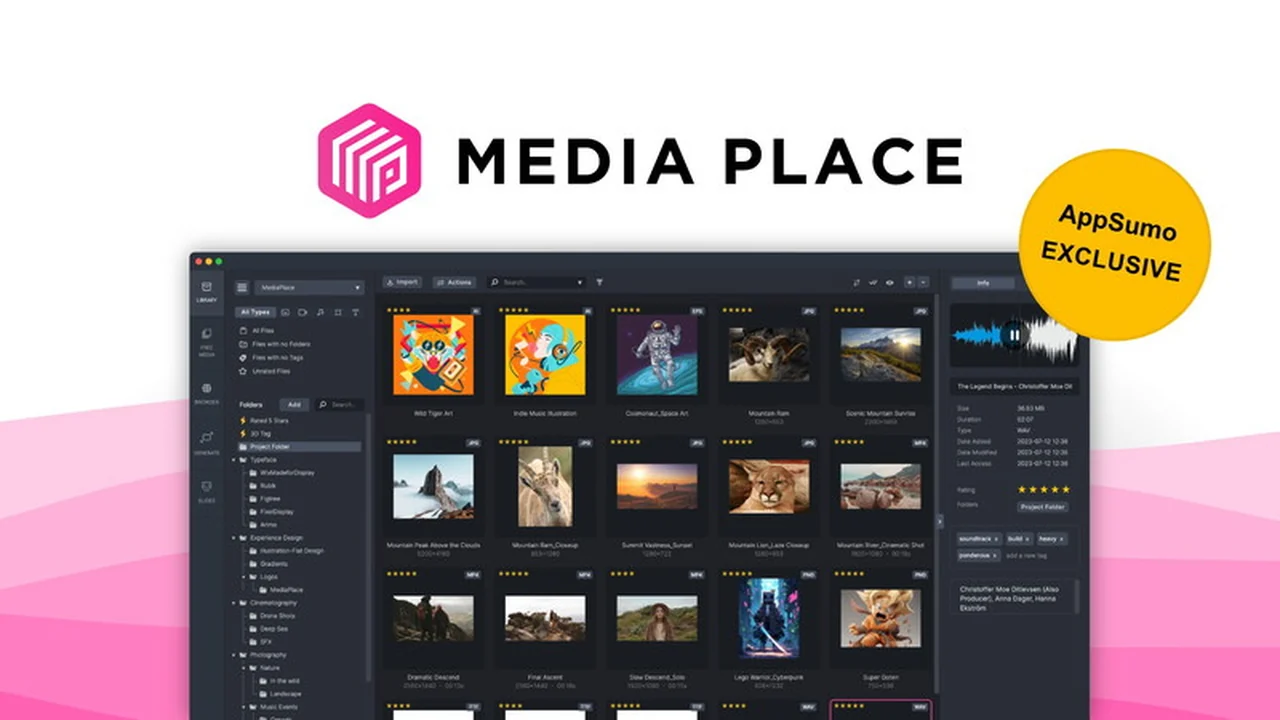
Are you tired of wasting precious hours sifting through disorganized folders just to find that one crucial media file?
This comprehensive review dives deep into MediaPlace, exploring how it revolutionizes media management for creatives and entrepreneurs, saving you time and boosting productivity.
What is MediaPlace | AppSumo
MediaPlace is an all-in-one media management application designed specifically for creatives, designers, and entrepreneurs. It offers an intuitive visual approach to collecting, organizing, searching, editing, and creating media files, aiming to eliminate the frustration and time loss associated with traditional file management systems.
Key Features
MediaPlace is packed with features to streamline your creative workflow:
- Visual Organization: Effortlessly organize your media library with a clear, visual interface, making every file easy to locate.
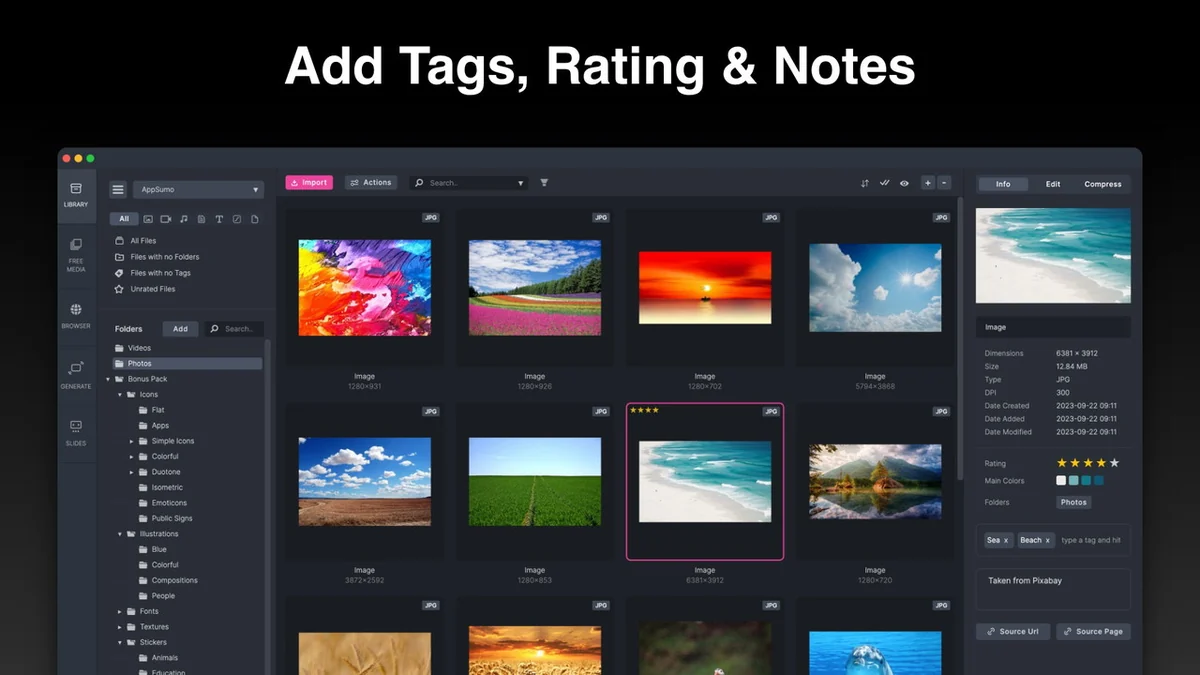
- Tagging and Batch Organization: Add tags, ratings, and notes to individual files or batch organize thousands of files with a single click for efficient management.
- Smart Folders: Create dynamic folders that automatically group your media based on user-defined rules, ensuring your assets are always categorized logically.
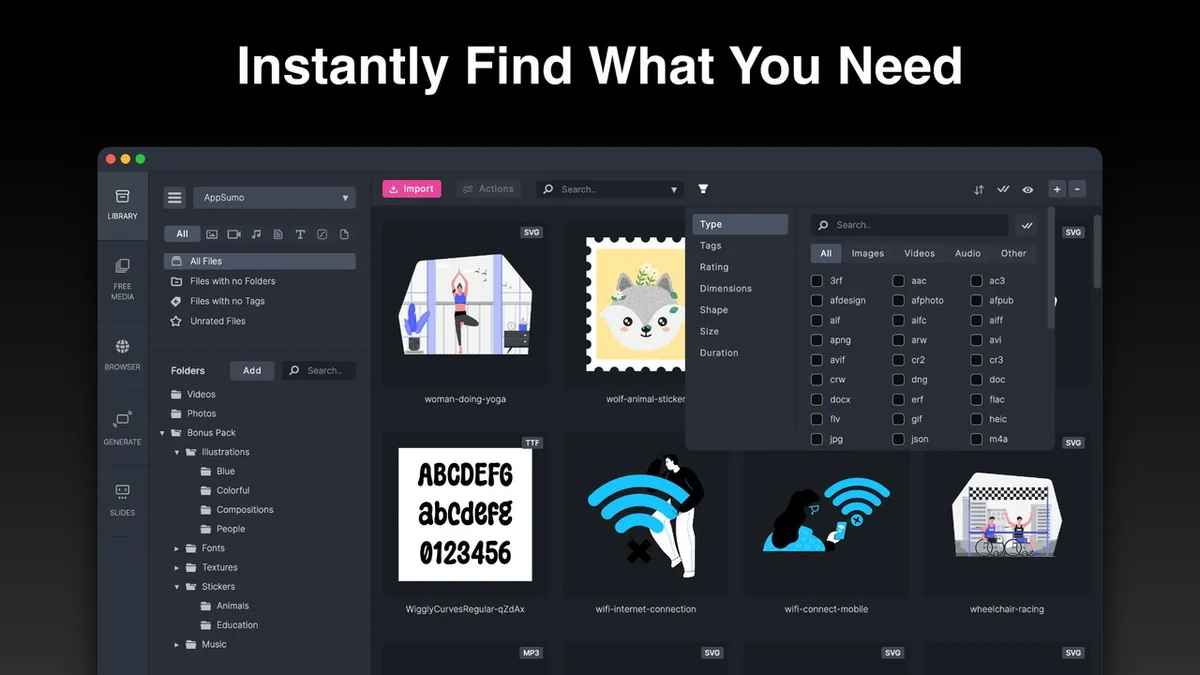
- Powerful Filtering: Instantly find any media file using robust filtering options, searchable by type, keyword, dimensions, size, rating, shape, duration, and tags.
- Integrated Web Browser: Directly import media files from any website using the built-in web browser, simplifying content collection.
- Extensive Stock Library: Access a vast library of over 5 million stock images, videos, GIFs, and stickers for inspiration and project use.
- Creation Tools: Generate unique shapes and backgrounds with custom designs or gradients, and use the drag-and-drop slideshow creator for engaging presentations.
How It Works
Getting started with MediaPlace is straightforward. You can drag and drop your existing media files directly into the application. The platform’s core functionality revolves around its visual interface, allowing you to arrange, tag, and categorize your assets in a way that makes sense to you. Powerful search and filtering capabilities mean that once your files are organized, finding them again is a matter of seconds, not minutes or hours. The integrated web browser and stock library further enhance its utility by providing easy access to new content.
Use Cases
MediaPlace is ideal for a wide range of creative professionals and businesses:
- Graphic Designers: Quickly find design assets, stock images, and previous project files.
- Content Creators: Organize video clips, audio files, and images for social media or website content.
- Entrepreneurs: Manage marketing materials, product photos, and presentation assets efficiently.
- Marketing Teams: Keep all campaign-related media in one accessible and organized location.
- Anyone managing large media libraries: If you’re drowning in digital assets, MediaPlace offers a path to clarity.
Pricing & Value
MediaPlace offers a lifetime access deal, providing significant value compared to recurring subscription models. This one-time purchase ensures you have access to all current and future updates without ongoing costs, making it a cost-effective solution for long-term media management needs.
Deal Details
The current offering provides lifetime access to MediaPlace, allowing users to benefit from its comprehensive media management features indefinitely. This deal is typically available through platforms like AppSumo and often includes a generous money-back guarantee period, allowing for risk-free evaluation.
Quick Take
- Ideal for creatives, designers, and entrepreneurs overwhelmed by media files.
- Saves significant time and reduces frustration in file searching.
- Offers a visual, intuitive, and powerful way to manage all your media.
FAQs
What is the refund policy for the MediaPlace deal?
The deal typically includes a 60-day money-back guarantee for risk-free evaluation.
Does MediaPlace offer editing capabilities?
Yes, it includes tools for creating shapes, backgrounds, and slideshows.
Is MediaPlace suitable for very large media libraries?
Absolutely, it’s designed to handle and organize thousands of files efficiently.
Can I import media from other sources besides my computer?
Yes, you can import from websites using the built-in browser and also access its stock library.
What makes MediaPlace different from a standard file manager?
MediaPlace offers a visual, intuitive approach specifically for media, unlike data-focused standard file managers.
Final Thoughts
MediaPlace presents a compelling solution for anyone struggling with the chaos of digital media files. Its visual interface, robust organizational tools, and powerful search capabilities significantly reduce time spent searching and increase productivity. For creatives and entrepreneurs looking to streamline their workflow and regain control over their digital assets, MediaPlace offers substantial value, especially with the lifetime access deal.