
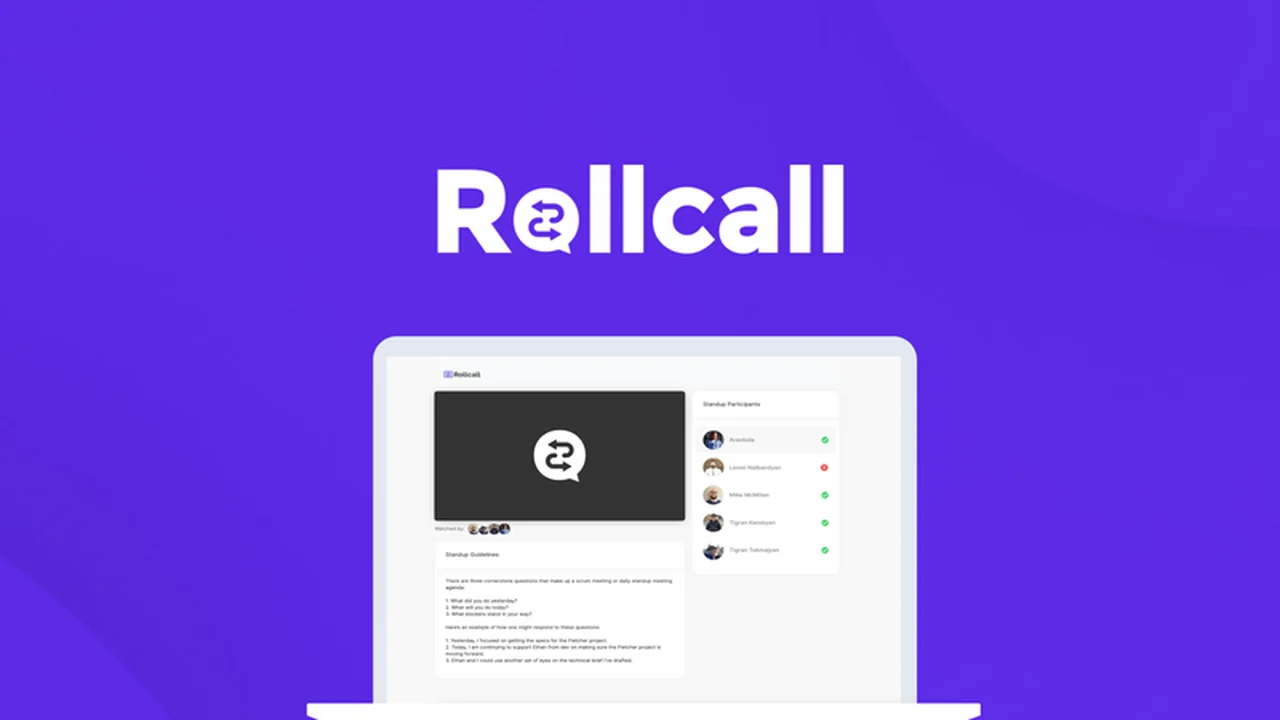
Remote work offers flexibility but often introduces communication challenges. Keeping distributed teams aligned without endless video calls can feel like a constant juggling act.
This review explores how Rollcall addresses these issues by enabling efficient, asynchronous team updates, ensuring everyone stays informed regardless of time zones or busy schedules.
What is Rollcall – Improve teamwork with recorded audio | AppSumo
Rollcall is a dedicated platform designed to simplify and enhance collaboration for remote teams. It focuses on asynchronous communication through recorded stand-ups, allowing team members to contribute updates at their convenience.
Key Features
- Asynchronous Stand-ups: Record and share daily or weekly updates via audio, video, text, or screen share without requiring simultaneous live attendance.
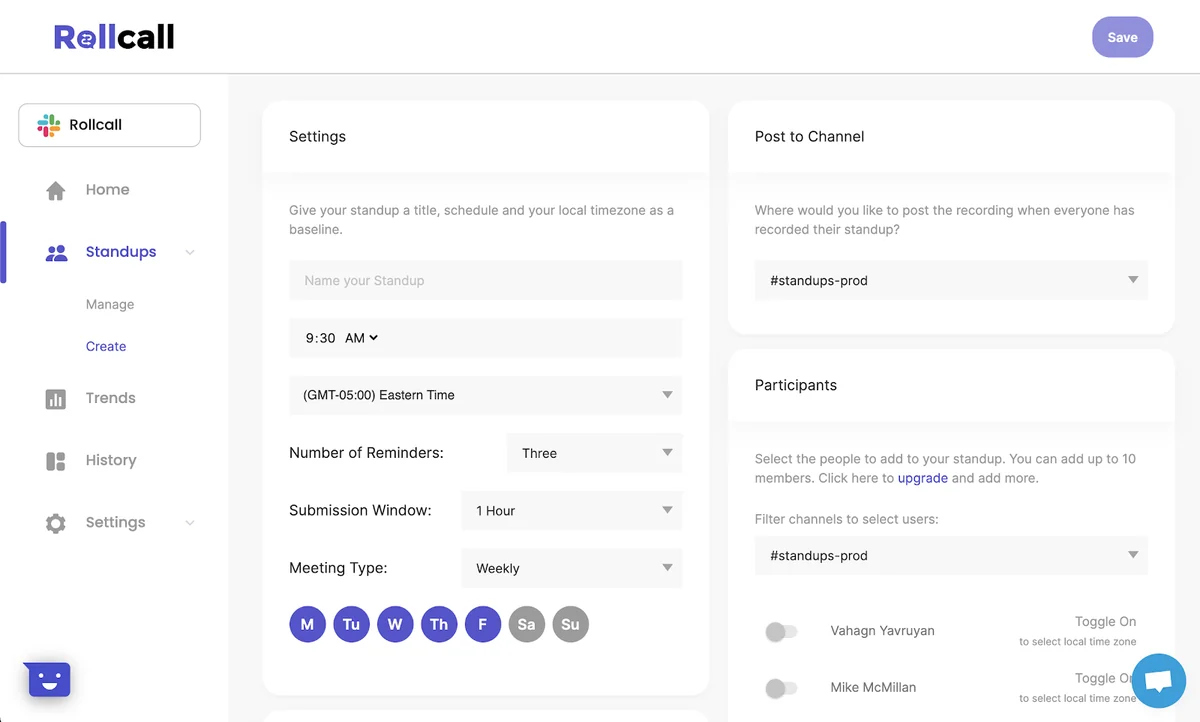
- Cross-Time Zone Support: Schedule meetings and submission windows that accommodate team members in different geographical locations.
- Customizable Agenda: Create and display visible agendas for each stand-up to keep sessions focused and productive.
- Automated Compilation: Rollcall automatically combines all recorded updates into a single, digestible format for easy sharing.
- Attendance History: Track who has viewed the compiled stand-up, ensuring accountability and engagement.
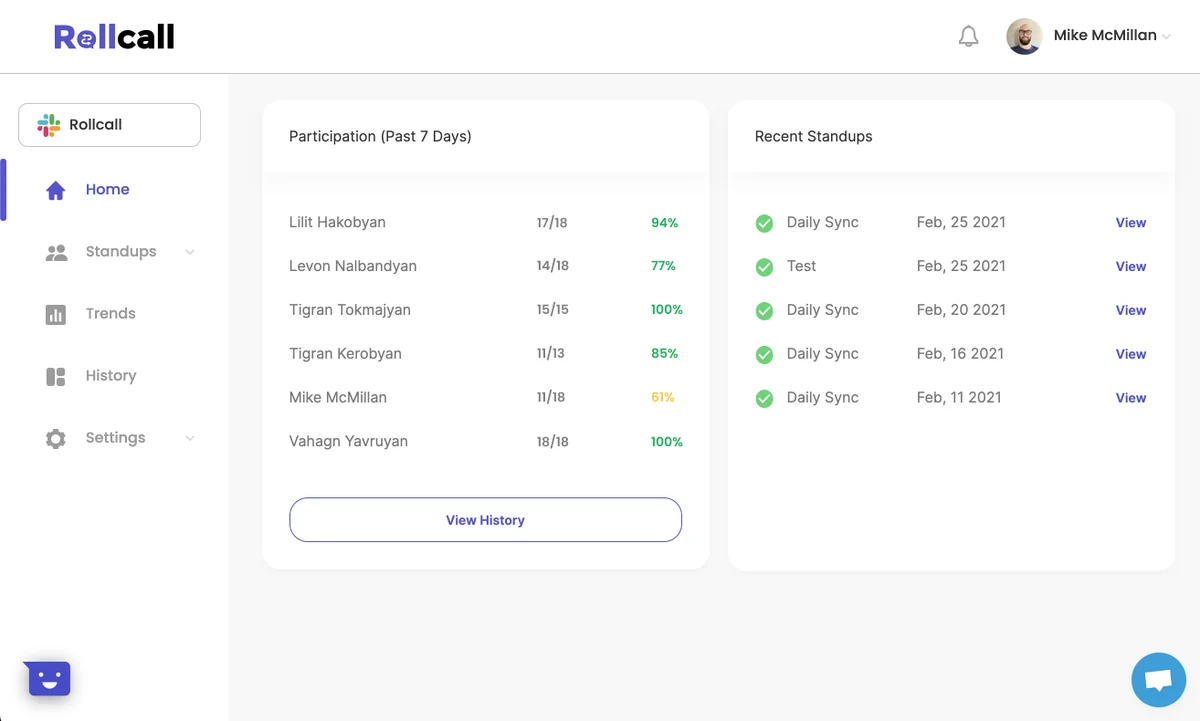
- Team Analytics: Gain insights into team participation and review past stand-ups for historical context.
- Reminders: Automated reminders are sent to team members to ensure timely submission of updates.
How It Works
Getting started with Rollcall is straightforward. You begin by scheduling a stand-up meeting and defining a specific timeframe for your team to submit their updates. Team members can then record their contributions, including any relevant links to documents or files, at a time that suits them.
Once all updates are submitted, Rollcall compiles them into a unified format. This compiled recording is then automatically posted to your designated Slack channel, making it accessible for the entire team to review and comment on, minimizing disruptions to your existing workflow.
Use Cases
- Daily Stand-ups: Replace lengthy live meetings with concise, recorded updates from each team member.
- Project Check-ins: Facilitate quick progress reports and updates on ongoing projects without scheduling conflicts.
- Cross-Departmental Communication: Ensure different teams stay informed about each other’s progress and challenges.
- Onboarding New Team Members: Provide a clear and accessible way for new hires to understand team updates and project statuses.
- Client Updates: Share concise, pre-recorded project summaries with clients, showcasing progress and addressing concerns efficiently.
Integrations & Compatibility
- Rollcall offers seamless integration with Slack
- This allows for effortless distribution of compiled stand-ups directly into your team’s existing communication channels, ensuring important information is readily available without context switching.
Pricing & Value
The value proposition of Rollcall lies in its ability to reclaim time lost to inefficient meetings and scheduling headaches. By offering a lifetime access deal, it provides a cost-effective solution for businesses looking to optimize remote collaboration long-term.
Deal Details
The current AppSumo deal provides lifetime access to Rollcall, eliminating recurring subscription costs. It comes with a 60-day money-back guarantee, allowing ample time to evaluate its effectiveness for your team.
Quick Take
- Ideal for remote teams struggling with meeting fatigue and time zone coordination.
- Offers a structured yet flexible way to maintain team alignment asynchronously.
- Simplifies the stand-up process, saving valuable time for focused work.
FAQs
Does Rollcall integrate with other tools besides Slack?
Currently, the main integration highlighted is with Slack for update delivery.
What is the primary benefit of using Rollcall?
The primary benefit is saving time and improving remote team sync through asynchronous updates.
Can I see who has reviewed the updates?
Yes, the attendance history feature shows who has watched the compiled recorded stand-ups.
How does Rollcall handle different time zones?
Rollcall allows scheduling of submission windows to accommodate team members in various time zones.
What kind of updates can team members submit?
Team members can submit updates as audio, video, text, or screen recordings with attached files.
Final Thoughts
Rollcall presents a compelling solution for organizations navigating the complexities of remote teamwork. Its focus on asynchronous, recorded updates effectively tackles common pain points like scheduling conflicts, meeting fatigue, and information silos.
The platform’s ease of use, combined with features like customizable agendas and attendance tracking, empowers teams to stay connected and productive. For businesses looking to streamline their collaboration processes and optimize time spent on communication, Rollcall offers a valuable and efficient alternative to traditional live meetings.