
This review delves into Filmage Screen, an all-in-one video software solution now available through AppSumo. We will explore its extensive capabilities, from screen recording and mirroring to robust editing and conversion features.
If you’re seeking a versatile tool to streamline your video creation and management workflow, this guide will help you understand if Filmage Screen is the right fit for your needs.
What is Filmage Screen | AppSumo
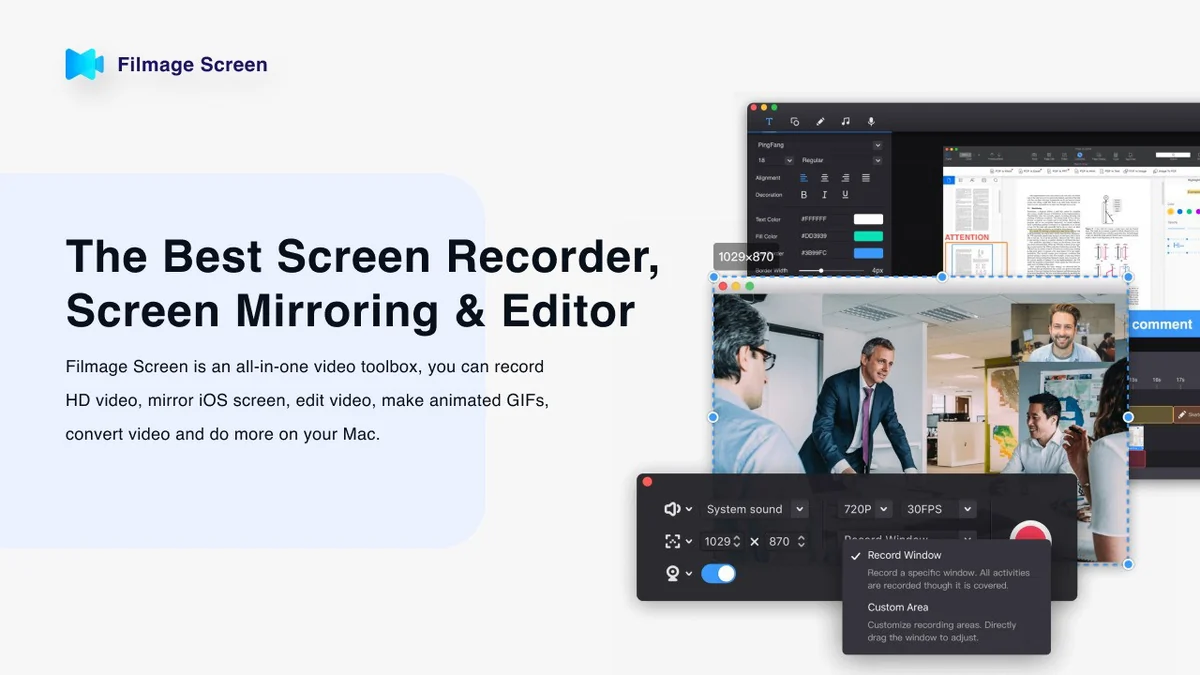
Filmage Screen is positioned as a comprehensive video software designed for Mac users. It integrates screen and audio recording, video editing, file conversion, GIF creation, and video playback into a single, intuitive application. The software aims to simplify the process of capturing and manipulating video content for various professional and personal uses.
Key Features
Filmage Screen offers a wide array of functionalities to support diverse video tasks:
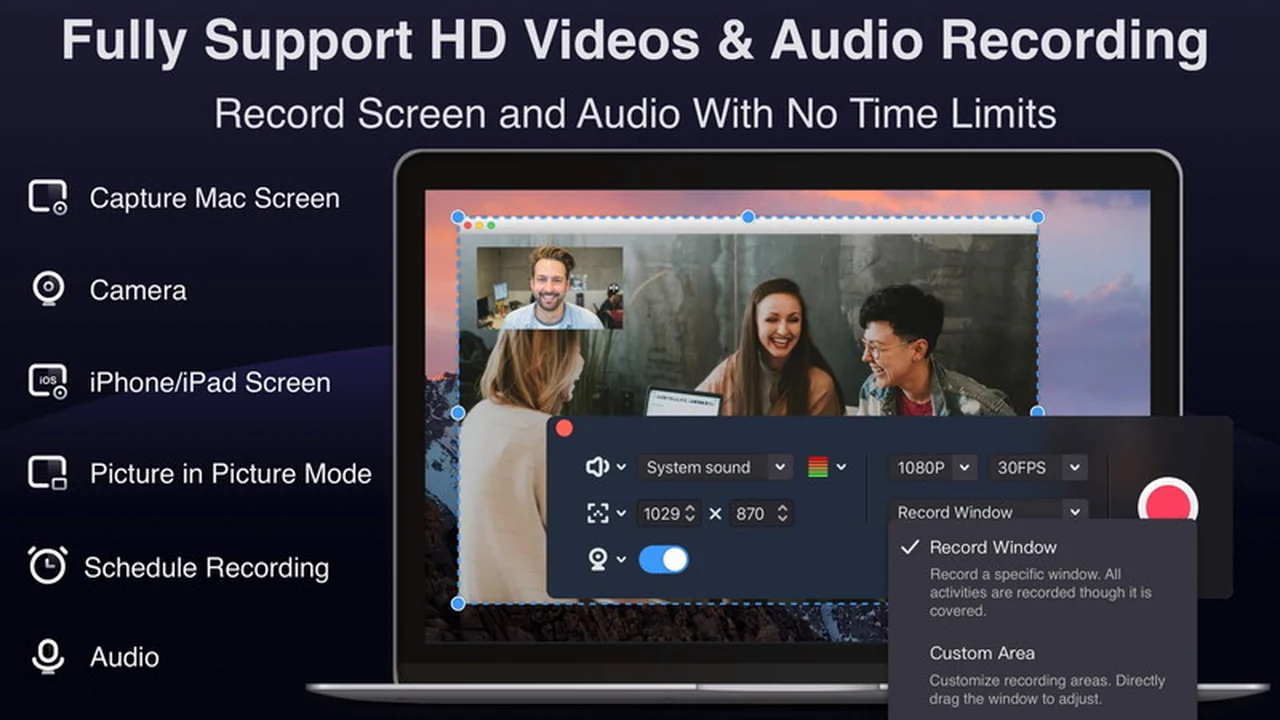
- Screen Recording: Capture your Mac screen in full, specific windows, or custom areas with synchronized audio.
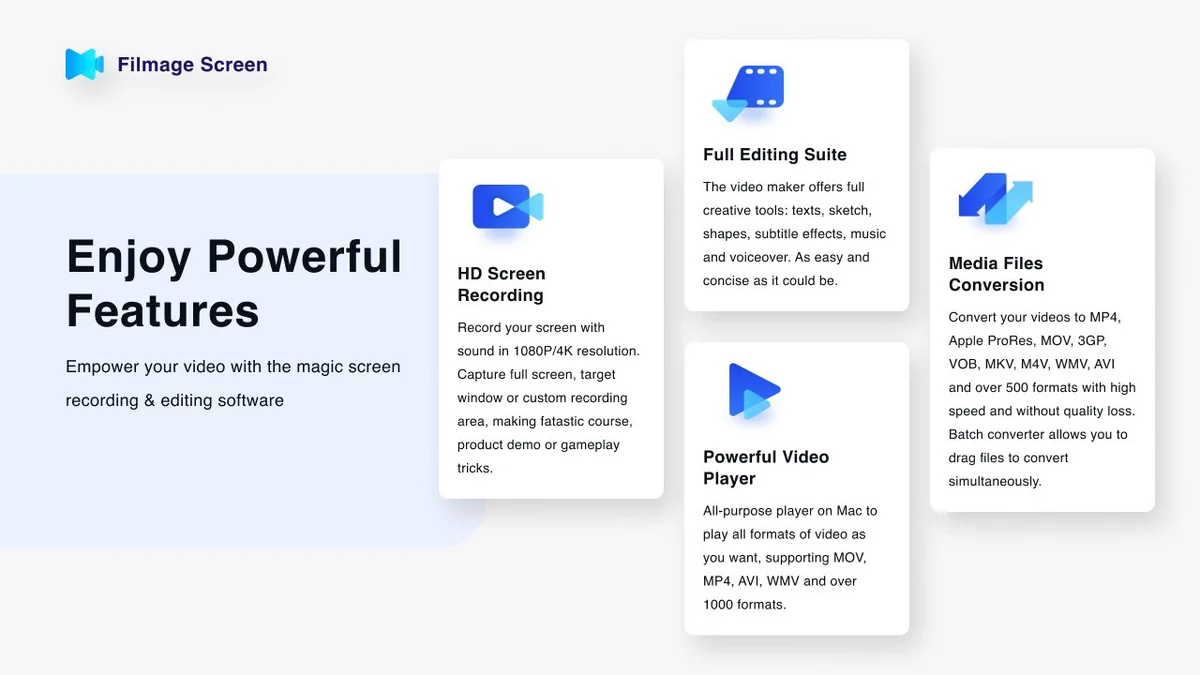
- HD Video Capture: Record in resolutions up to 4K at frame rates from 15fps to 60fps.
- iPhone/iPad Mirroring: Seamlessly mirror and record content from your iOS devices.
- Picture-in-Picture: Record your camera feed simultaneously while capturing your screen.
- Professional Editing Suite: Enhance and refine recordings with a built-in editor.
- Annotation Tools: Add and customize text, including content, color, size, and position.
- Speed Adjustment: Control video playback speed from 0.5x to 2.0x.
- Audio & Video Control: Freely manage the length of both audio and video tracks.
- Video Conversion: Convert videos to over 500 formats with high speed and no quality loss.
- GIF Creation: Easily create animated GIFs from your video content.
- Quicktime Player Functionality: Play back a wide range of video formats directly within the application.
- Sharing Options: Share files via Email, Message, AirDrop, and upload to platforms like YouTube.
How It Works
Using Filmage Screen typically involves selecting your desired recording area or device, choosing audio input, and initiating the capture. Once recorded, the video can be accessed within the editor for adjustments. Users can trim clips, add text overlays, change playback speed, or apply other enhancements. The conversion feature allows users to select an output format and process their files efficiently.
Use Cases
Filmage Screen is well-suited for a variety of applications:
- Creating video tutorials and software demonstrations.
- Recording online lessons and webinars.
- Capturing business meetings and presentations.
- Recording live streams and online video content.
- Developing marketing and promotional videos.
- Producing game and entertainment content.
- Converting video files for different platforms or devices.
- Generating animated GIFs for social media or presentations.
Pricing & Value
Filmage Screen is offered through a lifetime deal on AppSumo, providing access to its full feature set for a single purchase. This model generally represents significant value compared to subscription-based software, especially for users who require long-term access to its functionalities.
Deal Details
The AppSumo deal for Filmage Screen typically includes lifetime access to the software. Specifics regarding the number of activations or any feature limitations are usually detailed on the AppSumo product page. A 60-day money-back guarantee is often provided, allowing users to test the software risk-free.
Quick Take
- Ideal for Mac users needing an all-in-one solution for recording and editing.
- Great for educators, marketers, and professionals creating instructional or promotional content.
- Offers substantial value through a lifetime purchase model.
FAQs
What kind of customer support is available for Filmage Screen?
Support is available via email at support@filmagepro.com.
Is Filmage Screen suitable for professional video editing?
It provides essential editing tools for enhancing recordings and creating polished videos.
Can Filmage Screen record mouse clicks and keystrokes?
Filmage Screen can record screen activities, which typically includes visual cues for clicks.
Can I edit the size of the screen I am recording?
Yes, you can select custom areas for recording to exclude specific parts of your screen.
Does Filmage Screen work with Safari on Mac and iPhone?
Yes, Filmage Screen can capture activities from your Mac, including browser content.
Final Thoughts
Filmage Screen | AppSumo presents a compelling package for Mac users looking to consolidate their video recording, editing, and conversion needs. Its comprehensive feature set, combined with the value offered by the AppSumo lifetime deal, makes it a noteworthy option for individuals and businesses aiming to enhance their video production workflow without recurring costs.