
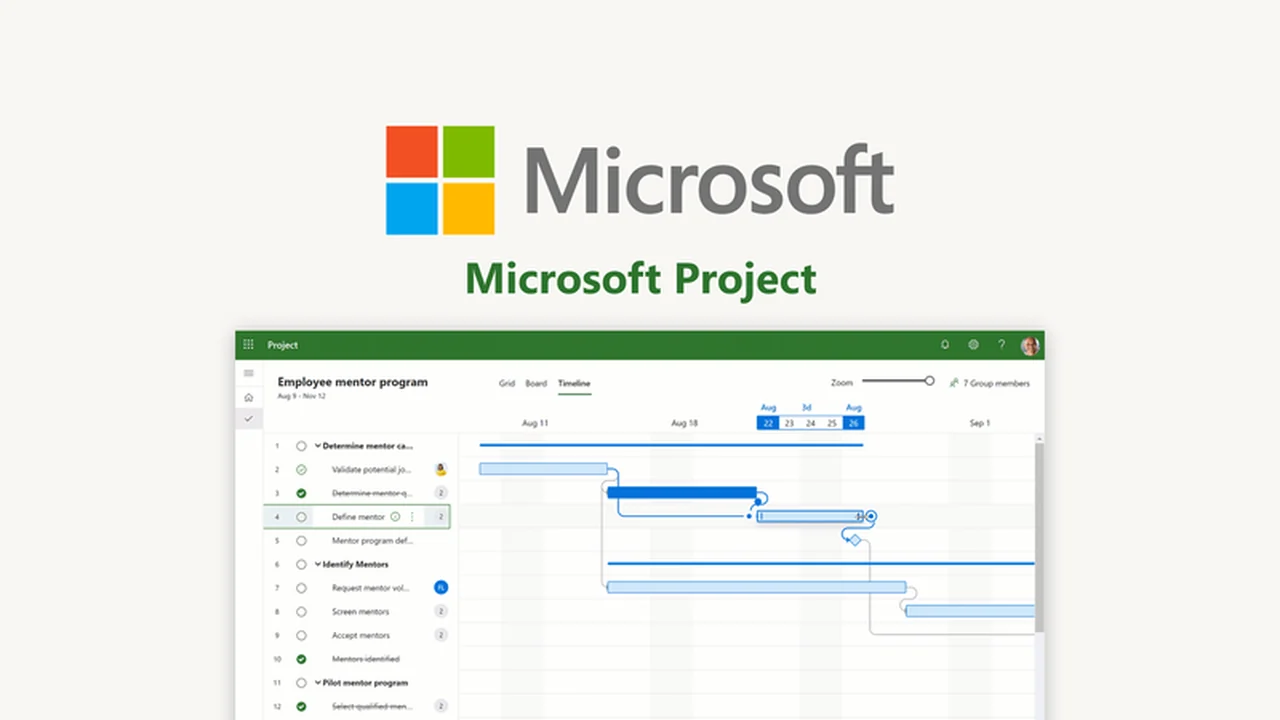
Managing multiple projects can quickly become a chaotic endeavor, leading to missed deadlines and unaligned teams. This review explores how Microsoft Project can bring order to complex workflows.
Discover the features and benefits of this powerful project management tool and understand how it can streamline your team’s operations, making it easier to track progress and achieve project goals.
What is Microsoft Project – Stay on top of all projects | AppSumo
Microsoft Project is a comprehensive suite designed to assist individuals and teams in organizing, managing, and tracking all their projects efficiently. It aims to prevent projects from becoming overwhelming by providing tools to manage multiple campaigns and business initiatives.
Key Features
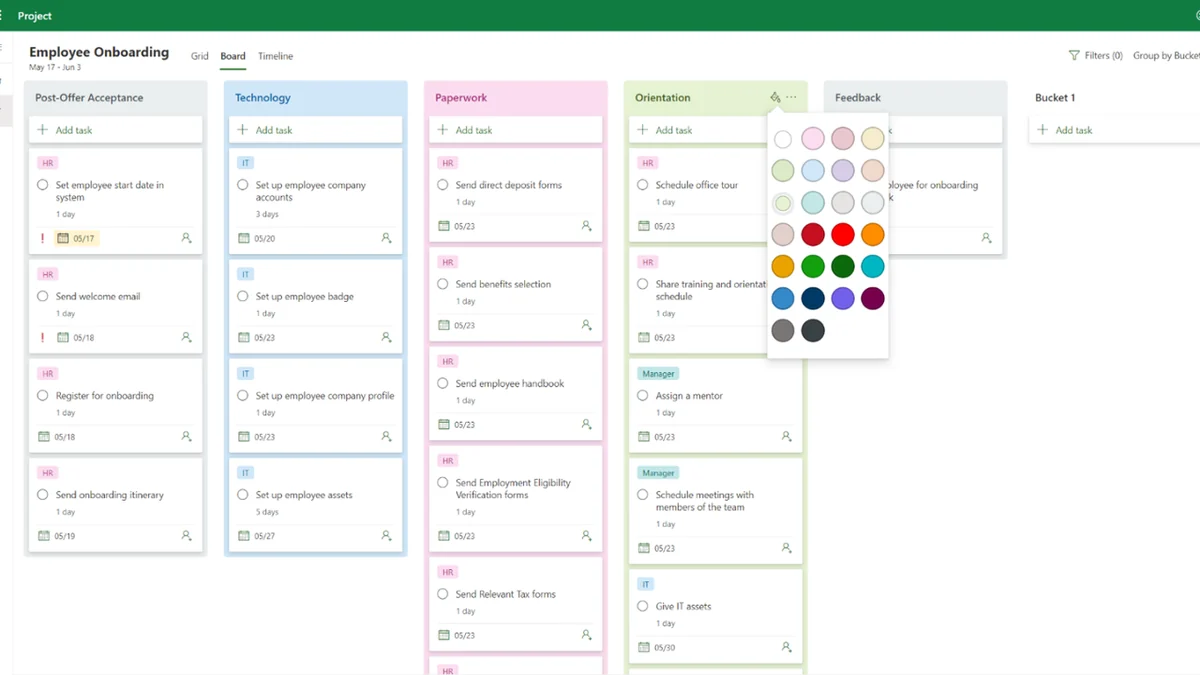
- Multiple Project Views: Offers board, grid, and timeline views to suit different project management styles and preferences.
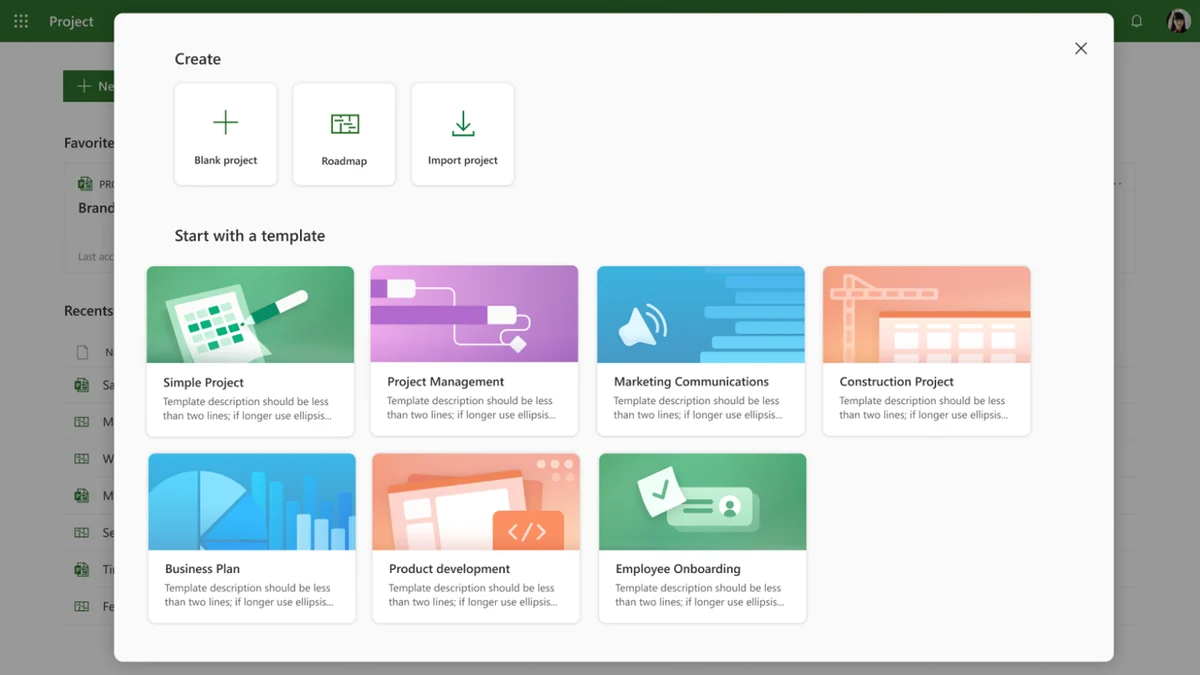
- Customizable Templates: Access industry-standard templates to quickly set up and manage projects.
- Task Assignment and Collaboration: Facilitates simultaneous task editing and assignment among team members, regardless of location.
- Notifications: Provides alerts for project additions, task assignments, or roadmap updates to ensure key information is not missed.
- Data Integration: Acts as a central hub for project data, aiming to eliminate information silos across departments.
- Automation Capabilities: Connects with tools like Power Automate for streamlining repetitive manual tasks.
- Performance Analytics: Integrates with Power BI for creating detailed dashboards to analyze project performance and resource allocation.
How It Works
Microsoft Project provides a centralized platform for project management. You can begin by selecting from pre-built templates or starting a new project from a blank slate. The tool allows you to visualize your projects using a board view for card-style task tracking, a grid view for detailed task lists, or a timeline view for visualizing project schedules.
Team collaboration is central to its functionality, enabling simultaneous work on tasks and providing notifications to keep everyone informed. By integrating with other Microsoft services, it extends its capabilities to automate workflows and provide deep analytical insights into project progress and resource utilization.
Use Cases
- Managing complex marketing campaigns with multiple deliverables.
- Coordinating software development sprints and feature rollouts.
- Planning and executing large-scale construction or event projects.
- Tracking the progress of cross-departmental business initiatives.
- Streamlining team workflows and ensuring accountability for tasks.
Integrations & Compatibility
- Microsoft Project offers robust integration capabilities
- It seamlessly connects with Microsoft Teams, enhancing collaboration by bringing project management within your communication hub
- For advanced analytics, it links with Power BI, allowing for the creation of insightful, interactive dashboards
- Further automation of workflows can be achieved by connecting with Power Automate
- These integrations aim to create a unified ecosystem for project management, communication, and data analysis.
Pricing & Value
The value proposition of Microsoft Project, particularly through an AppSumo deal, lies in providing access to a professional-grade project management suite at a significantly reduced cost. This allows small to medium-sized businesses and individuals to leverage enterprise-level tools for better project organization and team efficiency.
Deal Details
This specific deal provides a digital download of Microsoft Project. It is important to note that the offer is time-sensitive, and users are advised to download and save their purchase within 60 days of acquisition to secure lifetime access to the software.
Quick Take
- Ideal for teams and individuals needing structured project management.
- Offers versatile views and collaboration features.
- Valuable for those within the Microsoft ecosystem seeking integrated solutions.
FAQs
What happens if I don’t download the product within 60 days?
You might not be able to secure your lifetime access to the software.
Is it possible to automate tasks with Microsoft Project?
Yes, you can streamline repetitive tasks by connecting with Power Automate.
Does it offer different ways to view project progress?
Yes, you can take your pick from the board, grid, or timeline view.
Can I assign tasks to team members with this tool?
Yes, you can assign tasks and edit them simultaneously with your team members.
What is the primary benefit of using Microsoft Project?
Its primary benefit is staying organized and focused on all projects with your team.
Final Thoughts
Microsoft Project – Stay on top of all projects | AppSumo presents a compelling opportunity for those looking to elevate their project management capabilities. The combination of robust features, flexible views, and essential integrations makes it a powerful tool for enhancing team productivity and project success.
For businesses and individuals striving to bring clarity and control to their project workflows, this offering provides significant value, especially with the potential for lifetime access through the AppSumo deal.