
In today’s fast-paced professional environments, clear and concise communication is paramount. Whether explaining a complex process, providing feedback, or sharing a tutorial, a good screen recorder can be an invaluable asset.
This review dives deep into Screencastify, a tool designed to simplify screen recording for various professionals, exploring its features, how it operates, and its potential benefits.
What is Screencastify – Create screen recordings easily | AppSumo
Screencastify is presented as a user-friendly screen recording solution aimed at making the process of capturing your screen straightforward and efficient. It’s positioned as a tool for managers, marketers, designers, and educators who require a reliable way to create video content from their computer screen.
Key Features
Screencastify offers a robust set of features designed for ease of use and effective communication:
- Unlimited Screen and Webcam Recording: Capture as much content as you need without restrictions.
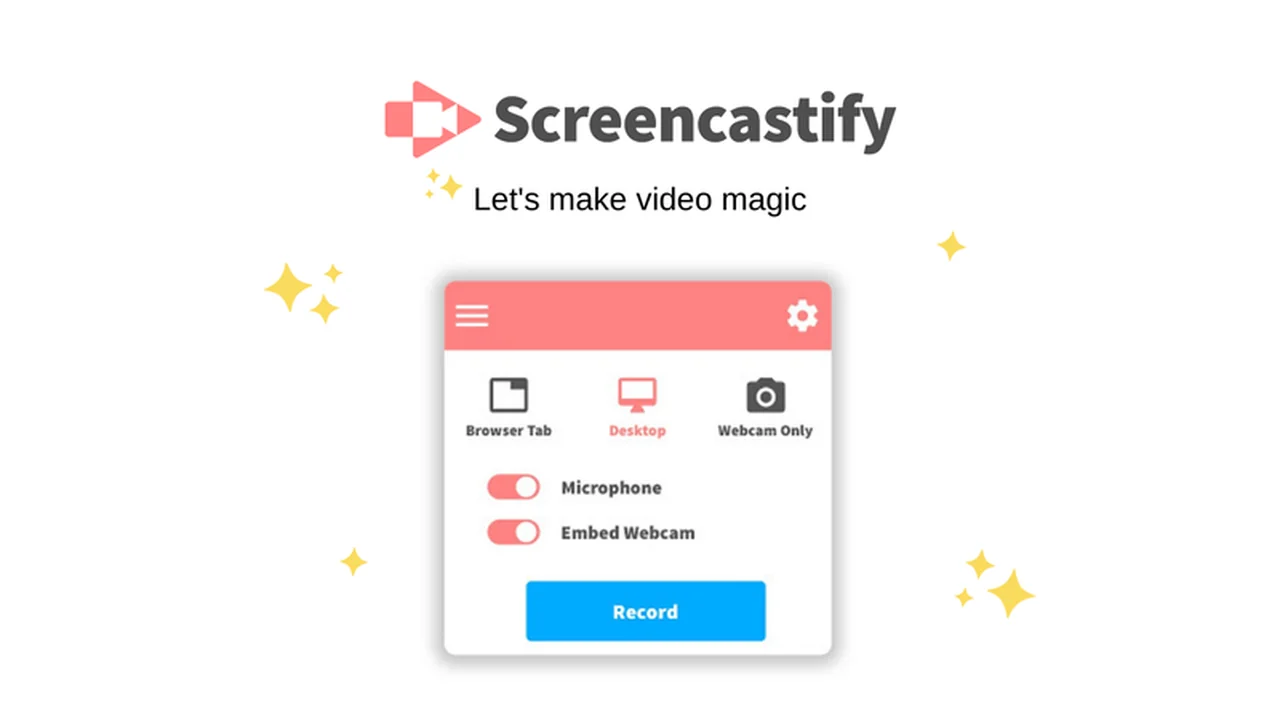
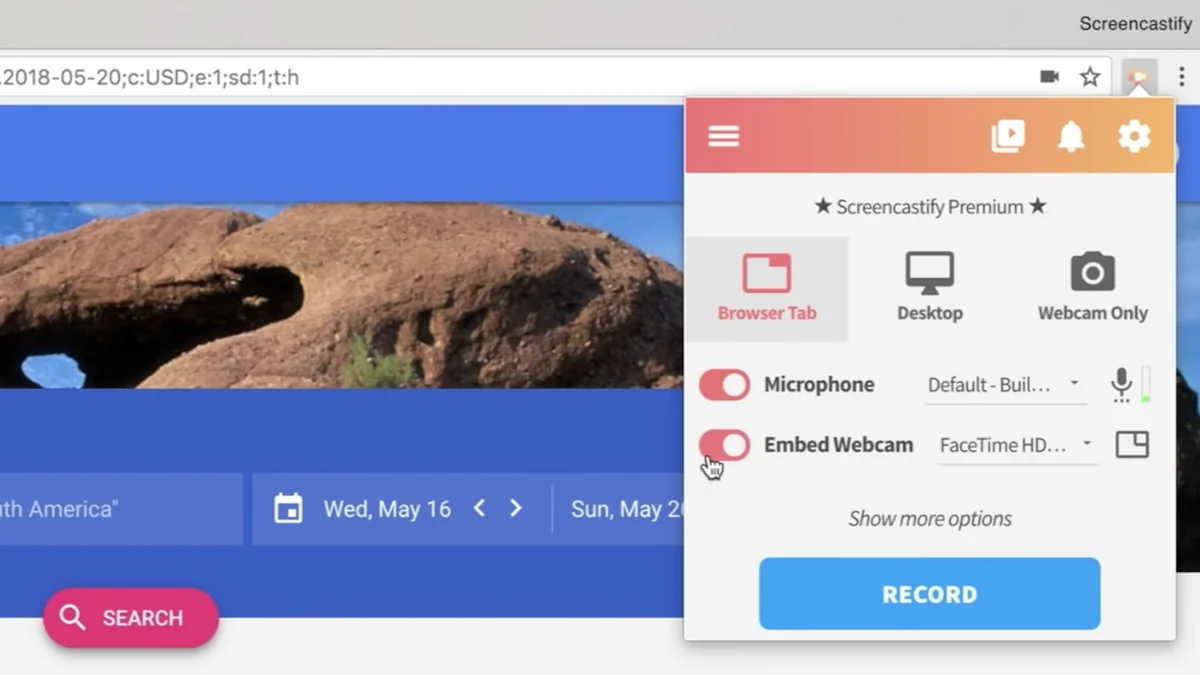
- Multiple Recording Options: Record your entire screen, a specific browser tab, or just your webcam feed.
- Webcam Embedding: Position your webcam feed anywhere within your screen recording to add a personal touch.
- Narration Capabilities: Use your microphone to add voiceovers and explanations to your recordings.
- Offline Functionality: Record without an internet connection, offering flexibility for any situation.
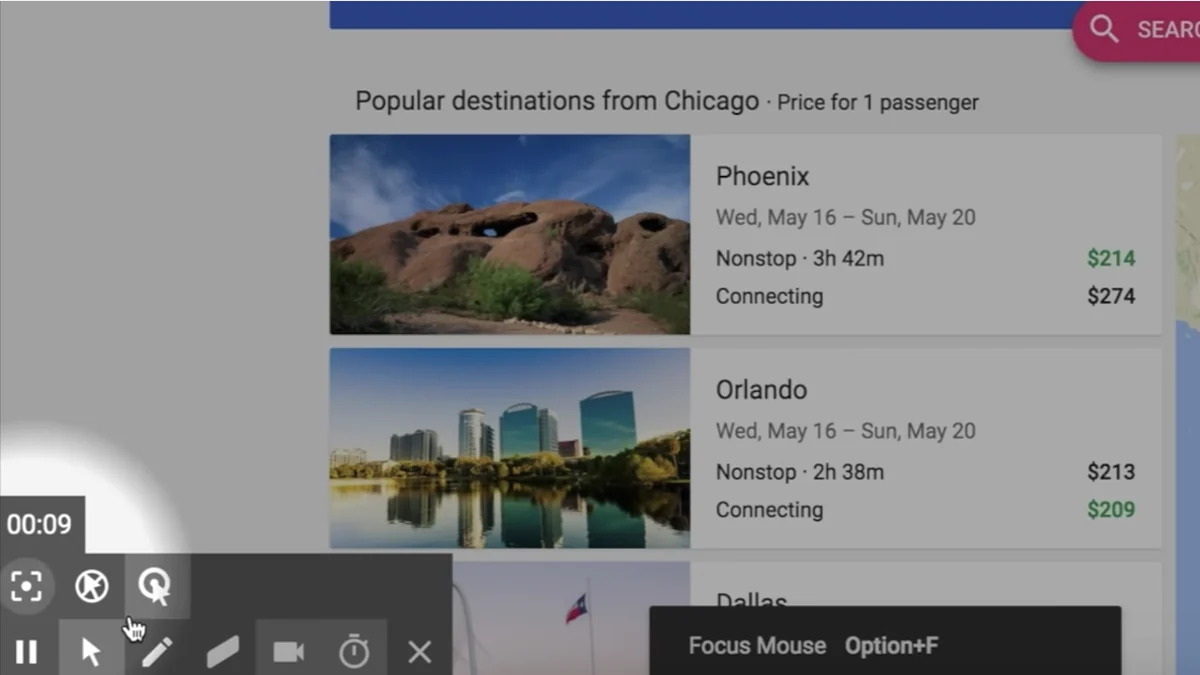
- Annotation Tools: Enhance your recordings with a mouse spotlight, drawing pen tool, and click highlighting to guide your audience’s attention.
- Auto-Saving to Google Drive: Recordings are automatically saved to your Google Drive for easy access and management.
- Direct YouTube Upload: Share your finished videos directly to YouTube with minimal effort.
- Multiple Export Formats: Export recordings as MP4, animated GIF, or MP3 files, catering to different sharing needs.
How It Works
Using Screencastify is designed to be an intuitive process. After installation, users can select what they wish to record – the full screen, a specific tab, or their webcam. The option to include microphone narration and embed the webcam feed allows for personalized and informative videos. Once recording is complete, the tool automatically saves the output to your Google Drive, providing immediate access for sharing or further editing.
Use Cases
Screencastify’s versatility makes it suitable for a wide range of applications:
- Educators: Create engaging video lessons, tutorials, and demonstrations for students.
- Marketers: Develop product demos, explainer videos, and social media content.
- Managers: Provide clear instructions, offer detailed feedback on projects, or share team updates.
- Designers: Showcase design iterations, explain user flows, or present mockups.
- Content Creators: Quickly capture ideas, create animated GIFs, or record audio commentary.
Integrations & Compatibility
- Screencastify seamlessly integrates with Google Drive, facilitating effortless saving and sharing of recorded content
- This makes it particularly well-suited for users who are already integrated into the Google Workspace ecosystem.
Pricing & Value
Screencastify offers a subscription-based service, with various tiers available to suit different user needs and budgets. The AppSumo deal provides a potential opportunity to acquire a license at a significantly reduced price, offering considerable long-term value for individuals and teams looking for an affordable yet powerful screen recording solution.
Deal Details
The offering on AppSumo is a time-sensitive deal, providing a unique chance to obtain Screencastify. These limited-time offers are designed to give users access to premium software at a fraction of the regular cost. It’s advisable to review the specific terms and conditions of the deal on the AppSumo platform to ensure it aligns with your requirements.
Quick Take
- Ideal for educators, marketers, and managers needing simple, effective screen recordings.
- Streamlines the process from recording to sharing with Google Drive integration.
- Offers essential tools for clear communication and engaging video content.
FAQs
What annotation tools are available?
Tools include a mouse spotlight, drawing pen, and click highlighting for better audience engagement.
How are recordings saved and shared?
Recordings are automatically saved to Google Drive and can be shared via links or uploaded to YouTube.
What kind of content can I record with Screencastify?
You can record your entire screen, a specific browser tab, or just your webcam.
Can Screencastify be used offline?
Yes, Screencastify works offline, allowing you to record without an internet connection.
What is the primary function of Screencastify?
Screencastify’s main purpose is to make screen recording easy and accessible for various professional needs.
Final Thoughts
Screencastify presents itself as a user-friendly and feature-rich solution for anyone needing to create screen recordings. Its intuitive interface, coupled with useful tools like webcam embedding and annotation capabilities, makes it a practical choice for educators, marketers, and managers. The offline functionality and direct integration with Google Drive further enhance its appeal, offering flexibility and streamlined workflows. The availability of this tool through an AppSumo deal suggests a strong value proposition for those looking to enhance their digital communication strategies.