
In today’s remote work environment, effective collaboration during video calls is crucial for team productivity. Many tools offer video conferencing, but few truly integrate document editing and real-time collaboration seamlessly into the meeting experience.
This review explores KYZON Space, a platform designed to bridge this gap, allowing teams to present, collaborate on, and edit documents live during video calls. We’ll dive into its core functionalities, how it operates, and who can benefit most from its capabilities.
What is KYZON Space – Edit docs together on video calls | AppSumo
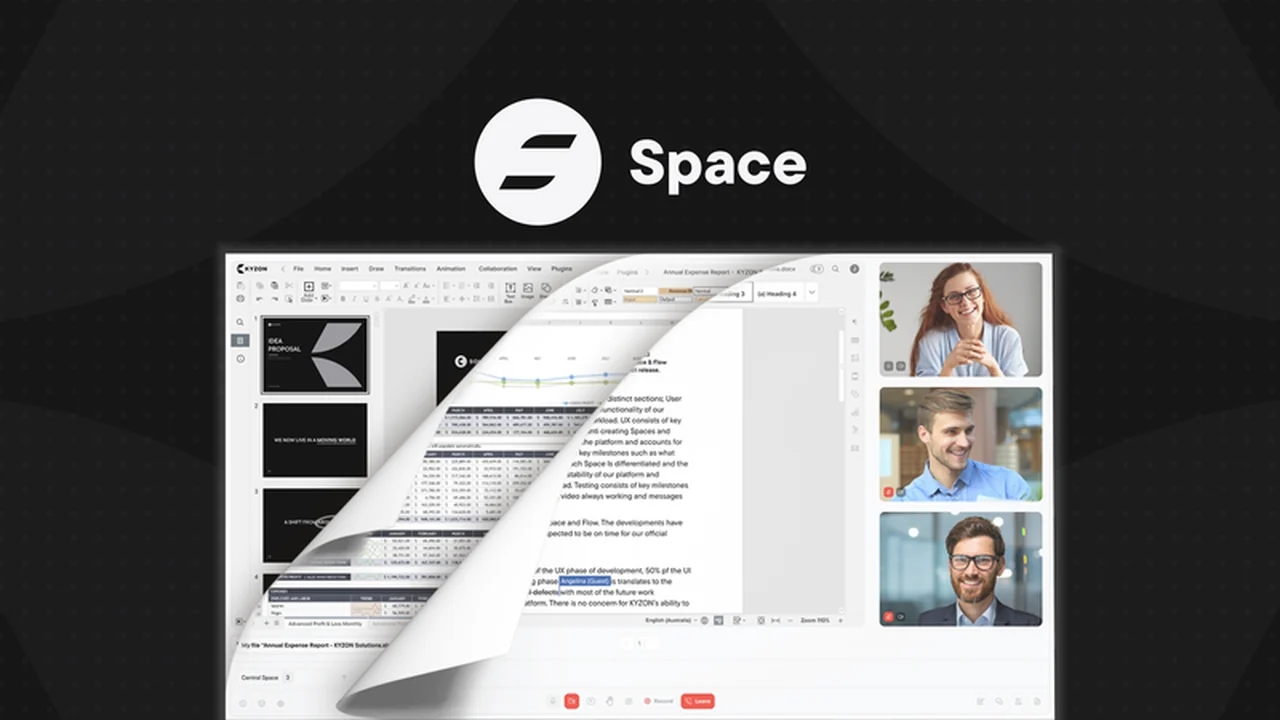
KYZON Space is a video collaboration platform that aims to transform remote meetings from passive viewing sessions into active working environments. It allows users to not only communicate via video but also to directly interact with documents, presentations, and other essential files in real-time, all within the same interface. The goal is to eliminate the need for juggling multiple applications and to keep all participants engaged and productive.
Key Features
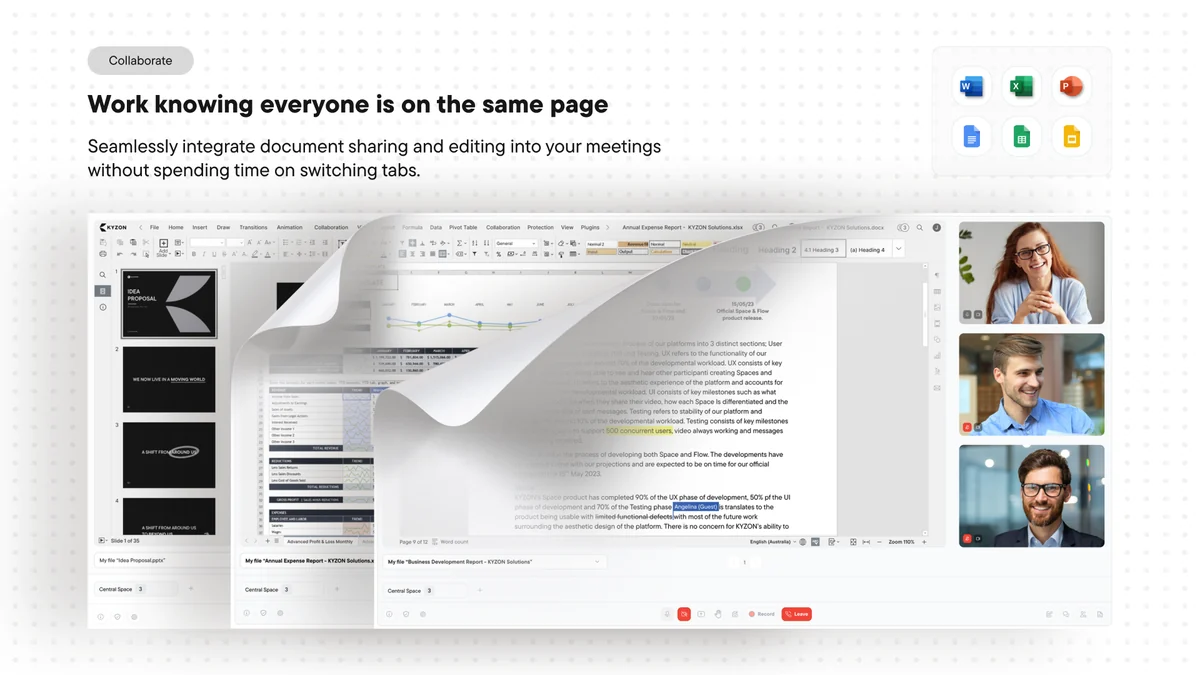
- Real-time Document Editing: Collaborate on documents like Word, Excel, and Google alternatives with team members simultaneously during video calls.
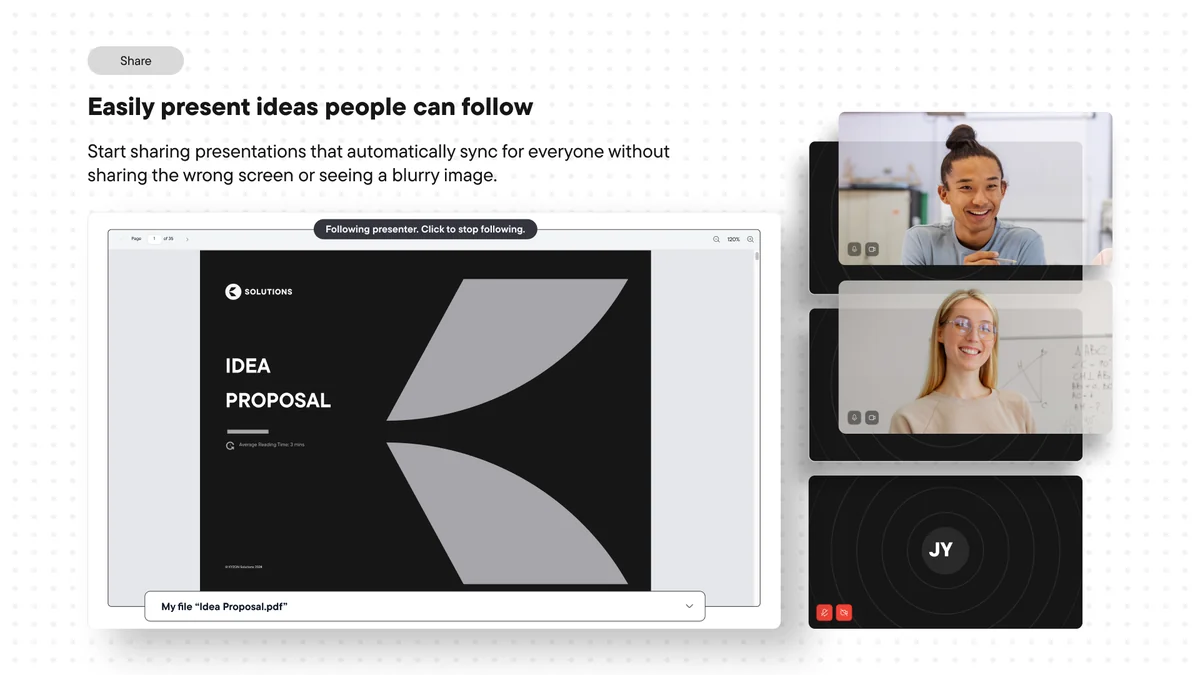
- Synced Presentations: Share presentations that automatically sync with everyone’s screen, ensuring a smooth viewing experience even with fluctuating network speeds.
- Integrated Document Access: Easily open and work on important documents directly within the meeting, without requiring downloads or complex setups.
- Private Spaces (Breakout Rooms): Utilize breakout rooms for private discussions and then seamlessly rejoin the main meeting with a single click.
- Cross-Device Accessibility: Join meetings and access documents from any device, without needing to download any specific applications.
- Cloud Storage Integration: Connect with popular cloud drives like Google Drive, Dropbox, and OneDrive to access and share documents directly from your preferred storage solutions.
How It Works
Getting started with KYZON Space is designed to be straightforward. Users can schedule meetings and invite participants via a simple link. Upon joining, individuals can upload documents or connect their cloud storage to access files. During the call, presenters can share documents, and all participants can view, comment, and edit in real-time, depending on permissions. The platform ensures that presentations remain in sync and provides options for private discussions in breakout rooms.
Use Cases
- Product Teams: Review and iterate on product roadmaps or design documents collaboratively.
- Consulting Firms: Engage clients directly in editing strategy documents or client deliverables during meetings.
- Educational Institutions: Facilitate interactive learning sessions where students can work on assignments together in real-time.
- Marketing Agencies: Co-create ad copy, campaign strategies, or social media content during client or team meetings.
- Any Remote Team: Enhance productivity for any business that regularly schedules remote meetings and needs to work on documents collectively.
Integrations & Compatibility
- KYZON Space supports popular document formats including Word, Excel, and their Google alternatives
- It also integrates with major cloud storage providers such as Google Drive, Dropbox, and OneDrive, allowing for easy access to files
- The platform is designed to be accessible from any device without requiring downloads, ensuring broad compatibility.
Pricing & Value
The value proposition of KYZON Space lies in its ability to consolidate video communication and document collaboration into a single, user-friendly platform. By reducing the friction of switching between applications and enhancing active participation, it aims to make meetings more efficient and productive. The platform offers a streamlined approach to remote teamwork, potentially saving time and resources.
Deal Details
The AppSumo deal provides lifetime access to KYZON Space, enabling users to leverage its collaborative features indefinitely. This typically includes access to current and future updates within the agreed-upon tier. The offer also comes with a 60-day money-back guarantee, allowing users to test the platform’s suitability for their needs without risk.
Quick Take
- Ideal for teams who need to actively work on documents during video calls.
- Offers a streamlined experience without requiring downloads for participants.
- Aimed at increasing meeting productivity through real-time, shared document editing.
FAQs
What is the purpose of the ‘Spaces’ feature?
Spaces function as breakout rooms for private conversations before rejoining the main meeting.
How is customer data stored?
Customer data is stored on private and secured Amazon Web Services servers in Australia.
Can participants scroll through presentations independently?
Yes, participants can scroll through presentations, and then easily follow the presenter again.
Is it necessary to download an application to join a meeting?
No, joining meetings requires no application download, even on mobile devices.
What types of documents can be edited in KYZON Space?
KYZON Space supports popular document formats like Word, Excel, and their Google alternatives.
Final Thoughts
KYZON Space presents a compelling solution for teams looking to inject more interactivity and productivity into their video calls. Its focus on seamless document collaboration, combined with an accessible interface, addresses a common pain point in remote work. The ability to edit documents live, present synced content, and utilize breakout rooms offers a significant upgrade over traditional screen-sharing methods. For businesses and teams prioritizing efficiency and engagement in their virtual meetings, KYZON Space is a tool worth considering.