
Collecting and managing user feedback is crucial for building exceptional web applications and websites. Without a clear understanding of what users need, improvements can be slow and inefficient.
This review dives deep into Userback, a powerful tool available through AppSumo, designed to simplify and enhance your feedback loop. We’ll explore its core functionalities, how to integrate it, and the overall value it offers.
What is Userback | AppSumo
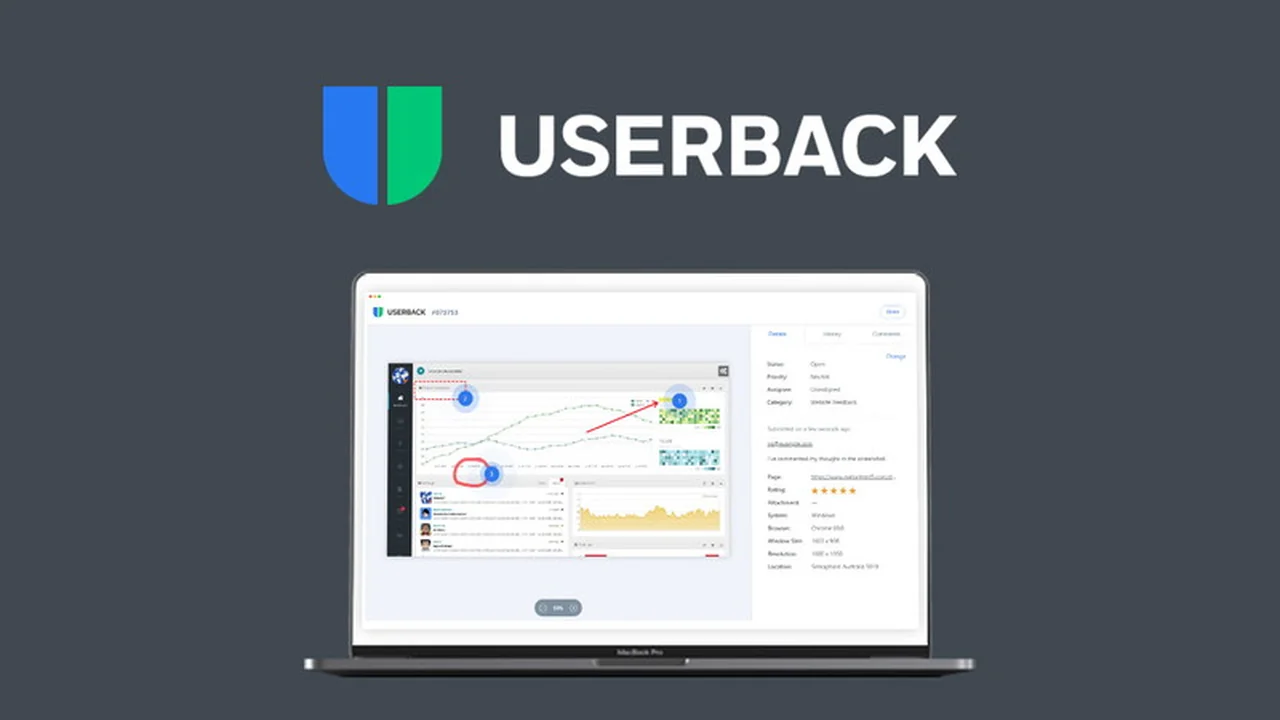
Userback is a comprehensive feedback and bug reporting tool that allows users to easily submit visual feedback on websites and web applications. It utilizes a user-friendly widget or browser extension, enabling individuals to capture screenshots, annotate them, and provide detailed descriptions of issues or suggestions.
This platform aims to eliminate confusion by allowing users to precisely indicate what needs to be fixed or improved, ultimately helping businesses develop better products. It is accessible without requiring any technical knowledge of coding.
Key Features
- Visual Feedback Capture: Users can screenshot, highlight, annotate, and draw directly on web pages or applications.
- Browser Extension & Widget: Offers flexible options for feedback submission, catering to different user preferences.
- Works on Live & Development Sites: Captures feedback effectively on both live websites and those hosted on development servers.
- iFrame & Image/PDF Support: Extends feedback capabilities beyond standard web pages, including content within iFrames and document uploads.
- Voting & Rating System: Allows users to prioritize feedback by voting on suggestions or rating features.
- Multiple Project Management: Enables the organization of feedback across various projects within a single dashboard.
- User & Client Permissions: Control access and roles for different users or clients within the platform.
- Categorization & Tagging: Streamlines feedback organization with customizable categories and tags.
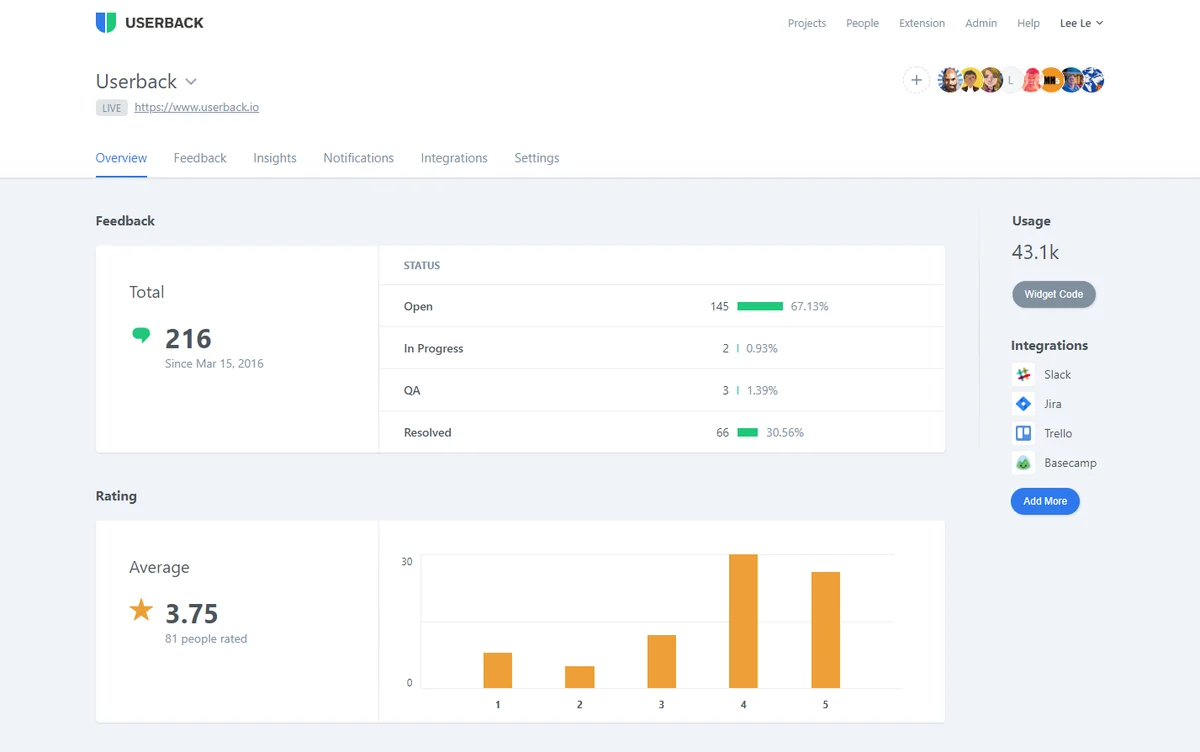
- Real-time Analytics: Provides insights into feedback activity and user engagement.
- API Access: Facilitates seamless integration into your own web applications.
- Video Feedback Addon: Includes access to a video feedback feature, enhancing the feedback submission process.
How It Works
Using Userback is straightforward. Once installed, a widget or browser extension becomes available to your users. When a user encounters something to report, they can activate the tool, which then captures their current screen. They can then use various annotation tools to mark specific areas, add text comments, and describe the issue in detail. This visual and descriptive feedback is then sent directly to your Userback dashboard for review and action.

Use Cases
- Web Development Teams: Quickly gather bug reports and feature requests during development cycles.
- Product Managers: Collect user insights to inform product roadmaps and prioritize updates.
- Agencies: Manage client feedback efficiently for multiple web projects, ensuring client satisfaction.
- Customer Support: Provide a clear channel for users to report issues, reducing support ticket complexity.
- UX/UI Designers: Obtain precise visual feedback on design elements and user flows.
Integrations & Compatibility
Userback offers robust integration capabilities to fit into existing workflows. It can connect with popular project management and communication tools such as:
- JIRA
- Slack
- Zendesk
- Trello
- WordPress
- Basecamp
Additionally, a comprehensive API allows for deeper integration into custom applications.
Pricing & Value
The Userback | AppSumo deal provides lifetime access to the Corporate Plan. This offers significant value, allowing users to manage multiple projects and users without recurring monthly fees. The ability to avoid ongoing subscription costs for such a comprehensive tool makes it a highly attractive option for businesses and agencies looking to optimize their feedback management.
Deal Details
The Userback | AppSumo deal provides lifetime access to the Corporate Plan. This offer, available for a one-time payment, includes all the features of the Corporate Plan, including multiple projects, users, and access to the video feedback addon. Given the ongoing development and feature updates included, this represents a substantial saving compared to traditional subscription models.
Quick Take
- Ideal for agencies and web developers needing to streamline client and team feedback.
- Simplifies bug reporting and feature request collection with visual annotations.
- Offers excellent long-term value through a lifetime access deal.
FAQs
Is the AppSumo deal still available?
The Userback AppSumo deal is no longer available for purchase.
What kind of feedback can users submit?
Users can submit screenshots, annotations, drawings, comments, ratings, and votes.
Do I need coding knowledge to use Userback?
No, Userback is designed for ease of use without requiring any coding knowledge.
Can I use Userback on my live website?
Yes, Userback works seamlessly on live websites and development hosts.
What is Userback?
Userback is a tool that collects visual feedback and bug reports from users on websites and web apps.
Final Thoughts
Userback offers a powerful and intuitive solution for anyone looking to improve their product development process through effective feedback management. The visual annotation tools are a standout feature, eliminating guesswork and ensuring clarity in communication. For teams and agencies juggling multiple projects, the organizational capabilities and integration options make it an indispensable asset. The AppSumo lifetime deal represented an exceptional opportunity to acquire this robust tool, providing lasting value for efficient feedback collection and product iteration.