
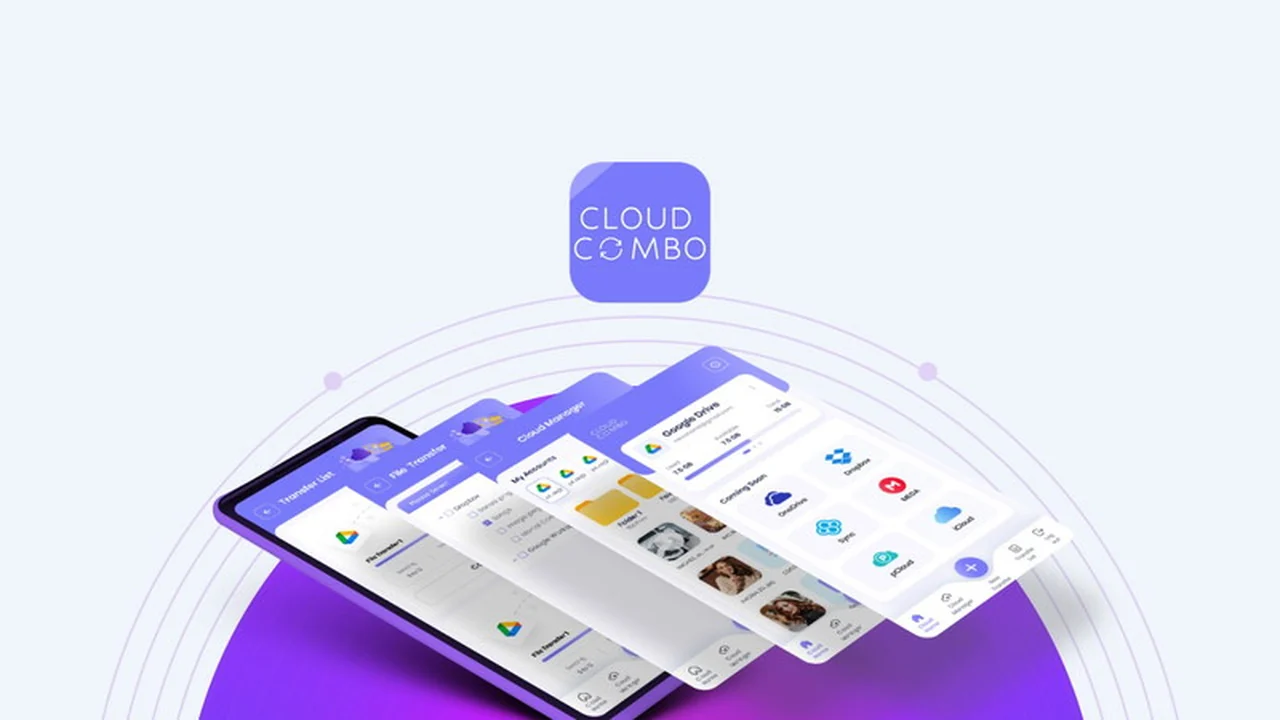
Are you tired of switching between multiple cloud storage services just to find a single file? This review explores how Cloud Combo aims to solve that problem.
We’ll delve into its core functionalities, how it streamlines your workflow, and whether it lives up to its promise of simplifying cloud management for users of all technical backgrounds.
What is Cloud Combo | AppSumo
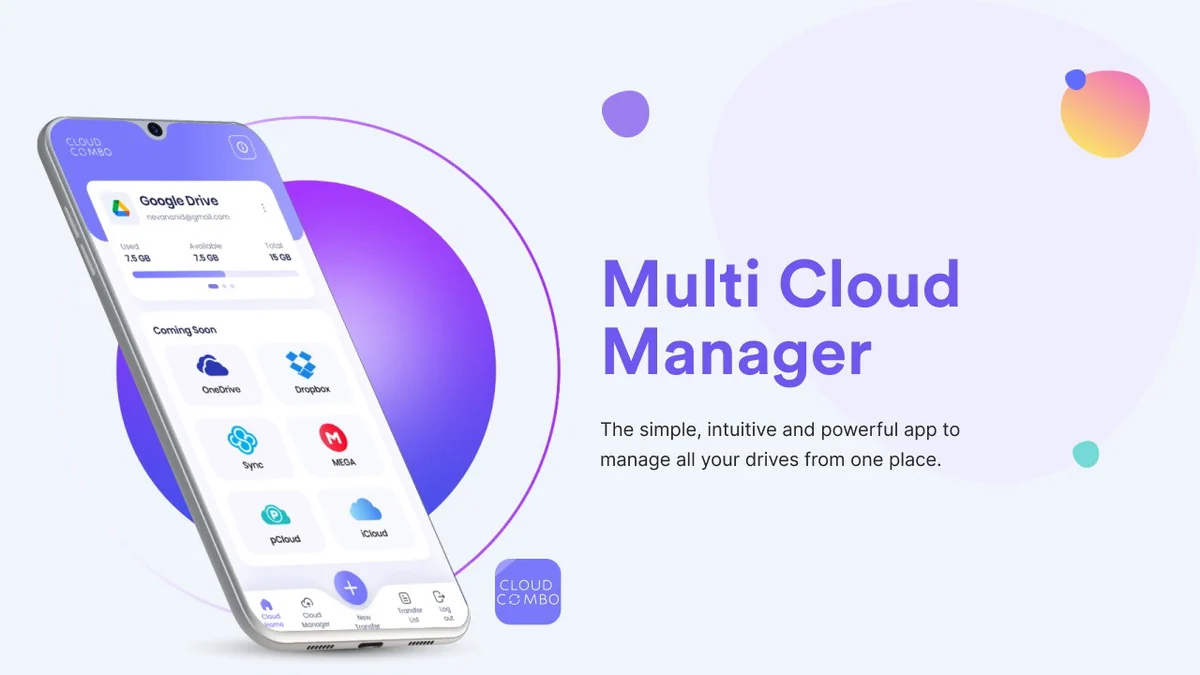
Cloud Combo is an application designed to consolidate access to various cloud storage services into a single, intuitive platform. It aims to eliminate the need to open multiple tabs or apps to manage files stored across different providers.
The goal of Cloud Combo is to offer a unified interface for browsing, transferring, and managing files, thereby saving users time and reducing complexity in their digital workflow.
Key Features
- Unified Cloud Access: Connect and manage multiple cloud storage accounts from one central dashboard.
- Seamless File Management: Easily browse, upload, download, share, and delete files across all connected cloud services.
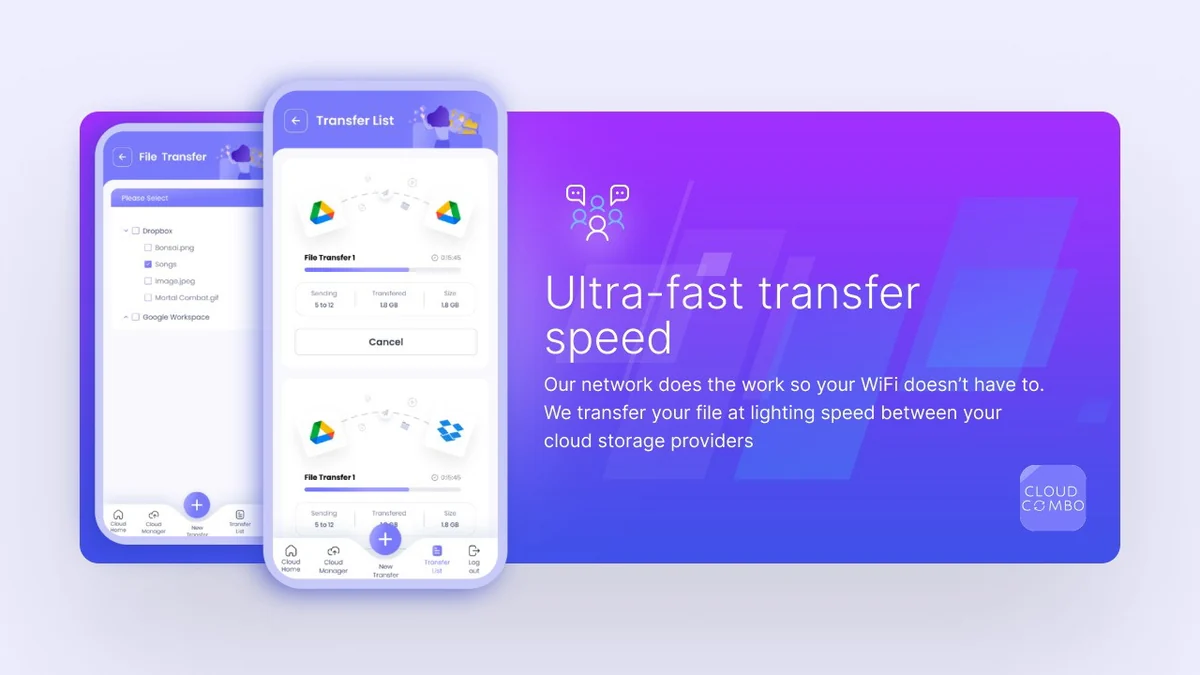
- Cross-Cloud Transfers: Move files directly between different cloud storage providers without needing to download and re-upload.
- Mobile and Web Friendly: Access and manage your files through both a mobile application and a web browser interface for convenience on any device.
- Unlimited Account Connections: The platform supports connecting an unlimited number of cloud storage accounts.
How It Works
Getting started with Cloud Combo is designed to be straightforward. Users download the application or access it via the web browser, then connect their existing cloud storage accounts by authorizing access.
Once connected, all files and folders from these different services will appear within the Cloud Combo interface, allowing for direct management and transfers between them.
Use Cases
- Individuals with Multiple Cloud Accounts: Consolidate personal files from services like Google Drive and Dropbox into one manageable space.
- Small Businesses: Streamline team collaboration by centralizing access to shared project files stored across various cloud platforms.
- Digital Nomads and Remote Workers: Maintain easy access to all necessary documents and media regardless of location or device.
- Content Creators: Efficiently manage and transfer large media files between different storage solutions.
Integrations & Compatibility
- Cloud Combo currently supports major cloud storage providers such as Google Drive, Dropbox, and pCloud
- The development team is actively working on expanding compatibility to include more popular cloud services in future updates
- This broad compatibility allows users to bring together a significant portion of their cloud-based data into one convenient location.
Pricing & Value
The value proposition of Cloud Combo centers on its ability to simplify complex cloud management into a single, affordable solution. By offering lifetime access, it aims to provide long-term cost savings compared to managing subscriptions across multiple services.
The convenience and time saved through unified management contribute significantly to its overall value for users.
Deal Details
The Cloud Combo deal typically includes lifetime access to the software. It’s important to note that redemption of codes is usually required within a specific timeframe after purchase, commonly 60 days.
This offer is a limited-time opportunity to acquire a powerful cloud management tool at a significant discount.
Quick Take
- Ideal for individuals and small teams overwhelmed by multiple cloud storage accounts.
- Offers a simple yet powerful way to consolidate and manage files, saving time and reducing complexity.
- A practical solution for anyone looking to streamline their digital workflow.
FAQs
How many cloud storage accounts can I connect to Cloud Combo?
You can connect an unlimited number of cloud storage accounts to Cloud Combo.
What is the refund policy for Cloud Combo?
The product comes with a 60-day money-back guarantee for you to test its suitability.
Is Cloud Combo available as a mobile app?
Yes, Cloud Combo offers both a mobile application and a web browser interface for easy access.
Can I transfer files between different cloud accounts with Cloud Combo?
Yes, you can seamlessly transfer, upload, download, and delete files across your connected cloud accounts.
What cloud storage providers does Cloud Combo support?
Cloud Combo currently supports Google Drive, Dropbox, and pCloud, with more integrations planned.
Final Thoughts
Cloud Combo presents a compelling solution for anyone struggling with the fragmentation of cloud storage. Its intuitive design and core features, particularly the ability to transfer files between services, offer tangible benefits for productivity.
While the integration list is growing, the current supported services cover a significant user base, making it a worthwhile consideration for simplifying your digital life.