
Creating engaging quizzes can be a significant time drain, whether you’re an educator, a course creator, or a community manager. This review explores a solution designed to streamline that process.
Discover how QuizCube utilizes artificial intelligence to transform your content into interactive quizzes quickly and efficiently. We’ll cover its features, how it operates, and who can benefit most from this tool.
What is QuizCube – AI Quiz Generator | AppSumo
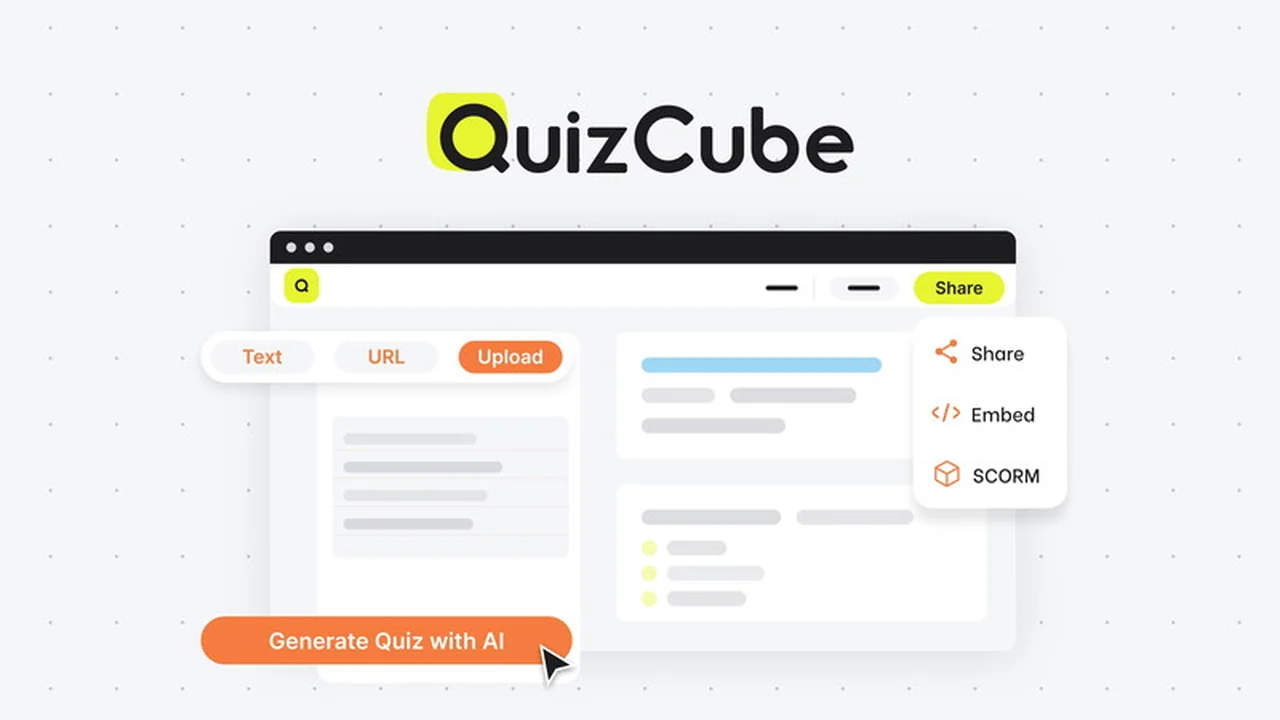
QuizCube is an AI-powered quiz generator that simplifies the creation of quizzes by transforming existing knowledge bases into question sets. It allows users to input information through various methods, including document uploads, direct text pasting, or URL inputs.
Key Features
- AI-Powered Question Generation: Automatically creates questions based on provided content.
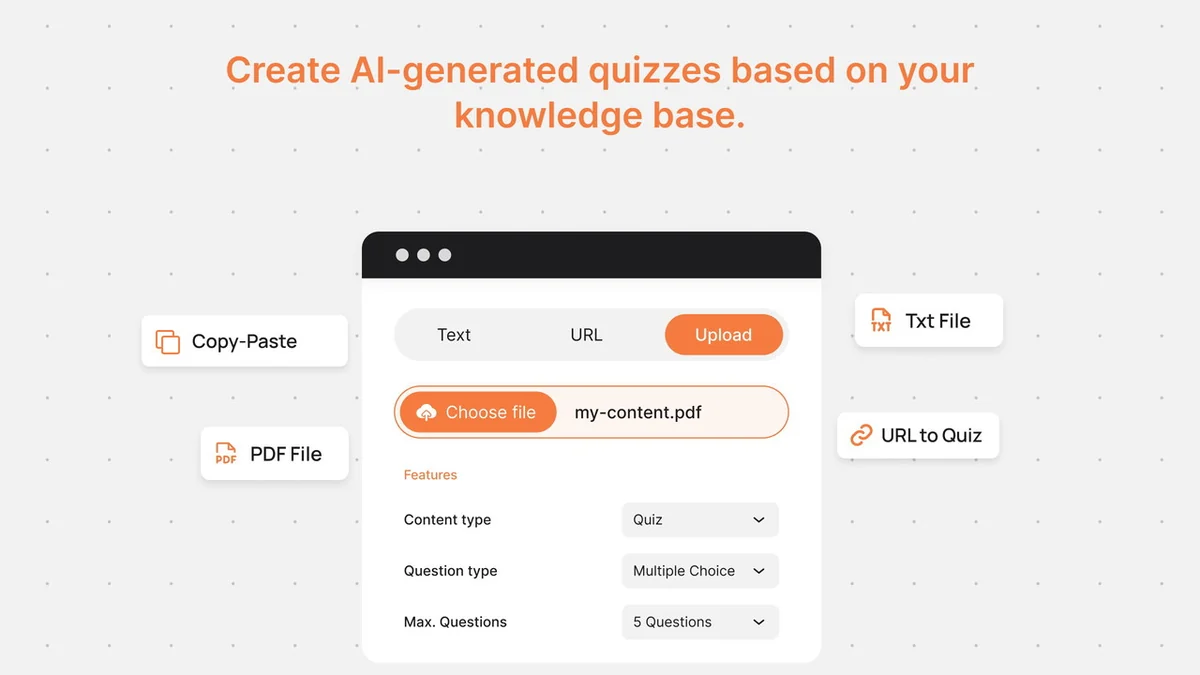
- Multiple Knowledge Base Options: Accepts text, document uploads (PDF), or website URLs as source material.
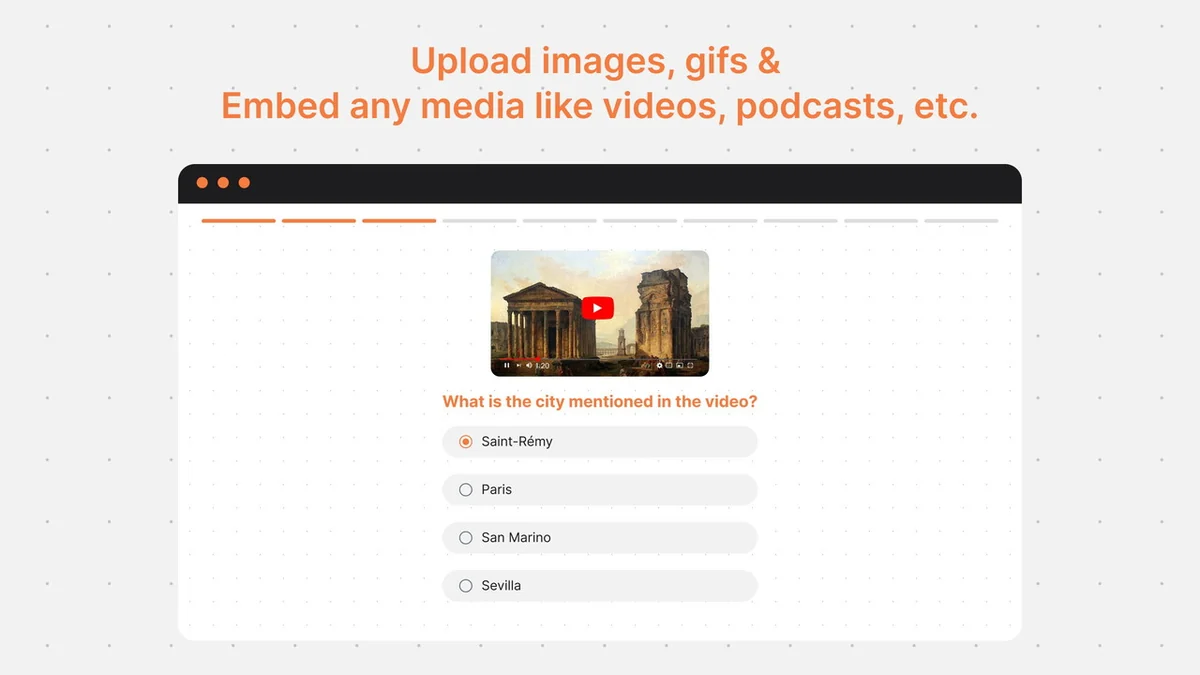
- Rich Media Support: Enables embedding of images, GIFs, videos, and podcasts within quizzes for enhanced engagement.
- Customizable Access Control: Options to make quizzes public, require email confirmation, or restrict access to invited users.
- Flexible Sharing and Embedding: Share quizzes via direct links, embed them on websites, or export them for LMS platforms.
- Post-Quiz Customization: Tailor quiz endings with score displays, different messages, or calls-to-action based on performance.
How It Works
Getting started with QuizCube is straightforward. You begin by defining the knowledge base for your quiz. This can be achieved by:
Pasting Text: Copy and paste relevant content directly into the provided text field.
Uploading Documents: Upload files such as PDFs that contain the information you want to quiz on.
Entering URLs: Provide the web address of a page from which QuizCube will extract information.
Once the knowledge base is set, QuizCube’s AI engine generates questions. You can then enrich these questions with visuals or additional content. Finally, you can customize access settings and choose how to present the quiz to your audience.
Use Cases
- Educators: Reinforce learning and assess student comprehension of course material.
- Online Course Creators: Gamify learning modules and check knowledge retention after lessons.
- Community Managers: Boost engagement within online groups and forums by creating interactive challenges.
- Marketers: Use quizzes as lead magnets to collect contact information or segment audience interests.
- Content Creators: Engage viewers on blogs and video platforms by offering interactive content related to their videos or articles.
Integrations & Compatibility
- QuizCube offers versatile export options for broad compatibility
- Quizzes can be exported in Excel and AIKEN formats, making them suitable for import into various learning management systems
- Furthermore, QuizCube supports direct export to SCORM packages, ensuring seamless integration with LMS platforms like Moodle.
Pricing & Value
QuizCube is available through a limited-time deal on AppSumo, offering different tiers that scale with your needs. Each plan provides access to the core AI quiz generation functionality, with higher tiers potentially offering increased limits on knowledge base sources or advanced features. The value proposition lies in significant time savings compared to manual quiz creation.
Deal Details
The AppSumo deal for QuizCube – AI Quiz Generator typically includes lifetime access to a chosen plan. This often encompasses all future updates and is backed by a 60-day money-back guarantee, allowing ample time to evaluate its suitability for your workflow.
Quick Take
- Ideal for educators and content creators seeking to quickly generate quizzes from existing material.
- Saves considerable time and effort in quiz preparation.
- Offers flexible sharing and integration options for diverse applications.
FAQs
What export formats are available for quizzes?
Quizzes can be exported in Excel, AIKEN, or SCORM formats.
Does QuizCube offer any access control for quizzes?
Yes, you can control access by making quizzes public, requiring email confirmation, or inviting specific users.
How can I share my generated quizzes?
Quizzes can be shared via a link, embedded on websites, or exported for LMS platforms.
Can I add images or videos to my quizzes?
Yes, you can enrich your quizzes with images, GIFs, videos, and podcasts.
What types of content can QuizCube use to generate quizzes?
QuizCube can generate quizzes from pasted text, uploaded documents, or website URLs.
Final Thoughts
QuizCube – AI Quiz Generator | AppSumo presents a compelling solution for anyone looking to create quizzes efficiently. Its AI-driven approach significantly reduces the manual labor involved, while its various sharing and export options cater to a wide range of educational and engagement needs. The flexibility in content input and quiz customization makes it a versatile tool for educators, coaches, and community builders.
Considering the time savings and the potential for increased engagement, the AppSumo deal for QuizCube offers substantial value. It’s a practical tool that can be integrated into various workflows to enhance learning and interaction with your audience.