
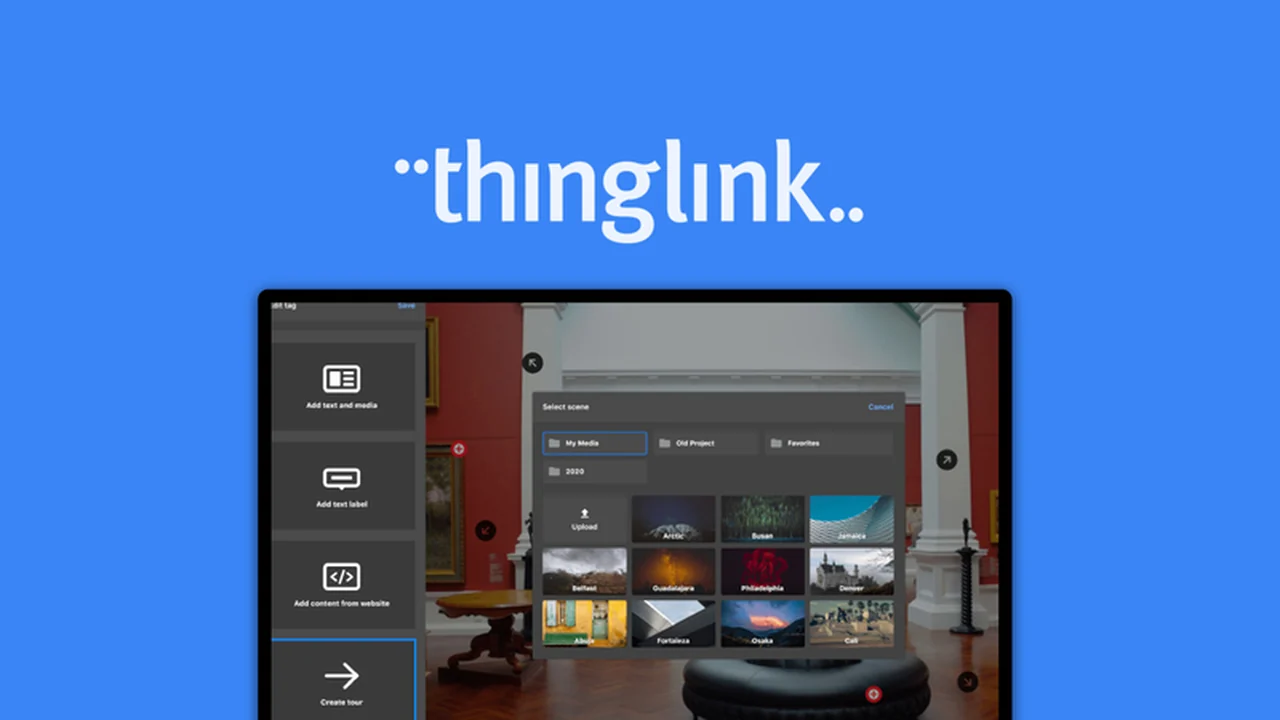
Discover how to elevate your content beyond static images and videos. This review explores ThingLink, a powerful platform designed to transform your communication strategies through interactive visuals.
We’ll dive into its capabilities, how it works, and the practical applications that can boost engagement and understanding for your audience.
What is ThingLink – Communicate with interactive visuals | AppSumo
ThingLink is an innovative platform that empowers users to create dynamic and engaging interactive media. It allows for the transformation of standard images, videos, and other content into rich experiences, featuring embedded links, text, audio, video, and even 3D models.
This tool is especially beneficial for anyone looking to make their marketing materials, educational content, or internal communications more captivating and informative, moving beyond flat, unengaging formats.
Key Features
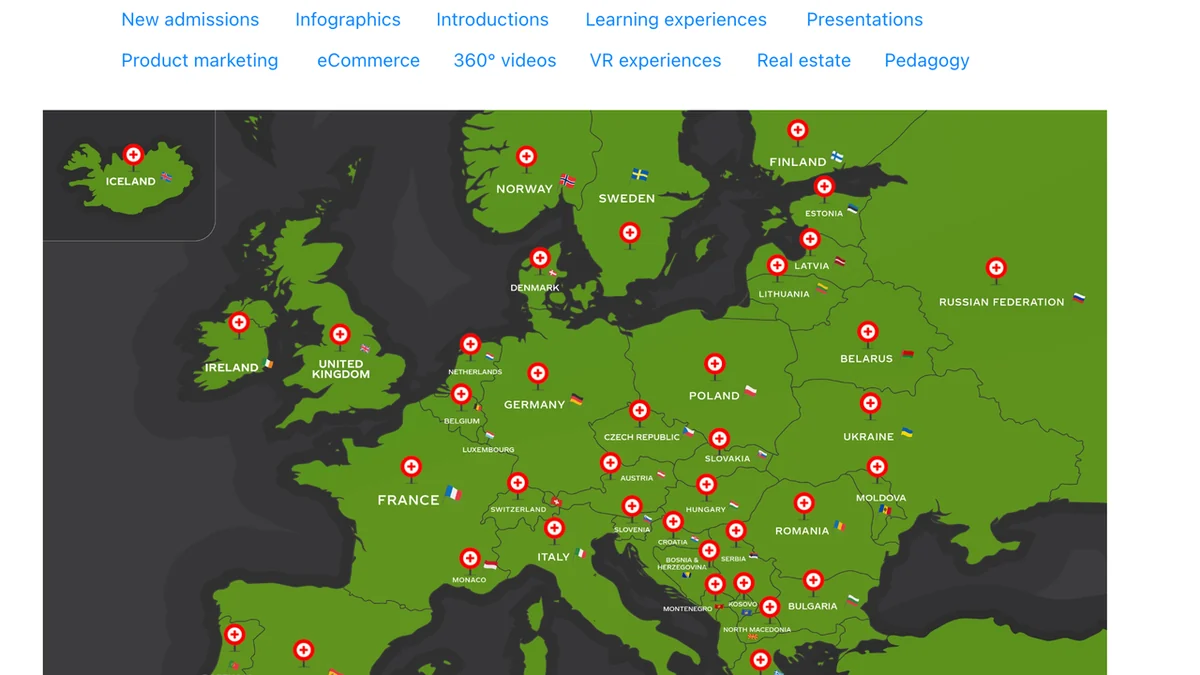
- Interactive Hotspots: Add clickable points to your visuals that reveal additional information, links, or media when hovered over or clicked.
- Content Creation Versatility: Build virtual tours, interactive maps, product showcases, educational modules, and more from scratch.
- Template Library: Utilize pre-designed templates and content layout options to expedite your creation process.
- Cross-Platform Accessibility: Work seamlessly on the web and through dedicated mobile apps for both Android and iOS devices.
- Collaboration Tools: Enable team members to work together in real-time on design changes, fostering efficient project development.
- Embedding and Sharing: Easily embed your interactive creations onto websites, blog posts, or share them directly across social media platforms.
- Learning Management System (LMS) Compatibility: Share your interactive content on various LMS platforms, including Classera, Thinkific, Moodle, and D2L.
- Performance Analytics: Track key metrics like views, click rates, and completion times to understand user engagement and optimize your visuals.
How It Works
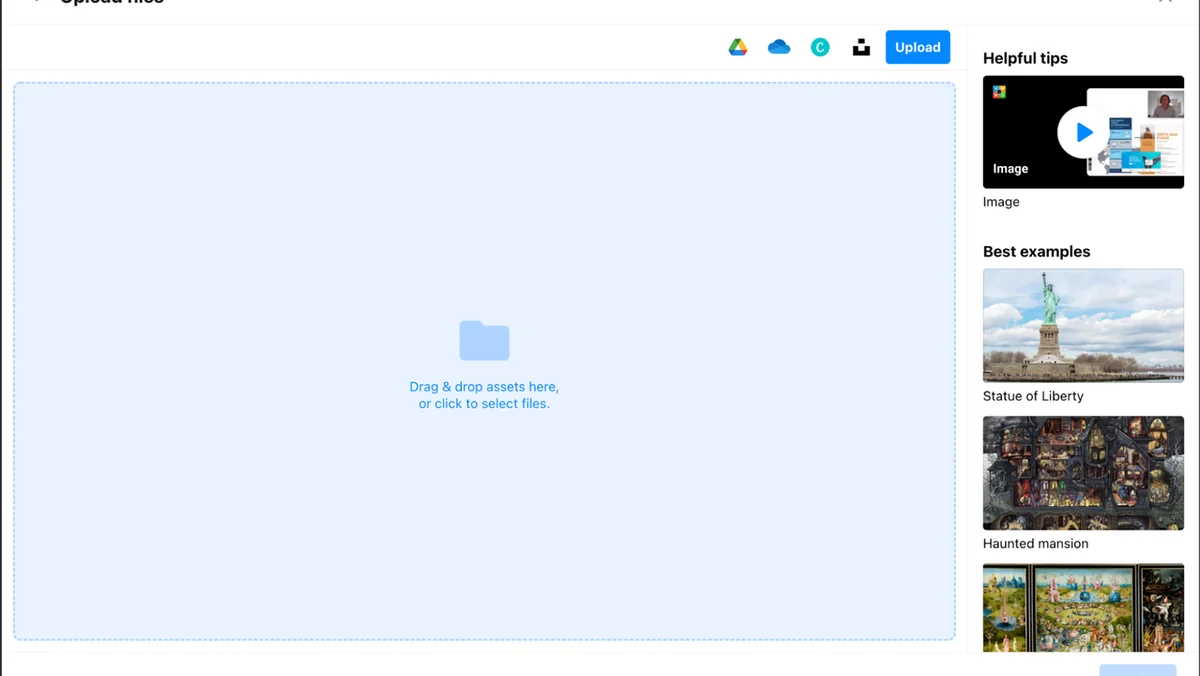
ThingLink features an intuitive drag-and-drop editor, making the process of adding interactivity straightforward. You can upload your own base media, such as an image or a video, and then begin adding interactive tags or ‘hotspots’ to specific areas.
Each hotspot can be configured to display text, link to a URL, embed another video, show an image, or even play audio. The platform also provides content layout options to structure the information presented within the hotspots effectively. Once your interactive visual is complete, you can preview it, share it via a link, or embed it onto your desired online platform.
Use Cases
- Marketing & Sales: Create interactive product catalogs, virtual showrooms, and engaging campaign visuals.
- Education & Training: Develop immersive e-learning modules, interactive science diagrams, or virtual field trips.
- Real Estate: Build virtual property tours that allow potential buyers to explore listings remotely.
- Museums & Tourism: Design interactive maps or exhibits that provide context and deeper information for visitors.
- Internal Communications: Enhance company onboarding materials or project presentations with engaging visuals.
Pricing & Value
ThingLink offers a robust solution for creating interactive visuals, with its value proposition significantly enhanced by its availability on platforms like AppSumo. The ability to create such dynamic content without extensive technical skills is a major advantage.
The platform’s focus on engagement, education, and clear communication makes it a versatile tool for businesses, educators, and content creators alike. The long-term accessibility of the product, if downloaded and saved within the specified timeframe, adds considerable value for lifetime users.
Deal Details
The ThingLink deal on AppSumo provides an opportunity to acquire lifetime access to the platform. This typically includes access to key features and functionalities as outlined in the deal’s specifics.
It is important to note that all deals are time-sensitive, so it is advisable to review the exact terms and purchase within the offer period to secure the lifetime access.
Quick Take
- Ideal for marketers, educators, and content creators aiming to boost engagement.
- Transform static content into interactive experiences with an easy-to-use editor.
- A valuable tool for creating virtual tours, educational modules, and dynamic marketing visuals.
FAQs
What metrics can I track with ThingLink?
You can track image views, click rate, time on screen, hovers, and completion rate.
Can multiple people work on a project together?
Yes, ThingLink is collaboration-friendly and allows multiple users to make design changes simultaneously.
Can I use ThingLink on my phone?
Yes, ThingLink is available via web and dedicated mobile apps for Android and iOS.
Is ThingLink easy to use for beginners?
Yes, ThingLink features an intuitive drag-and-drop editor that is easy for beginners.
What kind of content can I make interactive with ThingLink?
You can make images, videos, 3D models, and simulations interactive with ThingLink.
Final Thoughts
ThingLink offers a compelling solution for anyone looking to add a new dimension to their digital content. Its user-friendly interface, combined with powerful features like interactive hotspots and collaboration tools, makes it accessible for a wide range of users.
Whether you’re aiming to enhance educational materials, create more compelling marketing campaigns, or simply make your online presence more engaging, ThingLink provides the tools to achieve those goals effectively.