
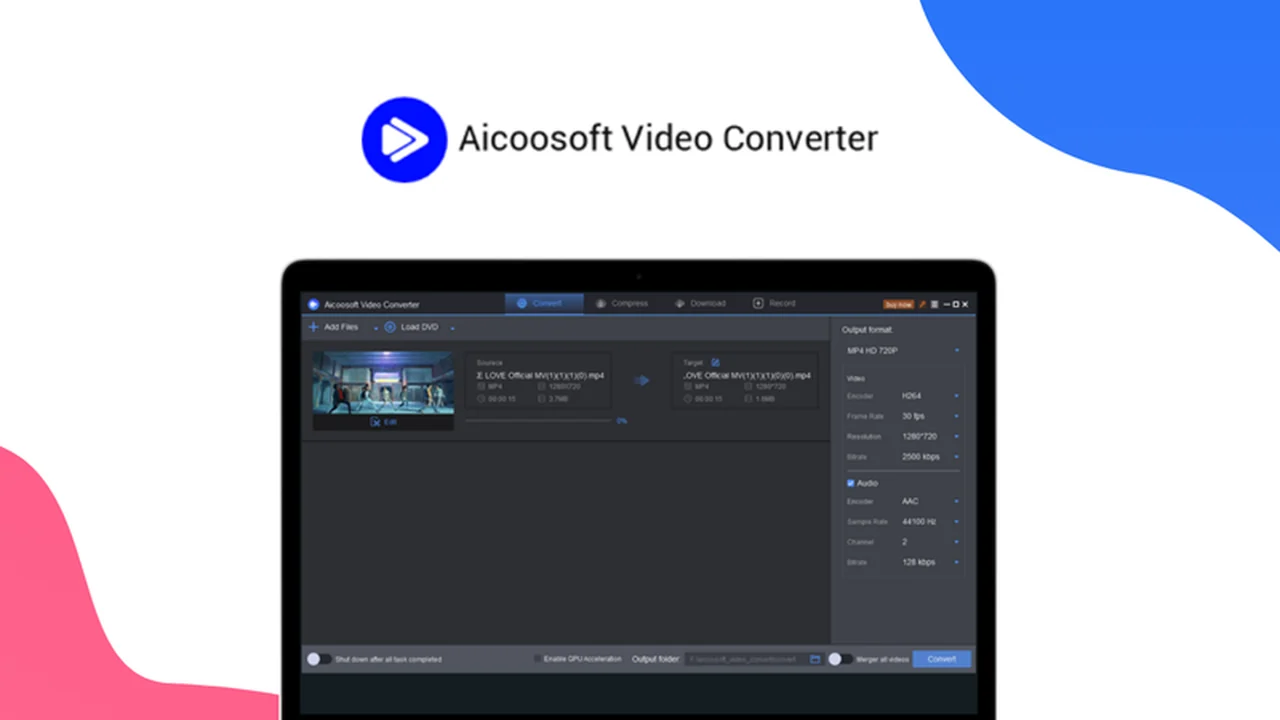
If you’re considering Aicoosoft Video Converter, this review breaks down what it does, how it works, and who it’s best for.
You’ll also get a clear feature rundown, practical use-cases, and a quick decision guide before you commit.
What is Aicoosoft Video Converter – Convert & edit videos | AppSumo
This review dives deep into the Aicoosoft Video Converter, an all-in-one solution designed to streamline your video workflow. You’ll discover how it can simplify tasks from conversion and editing to compression and recording.
We’ll explore its features, usability, and overall value, especially considering its availability on AppSumo. Get ready to understand how this tool can enhance your video creation and management process.
Key Features
Aicoosoft Video Converter aims to be a comprehensive tool for all your video needs, consolidating multiple functionalities into one platform.
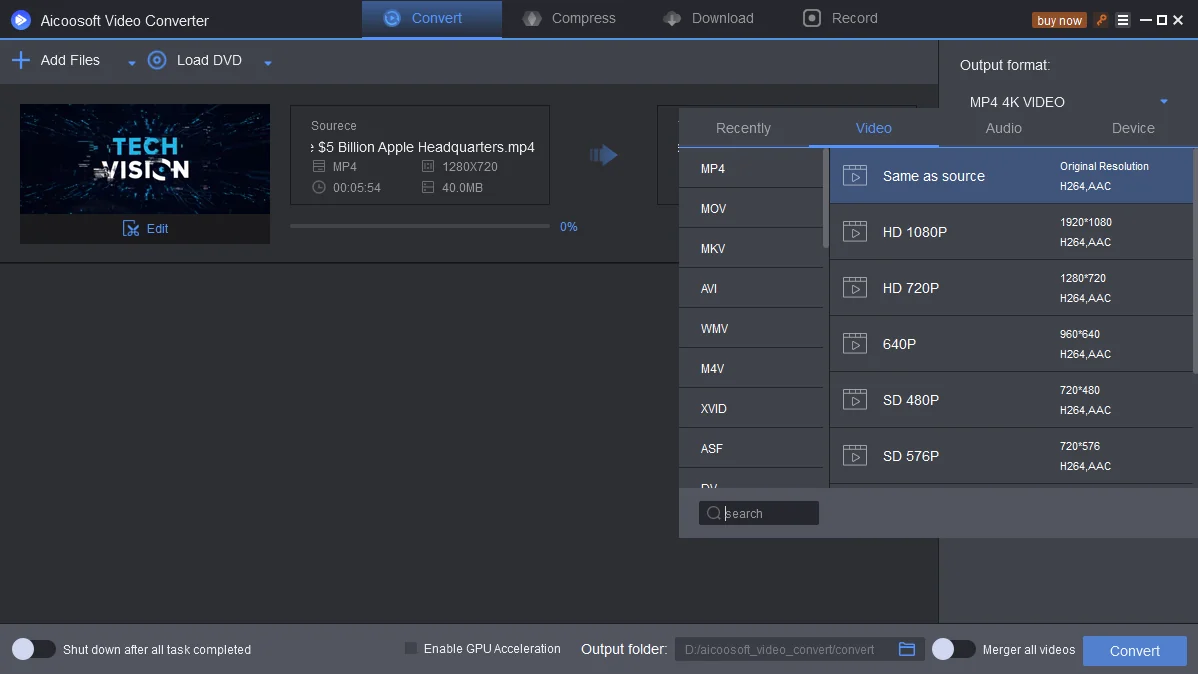
- Video Conversion: Efficiently convert videos between a wide array of formats, ensuring compatibility across devices and platforms.
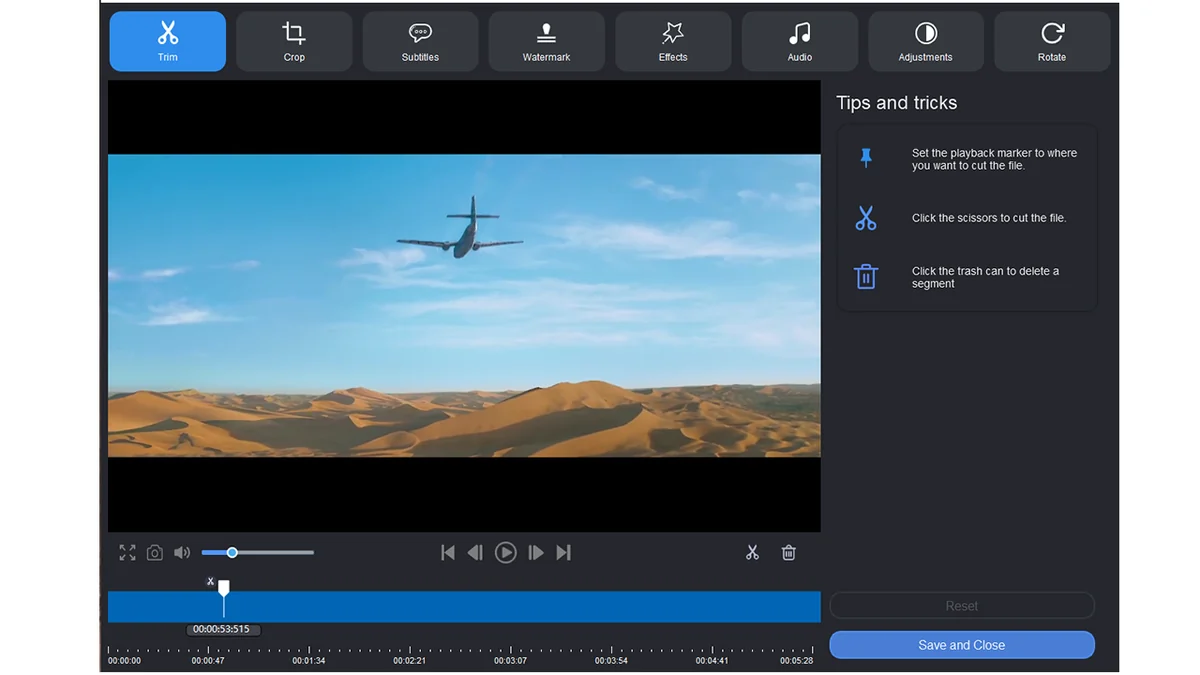
- Video Editing: Offers essential editing tools to refine your video content, including trimming, cropping, rotating, and applying effects.
- Video Compression: Reduce file sizes for easier sharing and storage without significant loss of quality.
- Video Downloading: Supports downloading videos from various online sources for offline access.
- Video Recording: Capture screen activity or webcam footage directly within the application.
- DVD Conversion: Capability to convert DVD content, allowing for digital archiving or playback on different media.
How It Works
The operational philosophy behind Aicoosoft Video Converter is to provide a user-friendly interface for complex video tasks. The software is built to handle the entire lifecycle of a video, from acquisition to sharing.
Getting Videos: Aicoosoft helps you acquire video content through downloading from websites or recording your screen and webcam.
Editing Videos: Once you have your footage, you can easily trim, crop, rotate, add effects, or insert subtitles to enhance your videos.
Watching Videos: It resolves playback issues by converting videos into formats compatible with various devices like mobile phones and TVs.
Sharing Videos: The tool assists in customizing and compressing videos, making them suitable for social media uploads or saving storage space.
Use Cases
The versatility of Aicoosoft Video Converter makes it suitable for a range of users and scenarios:
- Content creators needing to prepare videos for different social media platforms.
- Individuals looking to convert old home videos from DVDs to a modern digital format.
- Students who need to record lectures or edit academic presentations.
- Anyone facing compatibility issues when trying to play or share video files.
- Users seeking to optimize video file sizes for faster uploads or reduced storage consumption.
Integrations & Compatibility
- The license for Aicoosoft Video Converter supports both Windows and Mac operating systems
- A single PC license covers one device, either Windows or Mac
- For users with multiple devices or both operating systems, a family license is available, providing access for both Windows and Mac simultaneously.
Pricing & Value
The AppSumo deal offers a lifetime access to Aicoosoft Video Converter, which represents a significant value proposition. This type of all-in-one software solution typically commands a recurring subscription fee. Securing lifetime access eliminates future costs for the core functionalities of the software.
Deal Details
The current offer provides lifetime access to Aicoosoft Video Converter through AppSumo. It is important to redeem the purchased code within 60 days of acquisition to ensure access. The deal includes all updates to existing functions at no extra cost for the purchased version.
Quick Take
- Ideal for users seeking an all-in-one video conversion and editing tool.
- Offers a cost-effective lifetime access solution for managing video assets.
- Suitable for both casual users and content creators looking for robust features.
FAQs
Where can I find detailed instructions on using Aicoosoft Video Converter?
Operation details are available on the Aicoosoft website or by contacting their customer support.
What should I do if my registration code is invalid?
Ensure you have the correct version installed and check for extra spaces when entering your credentials.
Which operating systems are supported by the Aicoosoft Video Converter license?
The license supports both Windows and Mac operating systems.
How do I activate my Aicoosoft Video Converter license?
Activate using the registration code and download link received via email after successful redemption.
What does lifetime access mean for Aicoosoft Video Converter?
Lifetime access means you can use the purchased version indefinitely and receive updates to existing functions for free.
Final Thoughts
Aicoosoft Video Converter presents a compelling package for anyone needing to manage their video files efficiently. The breadth of features, from conversion and editing to downloading and recording, consolidates common video tasks into a single application.
The lifetime access deal on AppSumo offers exceptional value, especially for users looking to avoid ongoing subscription costs. With a 60-day money-back guarantee, there’s an opportunity to test its capabilities thoroughly to ensure it meets your specific video workflow requirements.