
Creating effective video content can be a powerful way to communicate ideas, instructions, and updates. This review dives into Screencast-O-Matic, a platform designed to simplify the process of capturing and producing video.
We’ll explore its capabilities, how it can be used, and what makes it a valuable tool for individuals and organizations looking to enhance their video communication strategies.
What is Screencast-O-Matic – Communicate in videos | AppSumo
Screencast-O-Matic offers a straightforward and user-friendly solution for capturing, creating, and sharing video content. It caters to a broad audience, including individuals, businesses, and educators who need to produce screencasts, record their webcam, and enhance these recordings.
Key Features
This platform comes equipped with a range of features to support video creation:
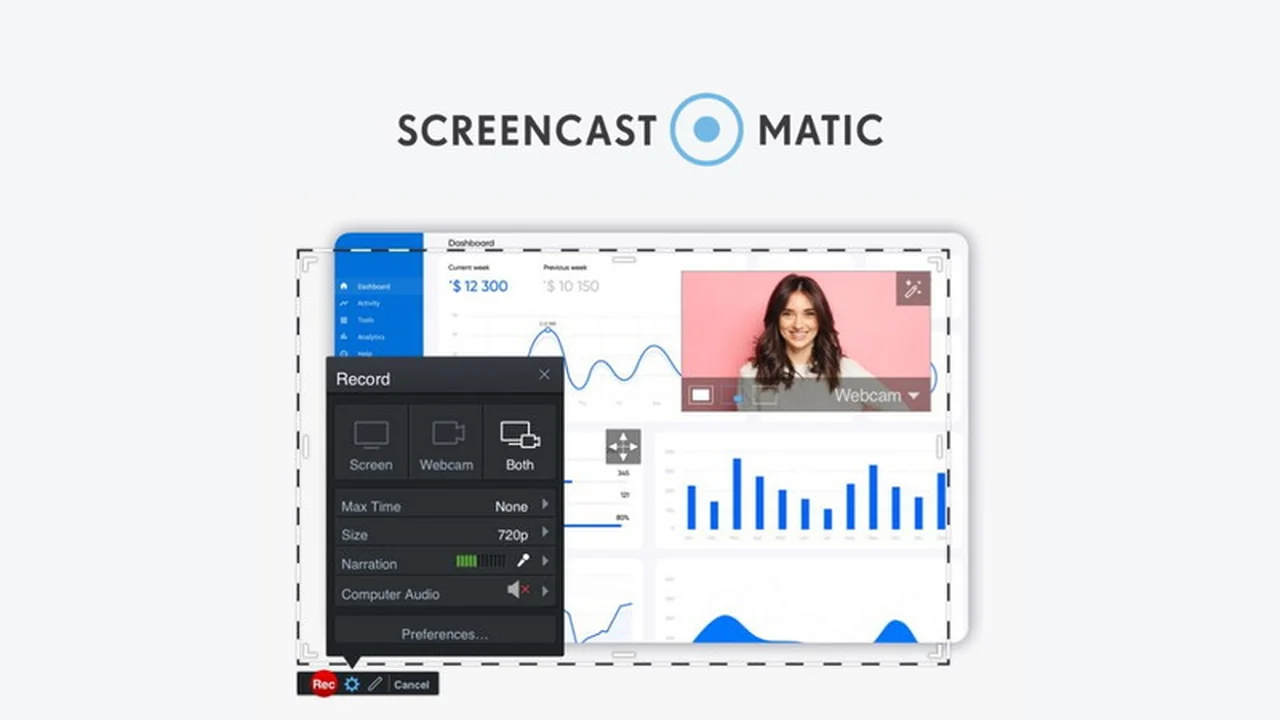
- Screen and Webcam Recording: Capture your entire screen, a specific window, or a defined area, alongside your webcam footage for a picture-in-picture effect.
- Drawing Tools: Enhance your recordings in real-time with annotation tools like arrows, text, highlights, and shapes to draw attention to key areas.
- Audio and Narration: Easily add narration, sound effects, or background music to your videos. You can also edit these audio elements to fine-tune the sound.
- Video Editor: A robust editor allows for customization with overlays such as text, shapes, and images, as well as animation and effects like green screen and transitions.
- Automated Captioning: Utilize automated speech-to-text to generate captions, making your videos more accessible.
- Easy Sharing: Quickly share your created videos and screenshots to various social media channels.
How It Works
Getting started with Screencast-O-Matic typically involves launching the application, selecting your recording preferences (screen area, webcam, audio input), and then beginning your capture. Once recorded, you can utilize the built-in editor to trim, add annotations, overlays, and audio enhancements. Finally, the platform facilitates easy export or sharing of your finished video.
Use Cases
Screencast-O-Matic proves beneficial in numerous scenarios:
- Education: Creating engaging lecture videos, software tutorials, or step-by-step guides for students.
- Business: Developing product demonstrations, training materials for employees, or internal communications.
- Marketing: Producing explainer videos, showcasing software features, or sharing customer testimonials.
- Personal Projects: Sharing how-to guides, documenting processes, or creating personal video messages.
Integrations & Compatibility
- Screencast-O-Matic is designed to be a standalone solution for video creation and sharing
- Its primary function is within its own platform, focusing on direct recording and editing capabilities.
Pricing & Value
The value of Screencast-O-Matic lies in its comprehensive feature set for video creation and editing, offered at an accessible price point, especially through limited-time deals.
Deal Details
AppSumo often features time-sensitive deals on Screencast-O-Matic. These offers typically provide a substantial discount on the platform’s premium features, making it an attractive option for those looking to invest in video creation tools.
Quick Take
- Ideal for users needing an intuitive way to record screens and webcams.
- Great for creating tutorials, presentations, and quick video messages.
- Offers robust editing tools for enhancing video content without complexity.
FAQs
Is Screencast-O-Matic suitable for beginners?
Yes, its intuitive design makes it very beginner-friendly.
How can I make my videos more accessible?
Automated speech-to-text captioning helps improve video accessibility.
Does it offer tools for enhancing visuals during recording?
Yes, drawing and annotation tools are available for real-time screen markup.
Can I add my voice to a recording?
Yes, you can easily add narration and voiceovers to your videos.
What is Screencast-O-Matic primarily used for?
It’s used for capturing, editing, and sharing screencasts and webcam videos easily.
Final Thoughts
Screencast-O-Matic presents a compelling solution for anyone looking to create and share video content efficiently. Its blend of straightforward recording, editing capabilities, and accessibility features makes it a versatile tool for a variety of communication needs.