
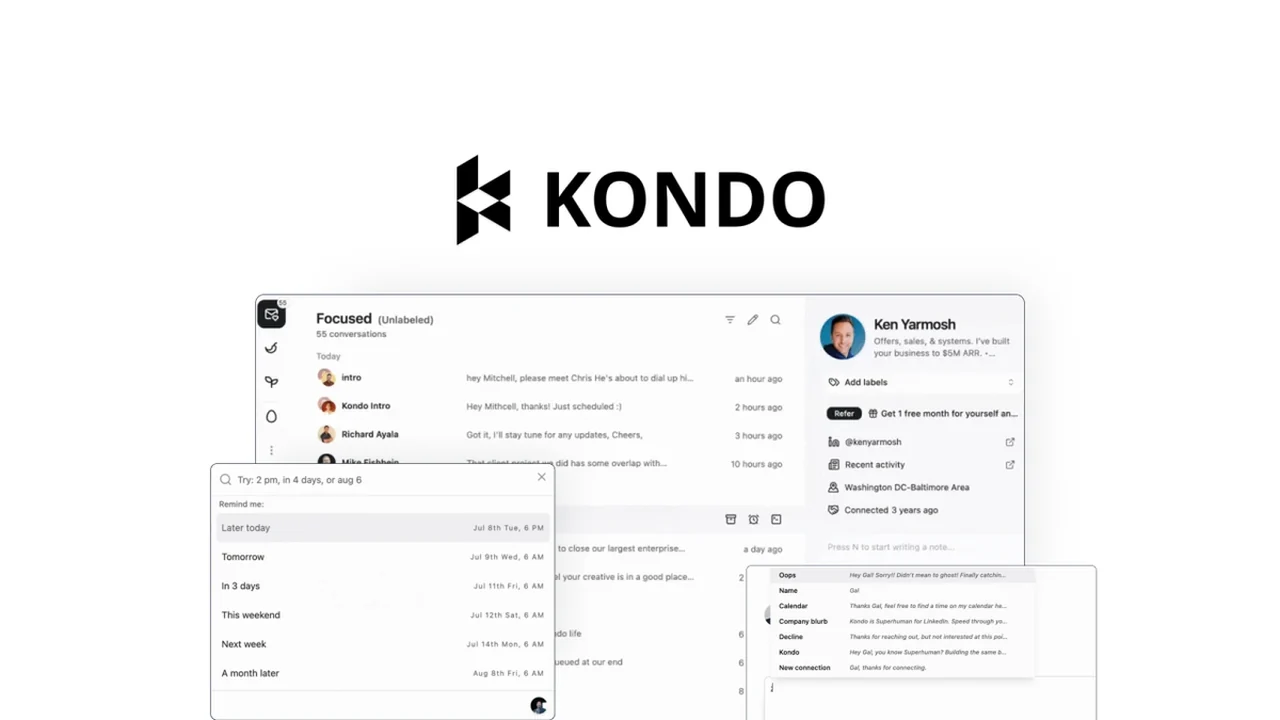
If your LinkedIn direct messages feel more like a chaotic inbox than a tool for growth, this review is for you. We’ll explore how Kondo aims to bring order and efficiency to your LinkedIn communications.
Discover its core functionalities, practical applications, and how it integrates into your existing workflow, providing a clear understanding of its value and how to best utilize it.
What is Kondo – Plus exclusive | AppSumo
Kondo is a software solution designed to streamline and organize LinkedIn direct messages. It addresses the common challenge of managing numerous conversations, leads, and follow-ups within LinkedIn’s native inbox, which can often feel overwhelming.
Developed by Mitchell Tan, Kondo aims to transform the LinkedIn messaging experience into a more manageable and productive environment, akin to a modern email command center, by offering features that enhance organization and expedite communication.
Key Features
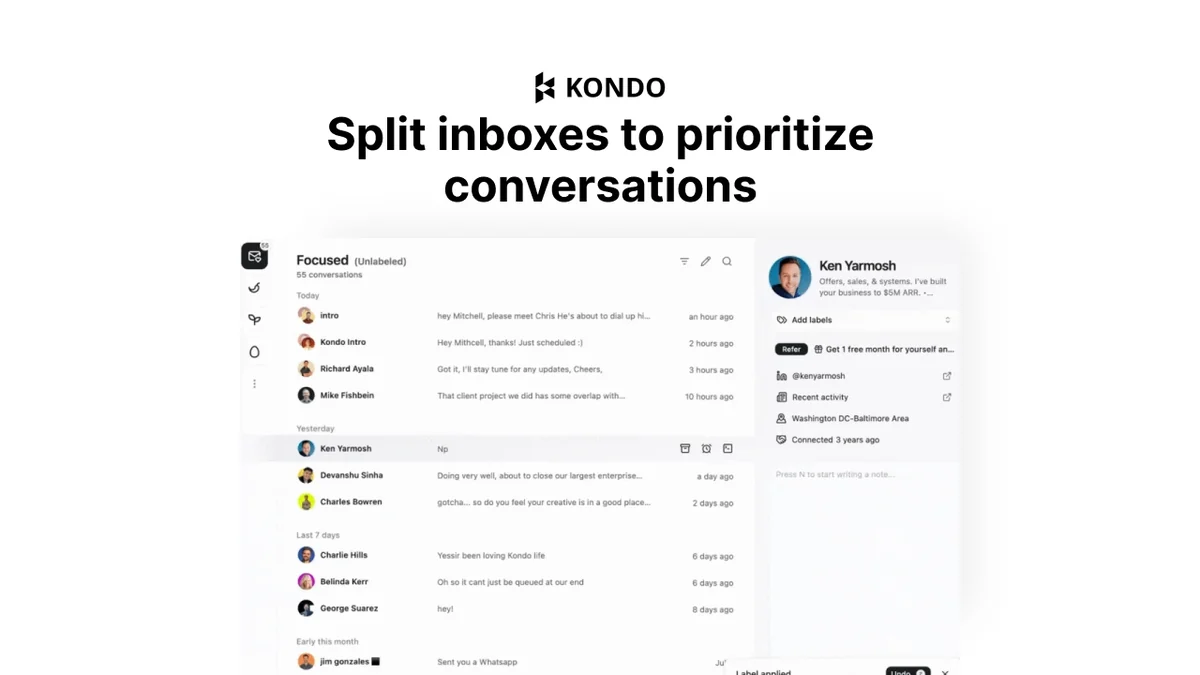
Split Inboxes: Kondo allows you to divide your LinkedIn conversations into customizable inboxes, bringing a sense of order and making it easier to focus on specific conversations or lead types.
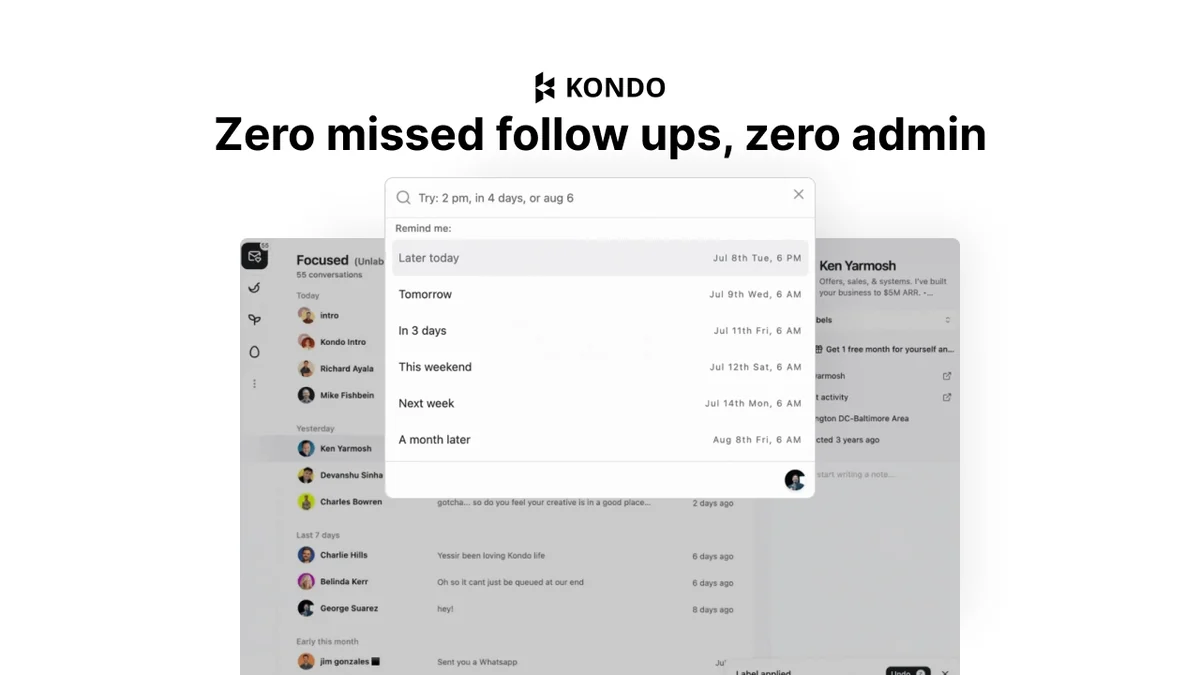
Automated Reminder Follow-ups: While it doesn’t send messages automatically to remain compliant, Kondo enables you to set reminders for follow-ups, ensuring you don’t miss important interactions.
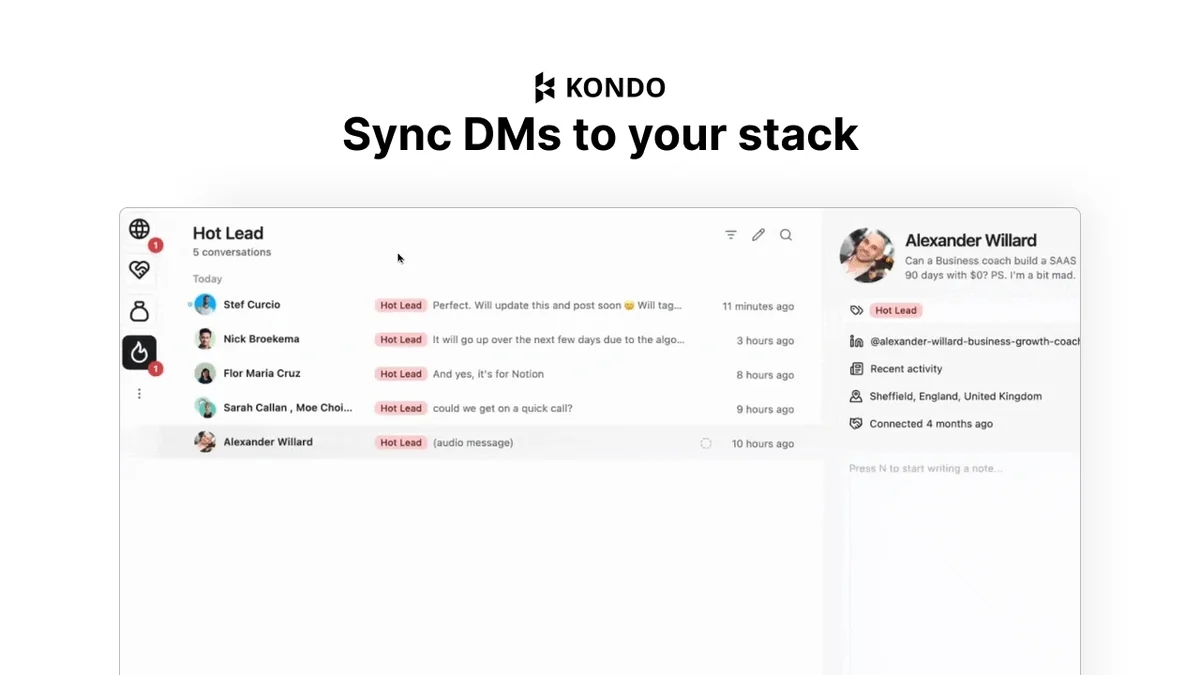
Workflow Syncing: The platform synchronizes your LinkedIn messages with your broader workflow, integrating with CRMs and other tools to eliminate context-switching and keep all your outreach efforts in one place.
Accelerated Replies: Kondo offers features like text snippets, keyboard shortcuts, and even desktop voice notes to help you respond to messages more quickly and efficiently.
How It Works
Kondo operates by providing a dedicated application that connects to your LinkedIn account via a Chrome extension. This connection allows Kondo to access and manage your LinkedIn direct messages.
Once set up, you can configure your inbox structure, utilize its messaging shortcuts, and set up reminders for any follow-up actions required. The syncing capability ensures that your communication data is accessible within your preferred external tools and CRMs.
Use Cases
- Sales Professionals: Keep track of all prospect conversations, set follow-up reminders, and respond efficiently to nurture leads effectively.
- Recruiters: Manage candidate communications, schedule follow-ups for interviews, and maintain organized records of interactions.
- Solopreneurs & Small Business Owners: Streamline client communication, ensure no inquiries are missed, and maintain a professional online presence.
- Team Management: Although it doesn’t unify multiple inboxes into one, teams can set up separate accounts within Kondo and toggle between them for centralized administration.
Integrations & Compatibility
Kondo offers integrations with popular platforms to enhance its utility within your existing professional ecosystem. These include:
- HubSpot
- Make
- Salesforce
- Zapier
The platform requires a Chrome extension for its functionality, which helps in connecting your LinkedIn account to the Kondo application.
Pricing & Value
This exclusive offer provides access to the Kondo Basic Plan for one year. While the standard pricing for Kondo can range from $144 to $288, the AppSumo deal presents a significant opportunity for eligible members to utilize its features at a distinct value.
Deal Details
This offer is exclusively available to AppSumo Plus members. It includes one year of access to the Kondo Basic Plan. Please note that this product is non-refundable, so it’s advisable to review all details before making a purchase. Your code must be redeemed within 60 days of purchase.
Quick Take
- Ideal for sales managers and solopreneurs struggling with LinkedIn DM overload.
- Offers a practical solution to organize and speed up LinkedIn outreach efforts.
- Provides essential tools for follow-ups and conversation management.
FAQs
Will Kondo be available for regular AppSumo users in the future?
The current launch is for Plus users only, but future availability for regular users will be considered.
Can I manage multiple LinkedIn inboxes for my team with Kondo?
You can set up multiple separate accounts connected to the same team in Kondo for centralized management.
Is it an app, or a chrome extension or does the chrome extension only there to connect your LinkedIn account?
Kondo is a separate app, and the Chrome extension is required to connect it to your LinkedIn account.
Can you explain the Chrome setup, and how that works?
The Chrome extension is installed during the sign-up flow to connect Kondo to your LinkedIn account.
Does Kondo automatically send follow-up messages on your behalf?
No, Kondo does not automate message sends to ensure compliance with LinkedIn’s terms of service.
Final Thoughts
Kondo – Plus exclusive | AppSumo presents a compelling solution for professionals who find themselves overwhelmed by their LinkedIn direct messages. By splitting inboxes, offering reminders, and streamlining replies, it directly addresses the friction points of managing professional outreach on the platform.
For AppSumo Plus members seeking to improve their LinkedIn productivity, this deal offers a valuable opportunity to gain better control over their communications and ensure no lead or important conversation falls through the cracks. Its practical features and workflow integrations make it a noteworthy tool for anyone looking to optimize their LinkedIn strategy.