
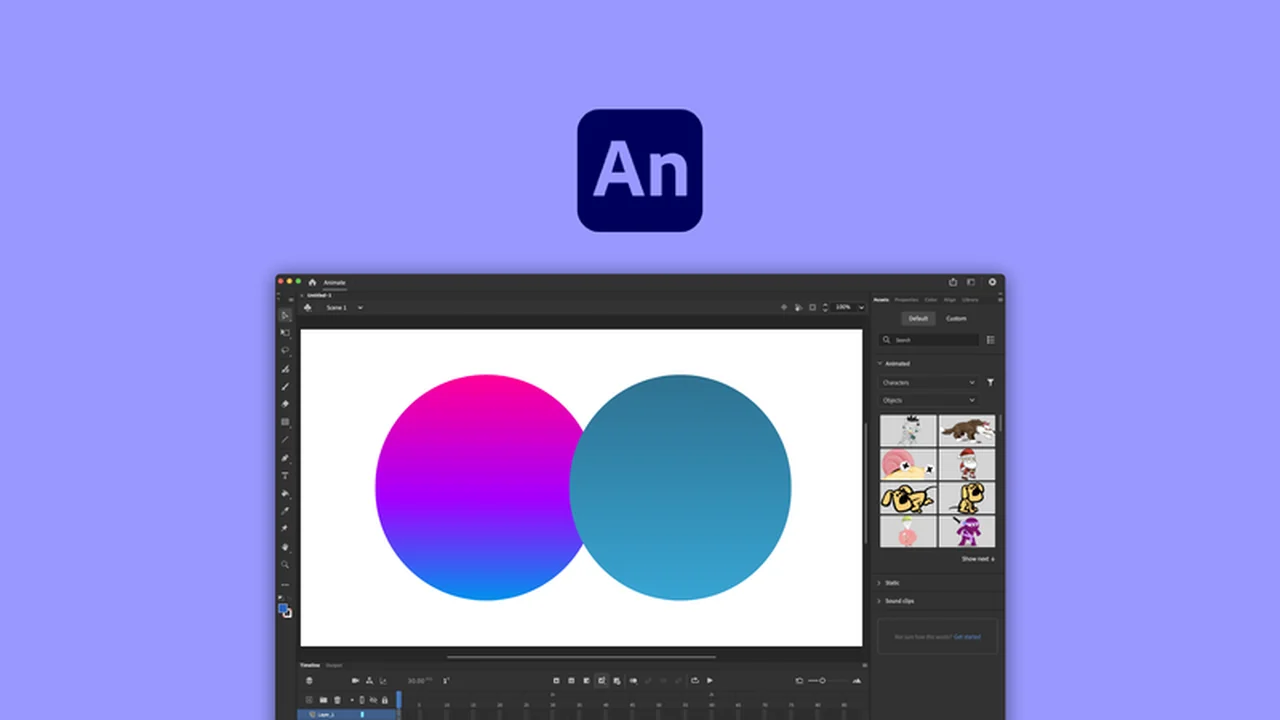
Unlock your creative potential with Adobe Animate, a robust animation studio designed for crafting dynamic and interactive content.
This review will guide you through its capabilities, helping you understand how it can elevate your animation projects for various platforms.
What is Adobe Animate – Design interactive animations | AppSumo
Adobe Animate is a comprehensive animation studio that empowers users to create interactive animation designs suitable for a wide range of applications, including games, television shows, advertisements, and content for web and mobile devices.
It provides advanced animation features within an intuitive interface, making it accessible for both newcomers and seasoned professionals. This software allows for all asset design and coding processes to be managed within a single application.
Key Features
- Advanced Animation Types: Supports motion tweens, classic tweens, inverse kinematics poses, shape tweens, and frame-by-frame animation.
- Customizable Vector Brushes: Offers vector brushes with adjustable parameters like shape and angle, allowing for creation and editing of custom brush styles.
- Virtual Camera Functionality: Mimics virtual camera movement, enabling smooth transitions, zooming, panning, and rotation animations.
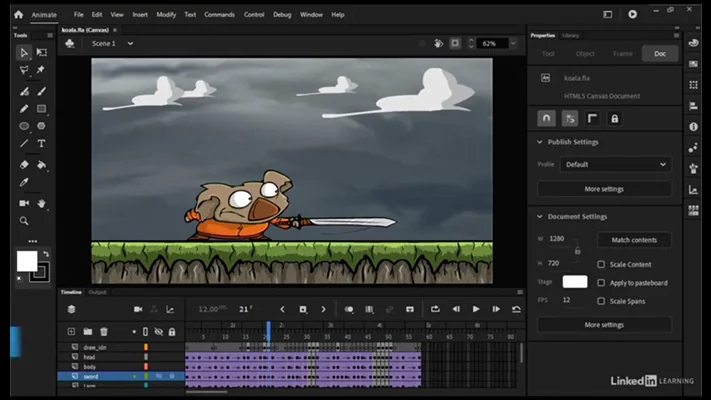
- Timeline Control: Facilitates organization and control of content through layers and frames on the Timeline, with options to edit multiple frames and customize keyframes.
- Onion Skinning Tool: Allows for comparison of adjacent frames to precisely adjust objects in the current frame.
- Direct Publishing Options: Enables direct publishing to platforms like Twitter and YouTube in video or animated GIF formats.
- Versatile Export Options: Supports export to various formats including HTML5 Canvas, WebGL, Flash/Adobe AIR, 4K video, and SVG files.
- 2D Drawing and 3D Modeling: Includes tools for both 2D drawing and basic 3D modeling.
- Advanced Rigging: Features advanced rigging capabilities for more efficient animation workflows.
- Audio Syncing: Allows for syncing audio with animations, ideal for animated series.
- Typekit Integration: Provides access to a wide selection of premium web fonts through a subscription service.
How It Works
Adobe Animate provides a structured workflow starting with asset creation using its drawing and modeling tools. You can then animate these assets using a variety of tweening techniques or frame-by-frame methods.
The Timeline is central to managing your animation, allowing you to arrange elements across layers and frames. The virtual camera feature adds depth by simulating camera movements, enhancing the visual narrative. Once satisfied, you can export your work in numerous formats or publish directly to social media platforms.
Use Cases
- Creating engaging web animations and interactive elements.
- Developing animated characters and scenes for games.
- Producing animated content for TV shows and online series.
- Designing dynamic advertisements and promotional videos.
- Crafting explainer videos and educational animations.
- Building interactive educational modules for online learning.
Integrations & Compatibility
- Adobe Animate integrates with Adobe’s Typekit service for access to a broad library of premium web fonts, enhancing text animation possibilities
- The software is compatible with standard operating systems, allowing for broad usability
- Its export options ensure compatibility with a wide range of platforms, from web browsers rendering HTML5 Canvas and WebGL, to video players supporting 4K, and vector-based applications utilizing SVG.
Pricing & Value
The value of Adobe Animate, especially through limited-time offers like those on AppSumo, lies in its comprehensive feature set for a single price. This provides access to professional-grade animation tools that would otherwise require separate software purchases or costly subscriptions.
The ability to perform asset creation, animation, coding, and export within one application streamlines the production pipeline, offering significant time and cost savings for creators and businesses.
Deal Details
The Adobe Animate deal on AppSumo offers a digital download of the software, providing perpetual access if downloaded and saved within 60 days of purchase. This ensures you own the license indefinitely.
These deals are typically time-sensitive, emphasizing the importance of acting quickly to secure the software at a discounted rate. This acquisition model is part of a broader range of tools offered by AppSumo to support online businesses.
Quick Take
- Ideal for animators, game developers, and content creators needing robust interactive animation tools.
- Offers a complete workflow from asset design to export in a single application.
- Provides significant value through a one-time purchase, especially on limited-time deals.
FAQs
How long do I own the software with an AppSumo deal?
You own the license forever if you download and save it within 60 days of purchase.
What file formats can I export from Adobe Animate?
You can export to HTML5 Canvas, WebGL, Flash/AIR, 4K video, and SVG files.
Is Adobe Animate suitable for beginners?
Its intuitive interface is designed to be accessible for beginners while offering advanced features for professionals.
Can I create interactive content for web and mobile?
Yes, Adobe Animate allows export to HTML5 Canvas and WebGL for interactive web experiences.
What kind of animations can I create with Adobe Animate?
You can create motion tweens, classic tweens, shape tweens, IK poses, and frame-by-frame animations.
Final Thoughts
Adobe Animate stands out as a powerful and versatile animation studio, particularly when acquired through attractive offers like those found on AppSumo. Its ability to handle the entire animation workflow, from initial design to final export, makes it an invaluable tool.
For anyone looking to produce high-quality interactive animations for digital platforms, games, or broadcast, Adobe Animate offers a comprehensive and efficient solution.