
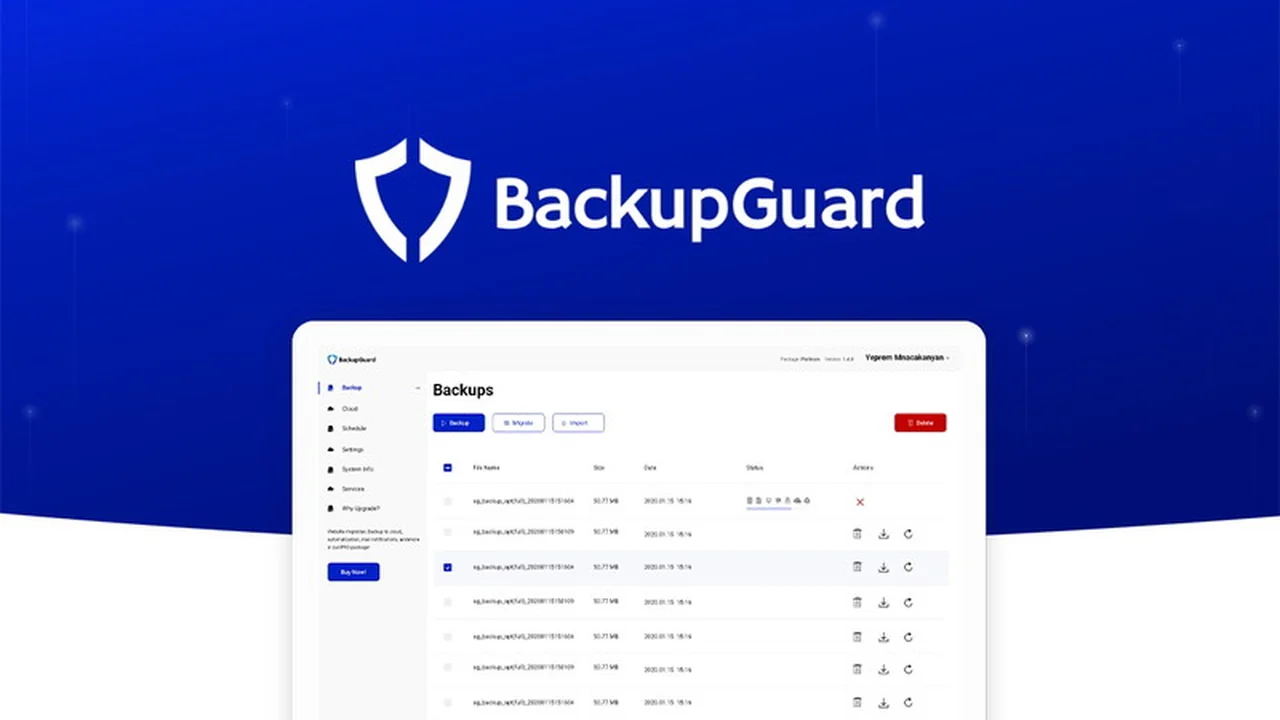
Your WordPress website is a critical asset, and protecting it from data loss or security threats is paramount. Without a reliable backup strategy, you leave your hard work vulnerable to unforeseen issues.
This comprehensive review will explore the BackupGuard WordPress Plugin, detailing its features, how it functions, and its overall value for safeguarding your online presence.
What is BackupGuard WordPress Plugin – Save your WordPress | AppSumo
BackupGuard WordPress Plugin is designed to be your all-in-one solution for website protection. It offers robust features for backing up, restoring, and even migrating your WordPress site with ease. This tool aims to provide peace of mind by ensuring you can recover your website to a previous state should any problems arise.
Key Features
BackupGuard offers a suite of functionalities to ensure your website’s safety and integrity.
- Automated Backups: Schedule regular backups of your entire website, including files and database, to run automatically based on your preferred frequency.
- Full, Partial, and Custom Backups: Choose the type of backup that best suits your needs, whether it’s a complete site snapshot or specific components.
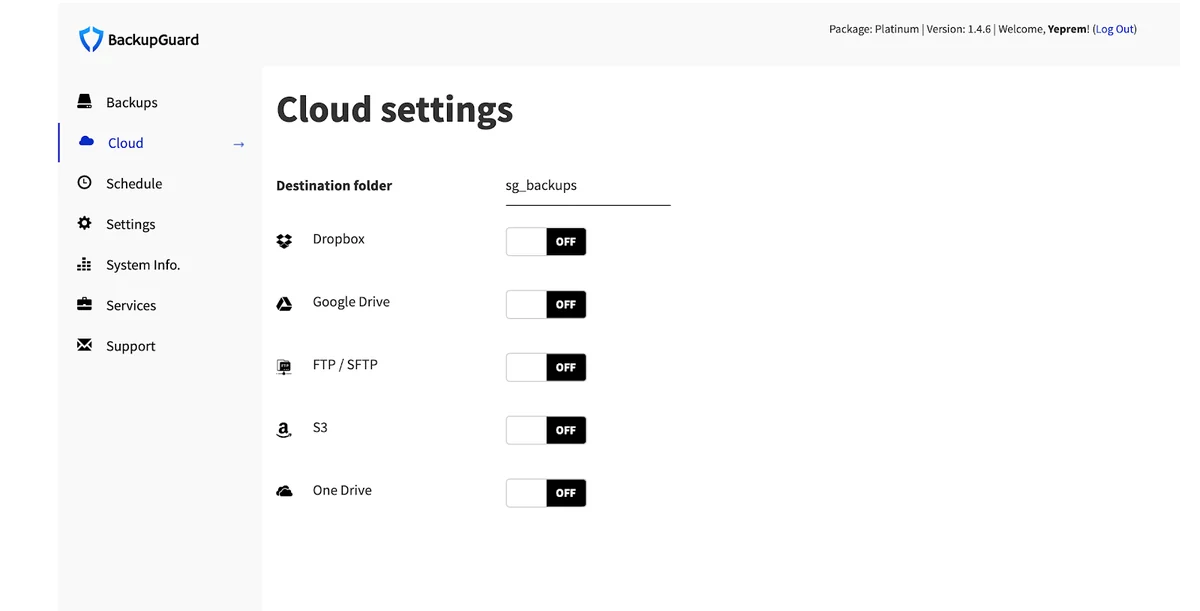
- Cloud Storage Integration: Securely store your backup files offsite using popular cloud services like Dropbox and Google Drive.
- One-Click Restore: Quickly and easily restore your website from a backup with a simple click.
- Website Migration: Seamlessly move your WordPress site to a new domain or hosting provider using the plugin’s migration capabilities.
- Security Firewall: Includes a powerful firewall to protect your site from various online threats, including malicious requests and bad bots.
- Malware Scanning: The plugin actively scans your website for code injections, malware, and backdoor viruses.
How It Works
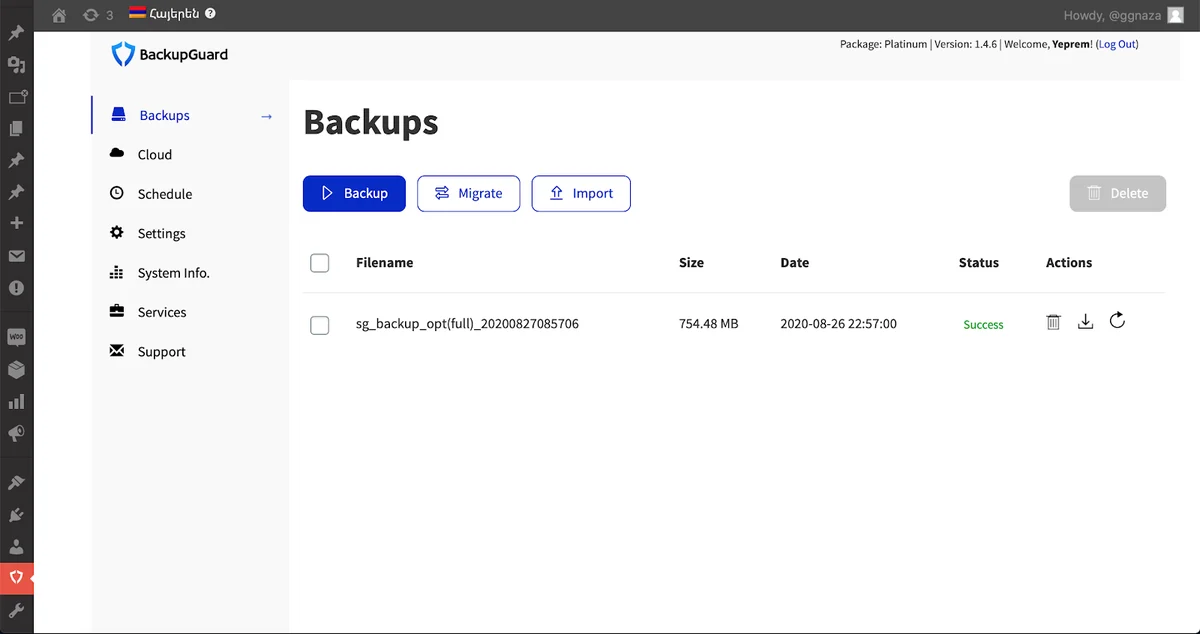
Getting started with BackupGuard is straightforward. After installing the plugin through your WordPress dashboard, you access its functions via the BackupGuard menu item. The main interface allows you to initiate backup, restore, or migrate processes. You can configure backup types and connect to cloud storage. For security, you can access firewall settings and enable malware scanning to actively defend your site.
Use Cases
BackupGuard is ideal for a variety of WordPress users and situations.
- Website owners who want to automate their backup process and avoid manual errors.
- Users who need to quickly restore their site after an update goes wrong or a security incident occurs.
- Individuals planning to migrate their website to a new hosting environment or domain.
- Small business owners who need a reliable and cost-effective security solution.
- Freelancers managing multiple client websites that require regular backups.
Integrations & Compatibility
- BackupGuard seamlessly integrates with popular cloud storage providers, allowing you to store your backups remotely
- It is designed to be compatible with most WordPress themes and plugins, ensuring it works within your existing website setup.
Pricing & Value
The value proposition of BackupGuard lies in its comprehensive feature set, offering both backup and security solutions in a single package. This eliminates the need for multiple separate plugins, potentially saving costs and simplifying website management.
Deal Details
The BackupGuard WordPress Plugin is often available through special offers, such as those on AppSumo, providing lifetime access. This typically includes regular updates and support, offering a significant long-term value for website protection.
Quick Take
- Ideal for WordPress users seeking automated, cloud-based backups.
- Beneficial for those who want an integrated security firewall and malware scanner.
- A practical solution for simplifying website migration and recovery.
FAQs
How does the firewall protect my website?
The firewall guards against malicious URI requests, bad bots, and spam referrers.
Does the Platinum Plan include lifetime emergency support?
Lifetime emergency support is a feature that users inquire about for the Platinum Plan.
Does the plugin offer API key management for licenses?
API key management for licenses is planned and is on the BackupGuard roadmap.
Is it possible to import and export plugin settings?
Currently, it is not possible to export and import plugin settings directly.
Can I extract individual files from my backup?
Yes, you can extract individual files from both cloud and plugin-generated backup files.
Final Thoughts
BackupGuard WordPress Plugin offers a robust and user-friendly approach to website security and data protection. Its automated backup scheduling, cloud storage options, and integrated security features make it a valuable tool for any WordPress site owner. The ability to easily restore or migrate your site adds another layer of convenience and peace of mind.