
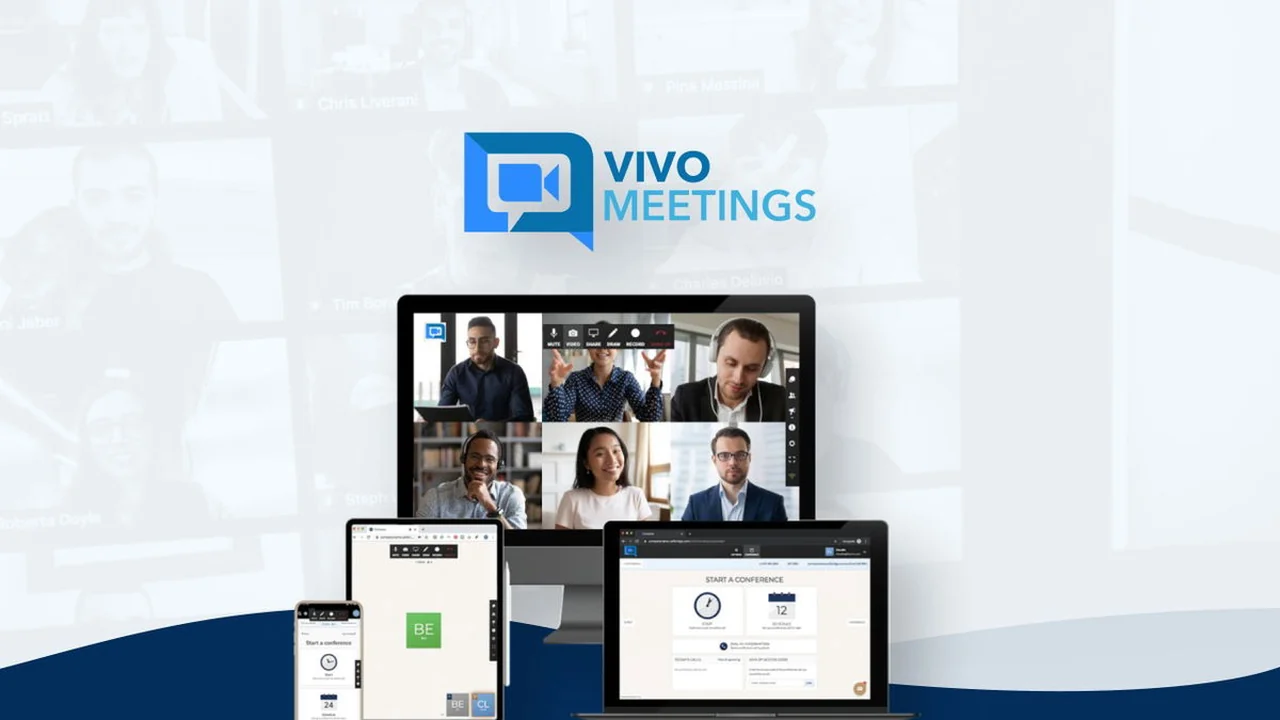
In today’s interconnected world, effective online communication is no longer a luxury but a necessity for businesses and educators alike.
This review explores Vivomeetings, a video conferencing solution available through AppSumo, highlighting its features, functionality, and value proposition for users seeking a robust yet budget-friendly platform.
What is Vivomeetings | AppSumo
Vivomeetings is a comprehensive video conferencing platform designed to facilitate secure, high-definition meetings and online collaboration. Launched in 2020, it aims to break down the cost barriers often associated with enterprise-grade video solutions. The platform offers a suite of tools to enhance participant engagement and streamline remote interactions.
Key Features
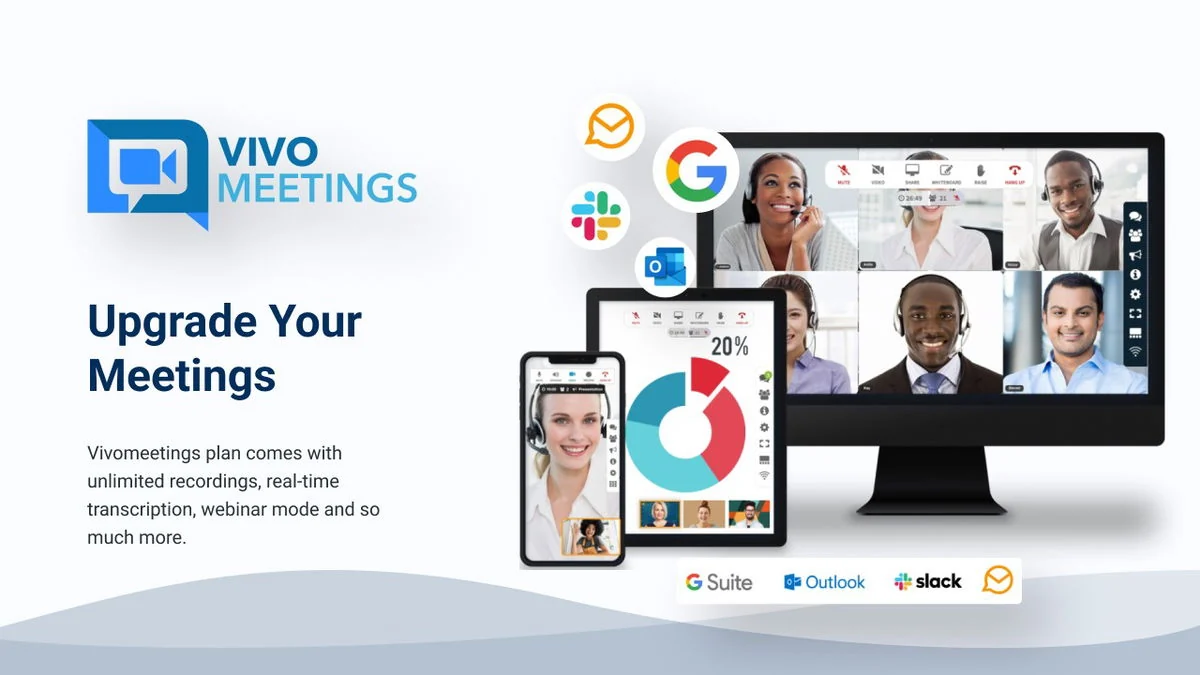
Vivomeetings distinguishes itself with a range of features built for effective remote engagement:
- Secure HD Video Meetings: Host crystal-clear video conferences with robust security measures.
- Breakout Rooms: Divide participants into smaller groups for focused discussions or workshops.
- Polls and Q&A: Engage your audience and gather feedback in real-time during meetings or webinars.
- Live Chat: Facilitate ongoing conversation and information sharing throughout the session.
- Content Sharing: Easily share screens, presentations, and documents to enhance collaboration.
- Meeting Highlights and Transcripts: Leverage real-time intelligence to focus on key discussion points.
- Cross-Device and Browser Compatibility: Access and use Vivomeetings seamlessly across various devices and web browsers.
How It Works
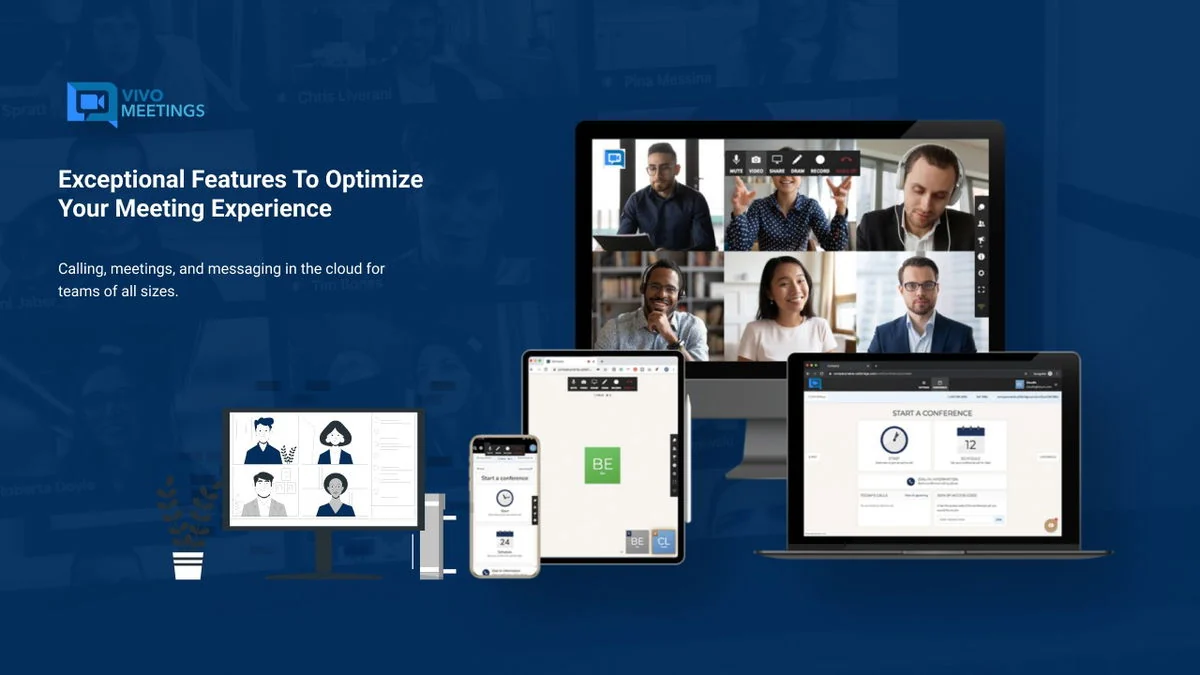
Vivomeetings simplifies online collaboration by integrating video, voice, chat, and content sharing into a single, intuitive interface. Users can schedule meetings, invite participants, and manage sessions with ease. The platform’s design ensures that even complex features like breakout rooms and Q&A sessions are straightforward to implement, allowing teams and educators to concentrate on productive communication rather than technical hurdles.

Use Cases
The versatility of Vivomeetings makes it suitable for a variety of scenarios:
- Remote Teams: Facilitate daily stand-ups, team meetings, and collaborative project sessions.
- Educators: Conduct online classes, lectures, and interactive workshops with features like breakout rooms and polls.
- Small Businesses: Host client meetings, sales presentations, and internal discussions efficiently.
- Online Events: Organize webinars, virtual conferences, and community gatherings with enhanced engagement tools.
Integrations & Compatibility
Vivomeetings supports key productivity tools to enhance workflow:
- Google Calendar: Streamline scheduling and meeting management.
- Make: Automate workflows and connect Vivomeetings with other applications.
- Zapier: Further extend integration capabilities for a customized workflow.
The platform is designed to work across various devices and browsers, ensuring accessibility for all participants.
Pricing & Value
Vivomeetings offers a cost-effective solution for high-quality video conferencing. The AppSumo deal provides lifetime access, which represents significant value compared to recurring subscription models. While standard pricing tiers exist, the AppSumo offer makes advanced features accessible at a one-time investment, making it an attractive option for budget-conscious users.
Deal Details
The Vivomeetings | AppSumo deal typically grants lifetime access to the platform, including future updates. It is important to note that codes must be redeemed within 60 days of purchase. AppSumo also provides a 60-day money-back guarantee, offering a secure purchase experience.
Quick Take
- Ideal for educators and remote teams needing comprehensive meeting features.
- Provides a cost-effective alternative to pricier video conferencing solutions.
- Offers essential tools for engagement and collaboration in online environments.
FAQs
Are you GDPR compliant?
Yes, the Vivomeetings platform is fully GDPR-compliant.
Is it only possible to record the meeting/webinar from plan 5 onwards?
Recording is available on Plans 4 through 7.
What does “Event registration is not included” mean?
It means advanced attendee registration for webinars is not available on lower tiers.
Besides the host, can I have a co-host?
Yes, you can add co-hosts, but each requires their own license to manage meetings.
Is the platform support AI transcript/summary of Cantonese Chinese & Mandarin Chinese?
AI transcription is planned for future release and currently only available in English.
Final Thoughts
Vivomeetings presents a compelling option for individuals and organizations looking to enhance their online communication capabilities without a substantial financial outlay. Its robust feature set, user-friendly interface, and the value offered through the AppSumo lifetime deal make it a noteworthy contender in the video conferencing market.