
Discover how minimarks can transform your bookmark management and link sharing. This review explores its features, functionality, and value for individuals and teams.
We’ll guide you through what minimarks offers, how it operates, and its potential applications, providing insights to help you decide if it’s the right tool for your needs.
What is minimarks | AppSumo
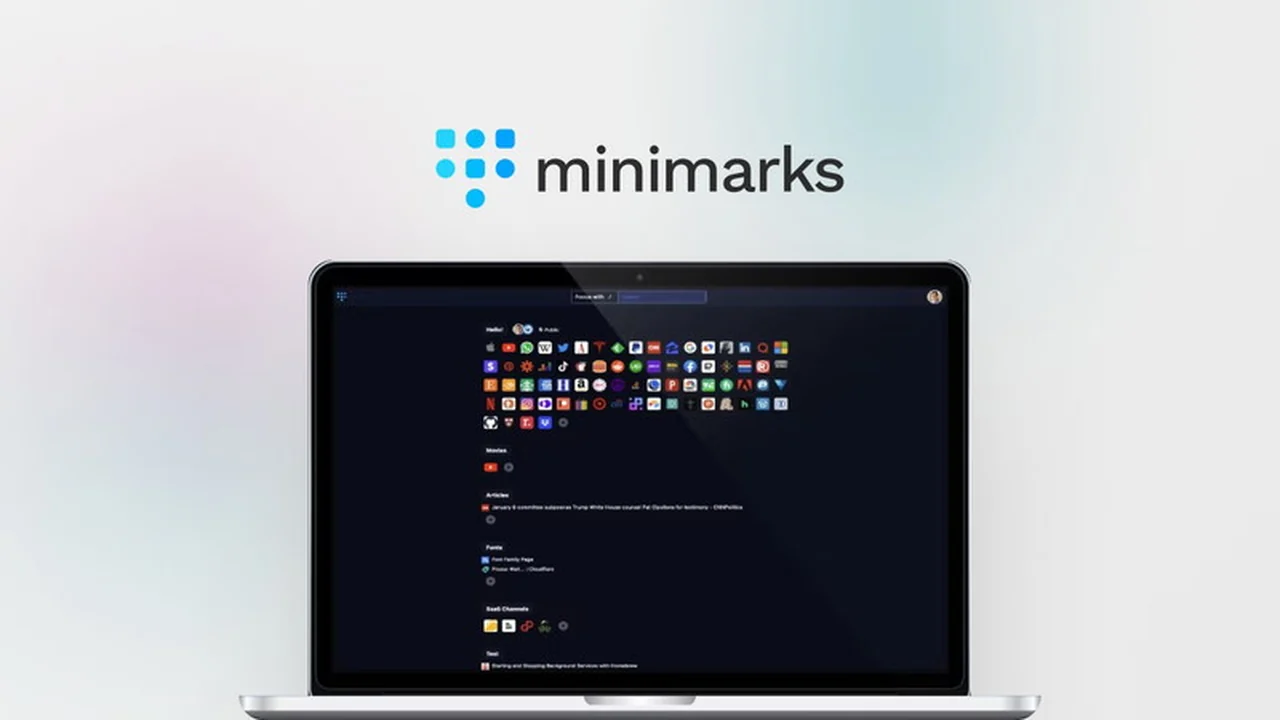
minimarks is a compact bookmark manager and start page designed for both teams and individual web enthusiasts. It offers a streamlined way to collect, organize, share, and access your favorite web content across all browsers.
Key Features
- Compact Bookmark Manager and Start Page: Consolidates your links into a single, easy-to-navigate view without the clutter of traditional folders or tabs.
- Powerful Search Bar: Quickly find and open any of your bookmarked sites directly from your keyboard with instant search capabilities.
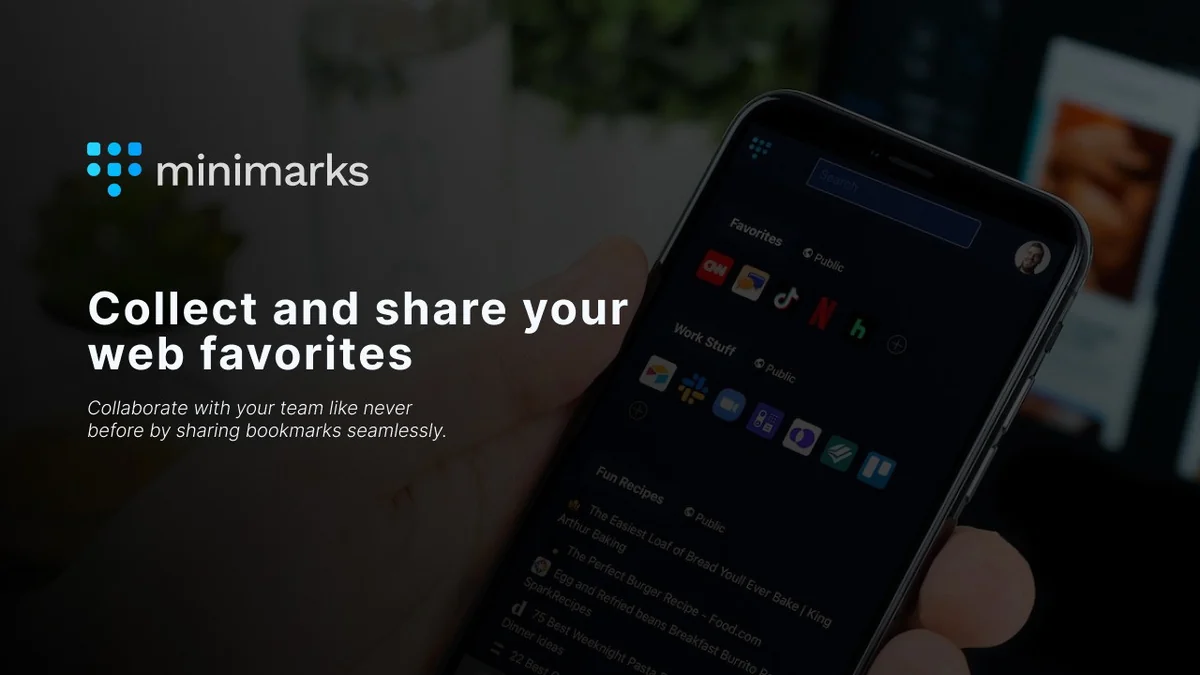
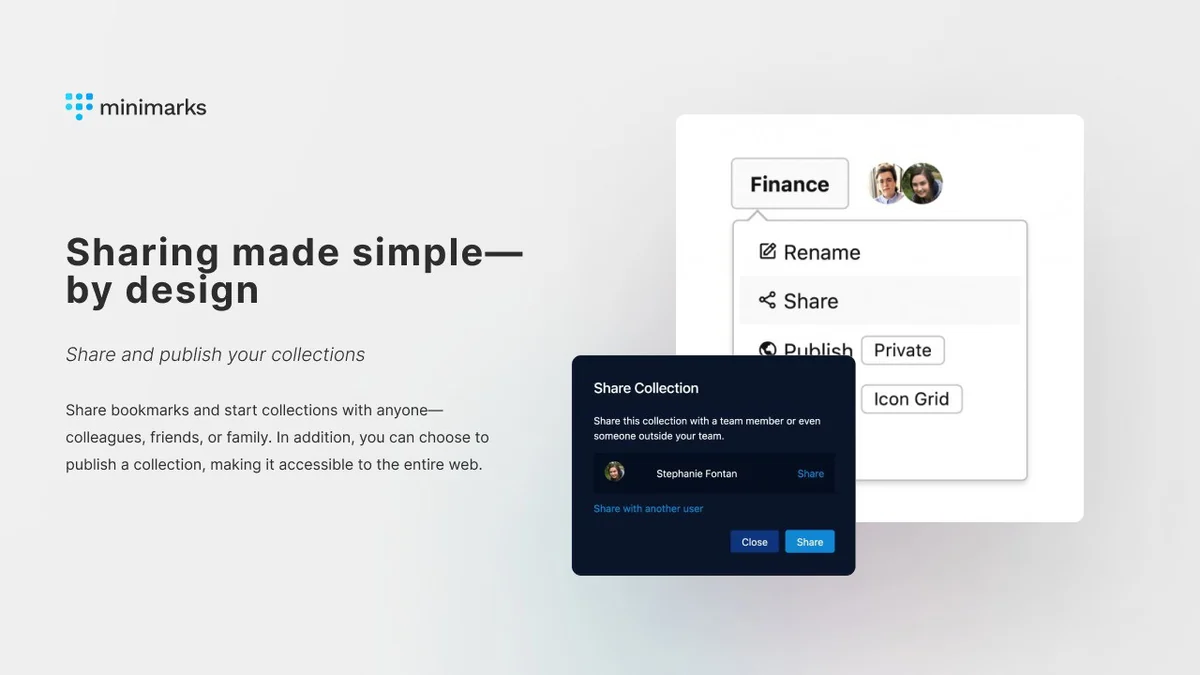
- Team Collaboration: Share entire bookmark collections seamlessly with colleagues or anyone with an email address, eliminating the need for manual link sharing.
- Publishable Collections: Make your bookmark collections public and share them via a unique minimarks URL, ideal for link-in-bio solutions on social media.
- Customizable Views: Choose to display your bookmark collections as an icon grid for quick visual access or as a reading list that includes page titles for more context.
- RSS Feed Collections: Stay updated with the latest content by integrating RSS feeds directly into your bookmark collections.
- Cross-Browser and Device Sync: Access and manage your bookmarks from any browser or device, ensuring consistency and availability.
- Personalization Options: Select from various themes and color schemes to customize the look of your start page to match your preferences.
- Customizable Search Engine: Set your preferred search engine for finding sites not yet saved in your bookmarks.
How It Works
minimarks simplifies bookmark management by presenting all your saved links on a single, uncluttered page. You can add new bookmarks as you browse the web. The platform allows you to group these links into collections, which can then be shared with others. Its start page functionality means you can set minimarks as your browser’s homepage, providing immediate access to your most-used sites and a powerful search bar for quick navigation.
Use Cases
- Team Productivity: Keep colleagues on the same page by sharing relevant articles, tools, and resources through collaborative bookmark collections.
- Content Creators: Use the publishable collections feature as a simple link-in-bio tool to showcase curated content on social media profiles.
- Web Enthusiasts: Organize vast amounts of saved articles, tutorials, and inspiration in a visually appealing and easily accessible format.
- Personal Organization: Maintain a clean and efficient start page that reflects your browsing habits and provides quick access to frequently visited websites.
- Research and Curation: Gather and share research materials or curated lists of links for projects, studies, or personal interest.
Pricing & Value
minimarks offers a clear value proposition, especially through its AppSumo deal. The lifetime access model provides continuous access to the core features, updates, and ongoing development. This approach offers significant cost savings compared to recurring subscription services for bookmark managers and start pages.
Deal Details
The minimarks | AppSumo deal grants lifetime access to the platform. This typically includes all current and future updates. The offer comes with a 60-day money-back guarantee, allowing users to try the service risk-free for two months.
Quick Take
- Ideal for teams needing to share resources efficiently.
- Perfect for individuals seeking a clean, customizable start page and bookmark manager.
- Offers a straightforward link-in-bio solution for content creators.
FAQs
What kind of customization is available?
You can choose themes, color schemes, and how bookmark collections are displayed.
Is minimarks accessible on all devices?
Yes, as a web app, minimarks works on all browsers and devices.
How does the search function work?
A powerful search bar lets you find and open bookmarked sites instantly from your keyboard.
Can I share my bookmarks with others?
Yes, you can share entire collections with specific people or make them public.
What is minimarks primarily designed for?
It is a compact bookmark manager and start page for teams and web enthusiasts.
Final Thoughts
minimarks presents a compelling solution for anyone looking to bring order to their digital discoveries. Its focus on a clean interface, efficient sharing, and cross-platform accessibility makes it a practical choice for individuals and collaborative environments. The AppSumo deal further enhances its appeal by offering long-term value.