
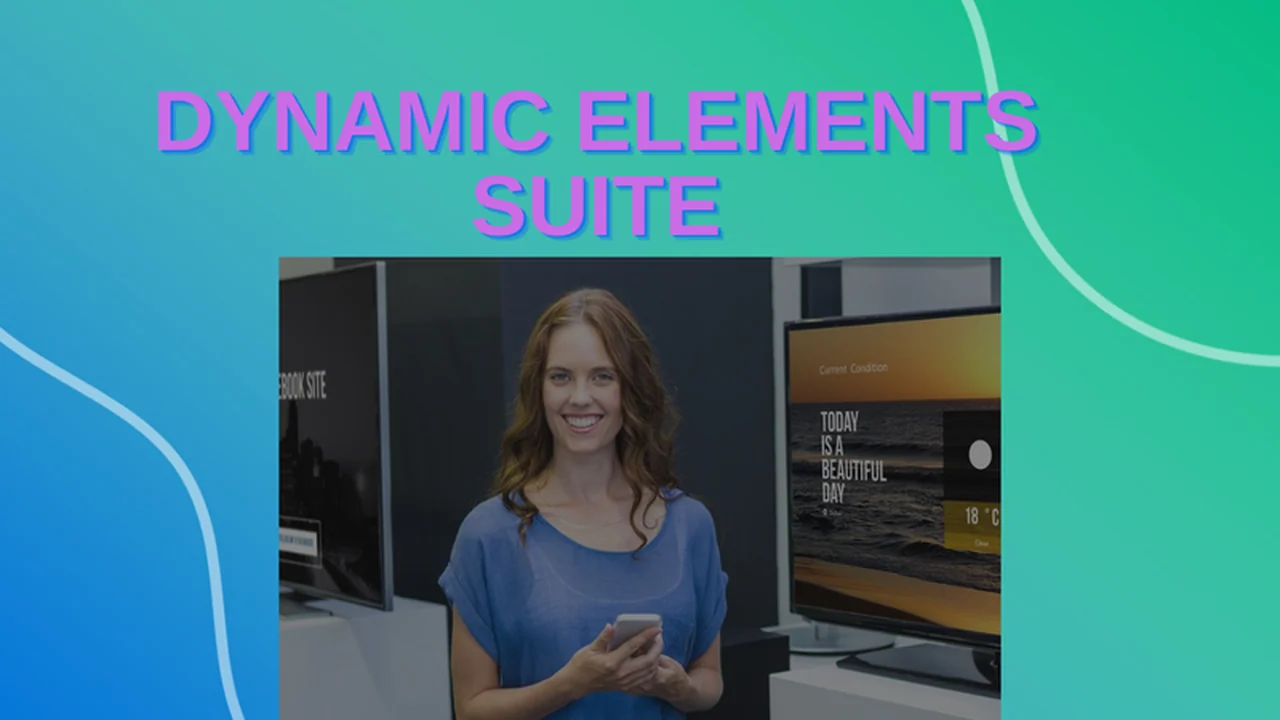
Looking to inject real-time data and engaging content into your PowerPoint presentations? This review explores the Dynamic Elements Suite, a powerful tool designed to bridge the gap between your slides and live information sources.
We’ll dive into its capabilities, how it functions, and whether it’s the right solution to enhance your visual storytelling and digital signage needs.
What is Dynamic Elements Suite | AppSumo
The Dynamic Elements Suite is a software solution that allows users to connect Microsoft PowerPoint to a wide array of live data sources and media. It extends the functionality of standard presentations, enabling them to display information such as social media feeds, live news, weather updates, music, images, videos, clocks, timers, and calendars directly within your slides.
Key Features
- Dynamic Likes: Showcase your social media connections and engagement in real-time.
- Dynamic Music: Set up and control music playlists seamlessly within your presentations.
- Dynamic News: Integrate live news updates and RSS feeds to keep your content current.
- Dynamic Pictures: Create dynamic picture slideshows that can be updated automatically.
- Dynamic Time: Add functional timers and countdowns to your presentations and displays.
- Dynamic Videos: Build and manage video playlists for engaging visual content.
- Dynamic Wall: Design and implement your own custom video wall configurations.
- Dynamic Weather: Display real-time weather information directly on your slides.
How It Works
The suite operates by integrating directly with Microsoft PowerPoint. Once installed, it provides add-ins that allow you to select various dynamic content modules. You can then configure these modules to pull information from specified sources, such as a Facebook page, a news RSS feed, or a local weather service. The content then appears on your PowerPoint slides as if it were static, but it updates automatically in real-time or at set intervals, depending on the module and its source.

Use Cases
- Digital Signage: Create dynamic displays for lobbies, retail spaces, or event venues that show current information like news, weather, or promotional content.
- Live Event Presentations: Incorporate live social media feeds or countdown timers during conferences and webinars.
- Data Dashboards: Visualize real-time data points within presentations for business meetings or reports.
- Informational Kiosks: Develop interactive or informative displays for public spaces.
- Engaging Training Materials: Update training content with the latest information or add interactive elements.
Integrations & Compatibility
- The Dynamic Elements Suite is designed to work with Microsoft PowerPoint versions 2010, 2013, 2016, 2019, and Office 365 desktop applications
- It is compatible with Microsoft Windows operating systems
- It is important to note that this product is PowerPoint-only compatible and does not function with other presentation software like Keynote.
Pricing & Value
The value of the Dynamic Elements Suite lies in its ability to automate content updates and integrate live data, saving significant time and effort compared to manual updates. The AppSumo deal offers lifetime access, which, when compared to recurring subscription models for similar functionality, can represent substantial long-term savings.
Deal Details
The AppSumo deal provides lifetime access to the Dynamic Elements Suite. Users must redeem their code within 60 days of purchase. This offer is for new users only and is not stackable, meaning one license is for one instance of the software on one computer. Each computer that displays the dynamic content will require its own license.
Quick Take
- Ideal for users who need to embed live data and media into PowerPoint.
- Offers a cost-effective way to create dynamic visual content for presentations and signage.
- Best suited for Windows users with compatible PowerPoint versions.

FAQs
What versions of PowerPoint are supported?
It is compatible with PowerPoint 2010, 2013, 2016, 2019, and Office 365 desktop applications.
Can it display data from Airtable or Google Sheets?
This suite does not have Airtable or Google Sheets integration, but a related product, DataPoint, does.
Does it work with Keynote on a Mac?
No, it is a PowerPoint-only compatible product and does not work with Keynote.
Does the computer displaying the content need a license?
Yes, a license is required for each computer displaying the dynamic PowerPoint file.
Can one license be used on multiple computers?
No, you will need one license for each computer that uses the software.
Final Thoughts
The Dynamic Elements Suite | AppSumo deal presents a compelling opportunity for individuals and businesses looking to enhance their presentations with real-time information and dynamic content. Its straightforward integration with PowerPoint on Windows makes it an accessible tool for creating more engaging and informative visual experiences.