
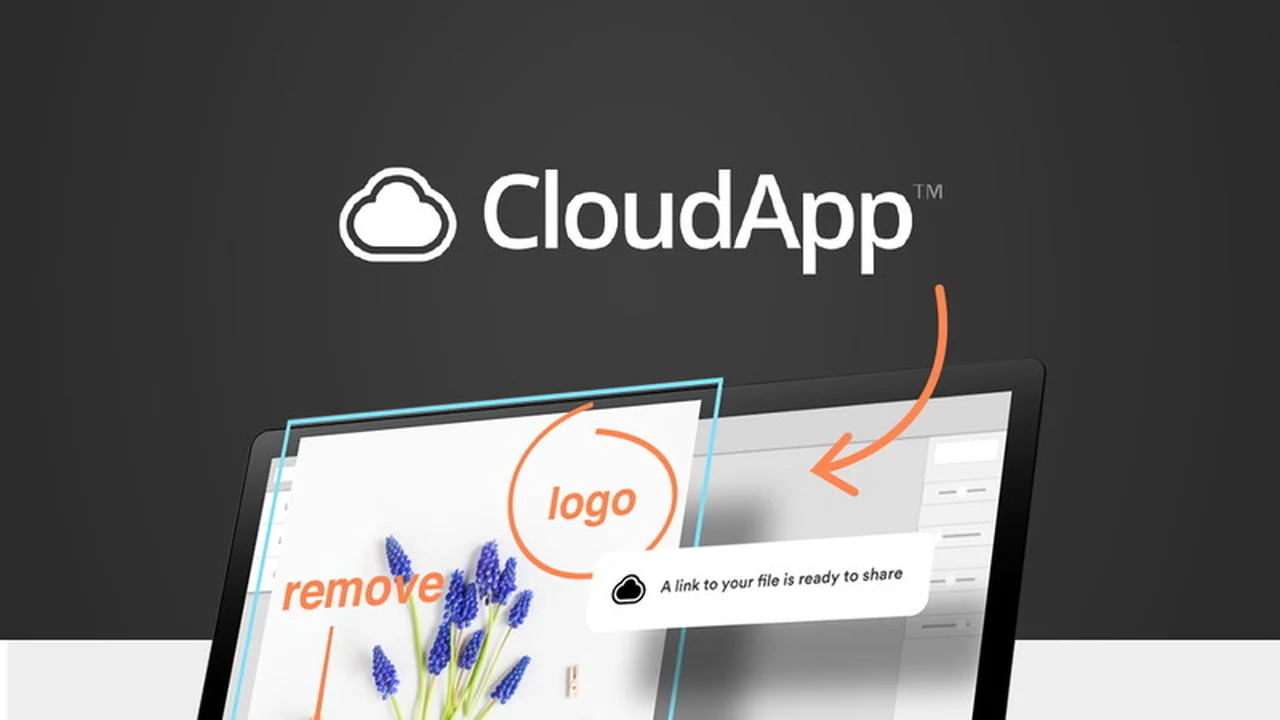
Discover the essential features of CloudApp and how this platform can transform how you share information. This article delves into practical applications, making complex ideas accessible in moments. We aim to provide a clear picture of its capabilities and potential value.
What is CloudApp | AppSumo
CloudApp is a visual communication tool that simplifies sharing information through annotated screenshots, screen recordings, and GIFs. It offers a cloud-based solution for storing and accessing these visual assets, making it easier to communicate ideas quickly and effectively.
Key Features
- Annotated Screenshots: Visually explain complex ideas with text, emojis, spotlight, and more directly on your screenshots.
- Screen Recordings: Capture your screen to create video explanations, tutorials, or bug reports.
- Webcam Videos: Record yourself alongside your screen to add a personal touch to your communications.
- GIF Creation: Generate short, looping animations to highlight specific actions or concepts.
- Secure Cloud Storage: All your visual creations are automatically uploaded and stored in a searchable cloud for easy access and retrieval.
- One-Click Sharing: Share your content effortlessly by copying and pasting a link.
- Password Protection: Secure your sensitive content by setting passwords for shared links.
- Analytics Platform: Gain insights into who is viewing your content, the referring domains, and download numbers to understand engagement.
How It Works
Using CloudApp is designed to be straightforward. You capture your screen or webcam, add annotations or recordings as needed, and then CloudApp automatically uploads it to the cloud. From there, you can share a link to your creation with anyone, anywhere. This process ensures that your messages are delivered clearly and without misinterpretation, saving time and reducing the need for lengthy text explanations.
Use Cases
- Customer Support: Quickly show customers how to resolve issues with step-by-step visual guides.
- Team Collaboration: Explain project updates or demonstrate workflows to team members efficiently.
- Sales and Marketing: Create engaging product demos or highlight new features for potential clients.
- Onboarding: Provide new employees or users with clear visual instructions on how to get started.
- Bug Reporting: Developers can easily share visual evidence of software bugs for faster resolution.
Integrations & Compatibility
- CloudApp is designed to be compatible with various operating systems, ensuring users can access its features across different devices
- Its core functionality relies on its standalone application and cloud storage, making it a versatile tool for diverse work environments.
Pricing & Value
The AppSumo deal offers lifetime access to CloudApp, which is typically valued at a significant annual cost. This lifetime deal provides substantial value, allowing users to access the platform’s full suite of features without recurring subscription fees. This one-time purchase can lead to considerable savings over time.
Deal Details
The lifetime access deal for CloudApp on AppSumo is available for a limited time and at a special price. This offer includes the Team Plan, providing comprehensive features for individuals and teams looking to enhance their visual communication. It’s important to note that codes for this deal are running out, suggesting an imminent end to the offer.
Quick Take
- Ideal for teams and individuals needing to communicate complex ideas visually and quickly.
- Offers a cost-effective lifetime access solution for screen recording and annotation.
- Simplifies sharing and ensures clarity, reducing misunderstandings in communication.
FAQs
How does CloudApp handle past uploads?
Concerns have been raised about the accessibility of past uploads after account changes.
What about CloudApp’s video recording capabilities?
There have been requests for enhanced video recording options and quality settings.
Can CloudApp annotation be improved?
Users have expressed a desire for more advanced image annotation features.
Is CloudApp’s performance an issue?
Some users have experienced lagging issues with the software on their computers.
What happened with CloudApp?
Some users have reported changes to their plans and limitations on features after updates.
Final Thoughts
CloudApp presents a compelling solution for visual communication needs, especially with the current AppSumo lifetime deal. Its ability to simplify explanations through annotated screenshots and screen recordings can significantly boost productivity and clarity. While some users have noted areas for improvement, the core functionality and the value offered by the lifetime access make it a noteworthy tool for enhancing how you share information.